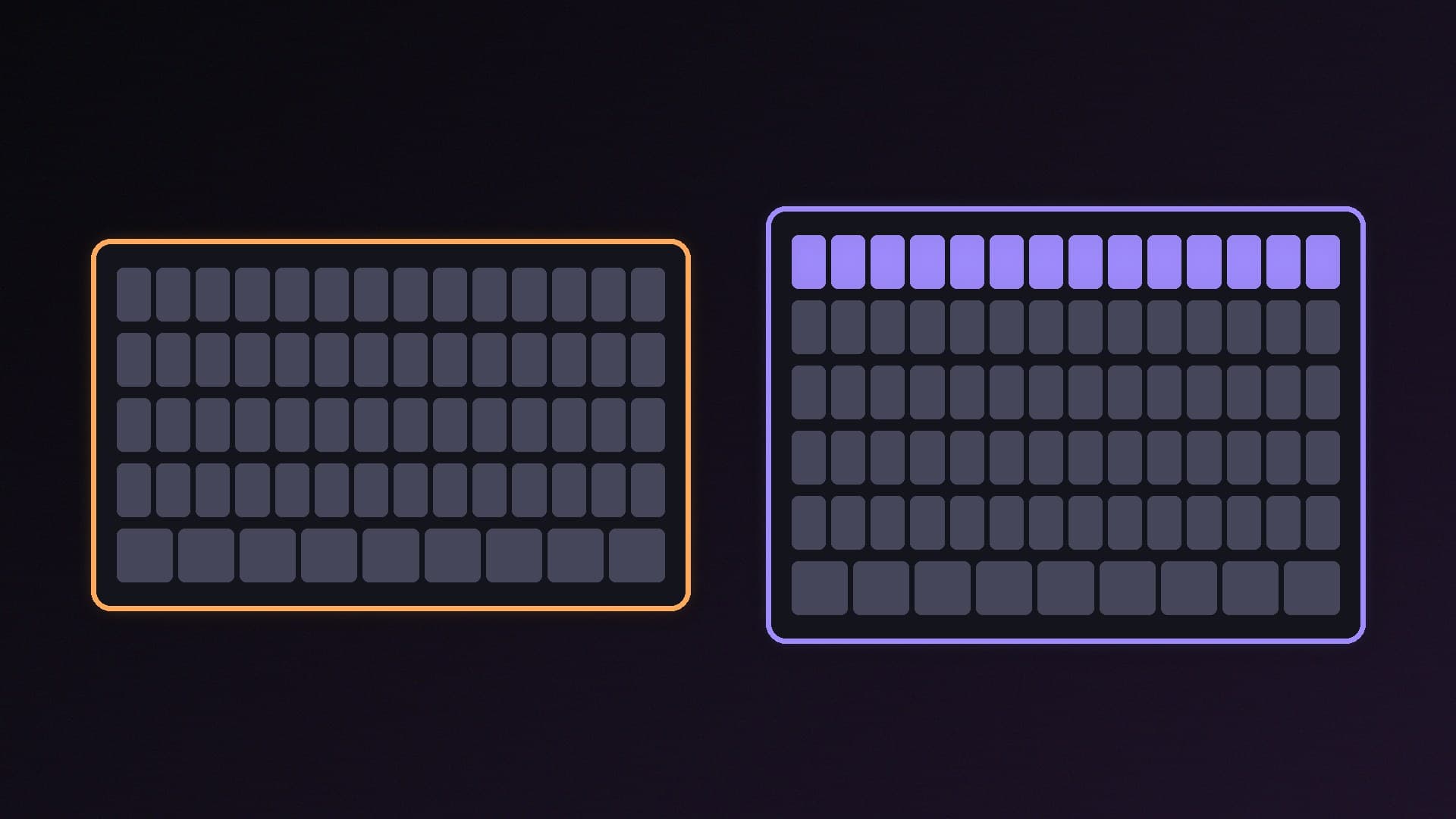
65% and 75% are two of the most popular compact keyboard layouts, and they're easy to confuse. Both drop the number pad and keep dedicated arrow keys, which is the main thing that separates them from a 60% board. The real difference is the row of function keys. This guide compares the two layouts using Keychron's official layout and dimension specifications as examples, because Keychron makes the same keyboard designs in both sizes.
The short answer
| 65% | 75% |
|---|
Typical key count (Keychron examples) | 67-68 keys | 82-84 keys |
Function row (F1-F12) | No, use a function layer | Yes, dedicated keys |
Arrow keys | Yes | Yes |
Number pad | No | No |
Footprint | Smallest with arrows | Slightly deeper, about the same width |
Best for | Minimal desks, travel, people who rarely use F-keys | Work, shortcuts, games and apps that use F-keys |
What you lose on a 65% board
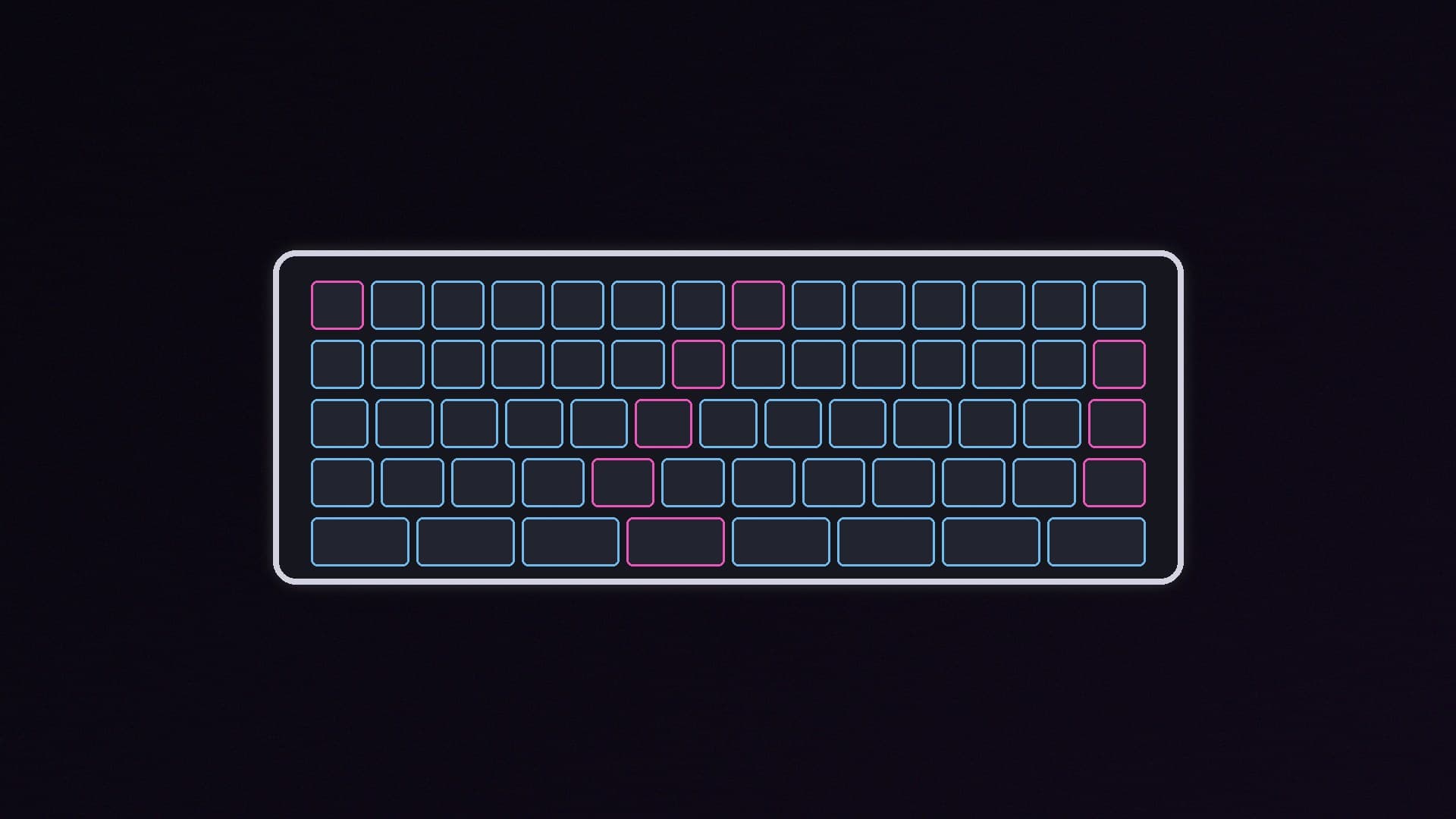
Keychron's own layout comparison lists its Q2 as a 65% board with 68 keys, and the Q1 as a 75% board with 82 keys. Its K6 (65%) has 68 keys and K2 (75%) has 84. The roughly 14 to 16 extra keys on a 75% board are mostly the F1-F12 row, with the exact extras varying from board to board. Check the layout image for the keys you use most, such as Escape, Delete and Page Up or Page Down.
On a 65% board, F1-F12 aren't gone. You reach them through a function (Fn) layer, holding Fn and pressing a number key. That's fine for occasional use, but slower if you often use shortcuts like F2 to rename files or F5 to refresh, or games and apps that bind actions to F-keys. If your keyboard supports QMK or VIA, as Keychron's Q-series boards do, you can remap layers to suit you. Our how to remap a keyboard with VIA guide shows how.
Desk space: the difference is smaller than you'd think
Many people choose a 65% board to free up room for their mouse, but the width saving over a 75% board is very small. Keychron lists the Q2 Max (65%) at 121 x 327mm and the Q1 Max (75%) at 145 x 327.5mm. They're almost exactly the same width. The 75% board is about 24mm deeper because of the extra function row.
So if you want more horizontal room for low-sensitivity mouse swipes, moving from a 75% to a 65% board gains you almost nothing. The big gain comes from dropping the number pad, which both layouts already do. See our TKL vs full-size vs 75% keyboard comparison for how much width you save against larger boards. A 65% board does take up less depth, which can help on a shallow desk or in a bag.
Gaming
For most games, the keys you use are around WASD, the number row and the modifiers, all of which are on both layouts. A 65% board suits players who never touch the function row and like a smaller, tidier board. A 75% board is the safer choice if you play games or use apps such as streaming software that bind actions to F-keys, or if you don't want to use a function layer mid-game.
Layout is only one part of a gaming keyboard, though. Switch type, hot-swap support, polling rate and whether it's wired or wireless matter as much. Our linear vs tactile vs clicky switches and hot-swappable vs soldered keyboard guides cover those.
Work and everyday use
For work, the 75% layout is more practical. Dedicated F-keys make spreadsheets, coding and editing faster, and the extra row costs very little desk space. A 65% board is better if you mainly type and browse, travel with your keyboard, or just prefer the cleaner look.
Keycaps and customisation
Both layouts usually use a few non-standard keys on the right-hand side, such as a shorter right Shift to make room for the arrow keys. If you plan to buy aftermarket keycaps, check that the set includes the keys your exact board needs. Our PBT vs ABS keycaps guide explains the materials, and gasket mount vs tray mount covers two common build styles for enthusiast boards.
Which should you choose?
Choose a 65% keyboard if you want the smallest board that still has arrow keys, you rarely use F-keys, or you carry your keyboard around.
Choose a 75% keyboard if you use function keys for work, games or streaming, or aren't sure. It's only slightly deeper and keeps almost everything a tenkeyless board has.
For picks, see our best 75% keyboard guide. If you're going even smaller, see the best 60% keyboard.
Our verdict
A 75% keyboard is the better choice for most people. It keeps a dedicated function row and, using Keychron's Q1 Max and Q2 Max as examples, is about the same width as a 65% board and only about 24mm deeper. Choose a 65% board if you want the most minimal layout with arrow keys and you're happy using a function layer for F1-F12, but don't expect it to give you much more mouse room than a 75%.