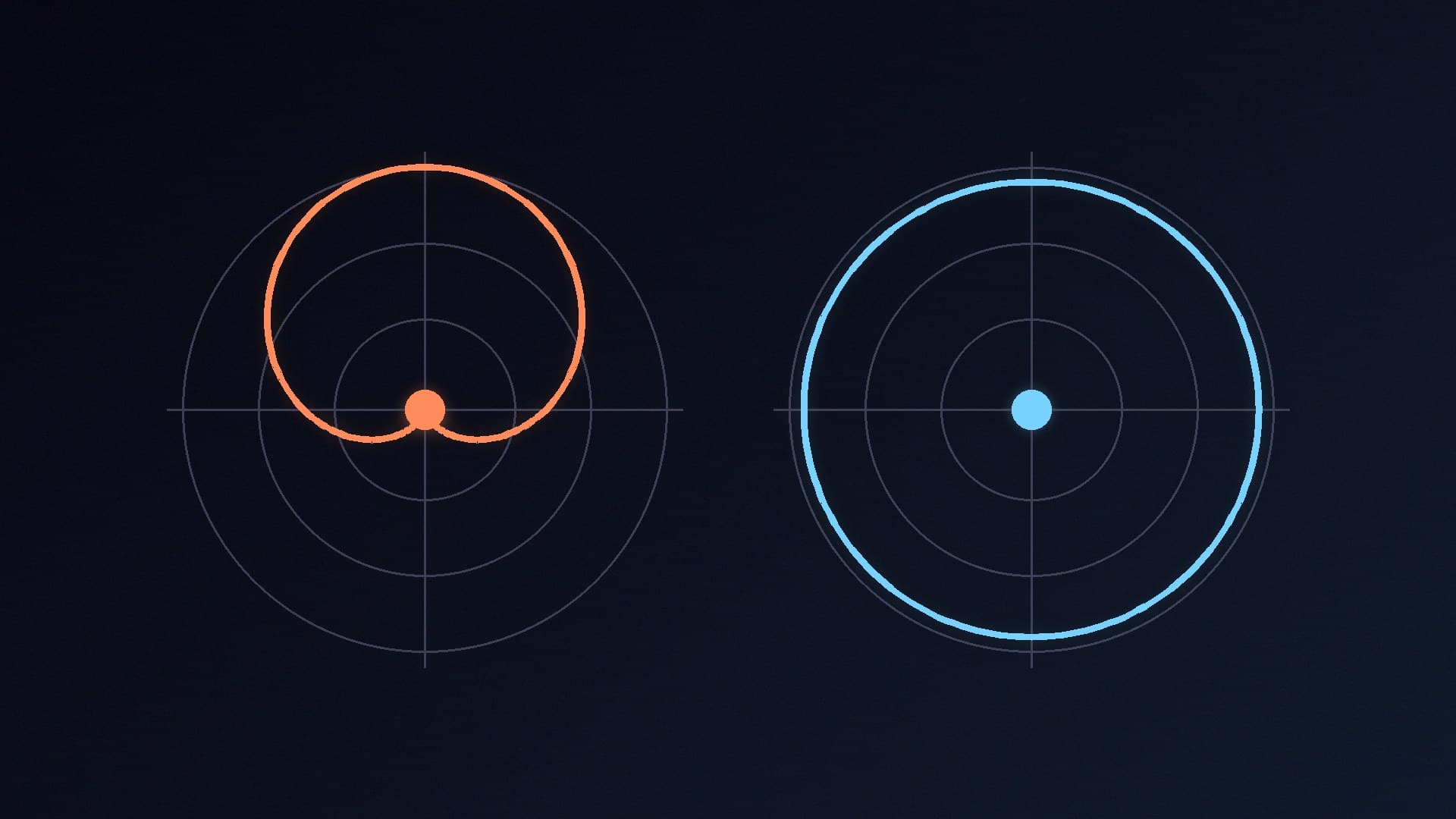
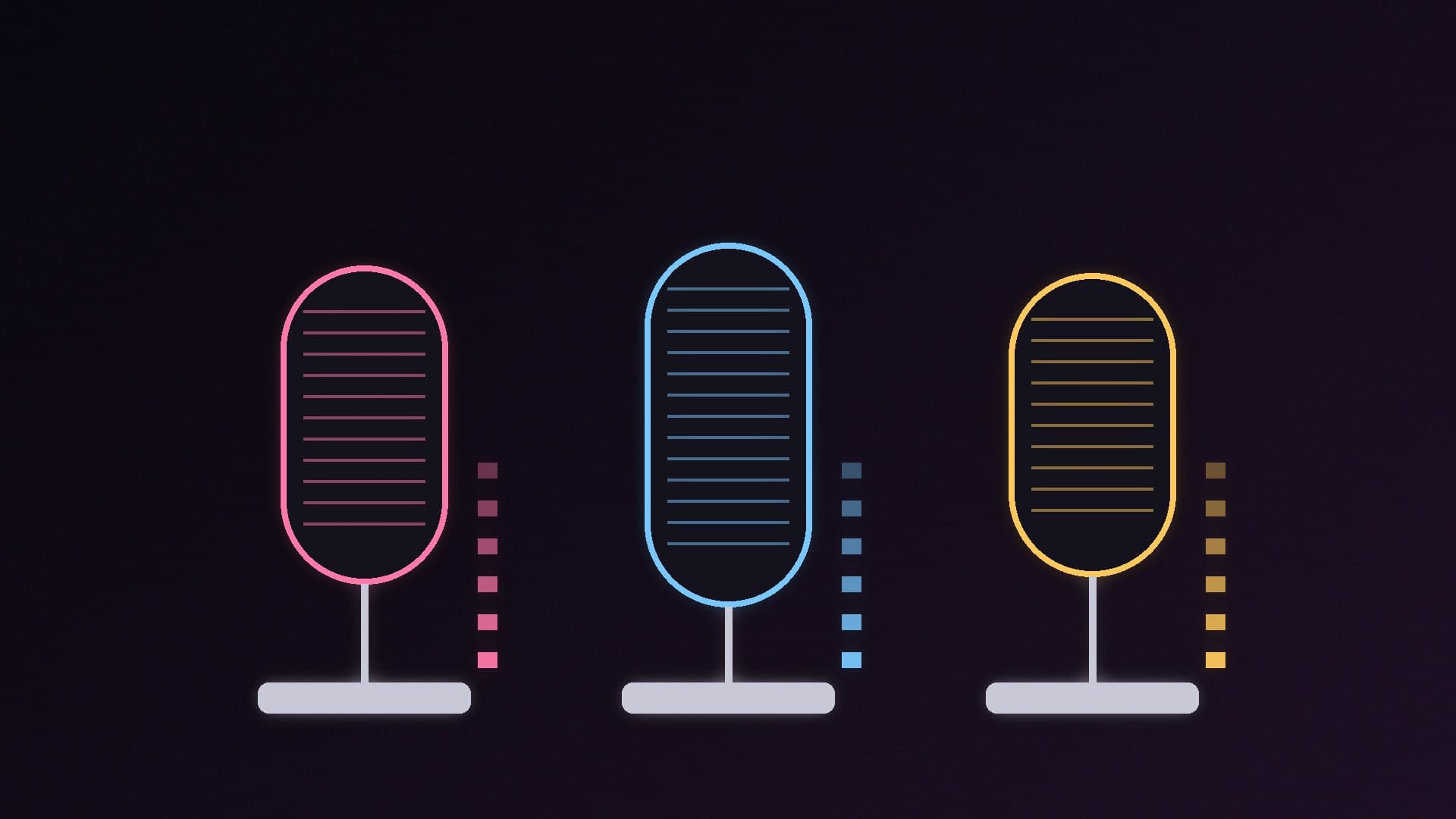
A microphone's pickup pattern (or polar pattern) describes which directions it hears best. It matters as much as the price or the capsule type. The wrong pattern can make a good mic pick up your keyboard, PC fans and the rest of the room. This guide compares cardioid and omnidirectional patterns for PC use, with supercardioid as the tighter option. It's based on Shure's explanation of polar patterns and on current USB microphone specifications from HyperX, Elgato, Logitech G and Razer.
The short answer
| Cardioid | Omnidirectional | Supercardioid |
|---|
Picks up | Mostly the front, least from directly behind | Equally from all directions | A narrower area at the front |
Least sensitive at | 180° (directly behind) | No rejection angle | About 125° off-axis |
Background noise | Reduced | Picks up the room | Reduced further |
Placement | Point it at your mouth | No need to aim it | Aim it carefully |
Proximity effect (more bass up close) | Yes | Shure lists it for directional mics | Yes |
Best for | Solo streaming, gaming, calls, podcasts | Natural sound in quiet, well-treated rooms; several people around one mic | Noisy desks, loud keyboards |
How cardioid works
Shure describes cardioid as "by far the most commonly used directional polar pattern". It has a wide pickup area at the front and is least sensitive directly behind the mic, at 180 degrees off-axis. According to Shure, unidirectional mics like this reduce ambient noise by about two-thirds compared with omnidirectional mics. That's why cardioid suits a single person at a desk. You speak into the front, and the back of the mic faces away from you, towards a wall or monitor.
Most USB streaming mics are cardioid. Elgato lists a cardioid pattern for the Wave:3 MK.2, and RØDE describes the NT-USB+ as having a "tight cardioid" pattern.
How omnidirectional works
Shure says omnidirectional mics are equally sensitive to sound from all angles, so you don't need to point them at anything, and that they sound particularly open and natural. It recommends them for studios with good acoustics and quieter settings. The downside, as Shure puts it, is the lack of directionality: omni mics aren't suitable if you need to reject background noise or room ambience. At a PC, that means keyboard clicks, fan noise and echo off hard walls. Not needing to aim the mic can also help when several people share one microphone.
For a typical PC gaming or streaming setup, that is usually the wrong trade-off. Omni is most useful as a second mode on a multi-pattern mic. The HyperX QuadCast 2 S, for example, lets you switch between cardioid, omnidirectional, bi-directional and stereo.
Where supercardioid fits
Supercardioid is a tighter version of cardioid. Shure gives it a front pickup angle of about 115 degrees and says it rejects more ambient sound. One catch is that it's least sensitive at about 125 degrees off-axis, not directly behind it. Shure advises not placing loud sources, such as stage monitors, directly behind a supercardioid mic. At a desk, the same idea applies to speakers or anything noisy behind the mic.
Several gaming mics use supercardioid. Logitech G lists a supercardioid dynamic capsule for the Yeti GX, and Razer says the Seiren V3 Chroma's supercardioid condenser capsule helps suppress background noise such as mechanical keyboards.
Things that affect both patterns
Proximity effect: Shure says unidirectional mics, including cardioid and supercardioid, produce more bass as you get closer. That can make a voice sound warmer, but too close can sound boomy, so back off slightly or use EQ.
Distance: directional mics pick up less ambient sound, so Shure says they can be used a bit further from the source while keeping the same balance between direct and room sound.
Off-axis sound: a mic's tone can change when you speak from the side, with high frequencies usually most affected, according to Shure. Speak into the front of a cardioid mic.
Capsule type is separate: cardioid and omni describe direction, not whether the mic is dynamic or condenser. See our dynamic vs condenser microphone guide for that choice.
Which should you choose?
Choose cardioid if you're one person gaming, streaming, podcasting or on calls at a desk. It's the most versatile pattern and the default on most USB mics.
Choose supercardioid if your desk is noisy, for example with a loud mechanical keyboard or a PC right next to you, and you can keep the mic pointed at your mouth.
Choose omnidirectional (or a multi-pattern mic) if you record several people around one mic, or want a more natural room sound in a quiet, treated space.
If you're still choosing a mic, our USB vs XLR microphone guide covers the connection side. If you already have a mic, our OBS microphone filters guide can reduce background noise, and a microphone arm lets you put any mic closer to your mouth.
Our verdict
For most PC users, a cardioid microphone is the right choice. It focuses on the person in front of it and, according to Shure, cuts ambient noise by about two-thirds compared with an omnidirectional mic. Supercardioid goes further for noisy desks, as long as you keep noisy things away from its 125-degree rejection points. Omnidirectional is best kept for group recording or natural room sound, so if you need both, buy a multi-pattern mic like the HyperX QuadCast 2 S.