It's based on NVIDIA's DLSS pages, Intel's XeSS pages and XeSS SDK documentation, and reporting by Tom's Hardware and PC Gamer. NVIDIA's own performance claims are labelled as such.
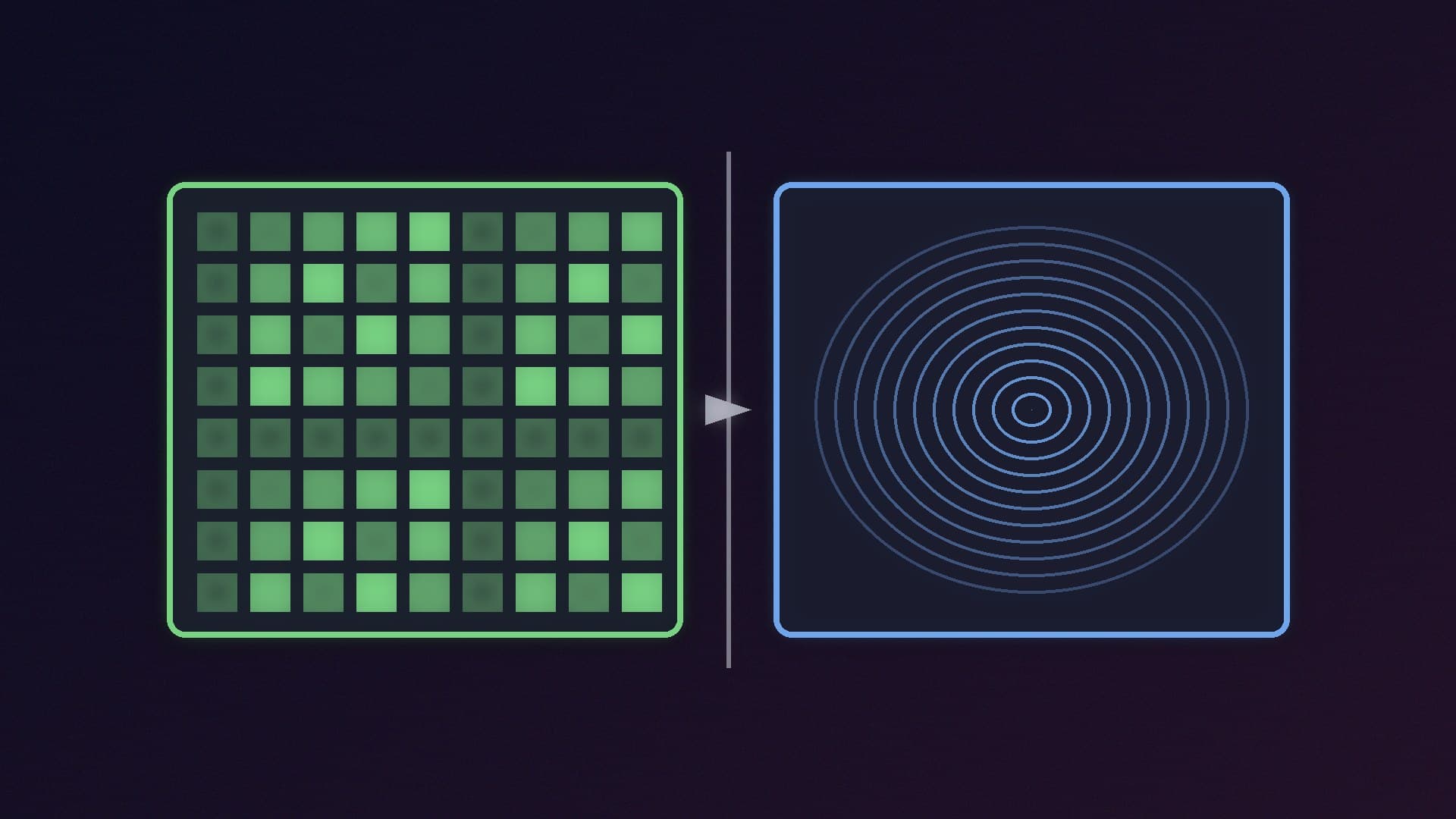
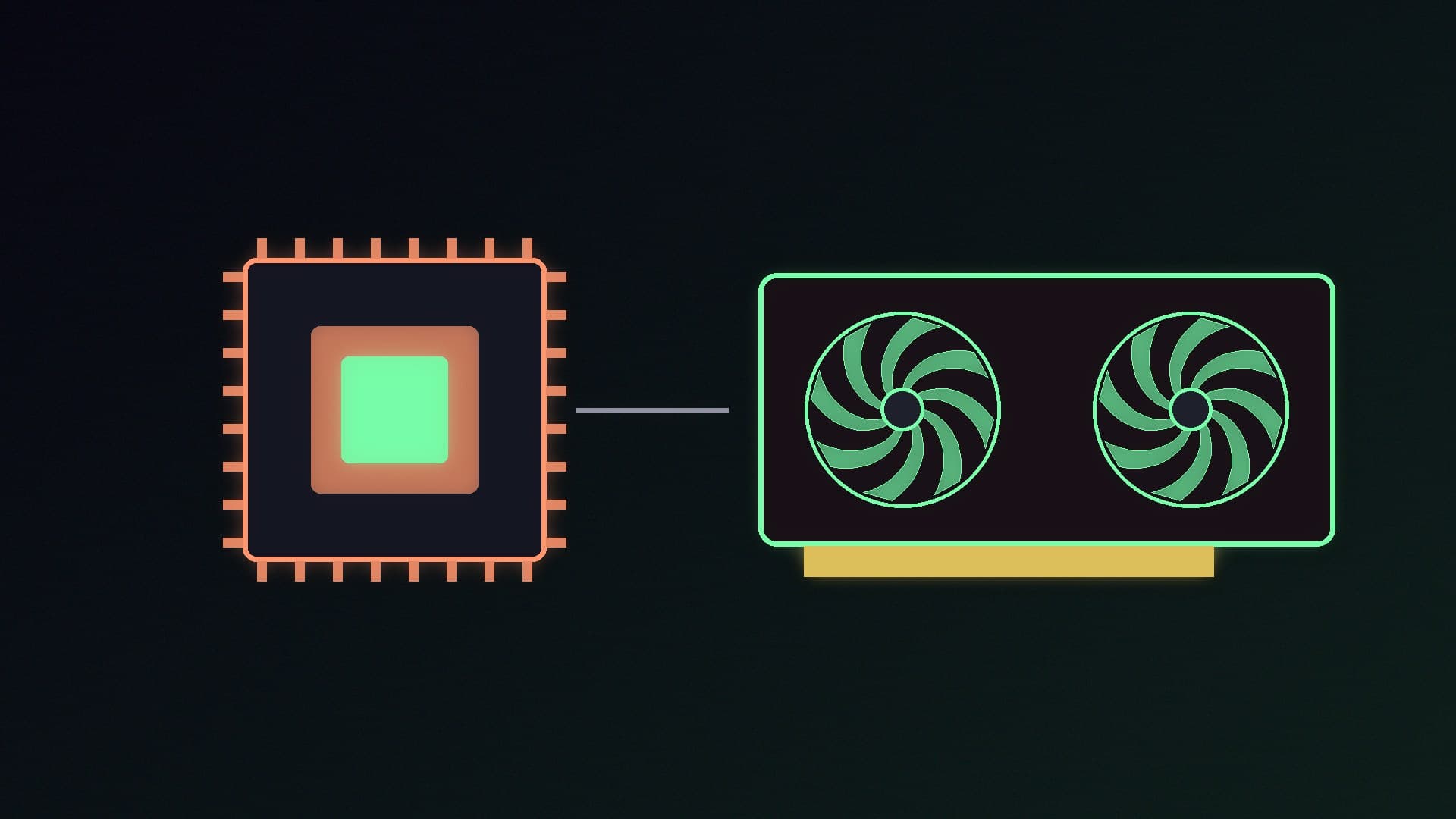
DLSS and XeSS do the same broad job. Both render a game at a lower resolution and use an AI model to reconstruct a sharper, higher-resolution image, and both can add AI-generated frames to raise the displayed frame rate. The big difference is who can use them: DLSS is locked to NVIDIA GeForce RTX cards, while parts of XeSS run on graphics cards from any maker. For the wider picture, including AMD's FSR, see our DLSS, FSR and frame generation explainer.
At a glance
| NVIDIA DLSS (4.5 and 5) | Intel XeSS (2 and 3) |
|---|
Upscaling | DLSS Super Resolution, 2nd-gen transformer model in DLSS 4.5 | XeSS Super Resolution |
Upscaling GPU support | GeForce RTX cards only | Any GPU with Shader Model 6.4 (DP4a) support, per Intel's SDK |
Frame generation | Frame Generation; Multi Frame Generation up to 6X | XeSS Frame Generation (2x); Multi-Frame Generation up to 4x |
Multi-frame support | GeForce RTX 50 series | Intel Arc discrete and Core Ultra Arc integrated graphics |
Single frame generation on other brands | No | Yes, on non-Intel GPUs with Shader Model 6.4, per Intel's SDK |
Latency tech | NVIDIA Reflex | Xe Low Latency (XeLL) |
Extras | Ray Reconstruction, DLAA, DLSS 5 neural rendering | No equivalents listed on Intel's XeSS page |
Driver override | NVIDIA app DLSS Override | Intel Graphics Software XeSS Frame Generation Override |
Game support | Hundreds of games can be upgraded via the NVIDIA app, per NVIDIA | Smaller list, per PC Gamer |
Hardware support: DLSS is exclusive, XeSS is open
DLSS runs on NVIDIA's Tensor cores, so you need a GeForce RTX card. NVIDIA says DLSS 4.5 Super Resolution, with its second-generation transformer model, improves image quality for all GeForce RTX gamers. Its newest features are restricted further. NVIDIA describes Multi Frame Generation, which generates up to five frames per rendered frame, and Dynamic Multi Frame Generation as GeForce RTX 50-series features, and says DLSS 5's 3D-Guided Neural Rendering runs on RTX 50-series GPUs.
XeSS is more open. Intel's XeSS SDK documentation says XeSS Super Resolution boosts frame rates on all GPUs with Shader Model 6.4 (DP4a) support, and that XeSS Frame Generation is available on Intel Arc GPUs and on non-Intel GPUs with Shader Model 6.4 support. XeLL works on non-Intel GPUs when combined with XeSS Frame Generation. Multi-Frame Generation is the exception: Tom's Hardware and PC Gamer report it's enabled through Intel's own driver on Arc A-series and B-series cards and Core Ultra Arc integrated graphics. PC Gamer says every tier of Intel's Xe graphics includes XMX matrix units, which it compares to NVIDIA's Tensor cores.
Frame generation: 6X vs 4x
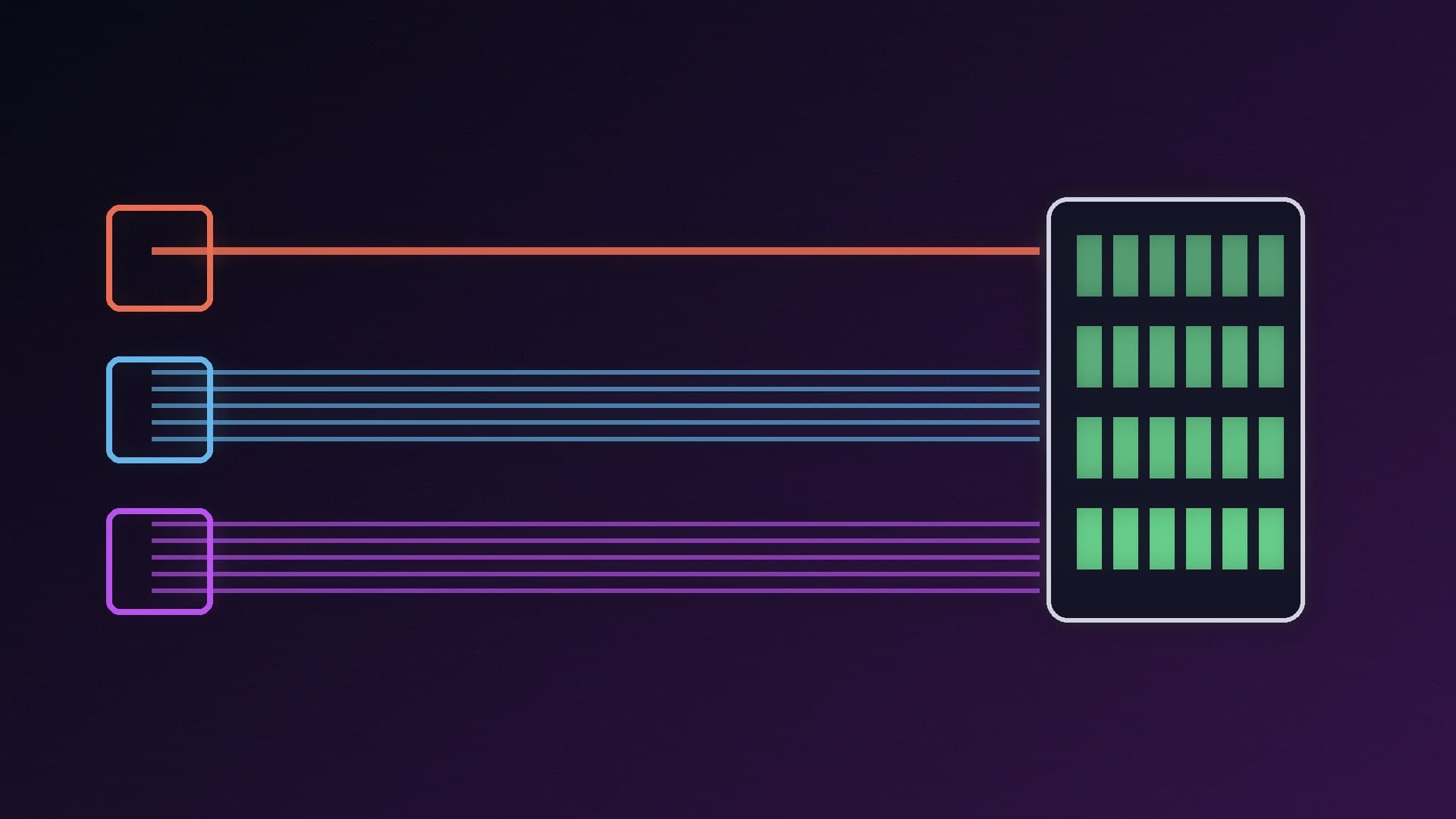
NVIDIA's original DLSS Frame Generation added one frame per rendered frame (2X). DLSS 4 Multi Frame Generation raised that to 4X on RTX 50-series cards, and NVIDIA says DLSS 4.5 raises the maximum to 6X, five generated frames for every rendered one. NVIDIA claims moving from 4X to 6X increases 4K frame rates in path-traced titles by up to 35% on RTX 50-series GPUs. That's NVIDIA's figure, not ours. DLSS 4.5 also adds Dynamic Multi Frame Generation, which NVIDIA says automatically shifts the multiplier, and which you can set to target your monitor's maximum refresh rate in the NVIDIA app.
Intel's XeSS 3 Multi-Frame Generation tops out at three generated frames between two rendered frames, according to Intel. Its override offers Application Choice, 2x, 3x and 4x. You set it in Intel Graphics Software; our guide to Intel Graphics Software explains the app.
In both cases, generated frames raise the displayed frame rate without making the game respond faster. Tom's Hardware, after trying Intel's MFG on a Panther Lake engineering system at Intel's Tech Tour event, said image quality was impressive but input lag felt high for fast-paced shooters. NVIDIA pairs its frame generation with Reflex and Intel with XeLL to limit the added delay.
Game support and overrides
Both companies let you upgrade games from outside. NVIDIA says the NVIDIA app can update hundreds of games to use the latest DLSS features, including Multi Frame Generation and the newest AI models; our DLSS override guide explains how. Intel's XeSS Frame Generation Override in Intel Graphics Software applies Multi-Frame Generation to games that already have XeSS frame generation, and Tom's Hardware reports no developer update is needed for existing XeSS 2 frame generation games.
The catch for XeSS is reach. PC Gamer notes that, compared with the number of games with DLSS or FSR frame generation, Intel's collection of XeSS-supported games is small. And only games with XeSS frame generation, not just XeSS upscaling, can use Multi-Frame Generation.
Which should you use?
You have a GeForce RTX card: use DLSS where the game offers it. It's built for your hardware, has the wider feature set and, on RTX 50-series cards, the higher frame generation multiplier. XeSS upscaling is a fallback in games without DLSS.
You have an Intel Arc card or Core Ultra laptop with Arc graphics: use XeSS. It's the only one of the two your GPU can run, and only Intel hardware gets XeSS Multi-Frame Generation. See our Arc B580 vs Arc B570 comparison if you're shopping.
You have an AMD Radeon or older GPU: you can't use DLSS. XeSS upscaling runs on any GPU with Shader Model 6.4 support, so it's worth trying alongside FSR in games that offer both. For driver-level upscaling instead, see our NIS vs RSR comparison.
Whichever you use, start with upscaling at a quality-focused preset, then add frame generation only if your base frame rate is already reasonable.
Our verdict
DLSS is the more capable package, with Multi Frame Generation up to 6X, Dynamic Multi Frame Generation, Ray Reconstruction, DLAA and DLSS 5, but only if you own a GeForce RTX card, and its newest frame generation features need an RTX 50-series GPU. XeSS is the more open option: its upscaling and standard frame generation run on other brands' GPUs with Shader Model 6.4 support, and Intel Arc owners get Multi-Frame Generation up to 4x through a driver override. Use DLSS on NVIDIA, XeSS on Intel, and treat XeSS as a useful extra on everything else.