The steps and requirements come from Intel's XeSS pages, Intel's XeSS SDK documentation, an Intel support engineer's answer on Intel's community forum, and reporting by Tom's Hardware and PC Gamer.
XeSS is Intel's answer to NVIDIA DLSS and AMD FSR. Its latest version, XeSS 3, adds Multi-Frame Generation (MFG), which Intel says inserts up to three generated frames between two rendered frames. Unlike most new graphics features, you don't wait for each game to add it: it works through a driver override in Intel Graphics Software, as long as the game already supports XeSS Frame Generation. If upscaling and frame generation are new to you, start with our DLSS, FSR and frame generation explainer.
What XeSS 3 MFG does
Intel's XeSS page lists four features. XeSS 3 includes Super Resolution (XeSS-SR), Multi-Frame Generation (XeSS-MFG) and Xe Low Latency (XeLL). XeSS 2 has Super Resolution, standard Frame Generation (XeSS-FG) and XeLL.
Super Resolution renders at a lower resolution and uses AI to upscale.
Frame Generation adds one AI-generated frame between rendered frames.
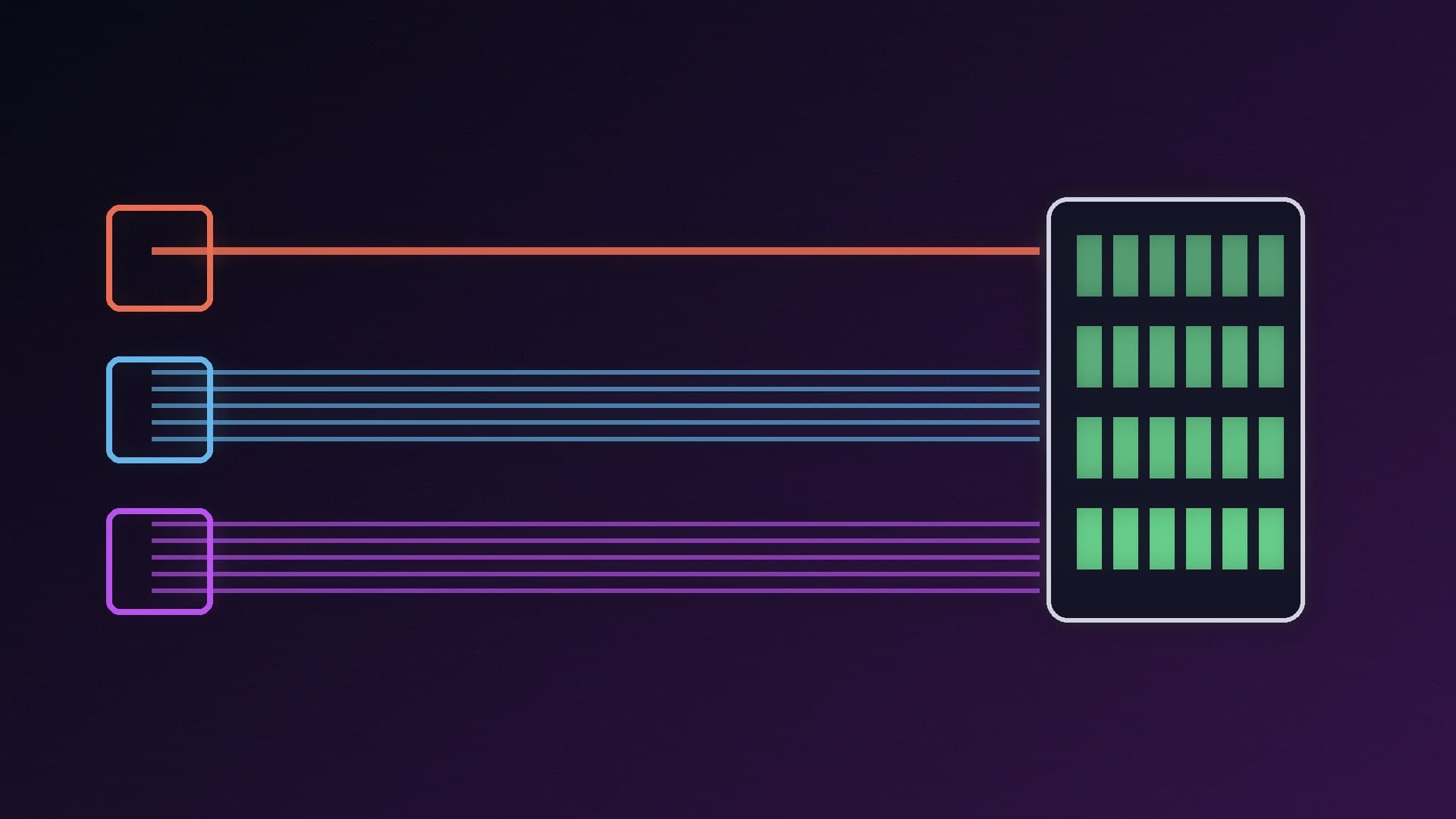
Multi-Frame Generation builds on that, adding up to three generated frames per rendered frame. Intel describes this as going from a 1:1 ratio to 3:1.
XeLL reduces the delay between your mouse or keyboard input and what appears on screen.
Generated frames raise the displayed frame rate, but they don't make the game respond faster to your inputs. Tom's Hardware, which tried MFG at Intel's Tech Tour event, said image quality was impressive with no obvious artefacts, but input lag felt high for fast-paced shooters.
What you need
An Intel Arc GPU. Tom's Hardware and PC Gamer report that MFG works on Arc A-series (Alchemist) and B-series (Battlemage) graphics cards, such as the Arc B580, and on Core Ultra processors with Arc integrated graphics. Intel's support engineer gives the same list: Intel Arc discrete graphics and Core Ultra processors with Arc integrated graphics. PC Gamer says this is possible because every Intel Xe graphics tier includes XMX matrix units.
A recent Intel graphics driver. PC Gamer reported that the WHQL driver 32.0.101.8509 brought MFG to all Arc GPUs. Install the newest driver from Intel's site or through Intel Graphics Software rather than that exact version.
A game with XeSS Frame Generation. Tom's Hardware reports that any game that already supports XeSS 2 frame generation is compatible with XeSS MFG through the override. The override's own description in Intel Graphics Software, as quoted on Intel's forum, says it's supported on applications using XeLL 1.1 or higher. A game with only XeSS upscaling won't work. PC Gamer points out that, compared with the number of games with DLSS or FSR frame generation, Intel's collection of XeSS-supported games is small.
Not on Intel? NVIDIA owners should see our guide to the DLSS override in the NVIDIA app, and AMD owners our guide to AMD Fluid Motion Frames.
Step 1: Update the driver and Intel Graphics Software
Open Intel Graphics Software and check for driver updates, or download the latest Arc driver from Intel's support site. Restart if asked. Our guide to Intel Graphics Software explains the app's layout if you haven't used it.
Step 2: Choose global or per-game
Intel's support engineer says the override can be set globally under Intel Graphics Software > Graphics, or for individual games through their profile settings. A per-game profile is the safer choice, because you can leave frame generation off in competitive games where latency matters most.
Step 3: Turn on XeSS Frame Generation Override
Find XeSS Frame Generation Override. According to Intel's engineer, the options are:
Setting | What it does |
|---|
Application Choice | The game decides how many extra frames are generated |
2x Frame Generation | One generated frame for each rendered frame |
3x Frame Generation | Two generated frames for each rendered frame |
4x Frame Generation | Three generated frames for each rendered frame |
Start with 2x. Higher multipliers add more generated frames for each real one, so artefacts and the gap between how smooth the game looks and how it feels can grow.
Step 4: Enable frame generation inside the game
This is the step most people miss. A user on Intel's community forum reported that in Cyberpunk 2077 the driver override only took effect when XeSS Frame Generation was also switched on in the game's own settings. With in-game frame generation off, the override did nothing, whether XeLL was on or off. Intel's engineer said the game must support both XeSS Frame Generation and XeLL, and Intel's XeSS SDK documentation says XeSS Frame Generation requires XeLL integration. So switch on XeSS Frame Generation in the game, and XeLL if it's offered separately.
Step 5: Restart the game and check
Restart the game after changing the override. If your displayed frame rate rises noticeably above what you got with standard 2x frame generation, MFG is working. If nothing changes, check that the game has XeSS Frame Generation rather than only XeSS upscaling, that it's switched on in the game, and that your driver is current.
Tips for a good result
Get a decent base frame rate first. Use XeSS Super Resolution or lower settings so the game runs reasonably before you add generated frames. Frame generation can't fix the feel of a game running at a low base frame rate.
Match your monitor. Multiplying a frame rate far beyond your monitor's refresh rate adds little. A 4x setting makes most sense on high-refresh-rate screens.
Keep latency down. Use XeLL, and see our guide to reducing input lag.
Watch for artefacts. Menus, on-screen text and fast camera moves are where generated frames usually show their flaws. Drop to a lower multiplier if they bother you.
Our verdict
XeSS 3 Multi-Frame Generation gives Intel Arc owners the same 2x, 3x and 4x options that NVIDIA's RTX 50-series cards have, without waiting for game patches. Update your driver, set XeSS Frame Generation Override to 2x in a game's profile in Intel Graphics Software, and, crucially, switch on XeSS Frame Generation inside the game too. The catch is game support: it only works in titles that already have XeSS frame generation, and that list is shorter than DLSS's or FSR's.