The processor (CPU) decides which motherboard you can use, what memory you need, how big a cooler you should buy and whether your PC can run a display without a graphics card. Getting it wrong can be expensive, because changing the CPU later often means changing the motherboard too. This guide takes you through the decisions in order, using AMD and Intel's official specifications for current Ryzen and Core Ultra desktop chips as worked examples. For performance, check independent reviews of the exact chips you're comparing. We haven't listed prices because they're moving quickly around Black Friday.
Step 1: Decide what the PC is for
Start with the main job, because it changes what matters most:
Gaming: in most games the graphics card does most of the work, and a mid-range six- or eight-core CPU is usually enough. Large amounts of cache can help in some games, which is why AMD's X3D chips are popular with gamers (more on that below).
Content creation, compiling and rendering: these jobs can use many cores at once, so higher core and thread counts matter more.
Office work, browsing and home use: almost any current desktop chip is fast enough. Integrated graphics (Step 4) matters more than core count here.
Local AI: most local AI apps lean on the graphics card and its memory rather than the CPU, but the CPU and system memory matter if you run models without a GPU.
If you're not sure whether your current CPU or GPU is holding you back, our CPU bottleneck vs GPU bottleneck explainer helps you check before you spend anything.
The CPU and motherboard must use the same socket. AMD's current desktop chips use socket AM5, and Intel's Core Ultra 200S desktop chips use LGA 1851 (Intel lists the socket as FCLGA1851).
AMD lists a long chipset compatibility list on its Ryzen 9000 and 8000 spec pages: A620, B650, B650E, X670, X670E, B840, B850, X870 and X870E. That makes AM5 a flexible platform, and an older AM5 board can often take a newer chip after a BIOS update. Check the motherboard maker's CPU support list before you buy. Our AM5 vs LGA 1851 comparison covers the upgrade-path question in more detail, and our how to choose a motherboard guide covers chipsets.
If you already have a motherboard, the socket choice is made for you. See our best AM5 CPU upgrade guide for drop-in options.
Step 3: Read the core count, clocks and cache properly
Core counts and boost clocks are the headline numbers, but they need some context:
Cores and threads: AMD's Ryzen chips support simultaneous multithreading, so AMD lists the Ryzen 5 9600X as 6 cores and 12 threads. Intel's Core Ultra 200S chips mix Performance-cores and Efficient-cores and don't use Hyper-Threading, so Intel lists the Core Ultra 5 245K as 14 cores (6 P-cores and 8 E-cores) and 14 threads.
Boost clock: AMD lists the 9600X at up to 5.4GHz and Intel lists the 245K at up to 5.2GHz. Boost clocks are the maximum a single core can reach, not the speed all cores run at under load, and they aren't directly comparable between brands.
Cache: AMD lists 32MB of L3 cache for the Ryzen 5 9600X and 96MB for the Ryzen 7 9800X3D, which adds AMD's stacked 3D V-Cache. Intel lists 24MB of Smart Cache (L3) for the 245K.
Don't choose between two chips on these numbers alone. Independent reviews show how they perform in the games and apps you actually use. Our Core Ultra 5 245K vs Ryzen 5 9600X comparison is a good example of how two chips with different designs line up.
Step 4: Decide whether you need integrated graphics
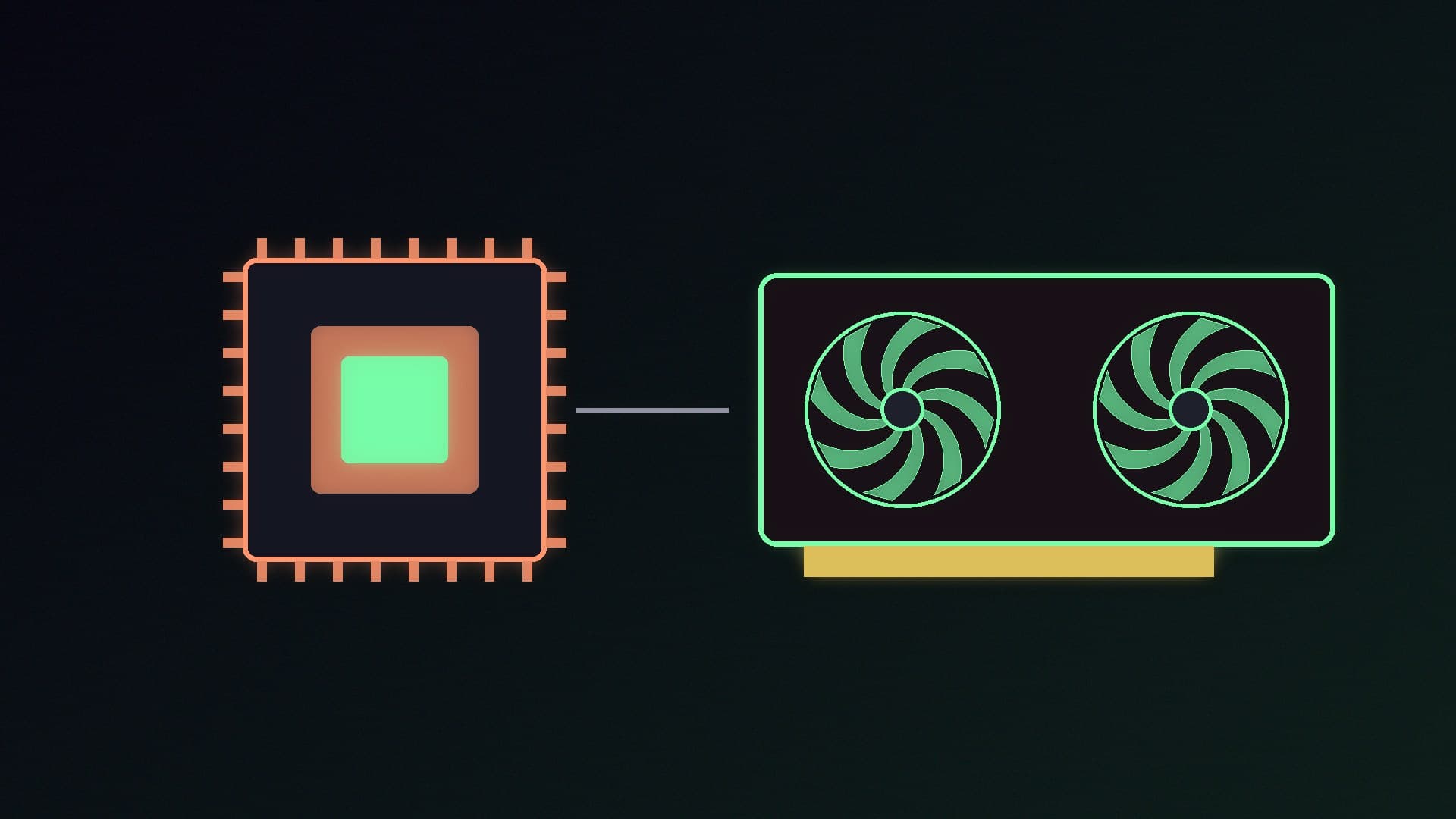
Integrated graphics let you run a display from the motherboard's video outputs without a graphics card. That's essential for a PC without a GPU, and useful as a backup if your graphics card fails. The model name tells you a lot:
AMD: the Ryzen 9000 chips include a small integrated GPU (AMD lists AMD Radeon Graphics with 2 graphics cores for the 9600X and 9800X3D). The Ryzen 8000G chips have much bigger integrated GPUs: AMD lists the Radeon 780M with 12 graphics cores for the Ryzen 7 8700G. Chips with an F suffix, such as the Ryzen 5 7500F, have no integrated graphics: AMD's spec page says a discrete graphics card is required.
Intel: Intel says only the 285K, 265K, 245K, 270K Plus and 250K Plus in its unlocked Core Ultra 200S line have Intel Graphics, with 4 Xe-cores. KF and F models have no integrated graphics. Our Intel K vs KF vs F explainer covers the suffixes.
If you're building a gaming PC with a graphics card, an F or KF chip can save money. If you want a PC that works without a GPU, compare the integrated GPU specs carefully: the Ryzen 8000G chips have the largest integrated GPUs AMD sells boxed for AM5, the 2-core GPU in Ryzen 9000 chips is mainly for desktop use, video and troubleshooting, and Intel's 4 Xe-core GPU adds hardware AV1 encoding and decoding. If you want to experiment with AI on integrated graphics, see our how to run a local LLM on integrated graphics guide.
Step 5: Check power, cooling and what's in the box
Power figures tell you how much cooling a chip needs:
Processor | Maker power figure | Cooler in the box? |
|---|
AMD Ryzen 5 7500F | 65W default TDP | Yes, AMD Wraith Stealth |
AMD Ryzen 5 9600X | 65W default TDP | No (AMD recommends a premium air cooler) |
AMD Ryzen 7 9800X3D | 120W default TDP | No (AMD recommends a liquid cooler) |
Intel Core Ultra 5 245K | 125W base power, 159W maximum turbo power | Check the retail listing |
Intel Core Ultra 9 285K | 125W base power, 250W maximum turbo power (Intel support page) | Check the retail listing |
AMD and Intel measure power differently, so don't compare these numbers directly. What matters is that a chip with a high turbo power figure needs a capable cooler to sustain its boost clocks. If your chip doesn't include a cooler, budget for one. Our best budget CPU cooler guide is a good starting point.
Step 6: Match the memory
All current AM5 and LGA 1851 desktop chips use DDR5 only, so you can't reuse DDR4 memory. The official supported speeds vary. AMD lists DDR5-5600 for two sticks on the Ryzen 9000 chips and DDR5-5200 for the Ryzen 8000G chips, and Intel's spec page lists up to DDR5-6400 for the 245K. Faster kits usually run via AMD EXPO or Intel XMP profiles, which are memory overclocks. Our best DDR5 RAM guide and single-rank vs dual-rank RAM explainer cover the details.
Step 7: Set your budget and compare
Once you know your platform, core count, graphics and cooling needs, set a budget and compare two or three chips using independent reviews. Our best CPU and best budget CPU guides are good shortlists. Two examples from our product database are the AMD Ryzen 5 9600X and the Intel Core Ultra 5 245K. When the chip arrives, our how to install a CPU guide walks you through fitting it.
Our verdict
Choose a CPU in this order: decide what the PC is for, pick a platform (AM5 or LGA 1851) and a compatible motherboard, compare cores, clocks and cache in context, decide whether you need integrated graphics, check the cooling and power requirements and whether a cooler is included, and buy DDR5 memory that suits it. For most gaming PCs a current six- or eight-core chip is plenty. Spend the rest on the graphics card, and confirm real-world performance in independent reviews before you buy.