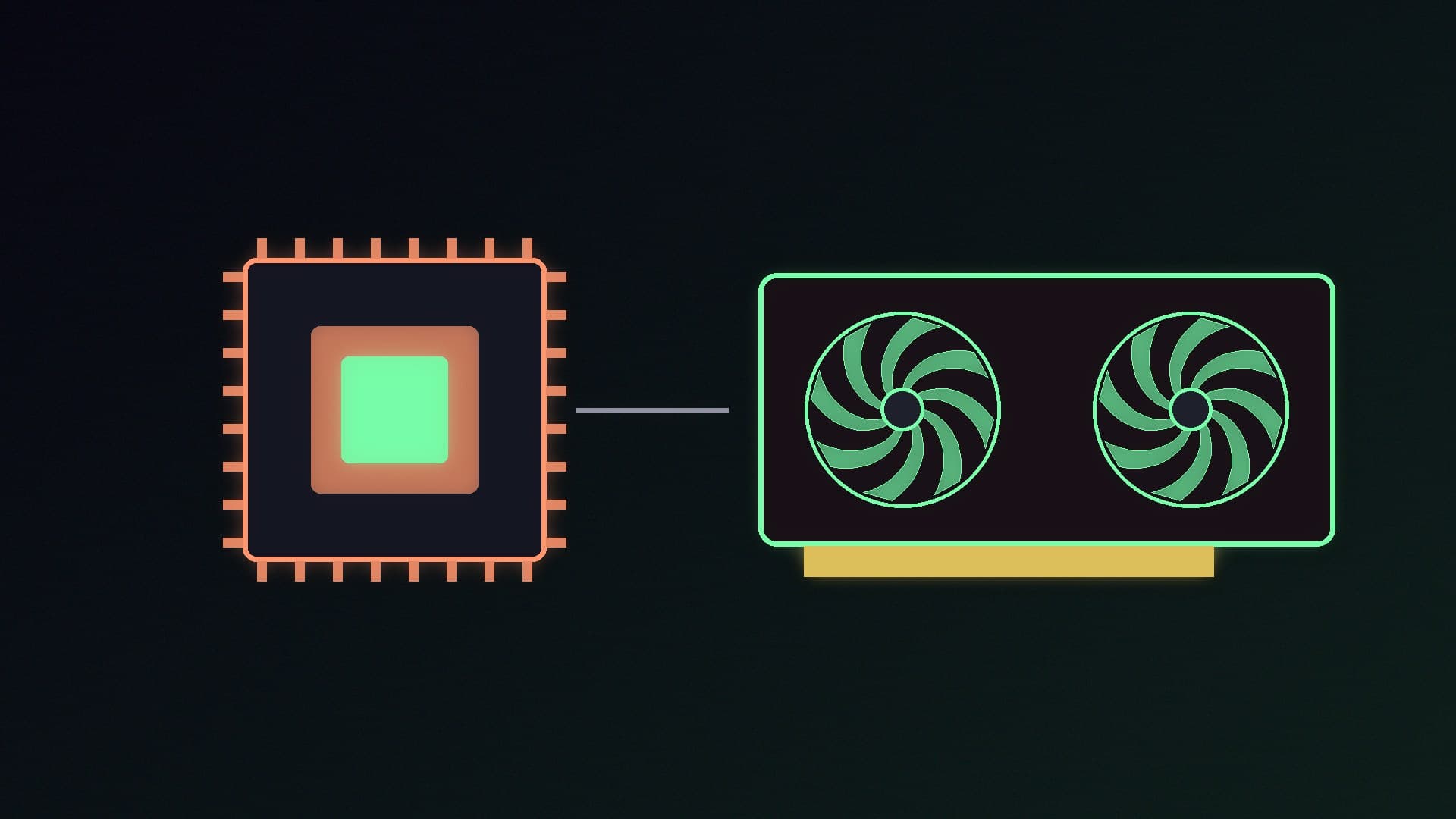
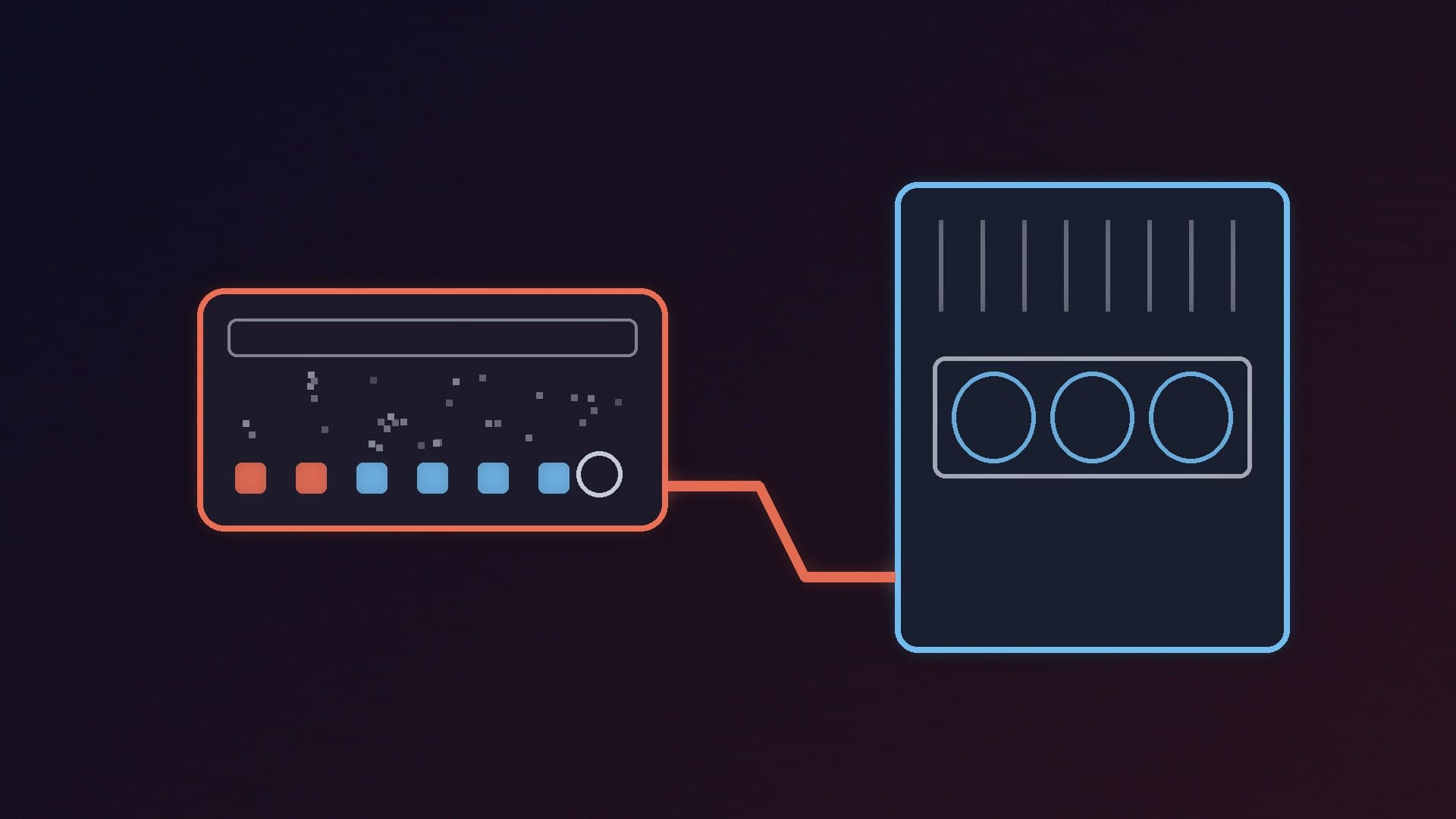
Every PC needs a graphics processor (GPU) to put an image on the screen, but it doesn't have to be a separate card. Many desktop processors include an integrated GPU, which can run a monitor from the motherboard's video outputs with no graphics card at all. A dedicated (or discrete) graphics card adds its own, much more powerful GPU with its own memory. This guide explains the real differences and when each makes sense, using AMD, Intel and NVIDIA's official specifications. Check independent reviews for performance in the games and apps you use.
The quick answer
Integrated graphics are enough for office work, browsing, video streaming, photo viewing and light or older games. They also make a useful backup if a graphics card fails.
A dedicated graphics card is what you need for modern games at good settings, high refresh rates or high resolutions, and for heavier GPU work such as 3D rendering, video effects and most local AI.
How they differ
| Integrated graphics | Dedicated graphics card |
|---|
Where it lives | Inside the CPU package | On a separate card in a PCIe slot |
Memory | Shares system RAM | Its own video memory (VRAM), such as GDDR6 or GDDR7 |
Power | Comes out of the CPU's power budget | Separate power rating; mid-range cards need extra PSU connectors |
Display outputs | The motherboard's HDMI, DisplayPort or USB-C ports | The card's own ports |
Cost | Included with the processor | A separate, often expensive, purchase |
Upgrades | Change the CPU | Swap the card |
Memory: shared RAM vs dedicated VRAM
This is the biggest technical difference. An integrated GPU uses part of your system memory, so it competes with the CPU for memory bandwidth, and dual-channel DDR5 has far less bandwidth than the memory on a graphics card. A dedicated card has its own fast memory. For example, NVIDIA lists 8GB of GDDR7 on a 128-bit interface for the GeForce RTX 5060, and AMD lists 16GB of GDDR6 with up to 320GB/s of bandwidth for the Radeon RX 9060 XT (16GB).
That's also why integrated graphics performance depends on your RAM. Running two memory sticks in dual-channel mode matters more with an integrated GPU than with a graphics card. On some systems you can change how much memory is reserved for the GPU. Our guides to AMD Variable Graphics Memory and shared GPU memory on Intel Core Ultra explain how.
Not all integrated graphics are equal
There's a big range between desktop processors:
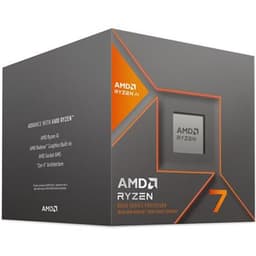
AMD Ryzen 8000G: these boxed chips have the largest integrated GPUs, by graphics core count, that AMD sells for AM5 desktops. AMD lists the Radeon 780M with 12 graphics cores for the Ryzen 7 8700G, the Radeon 760M with 8 graphics cores for the Ryzen 5 8600G and the Radeon 740M with 4 cores for the Ryzen 5 8500G. AMD's newer Ryzen AI 400 desktop chips, such as the Ryzen AI 7 450G with a Radeon 860M (8 graphics cores), are aimed mainly at pre-built PCs.
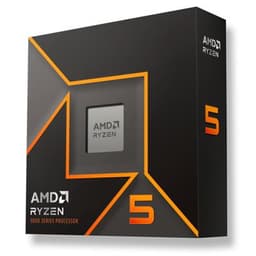
AMD Ryzen 9000: AMD lists a basic AMD Radeon Graphics GPU with 2 graphics cores on chips such as the Ryzen 5 9600X. It's meant for running the desktop, video playback and troubleshooting rather than gaming.
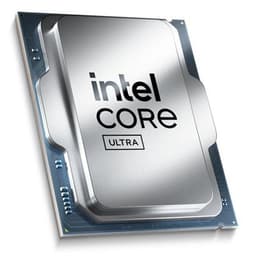
Intel Core Ultra 200S: Intel lists Intel Graphics with 4 Xe-cores on chips such as the Core Ultra 5 245K, with hardware AV1, HEVC and H.264 encode and decode, and support for up to four displays.
No graphics at all: AMD's F-suffix chips (such as the Ryzen 5 7500F) and Intel's KF and F models have no integrated GPU, so they need a graphics card. Our Intel K vs KF vs F explainer covers the suffixes.
Also check your motherboard. Integrated graphics only work through the board's own video outputs, so a board without HDMI or DisplayPort outputs can't use them.
Power, heat and size
An integrated GPU shares the processor's power and cooling, so it adds no extra power cables and needs no extra space. That makes it ideal for small, quiet and low-power PCs. A dedicated card needs its own power and space. NVIDIA lists 145W total graphics power and a 550W required system power for the RTX 5060, and larger cards need much more. Our how to choose a graphics card guide covers PSU and fit checks.
Gaming
For modern games at 1080p or above with good settings, a dedicated graphics card is the practical choice. Even an entry-level current card has its own dedicated video memory and a much larger power budget than an integrated GPU. The biggest integrated GPUs, such as the 12-core Radeon 780M in the Ryzen 7 8700G, are much larger on paper than the 2-core GPUs in Ryzen 9000 chips and can be an option for lighter games at modest settings, but they share system memory and aren't a replacement for a mid-range graphics card. Check independent reviews for how a specific chip handles the games you play. If you're on a tight budget, our best budget graphics card guide is a better place to spend your money than a more expensive CPU.
Video, streaming and everyday use
Integrated graphics are well suited to everyday use and video playback. Intel lists hardware AV1, HEVC and H.264 encode and decode for the integrated GPU on the Core Ultra 5 245K, which helps with video playback and some video exports and streams. Graphics cards also have dedicated video engines. Our AV1 vs HEVC vs H.264 explainer covers the codecs.
Local AI
Most local AI apps run best on a dedicated graphics card, because model size is limited by VRAM and speed depends heavily on memory bandwidth. Integrated GPUs can run small models using shared system memory, slowly but usefully. Our how to run a local LLM on integrated graphics guide explains what to expect. AMD lists an NPU (up to 16 TOPS) on the Ryzen 7 8700G and Ryzen 5 8600G, and Intel lists a 13 TOPS NPU on the 245K, but only some apps use them.
Can you use both?
Yes. If your CPU has integrated graphics, you can keep it available as a backup or for an extra monitor, as long as the motherboard has video outputs and the option is enabled in the BIOS. Plug your main gaming monitor into the graphics card, not the motherboard, or games will run on the integrated GPU or be routed through it. If a card fails, an integrated GPU lets you keep using the PC while you troubleshoot.
Our verdict
Choose integrated graphics if you mainly browse, work, watch video or play light and older games, or if you're building a small, quiet, low-power PC. If that's you, an AMD Ryzen 8000G chip gives you the biggest integrated GPU AMD sells boxed for AM5. Choose a dedicated graphics card if you play modern games at good settings, use a high-refresh or high-resolution monitor, or want to run local AI, because a card has its own fast VRAM and far more GPU power. If you're buying a card anyway, a CPU without integrated graphics can save money, but one with an integrated GPU is a handy backup.