Choosing a PC case is easier if you check things in the right order. Most mistakes, such as a graphics card that won't fit, a radiator that hits the RAM or a front USB-C port with nowhere to connect, come from picking the look first and checking the specifications later. This guide takes you through the checks in order, using a real case spec sheet as an example. The worked example uses figures from NZXT's official spec page, linked in the sources, and we don't make cooling or noise claims because we haven't measured them.
Step 1: Start with your motherboard size
The motherboard form factor decides the minimum size of case you can use. The three common sizes are:
ATX: 12 x 9.6 inches (about 305 x 244 mm). It has the most expansion slots and fits most mid-tower cases.
Micro-ATX: 9.6 x 9.6 inches (about 244 x 244 mm). It fits micro-ATX cases and almost every ATX case.
Mini-ITX: 6.7 x 6.7 inches (about 170 x 170 mm). It fits small form factor (SFF) cases as well as larger ones.
A case that supports a larger board usually supports the smaller ones too, so check the case's list of supported boards. Our Mini-ITX vs Micro-ATX vs ATX comparison explains which size suits which build. Two more things to check here:
Back-connect motherboards. Boards with connectors on the back, such as ASUS BTF or MSI Project Zero, need a case with cut-outs for them. Our back-connect vs standard motherboard comparison explains the trade-offs.
E-ATX. Some mid-towers accept wider E-ATX boards, but often only up to a stated width, so check that figure.
Step 2: Check graphics card clearance
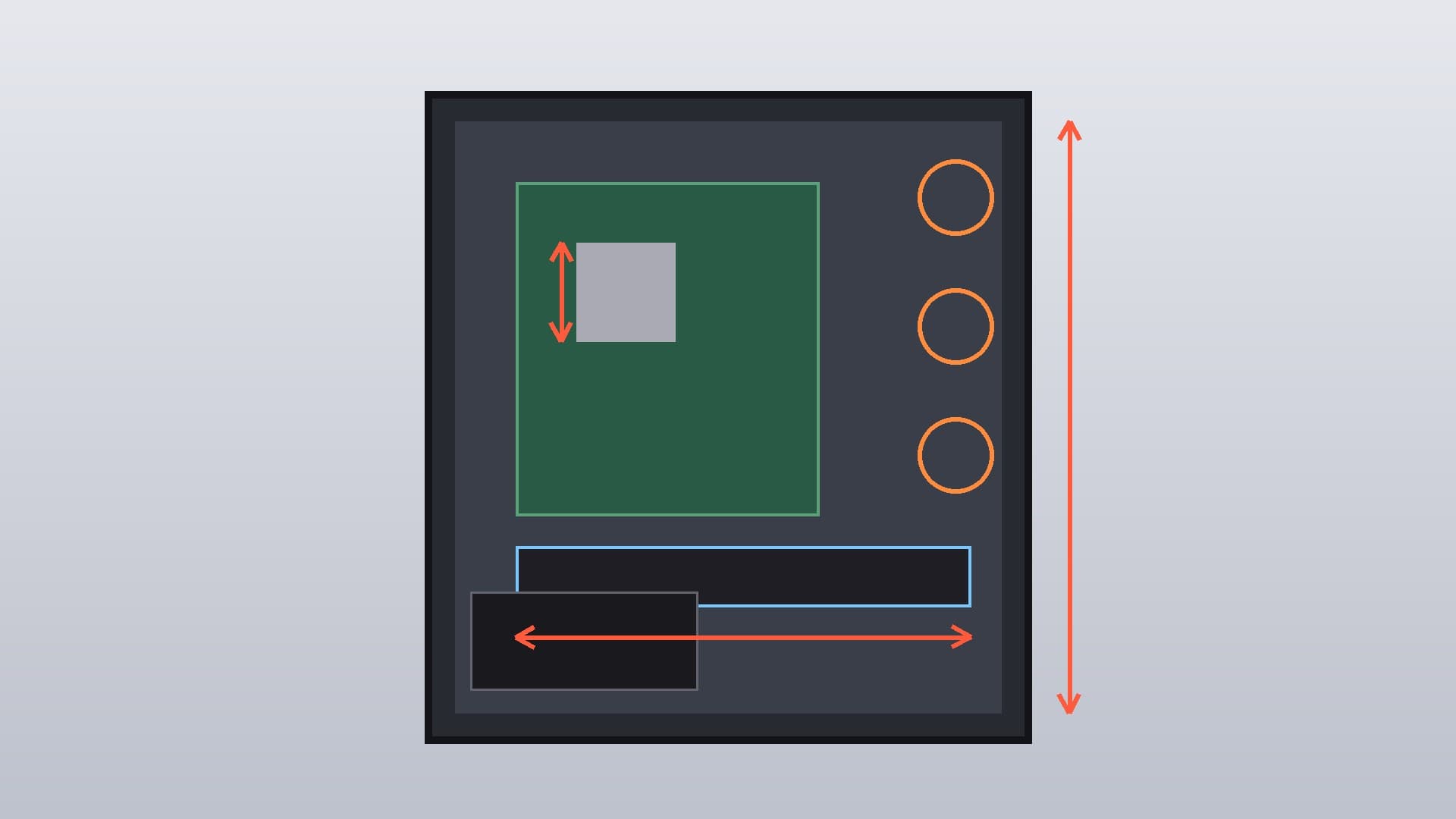
The case spec sheet lists a maximum GPU length. Compare it with the length given on your graphics card's spec page, not the length of the reference design. Two details often catch people out:
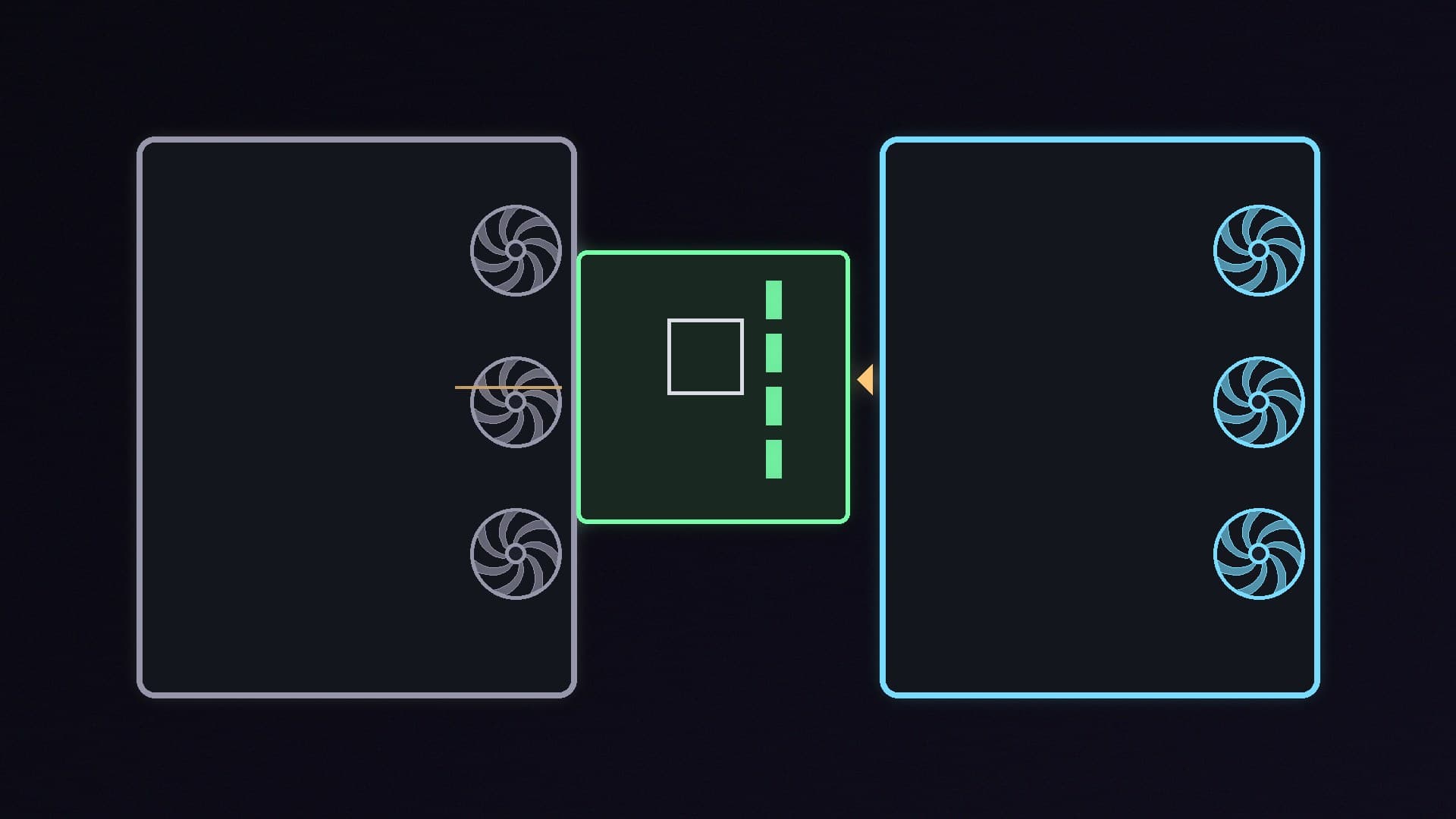
Front fans and radiators reduce clearance. Many spec sheets give a lower GPU length with front fans or a front radiator fitted. NZXT's H3 Flow, for example, lists up to 377 mm without front fans, 352 mm with front fans and 317 mm with a front radiator and fans.
Small cases also limit height and thickness. In SFF cases, check the maximum GPU height and thickness as well as length. NVIDIA's SFF-Ready guideline is a useful reference: it covers RTX 70-class and higher cards up to 304 mm long, 151 mm high (including the power cable bend) and 50 mm (2.5 slots) thick.
Our guide to checking whether a graphics card fits your case shows how to measure.
Step 3: Check CPU cooler and radiator support
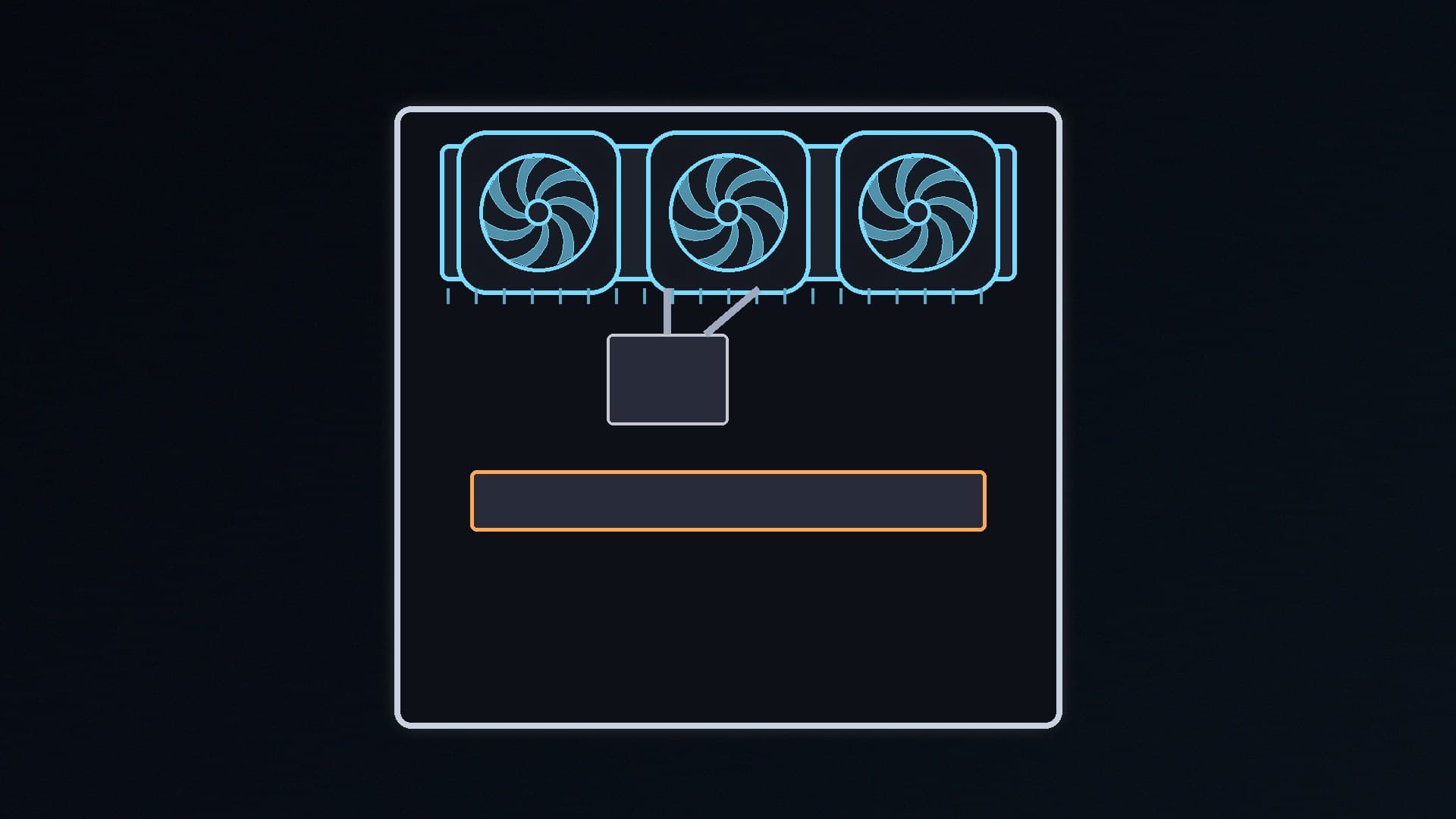
For an air cooler, compare its height with the case's CPU cooler clearance. For an AIO liquid cooler, check three things: which positions take a radiator (top, front or side), the largest size in each position (240, 280, 360 or 420 mm) and the maximum radiator-plus-fan thickness. A top-mounted radiator can also clash with tall RAM, so check whether the case gives a memory height limit.
Our guides to checking CPU cooler clearance and checking whether an AIO radiator fits explain each check, and our AIO radiator orientation guide helps you choose a mounting position.
Step 4: Check PSU length and cable space
ATX cases usually list a maximum power supply length, and SFF cases may only take SFX or SFX-L units. High-wattage ATX power supplies can be longer than entry-level ones, so check your PSU's length against the case limit. Also look at the cable routing space behind the motherboard tray. More space makes cable management easier, especially with thick 12V-2x6 GPU cables. Our SFX vs ATX power supply comparison and our cable management guide cover these.
Step 5: Plan airflow
Look at how many fans the case includes and where they're mounted, as well as how many fan mounts it has in total. A case with a solid glass front relies on side or bottom intakes, while a mesh front can take in air directly. Neither is automatically better, but check where the intakes are and whether they have dust filters. Dual-chamber cases, which put the PSU behind the motherboard, change the airflow path again. Our dual-chamber vs standard case comparison, case fan airflow guide and positive vs negative air pressure explainer go into more detail.
Step 6: Check front I/O and storage bays
Check the front ports. A front USB-C port needs a matching USB-C header on your motherboard. Our guide to checking for a front USB-C header shows how to confirm this. If you still use 3.5-inch hard drives, check the number of 3.5-inch bays, because many modern cases have only one or two.
Worked example: reading the NZXT H5 (2026) spec sheet
Here is how those checks look on a real spec sheet. NZXT lists these figures for the NZXT H5 (2026), a compact mid-tower:
Check | NZXT H5 (2026), maker's figures |
|---|
Motherboards | ATX, Micro-ATX, Mini-ITX; back-connect support (ATX) |
GPU length | Up to 420 mm, with an adjustable anti-sag bracket |
CPU cooler height | Up to 172 mm |
Radiators | Up to 360 mm on the right side or top; 120 mm at the rear |
Right-side radiator + fan thickness | Up to 30 + 30 mm |
RAM height with a top radiator | Up to 54.8 mm (with 120 mm fans and radiator) or 34.8 mm (with 140 mm fans and radiator) |
PSU length | Up to 200 mm |
Cable routing space | Up to 33 mm |
Front I/O | 2x USB 3.2 Gen 1 Type-A (5Gbps), 1x USB 3.2 Gen 2x2 Type-C (20Gbps), headset jack |
Drive bays | 2x 2.5-inch, 1x 3.5-inch |
Size | 468.5 x 233 x 431.1 mm (H x W x D), 47 litres |
Reading it in order: an ATX board fits, including an ATX back-connect board. Most graphics cards fit within 420 mm, and the anti-sag bracket helps with heavy cards. Our GPU sag guide explains why that matters. A tower air cooler up to 172 mm tall fits. A 360 mm AIO fits on the side or top, but with a top radiator and 140 mm fans, the memory height limit falls to 34.8 mm, so low-profile RAM is needed. The 20Gbps front USB-C port needs a matching motherboard header, and there's only one 3.5-inch bay.
Step 7: Choose the look last
Once you have a shortlist of cases that fit your parts, choose on looks: glass panels, colour, lighting and size. If you're building an all-white PC, check that the case, cooler and PSU are a similar shade.
Where to go next
Our verdict
Choose a PC case in this order: motherboard size, graphics card clearance, CPU cooler or radiator support, PSU length and cable space, airflow, then front I/O and drive bays. Leave the look until last. Read the spec sheet carefully, because front fans, radiators and tall RAM can all reduce the clearances listed. For most builders, a mid-tower that accepts ATX boards, a long GPU and a 360 mm radiator will cover nearly any build. If you want recommendations, start with our best PC case guide.