How-To
How to Change the Power Mode in Windows 11 for Gaming or Lower Power Use
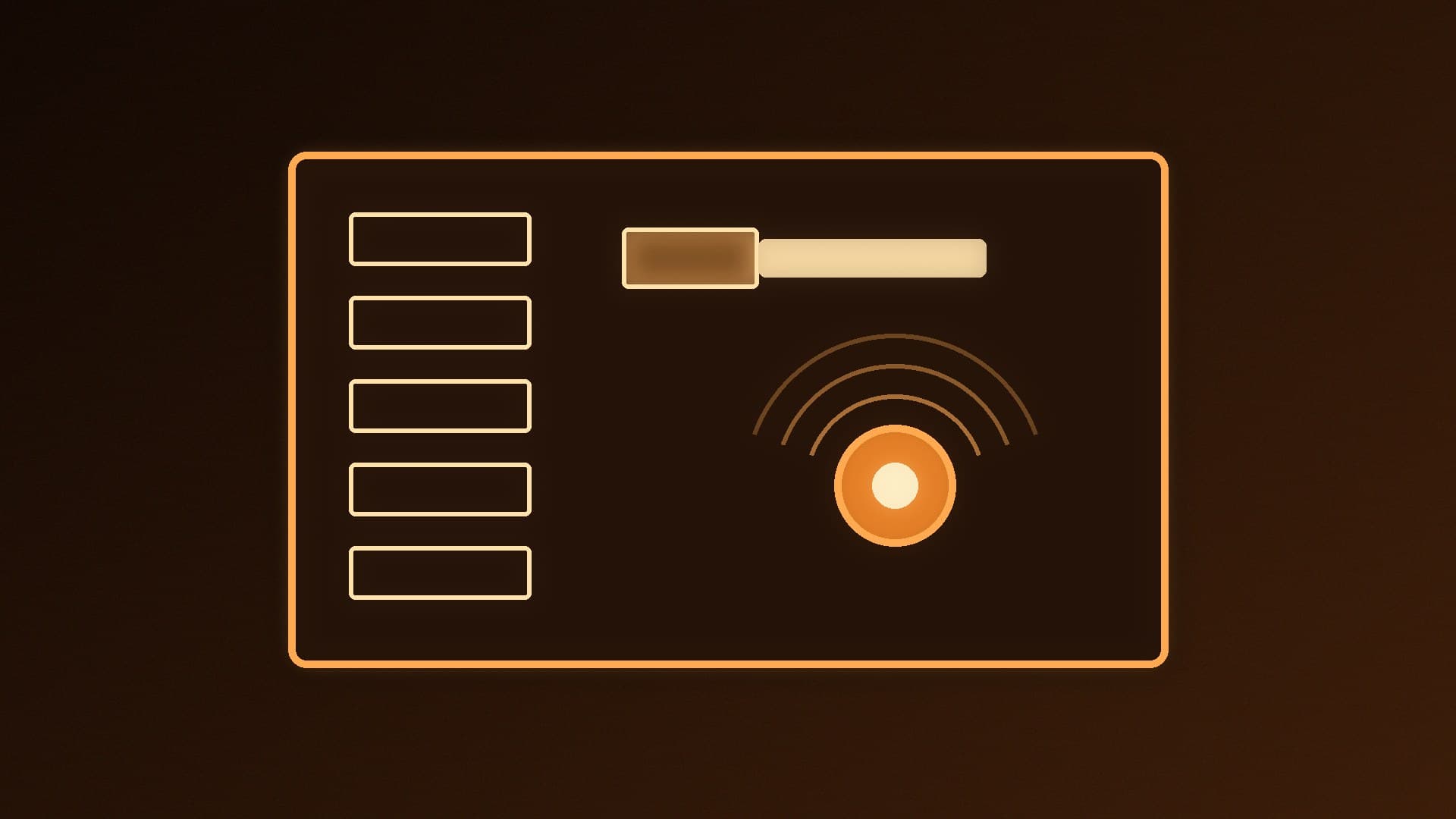
Windows 11's power mode is in Settings > System > Power & battery. Choose Best power efficiency, Balanced or Best performance, with separate settings for plugged in and on battery on laptops. If it's greyed out, select the Balanced plan in Control Panel's Power Options. Energy saver and sleep timers are in the same place.
Marcus Thorne2 min