Skip to content

Author / Systems & Technical Editor / 247 articles

Marcus Thorne

Marcus writes Forge PC's step-by-step build, troubleshooting and system optimisation guides. His background spans Windows kernel and power-state diagnostics, UEFI/BIOS configuration, NVMe storage arrays, ATX 3.1 power delivery and running local AI and LLM workloads on consumer graphics cards.

  • How to Set Up Storage Spaces in Windows 11 (Mirror, Parity or Simple)

    How-To

    How to Set Up Storage Spaces in Windows 11 (Mirror, Parity or Simple)

    Windows 11's Storage Spaces pools two or more extra drives into one, with simple, mirror or parity layouts. Use a two-way mirror for most home PCs, parity for big media archives and simple only for data you can lose. Many USB enclosures won't appear because Windows sees them as removable, and a mirror is not a backup.

    Marcus Thorne3 min
  • How to Check a Graphics Card Will Fit Your PC Case: Length, Height and Slots

    How-To

    How to Check a Graphics Card Will Fit Your PC Case: Length, Height and Slots

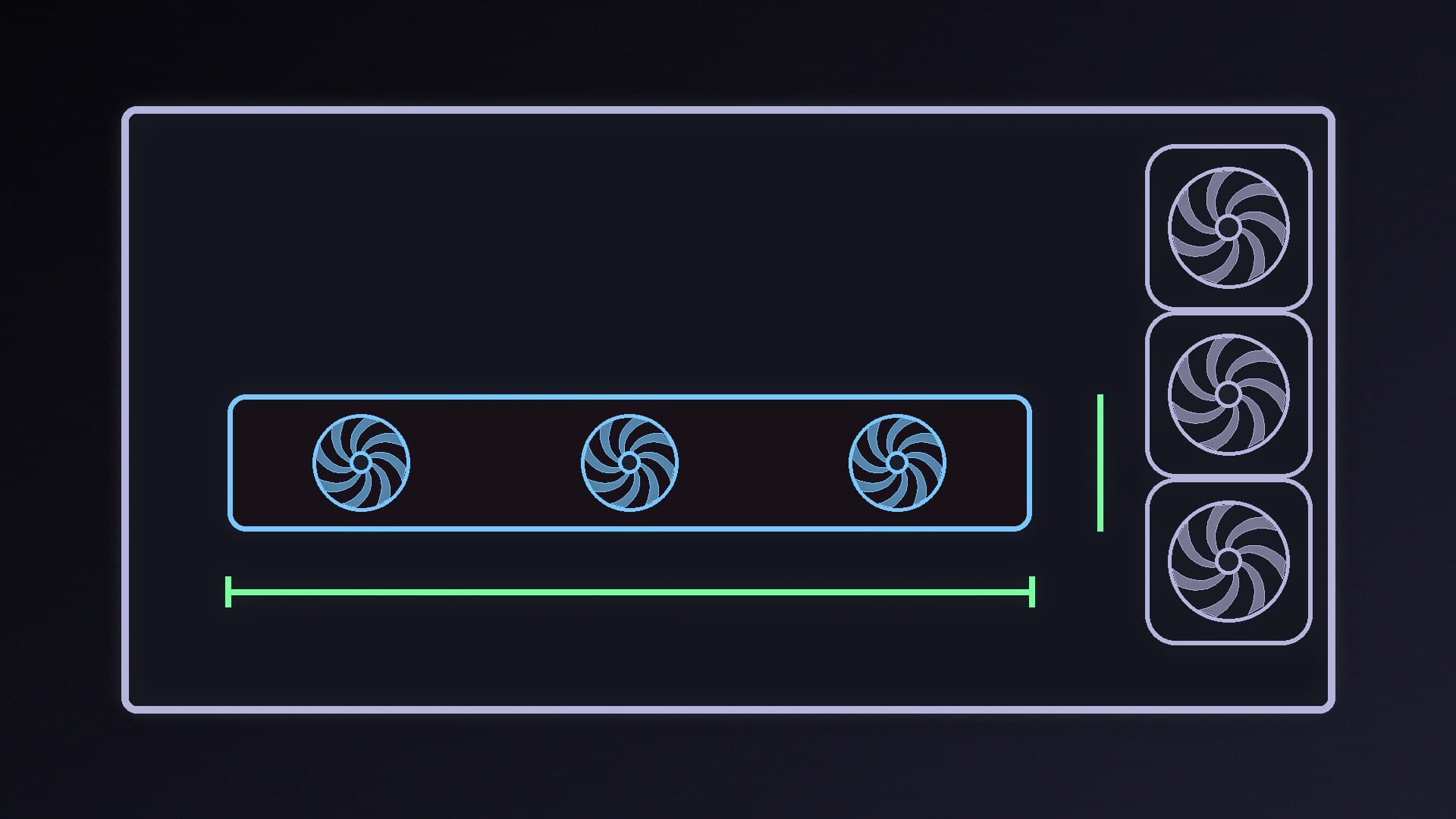
    Before buying a graphics card, compare its length, height and slot width with your case's GPU clearance, and leave room for the power cable. Sizes vary a lot: NVIDIA's RTX 5070 Founders Edition is 242mm long, ASUS's PRIME RTX 5070 OC is 304mm and 2.5 slots. NVIDIA's SFF-Ready label (max 304mm, 151mm, 2.5 slots) simplifies small builds.

    Marcus Thorne3 min

  • How to Use Local Ollama Models in VS Code Chat (No Copilot Plan Needed)

    How-To

    How to Use Local Ollama Models in VS Code Chat (No Copilot Plan Needed)

    VS Code chat can use local Ollama models through the official Ollama extension; Microsoft says the built-in Ollama provider is deprecated. Install VS Code 1.127 or newer, pull a model, pick it in the chat model picker and raise Ollama's context length to at least 64k. Microsoft says it works offline and without a Copilot plan, but completions and semantic search still need GitHub.

    Marcus Thorne3 min

  • How to Check If a CPU Is Compatible With Your Motherboard

    How-To

    How to Check If a CPU Is Compatible With Your Motherboard

    A matching socket isn't enough. Check the CPU is on your exact motherboard's CPU support list and note the minimum BIOS version; ASUS says a CPU that isn't listed isn't supported. If your BIOS is older, update it with your old CPU fitted or with BIOS FlashBack before swapping processors.

    Marcus Thorne3 min

  • How to Run a Local LLM on Integrated Graphics (No Graphics Card Needed)

    How-To

    How to Run a Local LLM on Integrated Graphics (No Graphics Card Needed)

    You can run local LLMs without a graphics card. Ollama uses integrated graphics through Vulkan, which is enabled by default and built into most Windows GPU drivers, and AMD's Variable Graphics Memory can reserve more RAM for the iGPU on Ryzen AI systems. Start with small 4-bit models and don't starve Windows of RAM.

    Marcus Thorne4 min

  • How to Uninstall a Windows 11 Update That's Causing Problems

    How-To

    How to Uninstall a Windows 11 Update That's Causing Problems

    If a Windows 11 update causes problems, Microsoft says you can uninstall it from Settings > Windows Update > Update history > Uninstall updates, or from the Windows Recovery Environment if Windows won't start. Some updates can't be removed, security updates carry risk, and pausing updates stops the same one returning straight away.

    Marcus Thorne3 min

  • How to Stop Windows Update Installing Drivers in Windows 11

    How-To

    How to Stop Windows Update Installing Drivers in Windows 11

    Windows Update can replace the graphics or chipset driver you installed. Microsoft documents a Group Policy setting, 'Do not include drivers with Windows Updates', and Windows 11 also has a Device Installation Settings switch. Both are easy to undo, but you'll then need to keep your drivers up to date yourself.

    Marcus Thorne3 min

  • How to Add Web Search to Your Local AI Chatbot in Open WebUI

    How-To

    How to Add Web Search to Your Local AI Chatbot in Open WebUI

    Open WebUI can give a local model live web search. Start with the built-in DDGS engine, which needs no API key, move to a self-hosted SearXNG instance (with JSON output enabled) for more control, or use a hosted search API. Raise the model's context length to at least 16K tokens and use a model with good tool calling for useful answers.

    Marcus Thorne5 min

  • How to Use Your Android Phone as a Webcam in Windows 11 (No Extra Apps)

    How-To

    How to Use Your Android Phone as a Webcam in Windows 11 (No Extra Apps)

    Windows 11 can use a linked Android 10 or newer phone as a wireless webcam with no extra apps. Link the phone in Settings > Bluetooth & devices > Mobile devices, turn on 'Use as connected camera', then choose the phone in Teams, Discord or OBS and approve the prompt on the phone. It's a handy stopgap, though a dedicated webcam is less hassle daily.

    Marcus Thorne4 min

  • How to Completely Uninstall ASUS Armoury Crate (and Stop It Reinstalling)

    How-To

    How to Completely Uninstall ASUS Armoury Crate (and Stop It Reinstalling)

    Removing Armoury Crate from Settings leaves services behind. Use ASUS's Armoury Crate Uninstall Tool from your board's Driver & Utility page, restart and run it again if it reports a failure. Then disable 'Download & Install ARMOURY CRATE app' in the BIOS Tool menu so you're not prompted to reinstall it, and set fan curves in the BIOS instead.

    Marcus Thorne4 min

  • How to Fix 'CPU Fan Error! Press F1' on Startup

    How-To

    How to Fix 'CPU Fan Error! Press F1' on Startup

    'CPU Fan Error! Press F1' usually means the cooler is on the wrong header, the fan spins below the BIOS low-speed threshold, or an AIO isn't reporting a speed on CPU_FAN. Check the fan or pump is spinning, move the cable to CPU_FAN, lower the fan speed low limit and update the BIOS. Only ignore the warning once you're sure the CPU is cooled.

    Marcus Thorne5 min

  • How to Generate Music Locally on Your PC With ACE-Step 1.5

    How-To

    How to Generate Music Locally on Your PC With ACE-Step 1.5

    ACE-Step 1.5 is a free, MIT-licensed music model that makes full songs with vocals from a description and lyrics on your own GPU. The developers recommend settings by VRAM, from a DiT-only mode for 6GB cards to XL models on 20GB-plus. Install the portable Windows package or the uv quick-start, or use ComfyUI's all-in-one checkpoint.

    Marcus Thorne5 min

  • How to Install an AIO Liquid CPU Cooler: Step-by-Step Guide

    How-To

    How to Install an AIO Liquid CPU Cooler: Step-by-Step Guide

    Plan the radiator position first, ideally top-mounted as exhaust with its highest point above the pump. Fit the socket hardware with the board out of the case, connect hard-to-reach cables before mounting the pump, tighten the pump screws evenly in an X pattern, plug the pump into AIO_PUMP and set it to full speed in the BIOS.

    Marcus Thorne5 min

  • How to Fix 100% Disk Usage in Windows 11

    How-To

    How to Fix 100% Disk Usage in Windows 11

    Find the cause before disabling anything: sort Task Manager by Disk and use Resource Monitor to see the process and file. Then switch search indexing to Classic, let Defender scans and updates finish, test SysMain by stopping it, check memory and the page file, update or roll back busy drivers, and check the drive's health.

    Marcus Thorne5 min

  • How to Reactivate Windows 11 After Changing Your Motherboard or Other Hardware

    How-To

    How to Reactivate Windows 11 After Changing Your Motherboard or Other Hardware

    A motherboard swap can deactivate Windows 11. Before you change it, link your licence to your Microsoft account. Afterwards, go to Settings > System > Activation > Troubleshoot, choose I changed hardware on this device recently, sign in and pick This is the device I'm using right now. Preinstalled OEM licences may need a new licence.

    Marcus Thorne4 min

  • How to Choose Which Graphics Card an App Uses in Windows 11

    How-To

    How to Choose Which Graphics Card an App Uses in Windows 11

    To choose which GPU an app uses in Windows 11, open Settings > System > Display > Graphics, find the app or add it with Add desktop app, open its options and pick Power saving, High performance or a specific GPU. Restart the app, then check Task Manager's GPU engine column to confirm which graphics processor it's actually using.

    Marcus Thorne3 min

  • How to Use OpenCode with Ollama for a Free, Local AI Coding Agent

    How-To

    How to Use OpenCode with Ollama for a Free, Local AI Coding Agent

    OpenCode is an open-source AI coding agent that can use local models through Ollama. The quickest start is ollama launch opencode in your project folder; alternatively add Ollama as a provider in opencode.json. Raise Ollama's context length to at least 64k tokens, as Ollama recommends for coding tools, and check ollama ps shows the model on your GPU.

    Marcus Thorne4 min