This comparison uses AMD's and NVIDIA's official specification pages, NVIDIA's RTX 50 series comparison page and Ollama's hardware support documentation, all read on 26 November 2026.
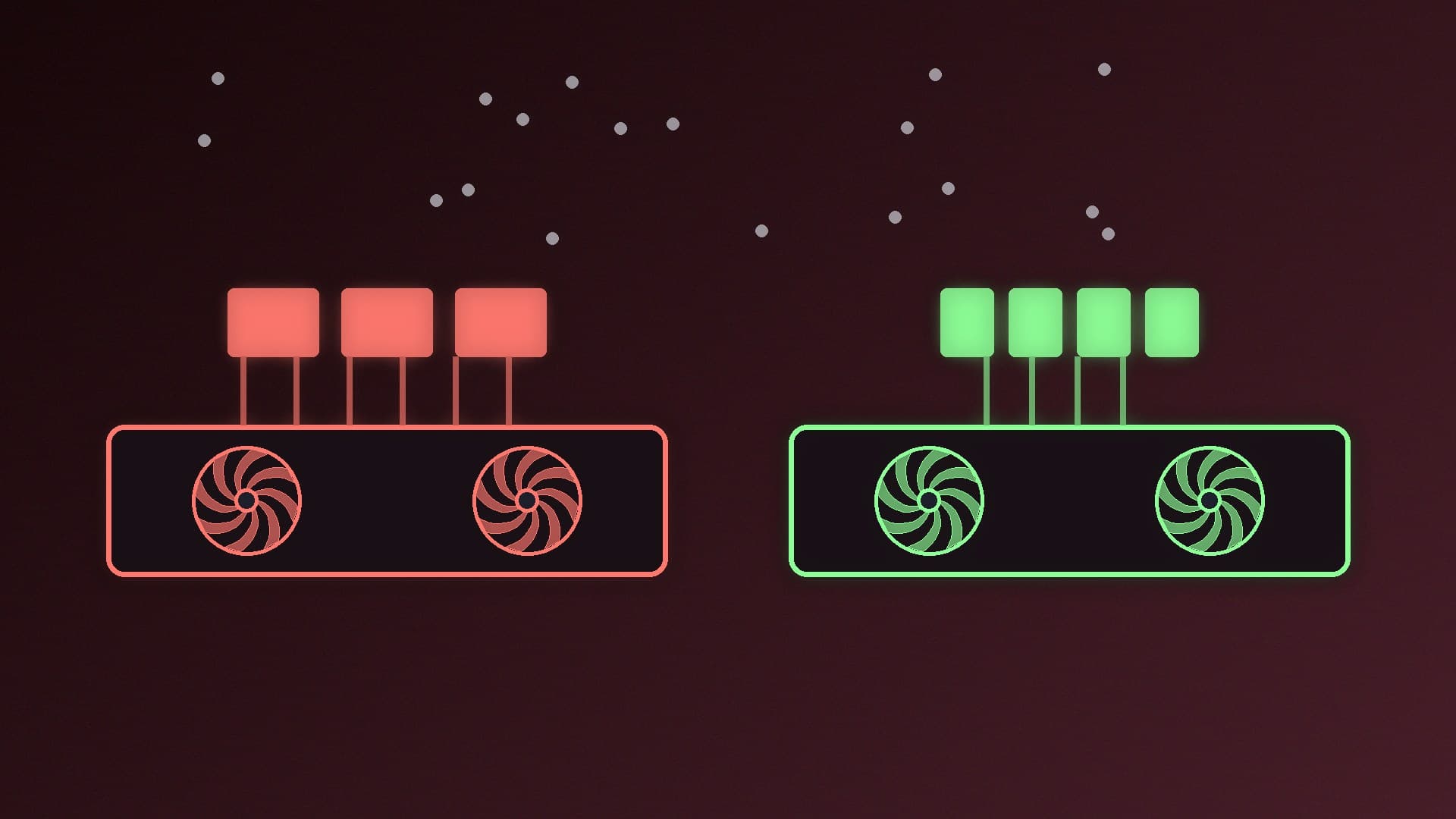
AMD's Radeon RX 9070 GRE and NVIDIA's GeForce RTX 5060 Ti 16GB are both mid-range graphics cards, but they are built in different ways. The GRE uses a wider 192-bit memory bus with GDDR6 and a large Infinity Cache, while the 5060 Ti pairs a narrower 128-bit bus with faster GDDR7. On paper, their memory bandwidth ends up almost the same. The real differences for local AI are memory size, where the 5060 Ti has 4GB more, and software support.
Specifications compared
| Radeon RX 9070 GRE | GeForce RTX 5060 Ti 16GB |
|---|
Architecture | AMD RDNA | NVIDIA Blackwell |
Shader units | 48 compute units, 3,072 stream processors | 4,608 CUDA cores |
AI hardware | 96 AI accelerators | 5th-generation Tensor Cores, 759 AI TOPS |
Video memory | 12GB GDDR6 | 16GB GDDR7 |
Memory interface | 192-bit | 128-bit |
Memory bandwidth (official) | Up to 432GB/s | 448GB/s |
Extra cache | 48MB Infinity Cache | Not listed |
Board power | 220W typical board power | 180W total graphics power |
Power supply | 650W minimum recommendation | 600W required system power |
Interface | PCIe 5.0 x16 | PCI Express Gen 5 |
NVIDIA's spec page gives the RTX 5060 Ti a boost clock of 2.57GHz and lists both 16GB and 8GB versions with the same 128-bit interface. Make sure you're buying the 16GB model: the 8GB card is a much weaker choice for AI, as our RTX 5060 Ti 8GB vs 16GB comparison explains.
Memory size: 16GB beats 12GB for local AI
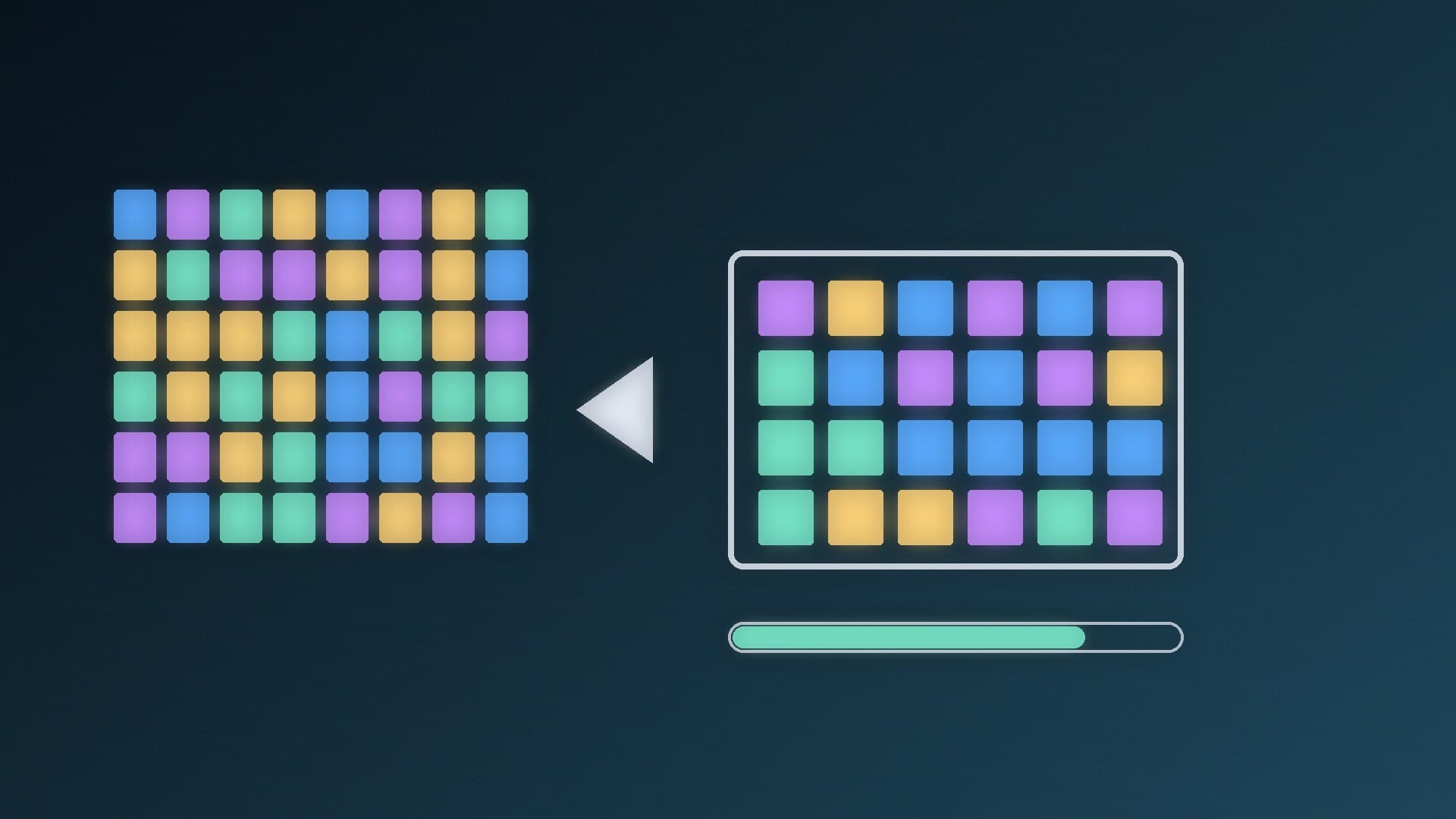
When you run a large language model locally, the whole model and its working memory (the context, or KV cache) should fit in the graphics card's memory. If it doesn't, apps such as Ollama and LM Studio push part of the model onto the processor and system RAM, and generation slows down sharply.
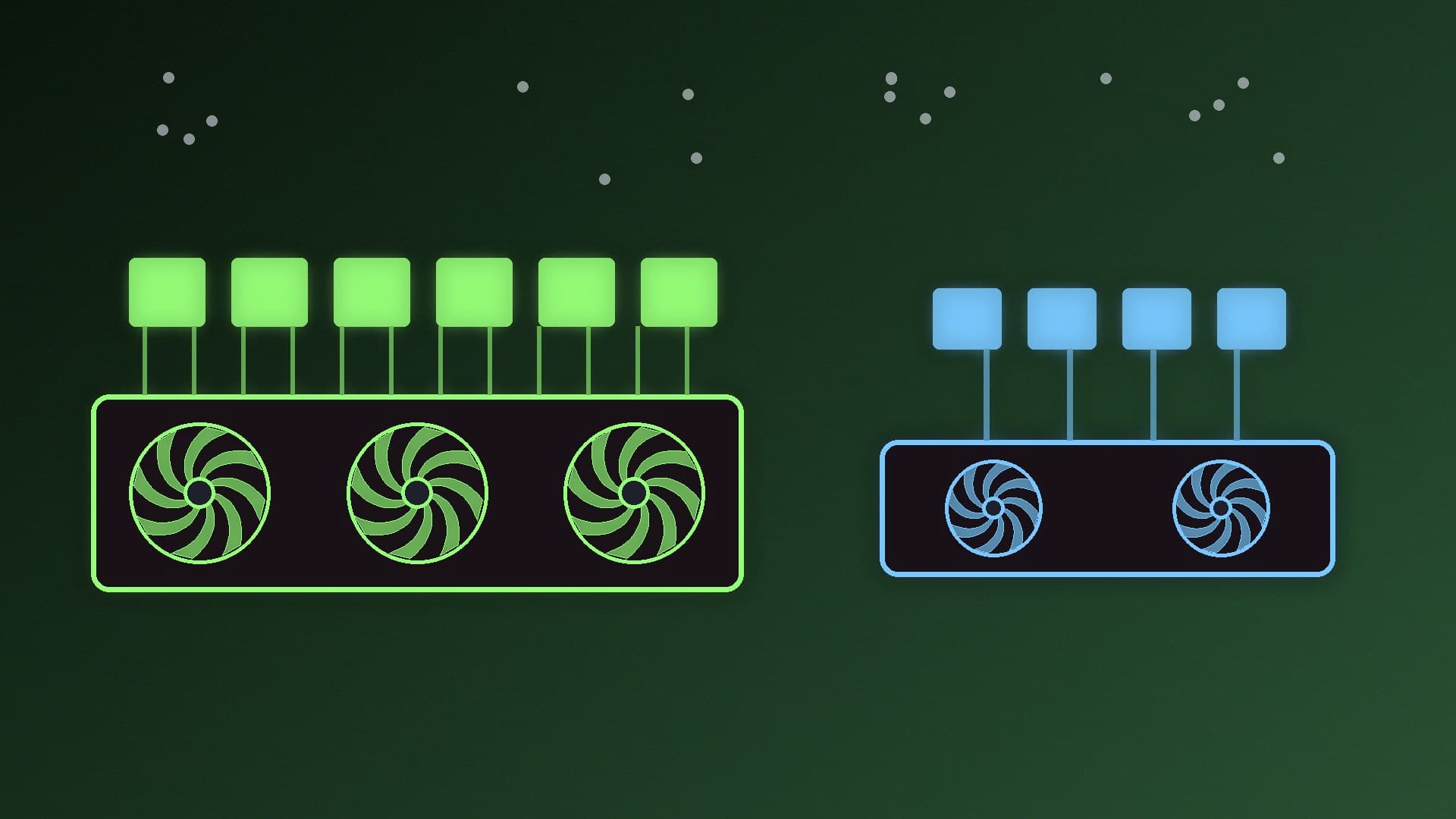
That makes memory capacity the first thing to check. The RTX 5060 Ti 16GB has a third more memory than the RX 9070 GRE. In practice, that extra 4GB gives you room for a larger model, a less heavily compressed (quantised) version of the same model, or a longer context. Our guides to how much VRAM you need and how context length uses VRAM go into the maths.
Image generation follows the same pattern. Newer image and video models are large, and a 12GB card is more likely to need memory-saving modes than a 16GB one. See our guide to running ComfyUI on low VRAM if you're working with 12GB.
Memory bandwidth: almost a tie
Once a model fits, memory bandwidth largely decides how quickly it can produce text, because the card has to read through the model's weights for every token. AMD rates the RX 9070 GRE at up to 432GB/s on a 192-bit bus, and adds 48MB of Infinity Cache. NVIDIA's RTX 50 series comparison page lists 448GB/s for the RTX 5060 Ti, from a 128-bit bus with GDDR7.
That's a difference of less than 4% in the 5060 Ti's favour, so bandwidth shouldn't decide this one. The GRE gets its figure from a wider bus and the 5060 Ti from faster memory, but the result is much the same. Our explainer on memory bandwidth and local LLM speed covers why this figure matters.
Software support: CUDA vs ROCm
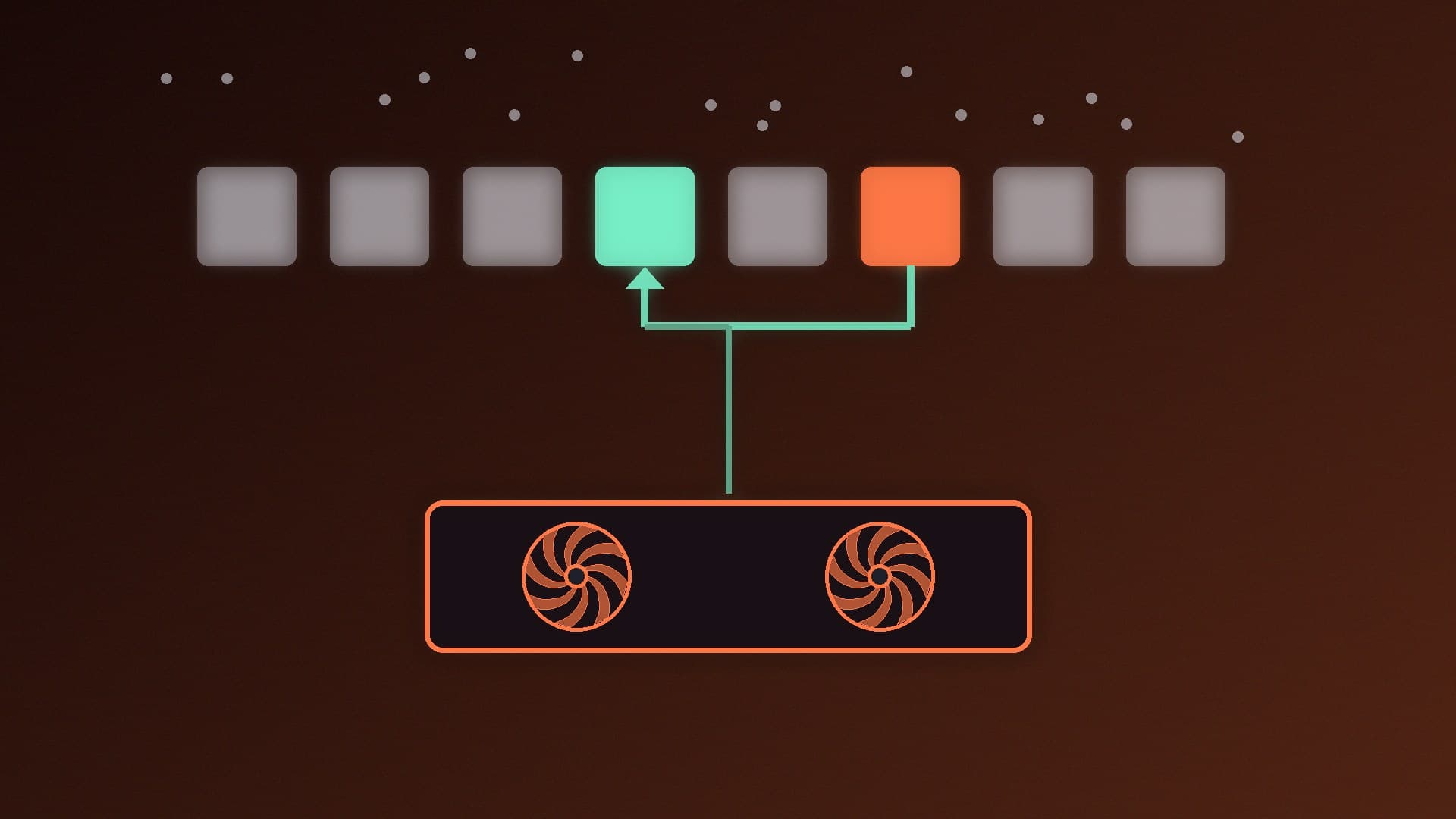
This is where NVIDIA keeps its edge. CUDA is the default for most AI tools, and almost every local AI app supports NVIDIA cards first. Ollama's hardware support page lists the RTX 5060 Ti among supported GeForce RTX 50 series cards (compute capability 12.0).
AMD support has improved a lot. Ollama's documentation lists the Radeon RX 9070 GRE among the AMD cards it supports through ROCm on Linux, and says additional AMD support is available through Vulkan. Even so, you're more likely to run into a tool, extension or tutorial that assumes an NVIDIA card. Our comparison of CUDA, ROCm and Vulkan and our guide to running local AI on an AMD Radeon GPU explain what to expect.
Power and efficiency
The RTX 5060 Ti is the more frugal card on paper: NVIDIA lists a 180W total graphics power and a 600W system power requirement, against 220W typical board power and a 650W minimum power supply recommendation for the RX 9070 GRE. That's a modest difference for occasional use, but it adds up if you leave long AI jobs running. Our guide to calculating local AI electricity costs shows how to work it out.
Which should you buy?
Choose the RTX 5060 Ti 16GB if local AI is a main reason for buying. The extra 4GB of memory lets you run larger models and longer contexts, CUDA gives the widest app support and it uses less power.
Choose the RX 9070 GRE if you prefer AMD, you'll mostly run smaller models that fit in 12GB and you're happy to use Linux with ROCm or Vulkan-based apps. Its official memory bandwidth is close to the 5060 Ti's, so models that fit should not be held back by its memory bus.
If you're still undecided, our guides to the best 16GB graphics cards for local AI and the best 12GB graphics cards for local AI cover the alternatives, and we've also compared the RX 9070 GRE with the RTX 5070 and the RX 9070 with the RTX 5060 Ti 16GB.
Our verdict
For local AI, the GeForce RTX 5060 Ti 16GB is the better choice for most people. Its 16GB of memory gives more room for larger models and longer contexts than the RX 9070 GRE's 12GB, and CUDA has the broadest app support. The RX 9070 GRE has almost the same official memory bandwidth, at up to 432GB/s against 448GB/s, so it's only worth choosing if your models fit in 12GB and you prefer AMD.