llama.cpp, the open-source engine that runs local language models on everything from gaming PCs to laptops, released version 1.1.0 on 26 November 2026. It arrives less than a fortnight after version 1.0, which came out on 13 November, and it's a big update for anyone running AI models on their own hardware: support for a batch of new models, a long list of speech and audio models, a new way to shrink models to a set file size and a redesigned built-in chat app.
cpp 1.1 and has no performance figures for it. This article is based on the official v1.1.0 release notes and the llama.cpp quantize and server documentation on GitHub, all read on 26 November 2026.
What's new for models
The release notes list support for several new model families. The headline additions are:
Inkling 2 (text and vision), Inkling 2 DSpark and Inkling 2 Mini. We explained what you need to run Inkling 2 Mini in an earlier story.
Domyn Edge 4B and Zaya1 8B, two smaller models, going by the 4B and 8B in their names.
RAON-1-mini-preview, which the notes describe as a 30B-A4B mixture-of-experts model, meaning about 4 billion of its 30 billion parameters are active for each token.
Hy4 flash, a much larger 220B model with 12B active parameters, covering text and vision.
MiniMax-M3.1.
As always with llama.cpp, a model being supported in the engine doesn't mean GGUF files are instantly available for every model, or that your favourite app has caught up yet. Apps that bundle llama.cpp ship their own updates on their own schedule.
Speech, music and voice chat
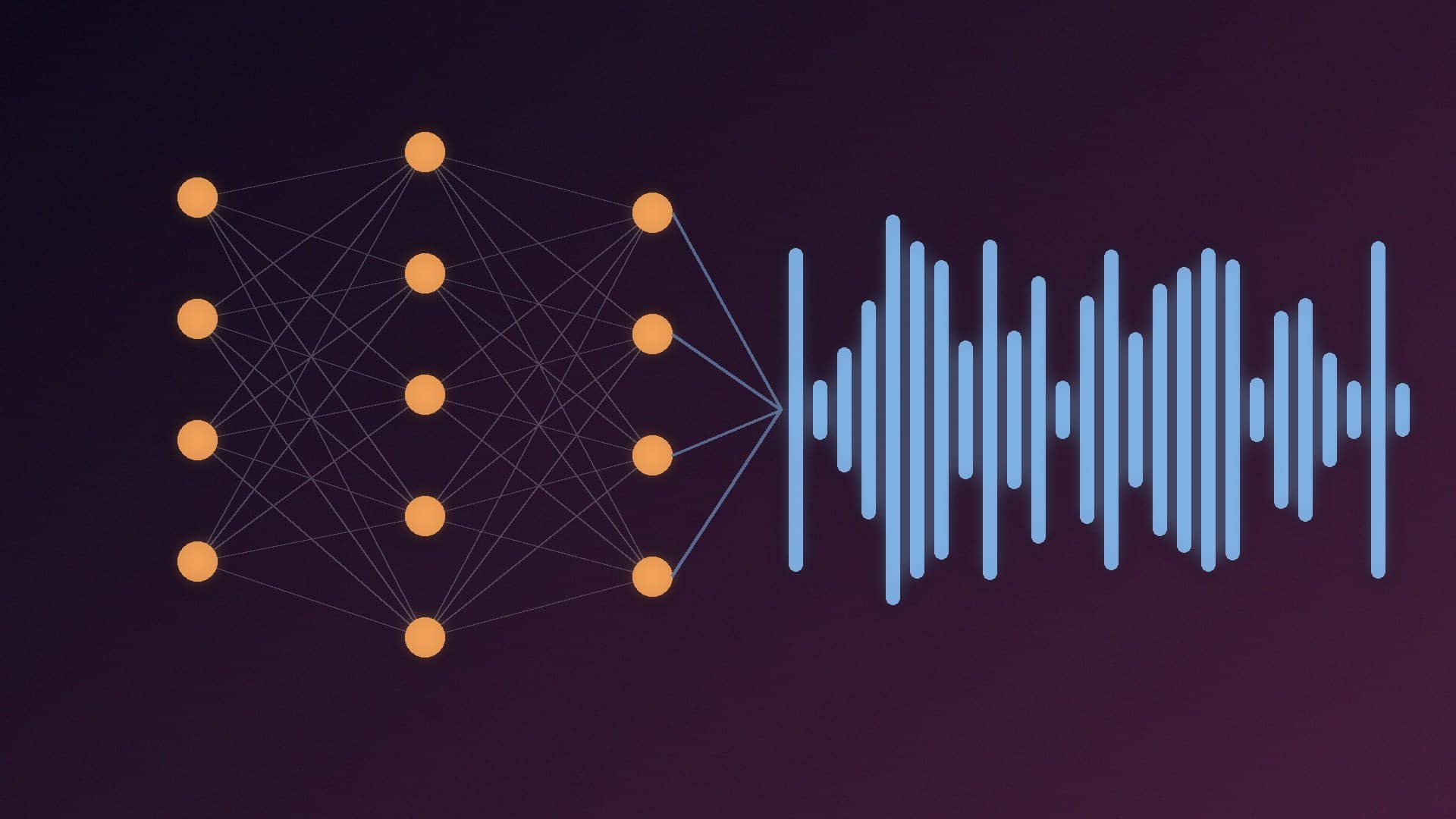
The biggest change for everyday users is audio. Version 1.1 adds text-to-speech support for Kokoro, Zonos3-Mini and tiny-voca, plus support for VoxCPM2, MiniMax-Music3, YuE2-3B, Fish Audio S2 and Higgs Audio v3/VibeVoice-ASR. The notes also mention voice cloning for drama3 and a reference mode for Qwen3-TTS, and new --tts-lang, --tts-voice and --tts-speaker-text options for choosing per-model voices.
Most interesting is support for Kyutai Hibiki / Moshi, which the release notes describe as "realtime full-duplex voice in/out", meaning you can speak and listen at the same time rather than taking turns. The server's realtime endpoint (/v1/realtime) also gets fixes.
If you want to try local speech today, our guide to running text-to-speech locally covers the established options.
Quantise to a size, not just a type
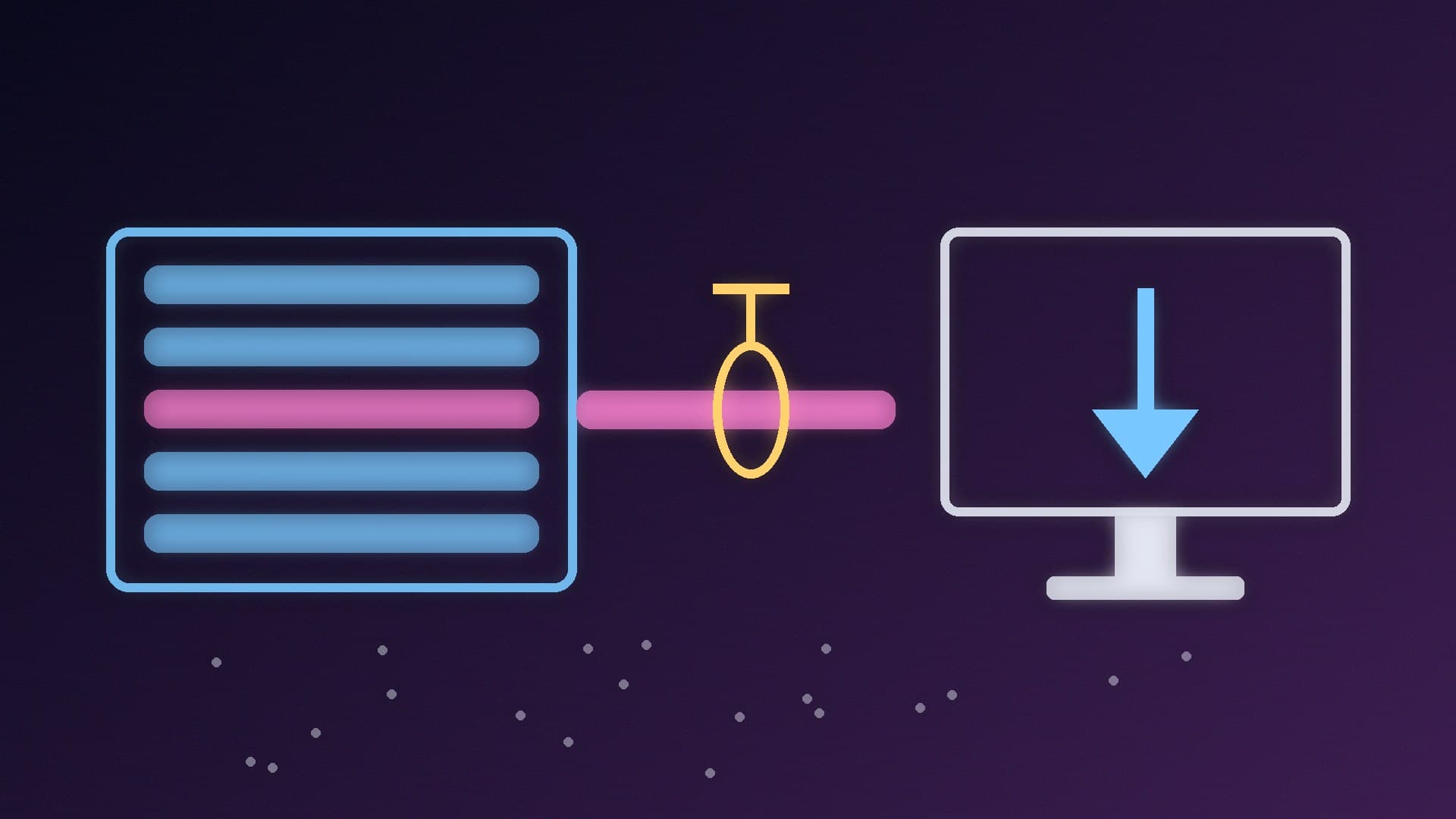
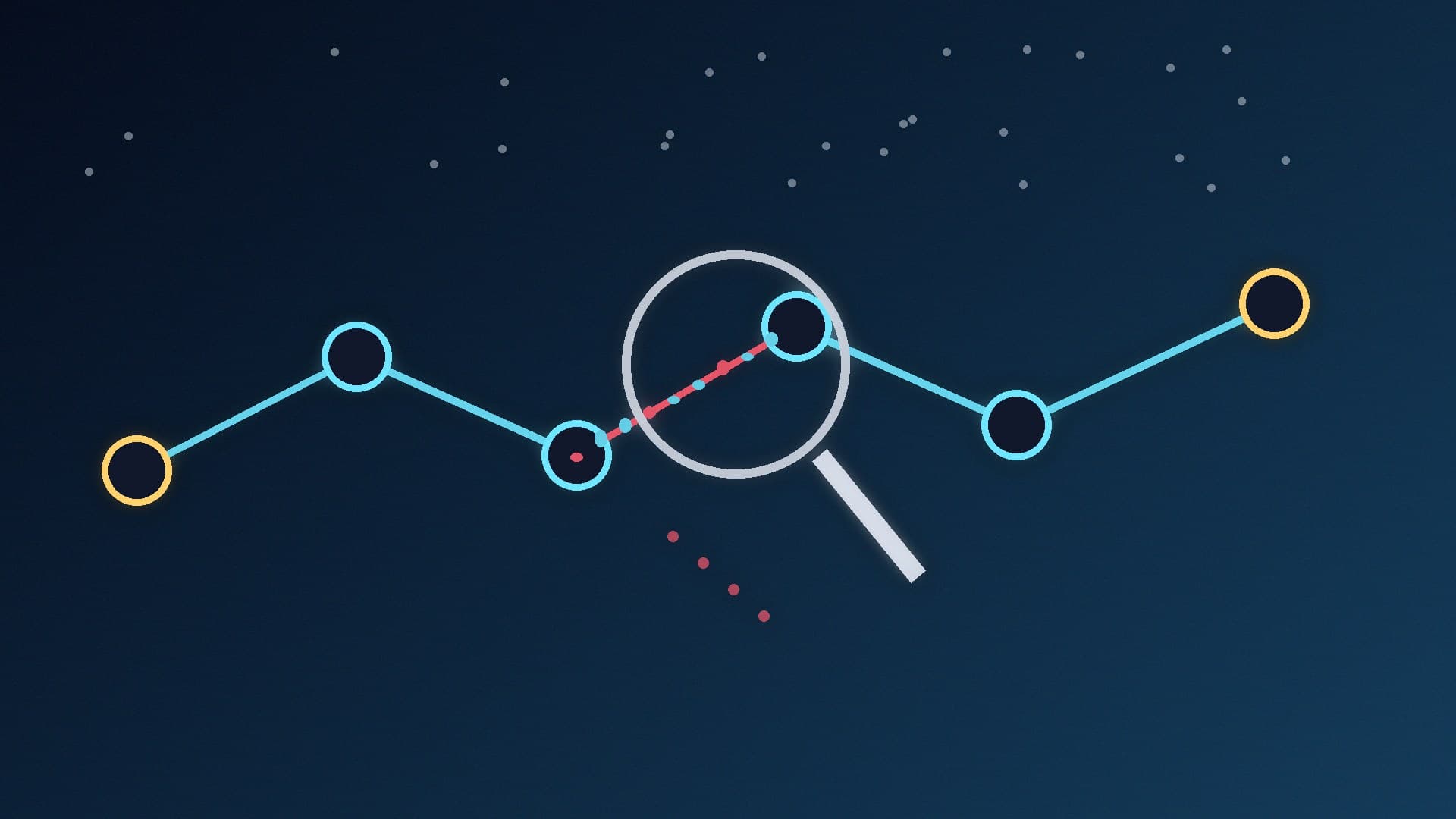
For people who make their own GGUF files, the most useful new feature is automatic per-tensor quantisation. The llama-quantize tool gains --target-bpw and --target-size options. According to the quantize documentation, these "automatically choose quant types" for each part of the model to hit either an overall bits-per-weight figure or a file size you specify, such as 1.5g.
That matters on a PC because video memory is the hard limit. Instead of picking Q4_K_M or Q5_K_M and hoping the result fits on an 8GB or 16GB graphics card, you can ask for a file of a particular size and let the tool decide which layers can afford more precision. The process can take a while, so llama.cpp saves its working in a state file and, according to the documentation, picks up where it left off if you interrupt it with Ctrl-C.
We've written a separate step-by-step guide: how to quantise a GGUF to a target size with llama.cpp. For the basics of what quantisation does, see our GGUF quantisation explainer.
Llama Chat replaces the old web UI
llama.cpp's built-in web interface has been rebuilt and renamed Llama Chat. The release notes say it moves to SvelteKit 3 and cuts first-load JavaScript by 63% by loading diagrams, maths and PDFs only when needed. New features include:
Voice messages and dictation, with live waveforms and transcripts.
Agent replies shown as a grouped "Agent Trace".
Setting the reasoning effort from the model picker, and a cancel button for model loading.
Searching message content, and discovering models from the search dialog.
Dropping a conversation or settings file anywhere in the app to import it.
Llama Chat can also run separately from llama-server, via npx @ggml-org/llama-chat or a config URL, and the notes say that version now defaults to port 9931. The server documentation for v1.1.0 also lists 9931 as llama-server's default port, so if you point other apps at llama-server, check after updating that they use the port your server is actually listening on.
There's a new --ui-agent switch for turning on agent mode in Llama Chat when the server doesn't offer tools itself. The server documentation warns that the related MCP proxy option should not be enabled "in untrusted environments", and private and local addresses are refused unless you add --ui-mcp-proxy-allow-private-urls. Treat that one with care on a shared network.
Server and engine changes
Other changes in the notes that affect people running a local AI server include:
A refactor of how llama-server schedules requests across its slots.
OpenAI-style named tool_choice, which helps apps that ask for a specific tool to be called.
Token-aware chat parsing, which matches special tokens rather than text.
HTTP connections reused after streamed responses.
Clean shutdown on Windows when the server receives a Ctrl-Break event.
--tensor-split and --fit-target now accept configs for up to the maximum number of devices, which is relevant if you run one model across two GPUs.
DFlash speculative decoding is now split into four separate draft methods, and the bundled ggml maths library moves to v1.1.1. The ggml notes list work across backends, including NVFP4 support and a CUDA FlashAttention refactor. We aren't quoting any speed claims because the release notes don't give figures for typical PCs.
For developers: one deprecation
Version 1.1.0 deprecates the old llama_batch API in favour of llama_batch_ext and llama_process. If you build software on llama.cpp's C interface, start planning the move now.
How to get it
Pre-built downloads are attached to the numbered nightly builds rather than the v1.1.0 page itself; the release notes point to build b12774. That build includes Windows packages for CPU, CUDA 12.4 and 13.5, Vulkan, SYCL, ROCm, OpenVINO and Snapdragon (Adreno OpenCL and ARM64), plus Linux and macOS builds. If you're new to it, our guide to running llama.cpp on Windows explains which package to choose for your graphics card.
If you use llama.cpp through Ollama, LM Studio or another app, you'll get these changes only when that app updates its bundled engine.
Our verdict
llama.cpp 1.1 is a substantial update rather than a tidy-up. For PC users, the size-targeted quantisation is the most practical addition, because it lets you make a model file that fits your graphics card's memory more exactly. The new speech and voice models and the rebuilt Llama Chat app make llama.cpp more useful on its own, without a separate front end. Check which port your server is using after updating, take care with the new MCP proxy options, and wait for your favourite app to update if you don't run llama.cpp directly.