llama.cpp, the open-source project that does the actual work of running large language models on ordinary PCs, released version 1.0.0 on 13 November 2026. If you have used Ollama, LM Studio or Jan to chat with a model on your own graphics card, you have very likely used llama.cpp without knowing it.
Forge PC has not tested llama.cpp 1.0 and has no new performance results. This article is based on the official v1.0.0 release notes on GitHub and the announcement by the ggml-org team on the Hugging Face blog, both checked on 14 November 2026. Where the release notes describe performance work, we report what changed, not how much faster it is.
What is llama.cpp?
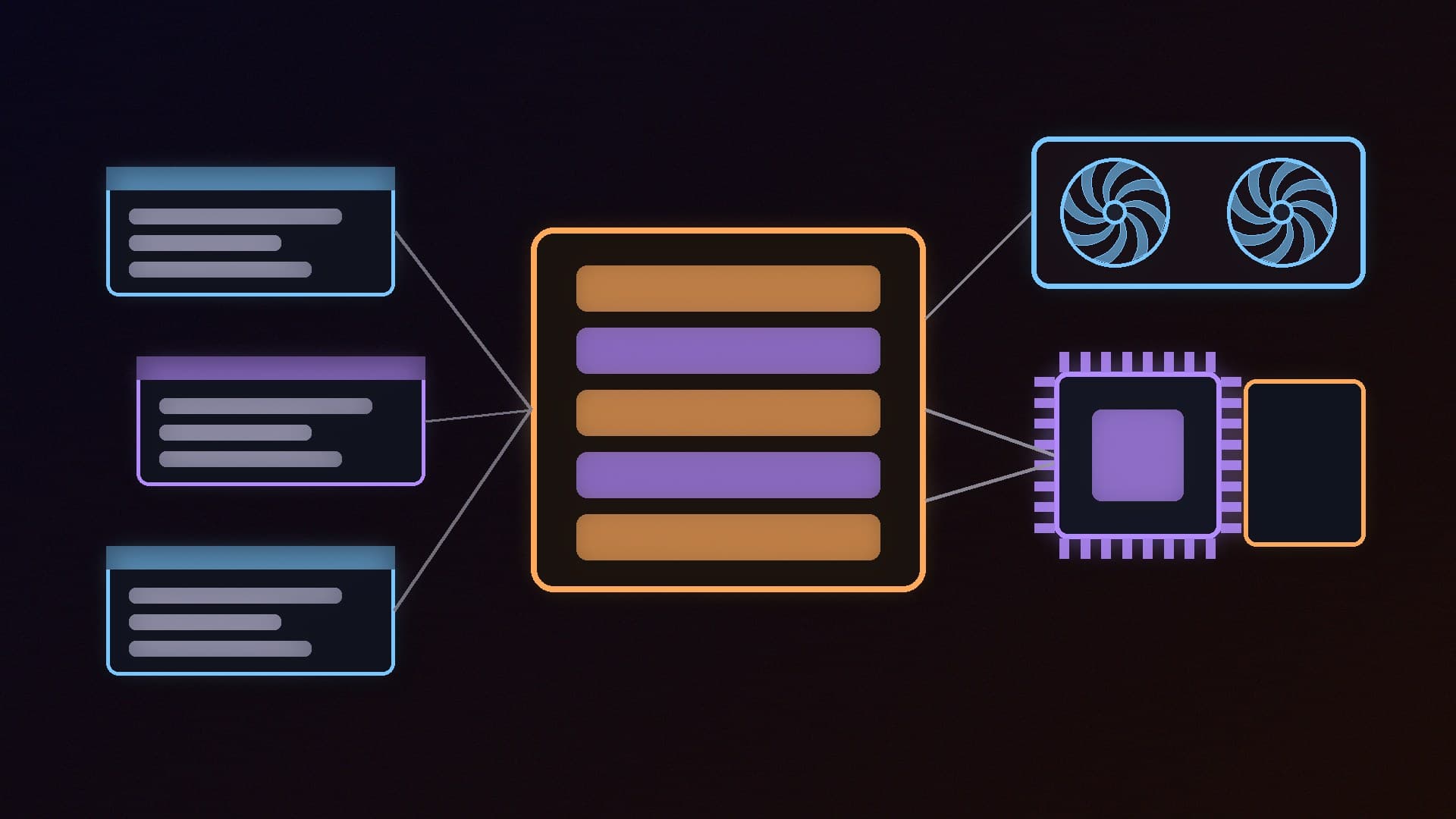
llama.cpp is a C/C++ program and library for running AI models, mainly in the GGUF format, on a wide range of hardware. The Hugging Face announcement describes it as making it possible to run multi-modal models "from consumer-grade local machines to high-end enterprise servers" through quantisation and optimised backends. Those backends cover NVIDIA (CUDA), AMD and Intel graphics (including Vulkan and SYCL), Apple's Metal, and ordinary CPUs.
Many desktop apps build on it. Jan's documentation, for example, describes llama.cpp as "the engine that runs AI models locally on your computer" and bundles it inside the app. If you are new to local AI, our Ollama and LM Studio starter guide and our llama.cpp vs Ollama comparison explain how the pieces fit together.
What changed in version 1.0
The big change is about stability for developers rather than a single headline feature. The ggml-org team says that from now on, llama.cpp and its ggml maths library will follow semantic versioning, so any change that breaks compatibility for apps built on them will come with a major-version bump. To get there, version 1.0 removes 35 deprecated functions from its public interface.
The release notes also list several changes that matter to people running models on their own PCs:
FP8 KV caches. The KV cache stores the conversation context while a model runs, and it competes with the model itself for video memory. Version 1.0 adds an FP8 option for it. Smaller cache formats can leave more room for longer conversations on cards with limited VRAM; our VRAM guide and quantisation explainer cover why memory is the usual bottleneck.
A host-memory cache for mixture-of-experts (MoE) models, with a configurable share of work for the CPU. MoE models only use part of their weights for each token, and this change is designed to make better use of system RAM when the whole model will not fit on the graphics card. Our RAM for local AI guide explains why system memory matters for these models.
Graphics backend work. The ggml 1.0 notes mention a Vulkan "prefill FlashAttention path", MoE fusion on CUDA and Metal and a device-side MoE scheduler for SYCL (Intel's compute layer). The changelog also includes an Intel-specific FlashAttention kernel for prompt processing on Vulkan. Vulkan matters because it is how many apps run models on AMD Radeon and Intel Arc cards.
Faster model loading on Windows. The notes list "Windows unbuffered model load, mirroring the Linux DirectIO path".
New models and a safer server. Version 1.0 adds support for new text, vision and text-to-speech models, a speech endpoint for its built-in server, and several security fixes for that server, including CORS and SSRF protections. Its web interface has also been redesigned.
When will Ollama, LM Studio and Jan get it?
Apps that bundle llama.cpp update it on their own schedule, so version 1.0 will not appear in them on day one. For example, Ollama's v0.40.17 release candidate, published on 10 November, moved to llama.cpp build b12257, while the v1.0.0 release notes point to nightly build b12359. The most recent llama.cpp runtime update in LM Studio's changelog came with version 0.4.26 on 13 October (upstream build b11337). Jan says its engine "updates together with the app".
In practice, keep your app up to date and watch its release notes. Nothing you need to do changes on your PC today, and existing GGUF model files are not affected by the version number itself.
What it means for your hardware
Version 1.0 does not change the basic rule of local AI: video memory is still the most important specification, and system RAM is the fallback when a model will not fit on the card. If you are choosing hardware, our best graphics cards for local AI and NVIDIA vs AMD for local AI guides are the place to start.
Owners of AMD Radeon and Intel Arc cards have the most to watch here, because much of the listed backend work is in Vulkan and SYCL, the routes those cards use. Our guide to running local AI on a Radeon GPU covers the AMD side.
Our verdict
llama.cpp 1.0, released on 13 November 2026, is mainly a stability milestone: the project now promises semantic versioning and has removed 35 deprecated functions. It also adds FP8 KV caches, a system-RAM cache for mixture-of-experts models, Vulkan and SYCL backend work relevant to Radeon and Intel Arc cards, and faster model loading on Windows. Apps such as Ollama, LM Studio and Jan will adopt it on their own schedules, so keep them updated rather than expecting an instant change. Forge PC has not tested version 1.0; this report is based on the official release notes and the ggml-org announcement.