This report is based on Ezurio's press release of 19 November 2026 and its GW16168 product page, both read on 26 November 2026.
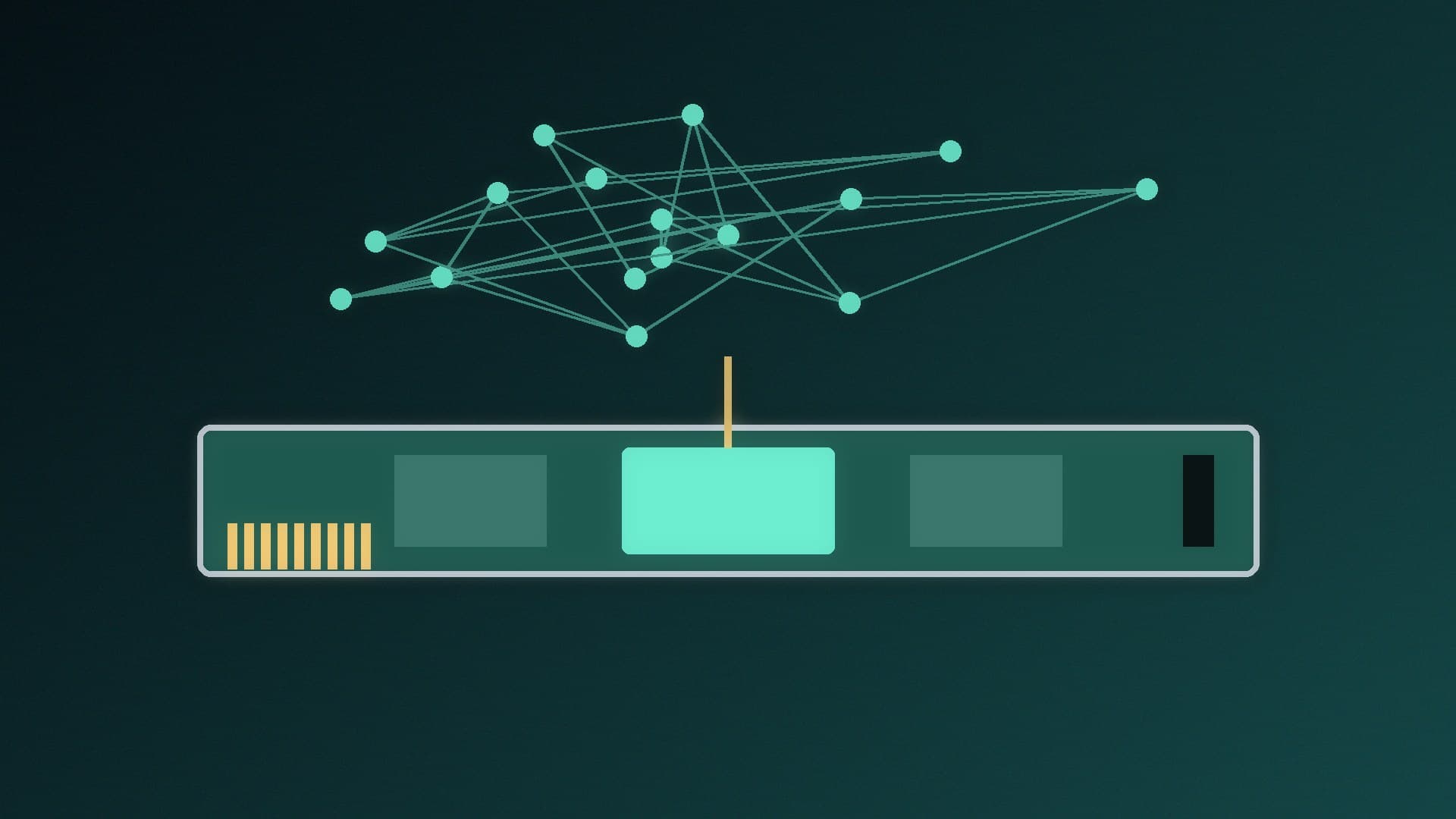
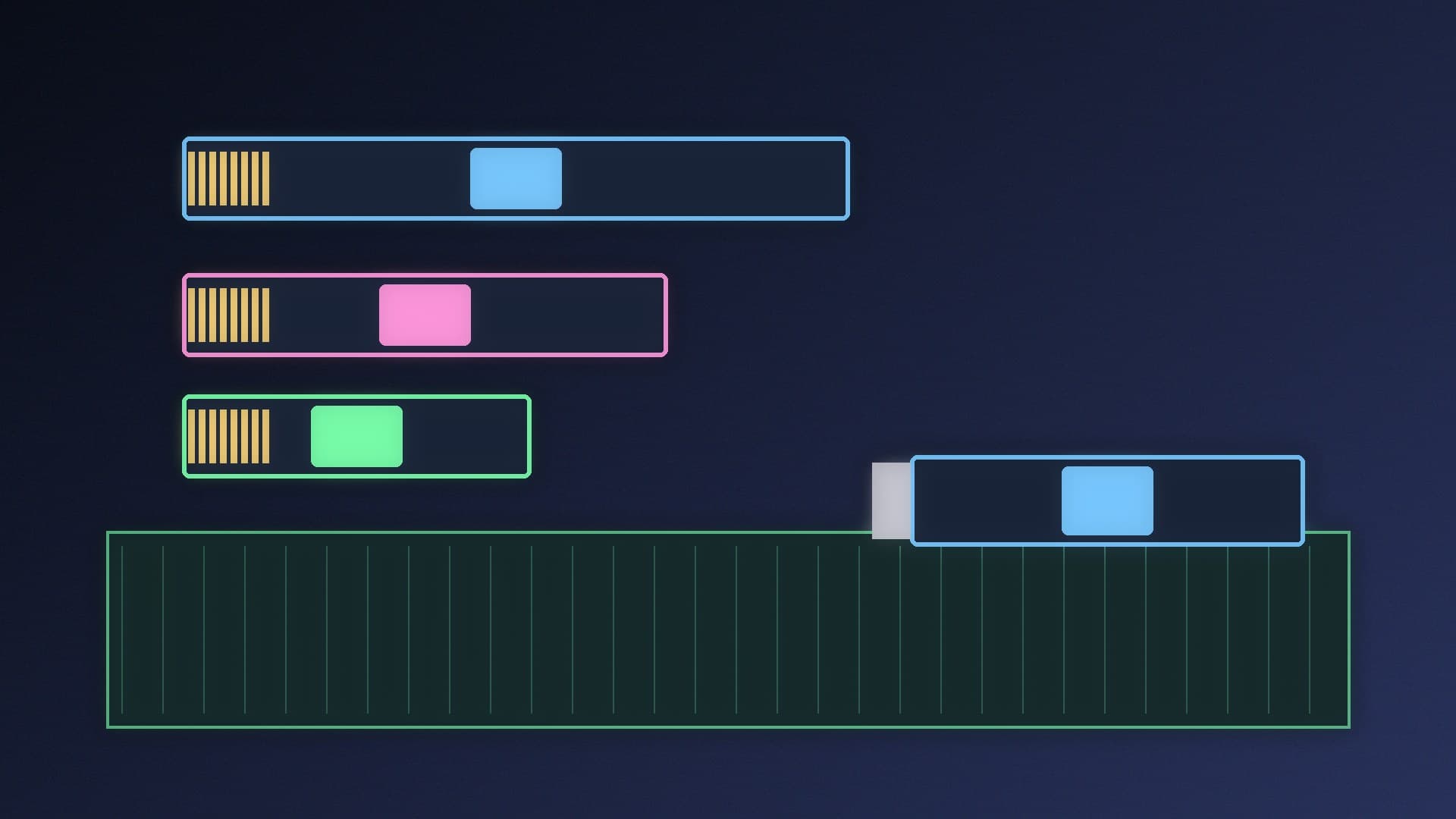
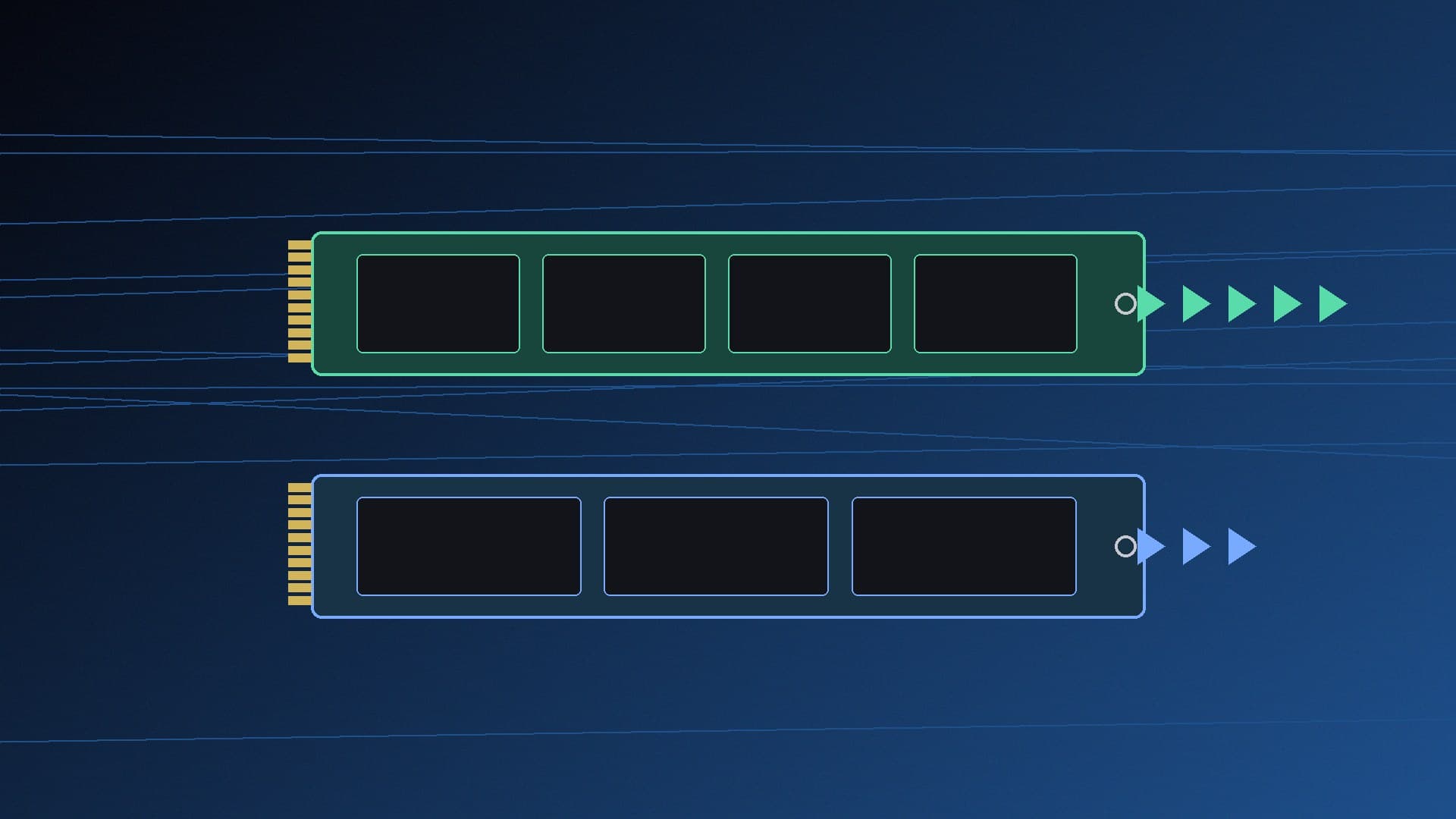
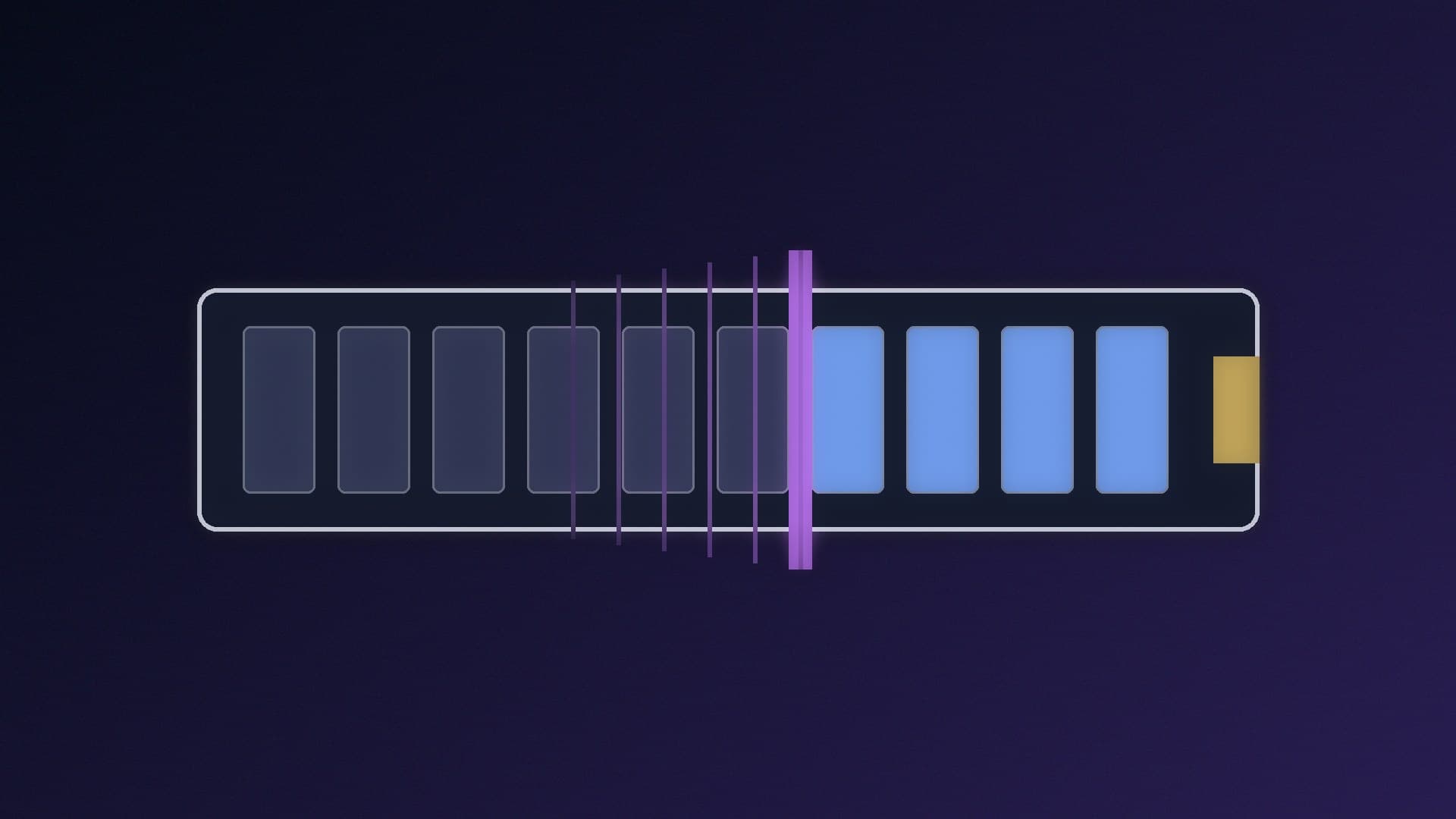
Ezurio has launched the GW16168, an AI accelerator in the same M.2 2280 size as many SSDs that runs AI models on the device itself, with no connection to the cloud. It's built around NXP's Ara240 discrete neural processing unit (DNPU), and Ezurio says it can handle large language model (LLM) and vision language model (VLM) inference as well as machine vision. The company announced it on 19 November and says the module and its development kits are available now.
What the GW16168 offers
According to Ezurio's press release and product page:
Processor: NXP Ara240 discrete NPU, rated at up to 40 eTOPS (equivalent tera operations per second).
Memory: 8GB or 16GB of LPDDR4 on the module itself.
Model size: Ezurio's product page says it supports AI models of up to 16 billion parameters.
Form factor: M.2 M-Key 2280, measuring 22.0 x 80 x 3.5mm and weighing 6.2g.
Interface: PCIe Gen4 x4, and Ezurio says it's compatible with PCIe Gen3 hosts.
Power: a single 3.3V supply through the M.2 connector, with a typical operating current of 2.0A. That works out at roughly 6.6W (our calculation).
Software: TensorFlow, PyTorch and ONNX models through NXP's Ara SDK, which includes a compiler.
Durability: an industrial temperature range of -40°C to +85°C, plus Secure Boot and a hardware root of trust.
The module was originally part of the Gateworks range. Ezurio says it acquired Gateworks in June 2026 and now fully supports the GW16168, which is designed and made in the USA.
Who it's for
Ezurio is aiming the GW16168 at industrial and embedded designs rather than home PCs. It says the module is purpose-built for its own VeniceFLEX and Catalina single-board computers and also works with other compatible systems that have a PCIe-connected M.2 M-Key 2280 slot. The examples it gives are drones, robots and remote industrial equipment, where a reliable network connection isn't guaranteed or where privacy and security rule out sending data off-site.
Two development kits are available. The GW11062-1 pairs a Catalina board with the 16GB module, and the GW11062-2 uses the 8GB version. Ezurio says both come with an Ubuntu Linux image to cut setup time.
Should PC builders care?
An M.2 M-Key slot is the same type most desktop motherboards use for NVMe SSDs, so the idea of adding a dedicated AI chip without a graphics card is an interesting one. But there are important caveats for anyone thinking of putting one in a desktop PC:
No Windows support is listed. Ezurio's pages mention Ubuntu Linux on the development kits and NXP's own SDK, not Windows drivers.
It doesn't use the usual local AI apps. Ezurio doesn't mention support for popular tools such as Ollama or LM Studio. Models go through NXP's Ara SDK instead.
No published price. Ezurio's product page didn't list a price when we checked.
The memory figures put its limits in perspective. At 4-bit precision, a 16-billion-parameter model needs about 8GB for its weights (our calculation), which a 16GB graphics card can already hold, and our VRAM guide explains how much you need for different models. The GW16168's appeal is doing that in an M.2 module drawing a few watts, which matters far more in a robot or a sealed industrial box than in a desktop with room for a graphics card.
TOPS figures from different makers aren't directly comparable, and Ezurio quotes "equivalent" TOPS. Our explainer on TOPS vs TFLOPS covers why, and our NPU vs GPU for local AI comparison explains where neural processing units fit. If you want a small, low-power machine for local AI today, our best mini PCs for local AI guide covers ready-made options that run familiar Windows apps.
Our verdict
The Ezurio GW16168 squeezes an NXP Ara240 AI chip and up to 16GB of memory into an M.2 2280 module that Ezurio says can run models of up to 16 billion parameters at a typical draw of about 6.6W. It's built for industrial and embedded systems on Linux, though, with no Windows support or retail price listed, so it isn't a practical upgrade for a home desktop yet.