Crucial's P3 Plus and P3 are budget M.2 2280 NVMe SSDs that share capacities, endurance ratings and a five-year warranty. The difference is the interface: the P3 Plus is a PCIe Gen4 drive and the P3 is PCIe Gen3. Which one makes sense depends mostly on the M.2 slot in your PC.
Key specs compared
Capacity | P3 Plus (PCIe Gen4 x4) read / write | P3 (PCIe Gen3 x4) read / write | Endurance (both) |
|---|
500GB | 4,700 / 1,900 MB/s | 3,500 / 1,900 MB/s | 110TB TBW |
1TB | 5,000 / 3,600 MB/s | 3,500 / 3,000 MB/s | 220TB TBW |
2TB | 5,000 / 4,200 MB/s | 3,500 / 3,000 MB/s | 440TB TBW |
4TB | 4,800 / 4,100 MB/s | 3,500 / 3,000 MB/s | 800TB TBW |
Both are M.2 2280 drives with a limited five-year warranty. The read and write numbers are Crucial's maximum sequential ratings. They are best-case figures for large file transfers, not what you'll see when loading a game or booting Windows, where random performance matters more.
What's the same
On paper, the two drives are matched on everything except speed. Each capacity has the same TBW endurance rating on both, so a 2TB P3 Plus and a 2TB P3 are both rated for 440TB written over the warranty period. If you're not sure what that figure means for a home PC, our guide to checking SSD endurance (TBW) explains it. Both use the common M.2 2280 size, so either will fit any M.2 slot that takes 2280 drives, which covers most desktop motherboards.
The difference: Gen4 vs Gen3
In a PCIe Gen4 or Gen5 slot
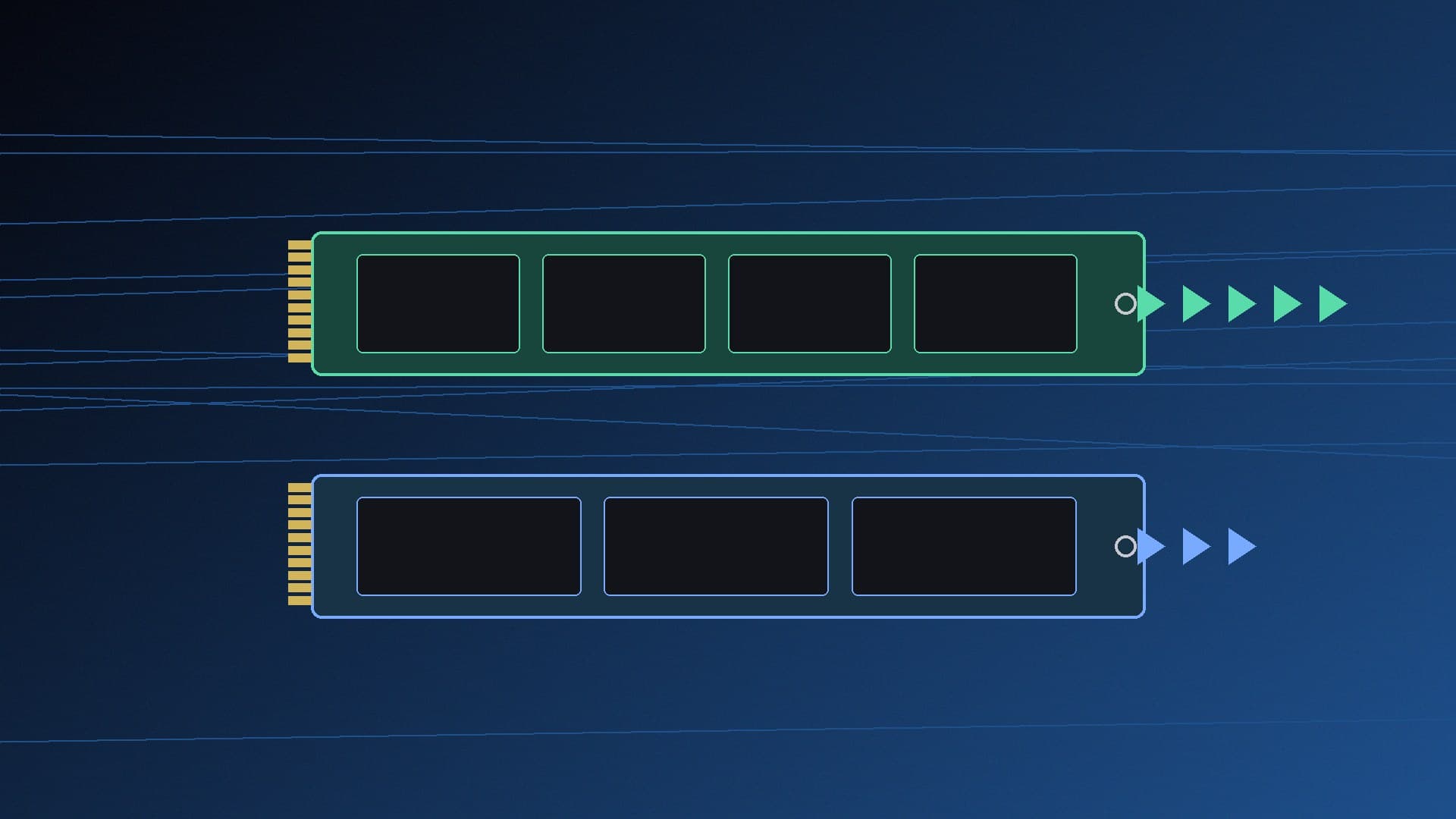
If your motherboard's M.2 slot runs at PCIe 4.0 or faster, the P3 Plus can use it. Crucial rates it at up to 5,000 MB/s reads on the 1TB and 2TB models, against 3,500 MB/s for every P3. Write ratings are also higher on the 1TB, 2TB and 4TB P3 Plus. That headroom mostly helps with big copies, such as moving a game library or video files. For day-to-day use the gap is less dramatic than the numbers suggest, but there's no reason to fit a Gen3 drive in a Gen4 slot if prices are similar.
In a PCIe Gen3 slot
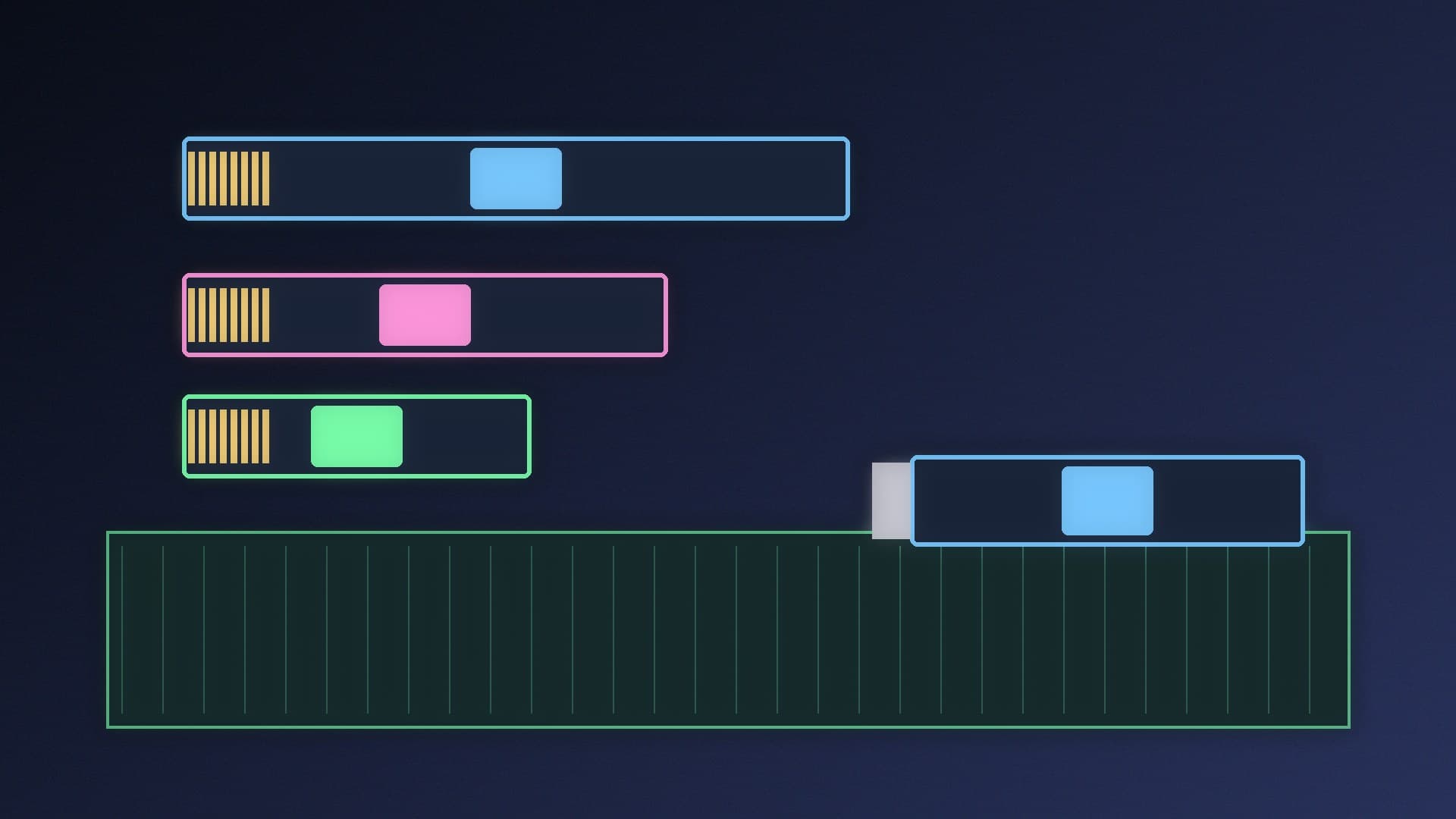
Crucial lists "flexible backward compatibility for most Gen3 systems" for the P3 Plus, so it should work in a Gen3 slot, but the slot will limit it to Gen3 speeds. In an older PC, the P3 Plus brings no speed advantage over the P3, so you should simply buy whichever is cheaper at the capacity you want. Our guide to checking your M.2 slot speed shows how to find out which you have. It's also worth checking for M.2 lane sharing on your board, as some slots disable SATA ports or run at reduced speed when filled.
500GB models
At 500GB the write ratings are identical (1,900 MB/s on both), and the P3 Plus's read advantage is 4,700 vs 3,500 MB/s. Smaller drives also have the lowest endurance (110TB TBW). For most people, 1TB or more is the better buy for a main drive.
Things to keep in mind
Micron, Crucial's parent company, announced on 3 December 2025 that it was exiting the Crucial consumer business, with shipments to retailers continuing until the end of February 2026 and warranty service and support continuing for Crucial products. Crucial's own site still listed all of these models as buyable when we checked, but UK retail stock is what remains in the channel, so availability may be patchy. These are the bare M.2 versions with no heatsink listed; many motherboards include an M.2 heatsink, and our SSD heatsink vs no heatsink comparison covers whether you need one.
Which should you buy?
Full specs are in our database: Crucial P3 Plus 1TB, P3 Plus 2TB, P3 Plus 4TB, Crucial P3 1TB and P3 2TB.
Check your slot first. In a Gen4 or newer system the P3 Plus is the sensible pick unless the P3 is noticeably cheaper. In a Gen3-only system the two will perform similarly, so price decides. For new installs, see how to install an M.2 SSD, and for a broader look at the Gen4 market, our best PCIe 4.0 SSD guide. For real-world speed and sustained-write results, look for independent reviews that test both drives.
Our verdict
Pick the Crucial P3 Plus if your PC has a PCIe 4.0 or newer M.2 slot: it is rated at up to 5,000 MB/s reads against 3,500 MB/s for the P3, with the same endurance and five-year warranty. Pick the Crucial P3 if your slot is PCIe 3.0 and it costs less, as the P3 Plus can't run faster than the slot allows.