This comparison uses NVIDIA's official specification pages for the GeForce RTX 3090 and RTX 5060 Ti, NVIDIA's graphics card comparison page and Ollama's hardware support documentation, all read on 26 November 2026. There are no tokens-per-second figures here.
The RTX 3090 and the RTX 5060 Ti 16GB come up again and again when people plan a local AI PC, for different reasons. The 3090 is an older Ampere-generation flagship that you'll now often find second-hand, and it's still wanted for one thing: 24GB of video memory. The RTX 5060 Ti 16GB is a current mid-range card with NVIDIA's Blackwell architecture, much lower power draw and a warranty when you buy it new. Both run CUDA, so this is a straight NVIDIA-against-NVIDIA choice about memory, age and power rather than software support.
Specifications compared
| GeForce RTX 3090 | GeForce RTX 5060 Ti 16GB |
|---|
Architecture | NVIDIA Ampere | NVIDIA Blackwell |
CUDA cores | 10,496 | 4,608 |
Tensor Cores | 3rd generation | 5th generation |
AI TOPS (NVIDIA figure) | Not listed | 759 |
Video memory | 24GB GDDR6X | 16GB GDDR7 |
Memory interface | 384-bit | 128-bit |
Memory bandwidth (NVIDIA figure) | Not listed on the pages we used | 448GB/s |
Boost clock | 1.70GHz | 2.57GHz |
Card power | 350W graphics card power | 180W total graphics power |
NVIDIA's required system power | 750W | 600W |
PCIe | Gen 4 | Gen 5 |
NVLink | Yes (SLI-ready) | No |
CUDA compute capability | 8.6 | 12.0 (Ollama's list) |
Figures are for NVIDIA's Founders Edition or reference designs; partner cards vary, so check the maker's page for the exact card. NVIDIA's Founders Edition RTX 3090 is a 3-slot card, 313mm long, and uses two 8-pin power cables with an adaptor to its 12-pin connector.
Memory size: the 3090's big advantage
For running large language models at home, memory capacity is usually the deciding spec. The model's weights and its working memory for the conversation (the KV cache) need to fit in the graphics card's memory. If they don't, apps such as Ollama and LM Studio move part of the model to the processor and system RAM, and text generation slows down sharply.
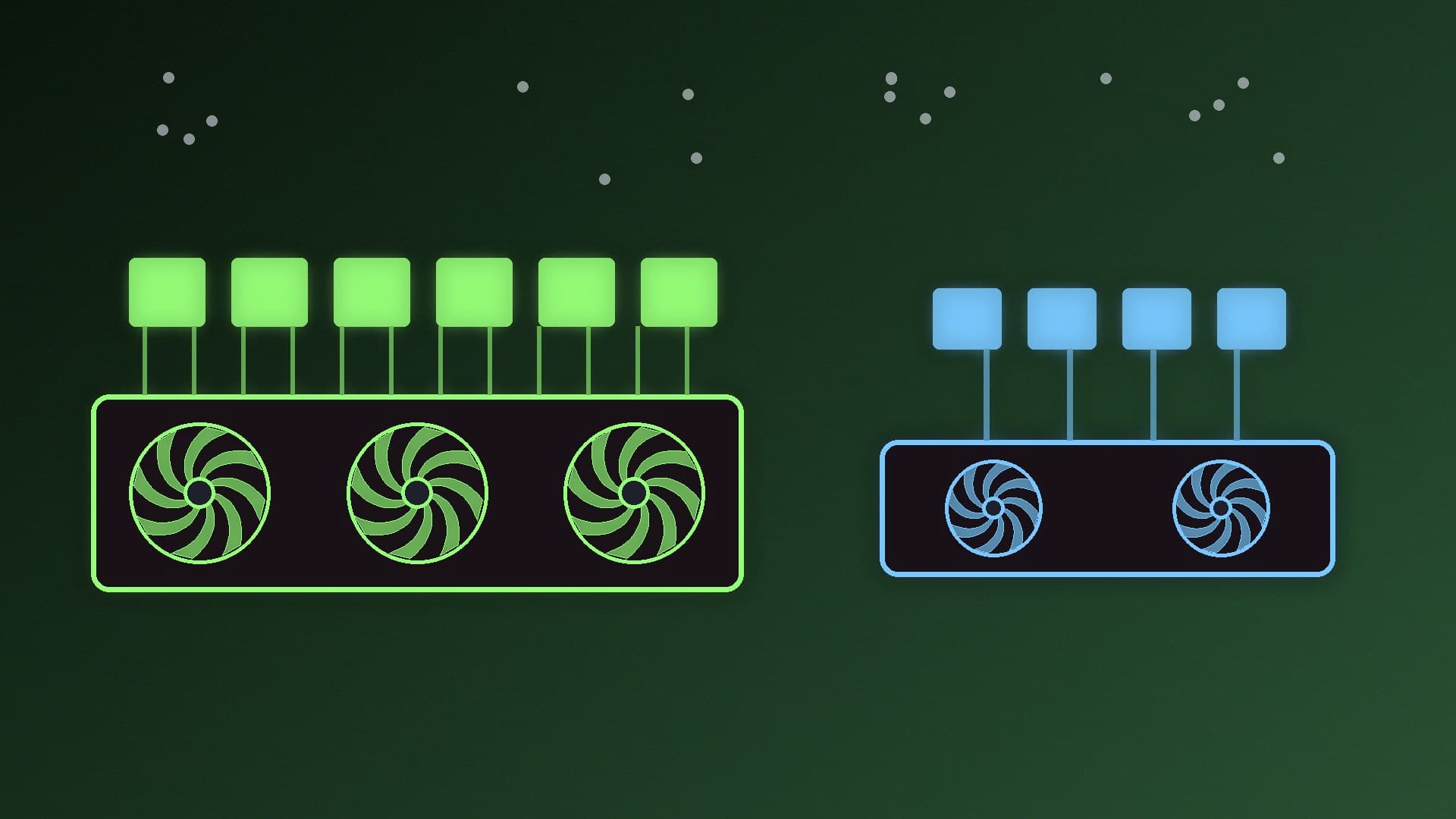
The RTX 3090 has 24GB, half as much again as the RTX 5060 Ti's 16GB. That extra 8GB is the difference between squeezing a mid-sized model in with heavy compression and running it with a higher-quality quantisation, a longer context or room left for an image model. Our guides to how much VRAM you need, how context length uses VRAM and LLM quantisation explain the trade-offs.
If your models already fit comfortably in 16GB, this advantage disappears, and the newer card's other strengths count for more.
Memory bus and speed
Once a model fits, how quickly it produces text depends heavily on memory bandwidth, because the card reads through the model's weights for each token. The RTX 3090 uses GDDR6X on a 384-bit bus, three times the width of the RTX 5060 Ti's 128-bit bus. The 5060 Ti uses newer GDDR7, and NVIDIA's comparison page lists 448GB/s for it.
NVIDIA's pages that we used don't give a bandwidth figure for the RTX 3090, so we won't put a number on the gap. On paper, though, a bus three times as wide gives the 3090 a lot of room. If generation speed matters to you, look for independent benchmarks of the specific model and app you plan to use. Our explainer on memory bandwidth and local LLM speed covers why this spec matters.
Newer hardware: where the RTX 5060 Ti wins
Blackwell features. The 5060 Ti has 5th-generation Tensor Cores, against the 3090's 3rd-generation ones, and NVIDIA rates it at 759 AI TOPS. Newer number formats such as FP4 only help when your app and model use them; our FP4 vs FP8 vs FP16 explainer explains when that happens.
Future software support. Ollama lists the RTX 5060 Ti at compute capability 12.0 and the RTX 3090 at 8.6. Both are supported today, but tools that need newer features tend to require newer compute capability. Our guide to CUDA compute capability explains what the number means.
Power and heat. NVIDIA lists 180W total graphics power and a 600W system requirement for the 5060 Ti, against 350W and 750W for the 3090. That's almost twice the card power for the 3090, which matters if you leave long AI jobs running. Our guide to choosing a PSU for a local AI PC covers the rest of the build.
Age and warranty. A new 5060 Ti comes with the seller's and maker's warranty. A second-hand 3090 is an older card, and its condition and any remaining warranty depend on the seller. Check your case clearance too: NVIDIA's Founders Edition 3090 is a 3-slot, 313mm card.
Buying a used RTX 3090
Many RTX 3090s for sale now are second-hand. Before buying one for AI, check that the seller will let you see it running under load, that the memory temperature stays under control and that your power supply meets NVIDIA's 750W recommendation with the right cables. Our guide to buying a used graphics card for local AI in the UK has a full checklist.
Which should you buy?
Choose the RTX 3090 if you want the most memory for the money and plan to run larger language models, longer contexts or bigger image and video models. It's the better AI card on capacity and memory bus, provided you're comfortable with a used card's risks, higher power draw and size.
Choose the RTX 5060 Ti 16GB if your models fit in 16GB, you want a new card with a warranty, or your case and power supply can't handle a 350W, 3-slot card. It's also the more efficient card for long jobs.
If you're still deciding, our guides to the best 24GB graphics cards for local AI and the best 16GB graphics cards for local AI cover the alternatives. We've also compared the RTX 3090 with the RTX 5070 Ti and the RTX 4060 Ti 16GB with the RTX 5060 Ti 16GB. If you're considering the 8GB version of the 5060 Ti, read our RTX 5060 Ti 8GB vs 16GB comparison first.
Our verdict
For local AI, a used RTX 3090 is the stronger card if you need memory: its 24GB is half as much again as the RTX 5060 Ti's 16GB, and its 384-bit bus is three times as wide. The RTX 5060 Ti 16GB is the sensible choice if your models fit in 16GB, because it's available new, uses about half the card power at 180W against 350W and has newer Tensor Cores.