Skip to content

VersusCPU Cooling

ARCTIC Liquid Freezer III vs Liquid Freezer III Pro: What Changed?

ARCTIC's Liquid Freezer III Pro updates the Liquid Freezer III, which ARCTIC now lists as end-of-life. The 360 mm versions share the radiator size, pump, cold plate and six-year warranty, but the Pro gets P12 Pro fans rated up to 3,000 rpm with much higher static pressure, plus offset mounting for Intel as well as AMD. Compared on ARCTIC's official specs.

By , Senior Hardware Editor

4 min read

ARCTIC Liquid Freezer III vs Liquid Freezer III Pro: What Changed?
Arctic Liquid Freezer III 360 compared with Arctic Liquid Freezer III Pro 360
Arctic Liquid Freezer III 360Arctic Liquid Freezer III Pro 360
Cooler TypeAIO LiquidAIO Liquid
Compatible SocketsLGA1851, LGA1700, AM5, AM4Intel LGA1851, LGA1700; AMD AM5, AM4
Fan Size (mm)120mm—
Fan Count33
Radiator Size360mm360mm
Radiator Length (mm)—398
Radiator Thickness (mm)—38
Tube Length—450
PWM Support—Yes
RGB / ARGBNo—

ARCTIC's Liquid Freezer III Pro is an updated version of its Liquid Freezer III all-in-one (AIO) CPU cooler. ARCTIC now lists the original Liquid Freezer III 360 among its end-of-life products, so if you see both on sale in the UK, it helps to know exactly what the Pro changes.

Key specs compared (360 mm models)

Liquid Freezer III 360

Liquid Freezer III Pro 360

Radiator fans

3x P12 PWM

3x P12 Pro

Fan speed

200-1800 rpm

600-3000 rpm

Fan airflow (per fan)

56.3 cfm

77 cfm

Fan static pressure

2.2 mmH2O

6.9 mmH2O

Fan current (per fan)

0.10 A

0.33 A

Radiator

Aluminium, 398 x 120 x 38 mm

Aluminium, 398 x 120 x 38 mm

Pump

800-2800 rpm, PWM

800-2800 rpm, PWM

Cold plate

Copper, micro skived fins

Copper, micro skived fins

Tubes

450 mm

450 mm

VRM fan

400-2500 rpm, PWM

400-2500 rpm, PWM

Offset mounting

AMD

Intel and AMD

Sockets

Intel LGA1851, LGA1700; AMD AM5, AM4

Intel LGA1851, LGA1700; AMD AM5, AM4

Thermal paste

MX-6 (0.8 g)

MX-6 (0.8 g)

Weight

1,840 g

2,020 g

Warranty

6 years

6 years

ARCTIC sells an LGA1200/115X mounting kit separately for older Intel sockets.

What's the same

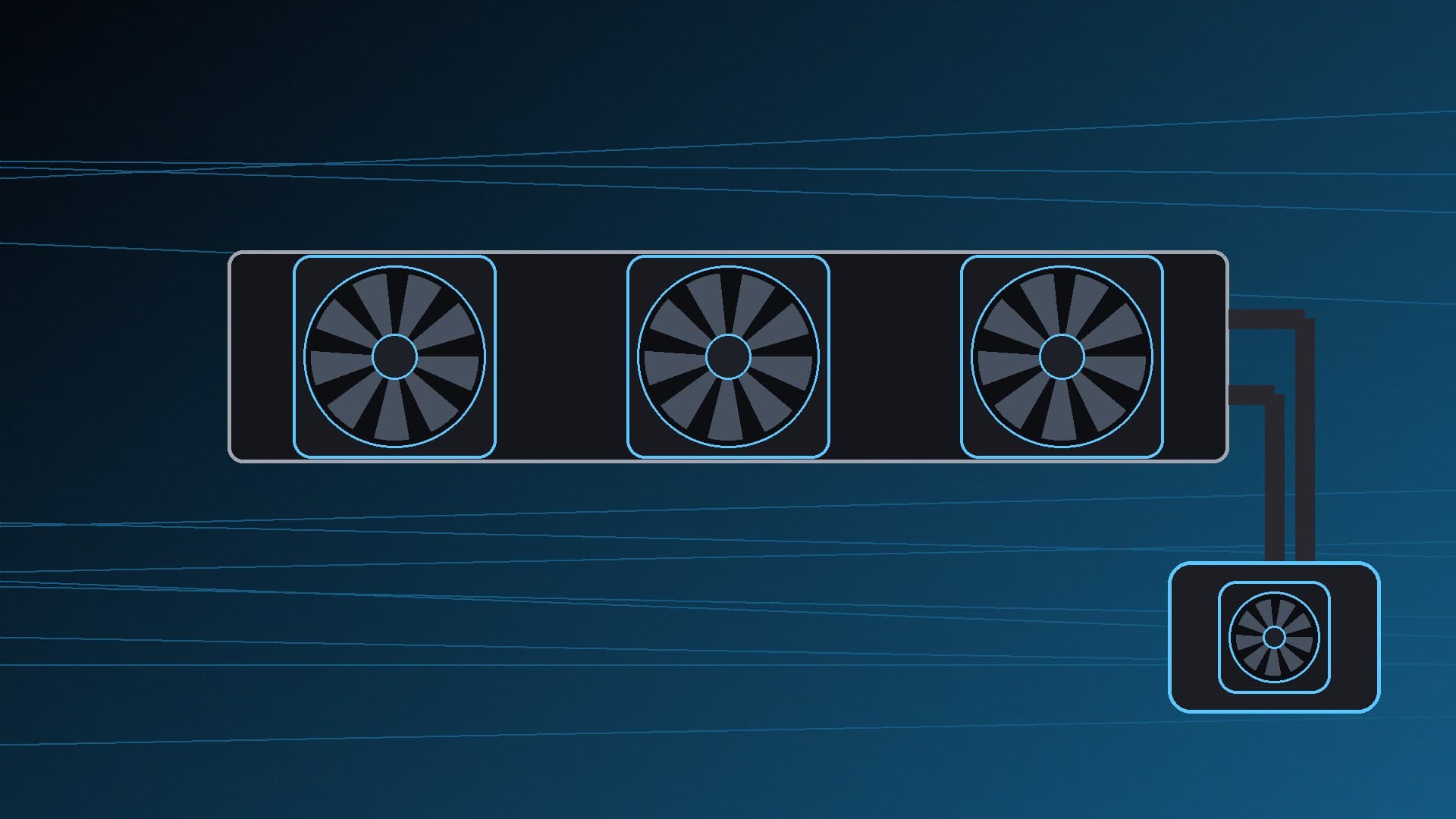
The core hardware is shared. Both 360 mm models use the same size 38 mm-thick aluminium radiator, the same PWM pump speed range, a copper cold plate with micro skived fins, 450 mm tubes and a PWM-controlled VRM fan in the pump block (60 mm on the original, according to ARCTIC), which blows air over the motherboard's power delivery area. ARCTIC fits its own contact frame for Intel LGA1700 and LGA1851, includes MX-6 thermal paste, and routes the fan cables inside the tube sleeving. Both also give you two ways to connect: a single PWM cable that runs everything together, or a splitter so the pump, VRM fan and radiator fans can be controlled separately. If you want to tune that, our guide to setting fan curves explains how.

The differences

Faster, stronger fans

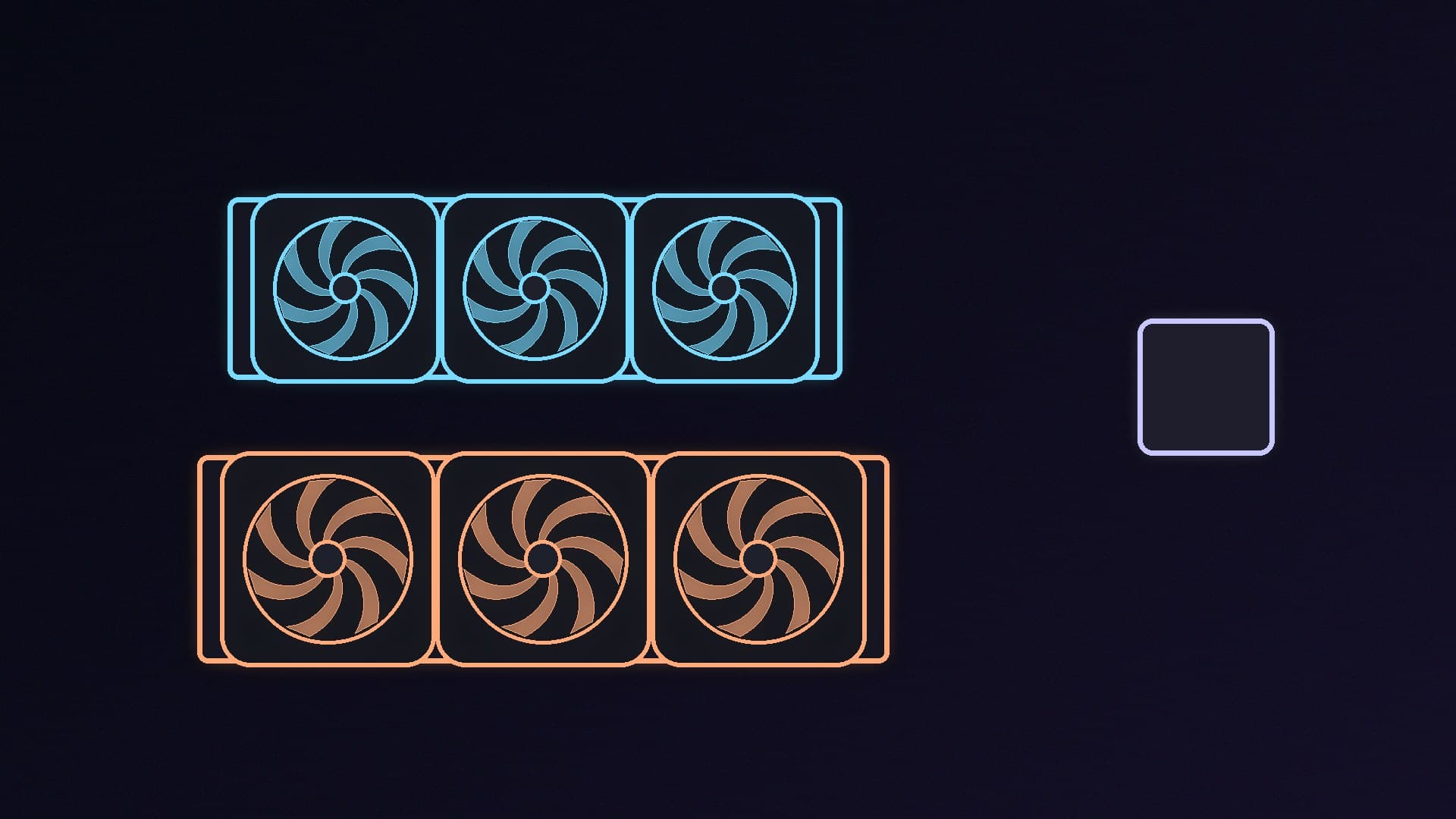
The headline change is the fans. The Pro's P12 Pro fans are rated up to 3,000 rpm with 77 cfm of airflow and 6.9 mmH2O static pressure, against 1,800 rpm, 56.3 cfm and 2.2 mmH2O for the P12 PWM fans on the original. Static pressure matters on a radiator because the fans have to push air through dense fins. ARCTIC says the P12 Pro is quieter and more powerful at low speeds with more headroom under load; that's the manufacturer's claim rather than something we've measured. The Pro's fans also have a much higher minimum speed (600 rpm vs 200 rpm), so if you want a near-silent idle, check how low your fan curve can go in practice.
Offset mounting for Intel as well as AMD

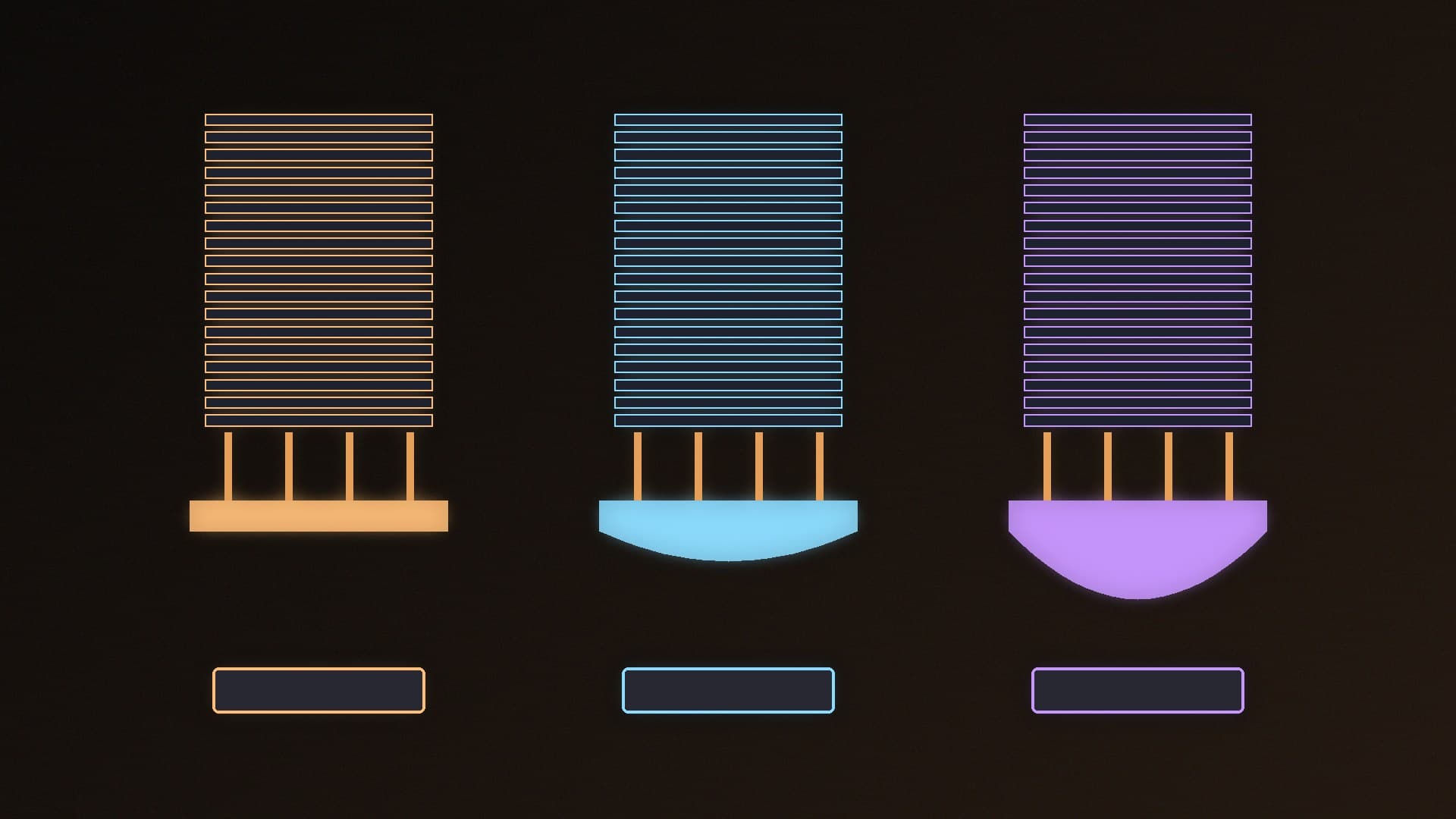
The original offers offset mounting for AMD Ryzen, which shifts the cold plate towards where the chiplet hotspot sits. ARCTIC's Pro page lists offset mounting for both Intel and AMD, shifting the cold plate towards the CPU hotspot on either platform.

Weight and motherboard clearance

The Pro 360 is listed at 2,020 g against 1,840 g. ARCTIC also warns that some motherboards may be incompatible with the Liquid Freezer III Pro because of oversized M.2 SSD heatsinks in the M.2_1 slot, and says it will supply a compatible M.2 cooler free of charge for affected boards. ARCTIC's Pro page says at least 63 mm of clearance is needed for installation. Our guide to checking an AIO radiator fits your case covers the radiator side.

Which should you buy?

Full specs are in our database: ARCTIC Liquid Freezer III 360 and ARCTIC Liquid Freezer III Pro 360. Both are also available in other radiator sizes; see our 240mm vs 360mm AIO comparison for help choosing.

If you're building or upgrading now, the Pro is the better buy, with stronger fans, offset mounting on both Intel and AMD, and the same six-year warranty. It is listed among ARCTIC's current CPU water coolers rather than its end-of-life products, although ARCTIC's own web shop showed the Pro 360 as unavailable to order when we checked, so look to UK retailers. The original remains a sound choice if you find it at a clearly lower price, as it shares the radiator, pump and cold plate specs, but it's end-of-life, so stock will dry up. Check current UK prices before deciding, and for independent temperature and noise measurements, look for reviews that test both on the same CPU. For other options, see our best ARCTIC CPU cooler and best AIO cooler guides.

Our verdict

Pick the ARCTIC Liquid Freezer III Pro if you're buying new: it keeps the same radiator size, pump and cold plate specs and six-year warranty, and adds P12 Pro fans rated up to 3,000 rpm with far higher static pressure, plus offset mounting for Intel as well as AMD. Pick the original Liquid Freezer III only if it is noticeably cheaper, bearing in mind that ARCTIC lists it as end-of-life.

The bottom line

Pick the ARCTIC Liquid Freezer III Pro if you're buying new: it keeps the same radiator size, pump and cold plate specs and six-year warranty, and adds P12 Pro fans rated up to 3,000 rpm with far higher static pressure, plus offset mounting for Intel as well as AMD. Pick the original Liquid Freezer III only if it is noticeably cheaper, bearing in mind that ARCTIC lists it as end-of-life.

Sources

  1. 01ARCTIC, Liquid Freezer III 360 product and specifications page
  2. 02ARCTIC, Liquid Freezer III Pro 360 product and specifications page

About the author

Callum Reid

Senior Hardware Editor

Callum leads GPU, CPU and platform architecture coverage at Forge PC. Before joining the editorial desk, he spent nine years specifying, assembling and stress-testing custom gaming and workstation systems in the UK, with a focus on PCIe bandwidth, VRM thermal design, DDR5 memory tuning and 1440p/4K frame-time consistency.

More from Callum Reid

Read next

Noctua NH-D15 G2 vs LBC vs HBC: Which Version Should You Buy?

Versus

Noctua NH-D15 G2 vs LBC vs HBC: Which Version Should You Buy?

Noctua's NH-D15 G2 comes in standard, LBC and HBC versions with the same heatsink, fans, 168mm height and six-year warranty; only the base convexity differs. Noctua recommends the standard version for most people, including LGA1851 and AM5 with offset mounting. Choose LBC for AM4 or AM5 without offset, and HBC for LGA1700 at full ILM pressure.

Callum Reid5 min

How to Use Your AM4 CPU Cooler on an AM5 Motherboard

How-To

How to Use Your AM4 CPU Cooler on an AM5 Motherboard

Most AM4 CPU coolers fit AM5 because the backplate thread pattern and bracket size are unchanged, according to Noctua and Corsair. The exceptions are coolers that replaced AMD's backplate with their own, such as Noctua's NH-L9a-AM4, and very old coolers without AM4 kits. Check the maker's AM5 list, keep AMD's backplate, re-paste and check the new CPU's TDP.

Marcus Thorne6 min

Best CPU Cooler for the Ryzen 7 9800X3D in 2026

Best Picks

Best CPU Cooler for the Ryzen 7 9800X3D in 2026

AMD's Ryzen 7 9800X3D has a 120W default TDP, no cooler in the box, and AMD recommends liquid cooling for optimal performance. Our picks: ARCTIC Liquid Freezer III Pro 360 overall for its AM5 offset mounting and VRM fan, Noctua NH-D15 G2 LBC as the best air cooler, and Thermalright Peerless Assassin 120 SE for value. Check clearance first.

Hannah Vance7 min

360mm vs 420mm AIO: Is the Bigger Radiator Worth It?

Versus

360mm vs 420mm AIO: Is the Bigger Radiator Worth It?

A 420mm AIO has about a third more radiator area than a 360mm and uses 140mm fans, so it can cool a hot CPU with slower fans. ARCTIC's Liquid Freezer III Pro 360 and 420 share the same pump and 38mm thickness. But 420mm fits far fewer cases, so 360mm is the safer choice for most gaming PCs.

Callum Reid5 min