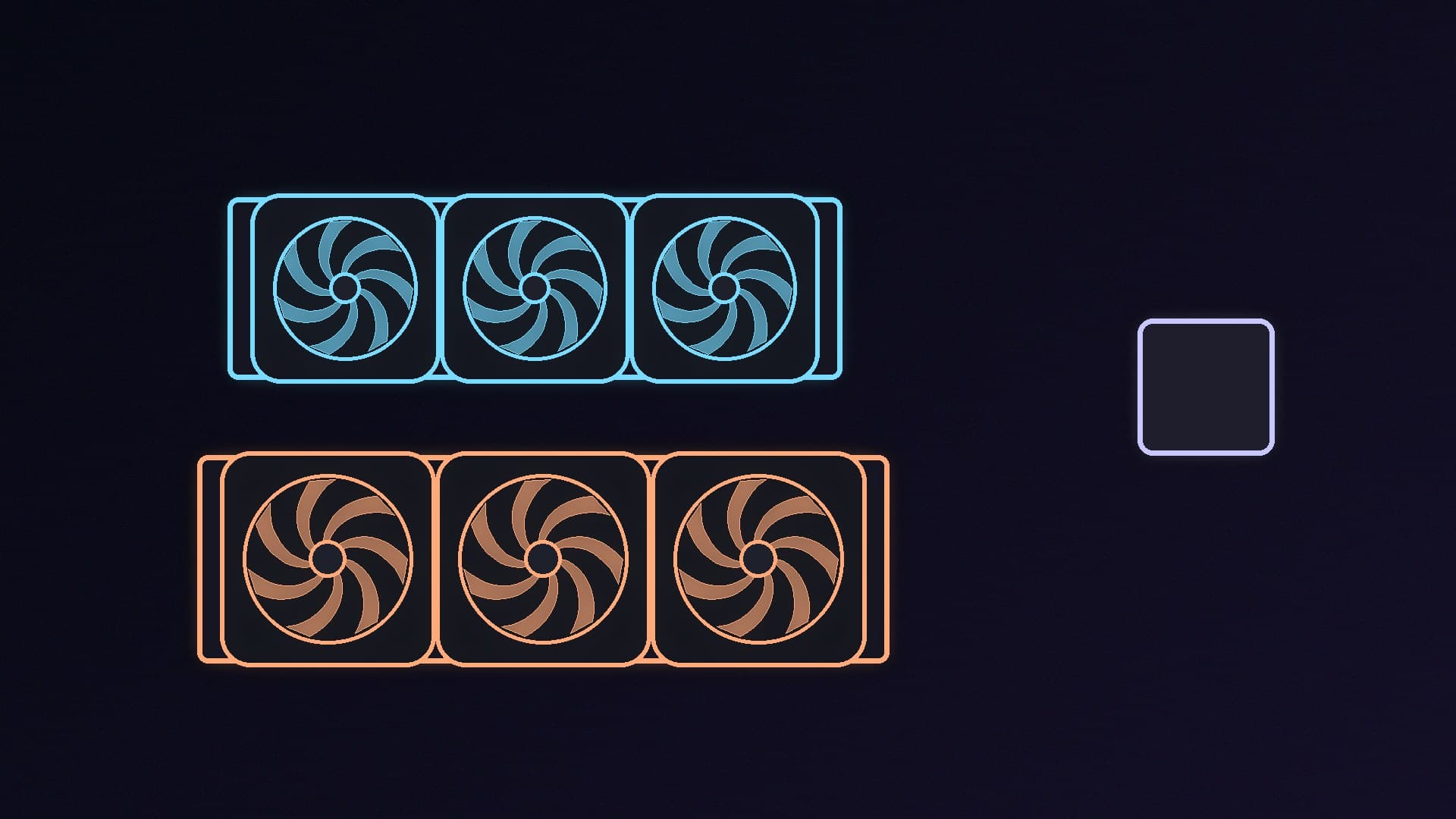
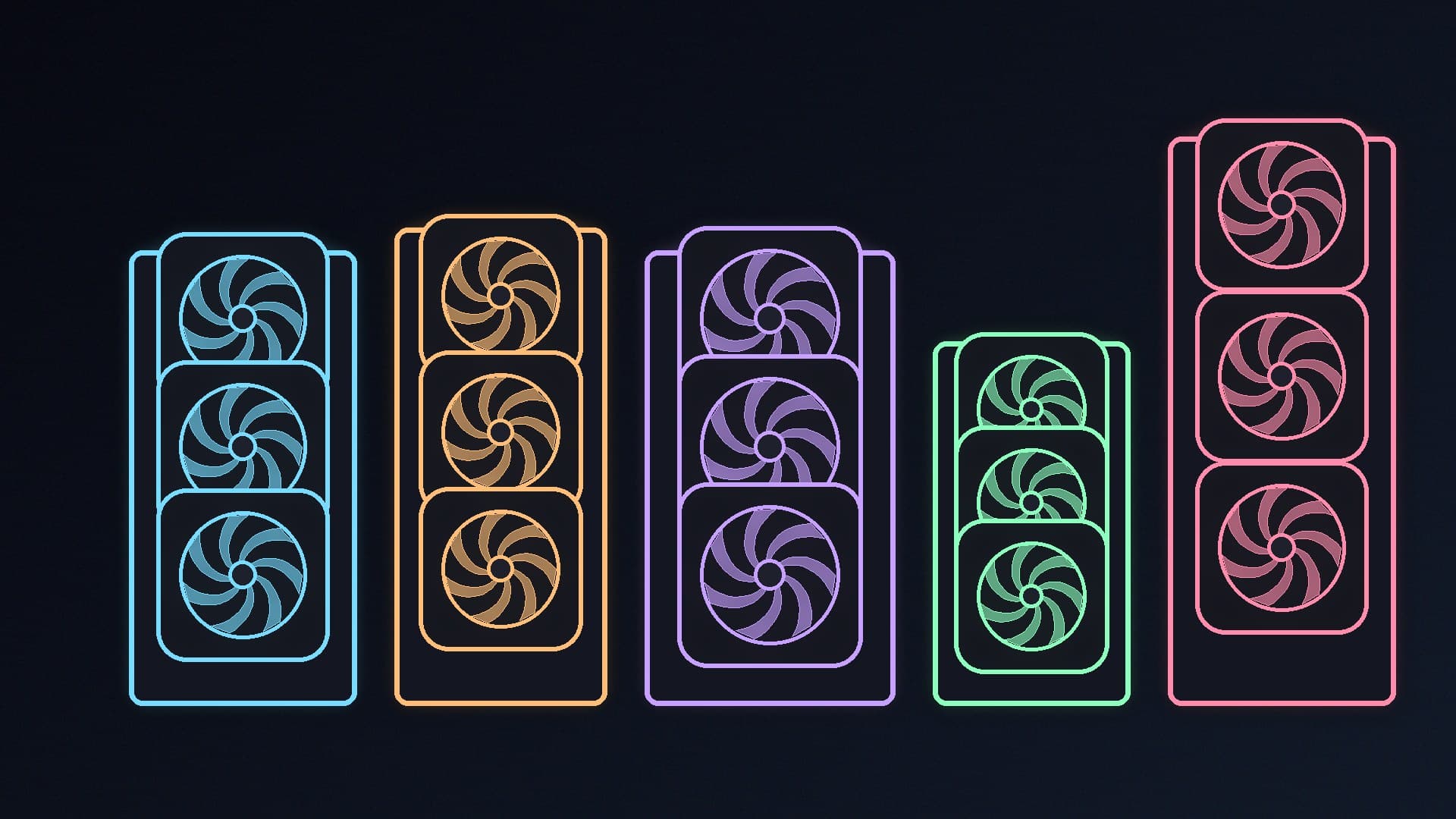
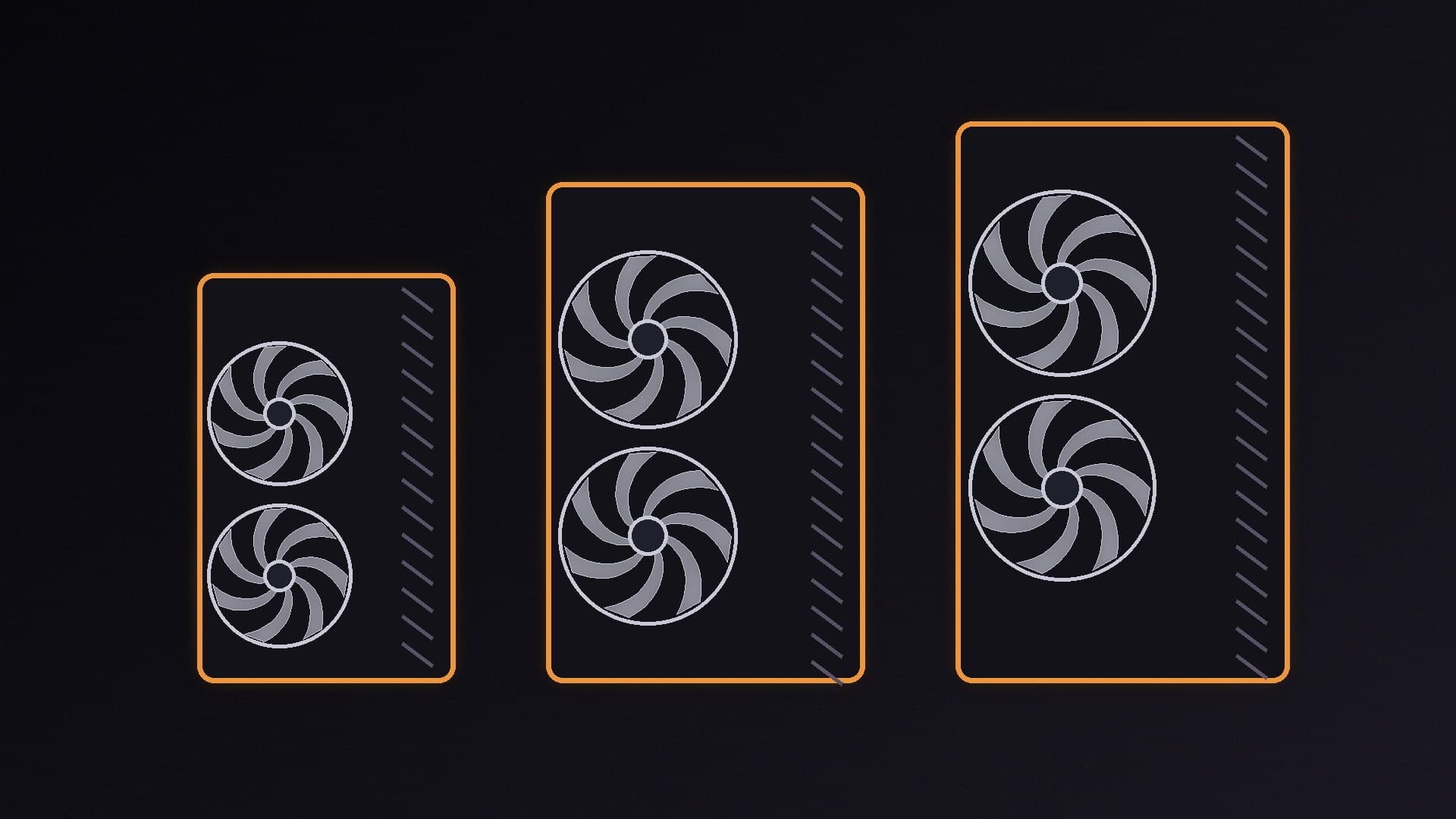
360mm all-in-one liquid coolers are the default choice for high-end gaming PCs, but 420mm models are becoming more common. The difference is simple on paper: a 360mm radiator takes three 120mm fans and a 420mm radiator takes three 140mm fans. In practice, the bigger question is whether your case can take one. This comparison uses ARCTIC's Liquid Freezer III Pro 360 and 420, which share the same pump, cold plate and radiator thickness, so the size difference is easy to isolate.
The short answer
Choose a 360mm AIO if you want the widest case compatibility and strong cooling for almost any gaming CPU.
Choose a 420mm AIO if your case explicitly supports a 420mm radiator, you run a hot, high-core-count CPU under sustained load, or you want more radiator area so the fans can run slower.
Like-for-like: ARCTIC Liquid Freezer III Pro 360 vs 420
ARCTIC sells both sizes in the same series, which makes them a useful comparison. Everything below is from ARCTIC's product pages.
| Liquid Freezer III Pro 360 | Liquid Freezer III Pro 420 |
|---|
Radiator dimensions | 398 x 120 x 38mm | 458 x 138 x 38mm |
Radiator fans | 3x P12 Pro (120mm) | 3x P14 Pro (140mm) |
Fan speed | 600-3,000rpm | 400-2,500rpm |
Airflow per fan (ARCTIC rating) | 77cfm (131m³/h) | 110cfm (186m³/h) |
Static pressure per fan (ARCTIC rating) | 6.9mmH₂O | 5.2mmH₂O |
Pump | 800-2,800rpm, PWM | 800-2,800rpm, PWM |
VRM fan | 400-2,500rpm, PWM | 400-2,500rpm, PWM |
Tube length | 450mm | 500mm |
Weight | 2,020g | 2,370g |
Sockets | Intel LGA1851, LGA1700; AMD AM5, AM4 | Intel LGA1851, LGA1700; AMD AM5, AM4 |
Warranty | 6 years | 6 years |
So the pump, VRM fan, cold plate, thermal paste (MX-6) and 38mm radiator thickness are the same. What changes is the radiator's footprint, the fans and the tube length. Note that ARCTIC's 360 page listed the standard non-RGB model as no longer available when we checked; A-RGB versions are listed in the same series.
What the bigger radiator gets you
Using ARCTIC's dimensions, the 420mm radiator's face is about 63,200mm² (458 x 138) against about 47,800mm² (398 x 120) for the 360mm: roughly a third more area. A 140mm fan's frame is also about 36% larger in area than a 120mm one ((140 ÷ 120)² ≈ 1.36). Those figures are simple arithmetic from the published dimensions, not measured cooling results.
More radiator area and larger fans mean a 420mm AIO can move the same heat with its fans running slower, or more heat at the same fan speed. ARCTIC's own ratings reflect the fan trade-off: the P14 Pro is rated for more airflow at a lower top speed, while the P12 Pro is rated for higher static pressure. How much that translates into lower CPU temperatures or noise depends on the CPU, the case and the fan curve, so look at independent reviews that test both sizes in the same setup.
In our view, a 360mm AIO is already enough for most gaming CPUs. A 420mm makes more sense for chips that run at high power for long periods, such as rendering, compiling or local AI workloads, or if you care more about low fan noise than squeezing out the last few degrees.
Case compatibility is the real deciding factor
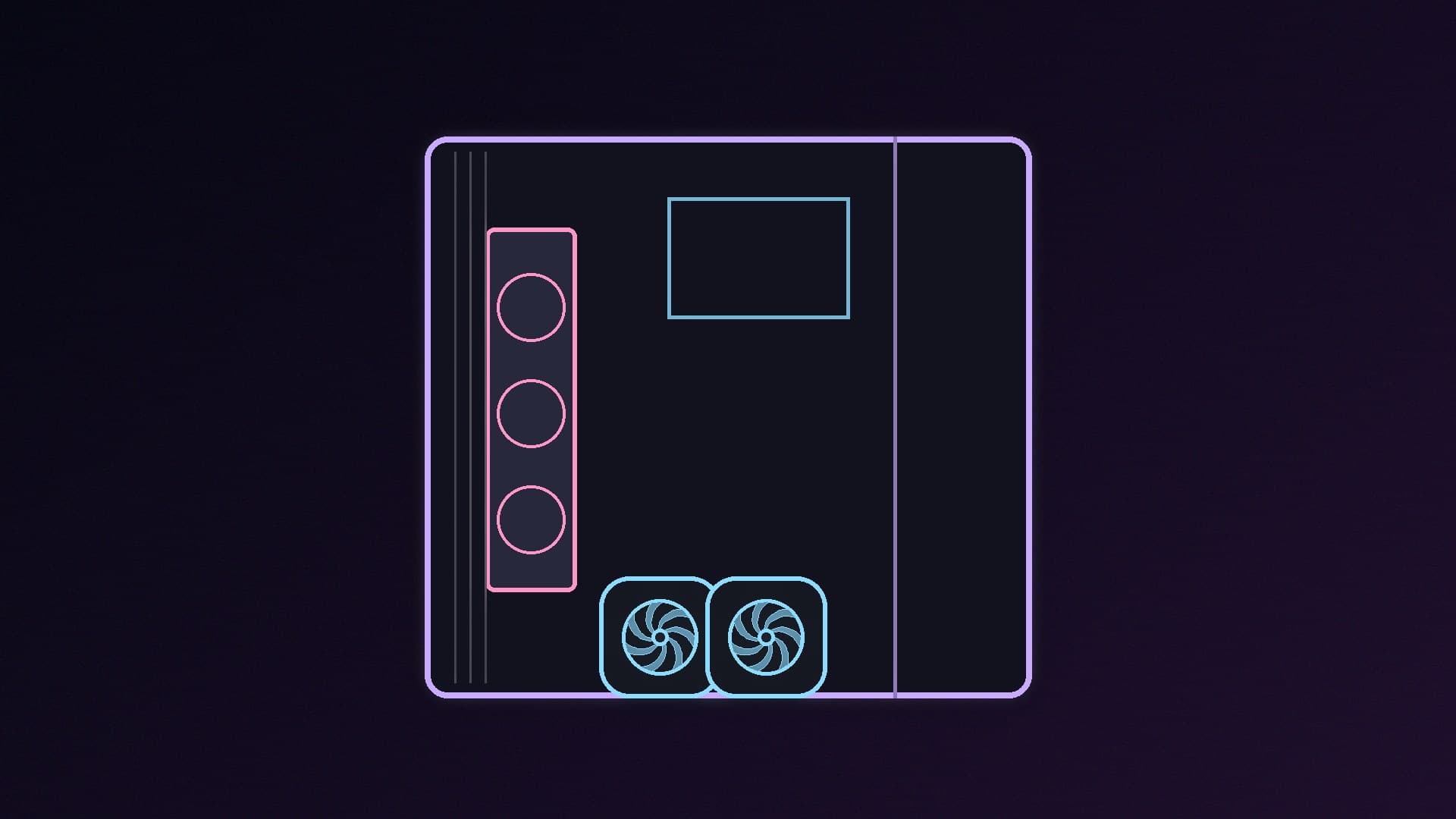
This is where 420mm AIOs lose out. Plenty of mid-tower cases top out at 360mm. For example, Corsair lists 360mm as the largest radiator for the front, roof and side of the FRAME 4000D, and the 3500X's roof and side mounts also stop at 360mm. A super-tower such as Corsair's 9000D RGB AIRFLOW, by contrast, lists radiators up to 480mm in the front and roof, with 420mm among the supported sizes.
Before you buy a 420mm AIO, check:
That the case lists 420mm support for the position you want to use, not just "140mm fans". Three 140mm fan mounts don't guarantee room for a 458mm-long radiator.
Radiator width. At 138mm, the 420mm radiator is 18mm wider than the 360mm. That can foul RAM, motherboard heatsinks or the top of the motherboard in a roof mount.
Thickness. Both ARCTIC radiators are 38mm thick, thicker than the 27mm radiators ARCTIC says are conventional. ARCTIC says the Liquid Freezer needs at least 63mm of clearance for installation, so check the roof-to-motherboard gap.
Tube reach. The 420 has 500mm tubes against the 360's 450mm, which gives a little more reach if you front-mount it.
Our how to check an AIO radiator fits your case guide walks through the measurements, and our best PC case for a 360mm radiator guide lists cases with plenty of room.
Motherboard and mounting notes
ARCTIC warns on both product pages that some motherboards may not work with the Liquid Freezer III Pro because of oversized SSD coolers in the M.2_1 slot, and the 360 page says ARCTIC provides a compatible M.2 cooler free of charge for affected boards.
Wherever you mount the radiator, keep it higher than the pump where you can. Our AIO radiator orientation guide explains why, and how to install an AIO cooler covers the full process.
Fans, noise and running costs
Larger fans can move more air at lower speeds, which is often why builders choose 420mm for quieter systems. But ARCTIC rates the P14 Pro fans at 0.35A each against 0.33A for the P12 Pro, so electrical draw at full speed is similar; any difference in your electricity bill is negligible.
If you're comparing case fans separately, our 120mm vs 140mm case fans comparison covers the same size trade-off.
Price
We haven't listed prices because they change frequently. ARCTIC's own store lists the Liquid Freezer III Pro 420 at a higher price than the 360; compare current prices at UK retailers such as Scan, Overclockers UK and Box before you buy.
Which should you buy?
Choose 360mm if: you want an AIO that fits most mid-tower cases, you have a mainstream or high-end gaming CPU, or you're not sure your case can take anything bigger.
Choose 420mm if: your case lists 420mm support in the position you want, you run a high-power CPU under long sustained loads, or you want the most radiator area so the fans can run slowly.
If you're still choosing between liquid and air, see air cooler vs AIO, and if 360mm feels like overkill, 240mm vs 360mm AIO. Our best AIO cooler and best ARCTIC CPU cooler guides cover specific models.
Our verdict
A 420mm AIO has about a third more radiator area than a 360mm and uses larger 140mm fans, so it can cool a hot CPU with the fans running slower. But it fits far fewer cases, and for most gaming CPUs a 360mm AIO is already enough. Buy a 420mm only if your case explicitly supports it and you run a high-power CPU under sustained load or want the quietest possible setup. Otherwise, a 360mm such as ARCTIC's Liquid Freezer III Pro 360 is the safer choice. Check independent reviews for measured temperatures and noise before you decide.