Skip to content

How-ToCase

Black Friday CPU Cooler Buying Checklist: 9 Checks Before You Buy (UK)

Before buying a CPU cooler on Black Friday, check it supports your socket, read its cooling rating with care, compare its height with your case's limit, check RAM clearance, decide between air and AIO, count fans and headers, check the paste and warranty, and match the exact model.

By , Systems & Technical Editor

5 min read

Black Friday CPU Cooler Buying Checklist: 9 Checks Before You Buy (UK)

Black Friday falls on Friday 27 November 2026, and CPU coolers are easy to add to a basket on impulse. A cooler that doesn't fit your socket, your case or your RAM isn't a bargain, though. This checklist is general buying guidance. We use two be quiet! coolers, the budget Pure Rock 3 Black and the flagship Dark Rock Pro 6, plus two be quiet! cases as worked examples of what to look for on a spec sheet.

1. Confirm it supports your socket

Every cooler spec page lists the sockets it supports. Check yours is on the list, along with the mounting hardware for it. For example, be quiet! lists both the Pure Rock 3 Black and the Dark Rock Pro 6 as supporting Intel LGA1851, 1700, 1200 and 115x and AMD AM5 and AM4, with an Intel and AMD mounting set in the box. If you're on Intel Core Ultra (LGA1851), be careful with older stock, which may not list LGA1851. Our LGA1700 to LGA1851 upgrade guide explains cooler carry-over. AM5 builders moving from AM4 should read how to upgrade from AM4 to AM5. If you're unsure which socket you have, see how to check CPU and motherboard compatibility.

2. Read the cooling rating, but don't over-trust it

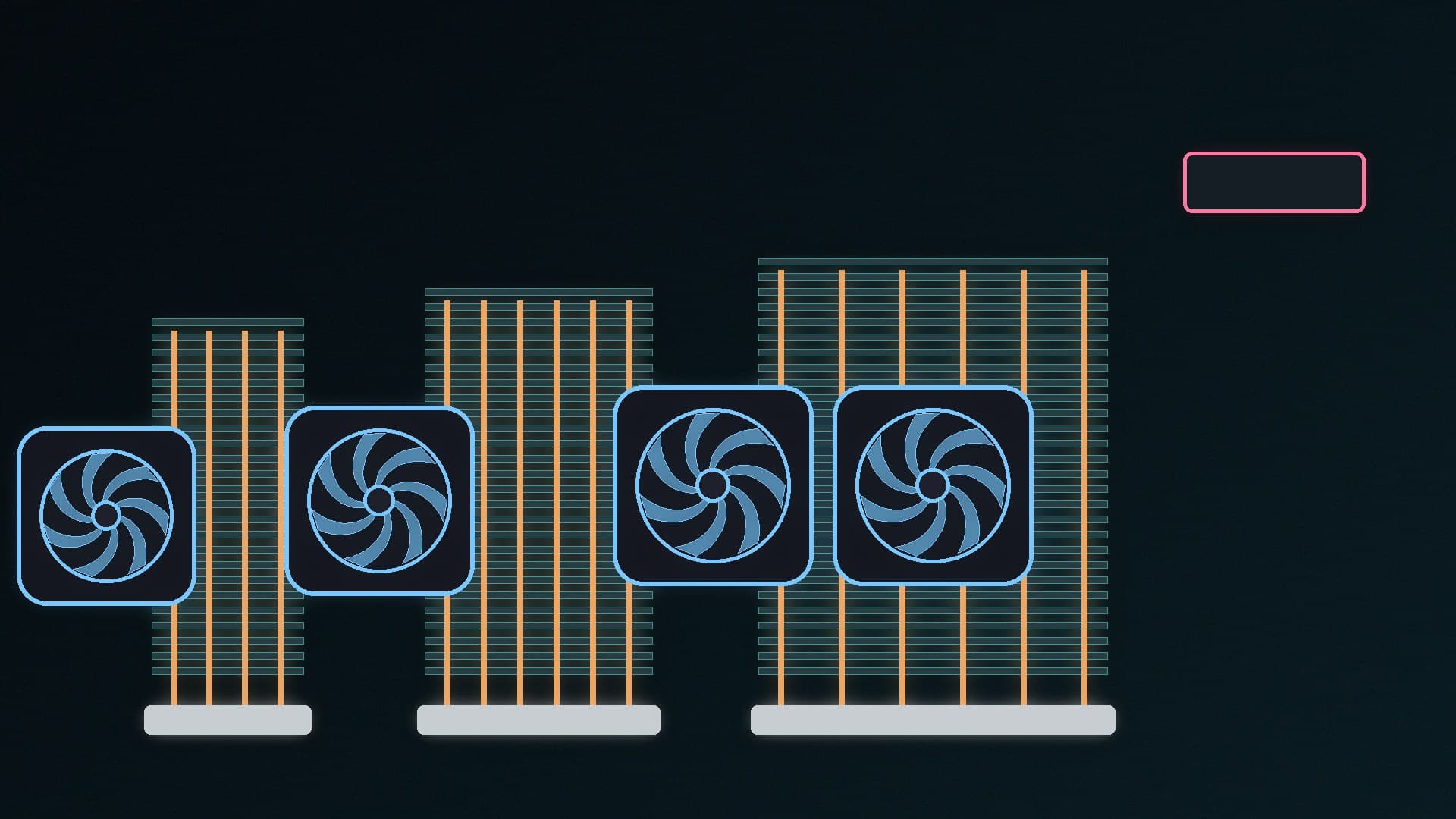
Many makers publish a TDP or cooling-capacity figure. be quiet! rates the Pure Rock 3 Black at 190W and the Dark Rock Pro 6 at 300W. These are the maker's own ratings, and brands don't all rate coolers the same way, so treat them as a guide to where a cooler sits in that brand's range rather than a number to compare across brands. For a hot, high-core-count processor, look for independent reviews that test with a similar CPU. Our single-tower vs dual-tower CPU cooler guide explains the trade-offs.

3. Check the height against your case

This is an easy one to miss. Your case's spec page gives a maximum CPU cooler height. Compare it with the cooler's overall height, including fans. be quiet! lists the Dark Rock Pro 6 as 169mm tall, not counting the mounting hardware. That's well within the 185mm limit be quiet! gives for its Silent Base 802 case, but leaves almost no room in the Light Base 600 LX, which has a 170mm limit. In a case like that, check the installed height in the cooler's manual, or choose something shorter, such as the 154mm Pure Rock 3 Black. Our guides to checking CPU cooler clearance and checking a cooler fits your case show you what to measure.

4. Check RAM clearance

Large dual-tower coolers can overhang the memory slots nearest the CPU, which is a problem with tall RAM heatspreaders. Look for the maker's RAM clearance figure or compatibility note. be quiet! describes the Pure Rock 3 Black's compact design as allowing full use of all RAM slots. For the Dark Rock Pro 6, it mentions a front fan on a rail system and heatsink cut-outs for high RAM compatibility, so check the exact clearance in the manual if your RAM is tall. If you're also buying RAM this week, our Black Friday RAM checklist covers low-profile kits.
5. Decide between air and an AIO before you shop

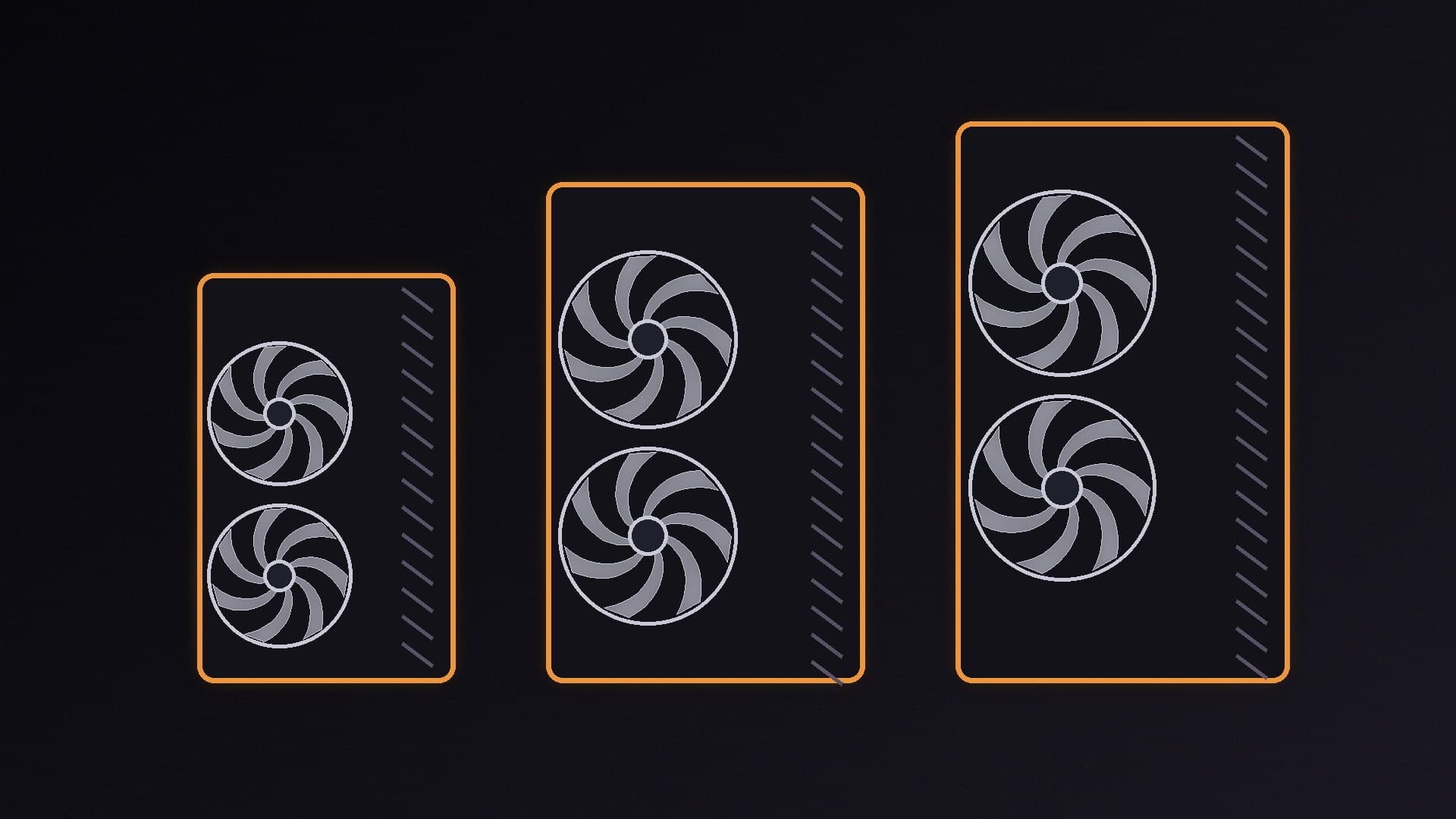
Black Friday listings mix air coolers and all-in-one liquid coolers together. An AIO needs a radiator mount in your case of the right size, and it has a pump. An air cooler only needs height clearance. Decide which type you want first. Our air cooler vs AIO comparison can help. If you choose an AIO, use how to check an AIO radiator fits your case before buying.

6. Count the fans and connectors

Check how many fans come in the box, their size, and whether they're 4-pin PWM. be quiet! lists one Pure Wings 3 120mm PWM fan on the Pure Rock 3 Black and two Silent Wings PWM fans (120mm and 135mm) on the Dark Rock Pro 6, with a Y-cable included for the Dark Rock Pro 6. Make sure your motherboard has the headers you need. Our guide to connecting CPU cooler fan headers explains CPU_FAN, CPU_OPT and pump headers.

7. Check the thermal paste situation

Some coolers come with paste already applied, while others include a tube or syringe. be quiet! lists the Pure Rock 3 Black's thermal grease as applied and the Dark Rock Pro 6's as included. If you're reusing a cooler or mounting it more than once, you'll need fresh paste. See how to replace CPU thermal paste.

8. Read the warranty

Warranty length varies by brand and model. be quiet! lists a three-year warranty on both example coolers. It's especially worth checking on an AIO deal, because the pump is an extra moving part.

9. Make sure the deal is for the exact model

Coolers often come in several close variants, such as black or silver, with or without ARGB, or "Pro" and "SE" versions with different heights and fan counts. Check that the model number in the deal matches the spec sheet you checked. Our how to check Black Friday PC deals guide shows how to check whether a price is really a deal, and our news guide to your refund rights for faulty PC parts covers what to do if it arrives damaged.

Quick checklist

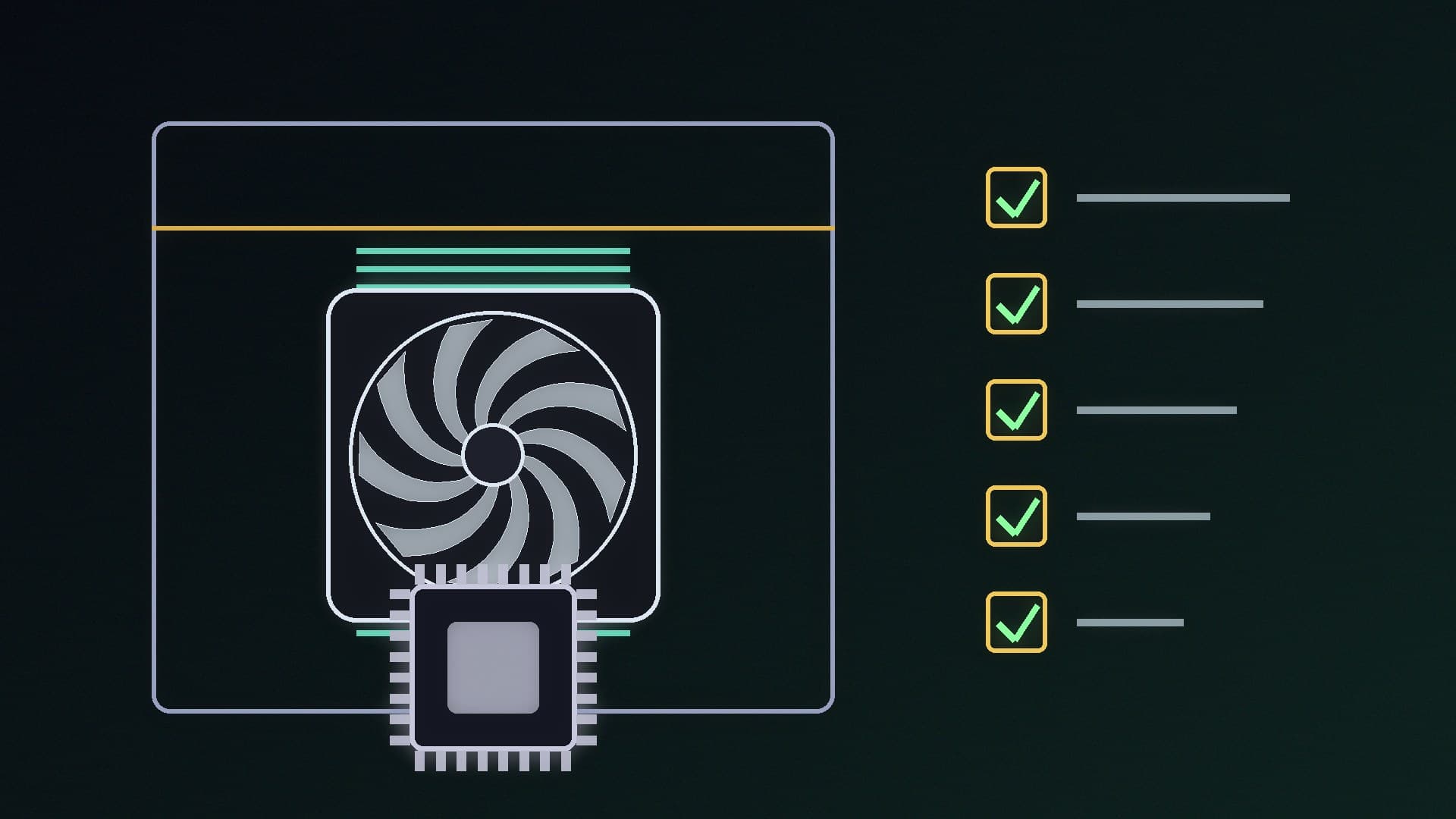
  • Socket listed, with the mounting kit included

  • Maker's cooling rating suits your CPU, with independent reviews checked where possible

  • Cooler height is below your case's CPU cooler limit, with some margin

  • RAM clearance is OK for your memory

  • Air or AIO decided, and radiator fit checked for an AIO

  • Fan count, size and PWM headers checked

  • Thermal paste pre-applied or included

  • Warranty length known

  • Model number matches the spec sheet

Our verdict

Check fit before price. Socket support, cooler height and RAM clearance are all on the spec sheet, so fit problems are easy to avoid if you read it. Read your case's height limit, compare it with the cooler's height and leave a margin. If you want ideas, our best budget CPU cooler, best be quiet! CPU cooler and best AIO cooler guides are good places to start.

The bottom line

Check fit before price. Socket support, cooler height and RAM clearance are all on the spec sheet, so fit problems are easy to avoid if you read it. Read your case's height limit, compare it with the cooler's height and leave a margin. If you want ideas, our best budget CPU cooler, best be quiet! CPU cooler and best AIO cooler guides are good places to start.

In this article

Sources

  1. 01be quiet!: Pure Rock 3 Black product page and technical data
  2. 02be quiet!: Dark Rock Pro 6 product page and technical data
  3. 03be quiet!: Silent Base 802 Window Black technical data
  4. 04be quiet!: Light Base 600 LX Black technical data

About the author

Marcus Thorne

Systems & Technical Editor

Marcus writes Forge PC's step-by-step build, troubleshooting and system optimisation guides. His background spans Windows kernel and power-state diagnostics, UEFI/BIOS configuration, NVMe storage arrays, ATX 3.1 power delivery and running local AI and LLM workloads on consumer graphics cards.

More from Marcus Thorne

Read next

Best be quiet! PC Cases 2026: Silent, Airflow and Showcase Picks

Best Picks

Best be quiet! PC Cases 2026: Silent, Airflow and Showcase Picks

The be quiet! Silent Base 802 is our pick for a quiet PC on paper, with full sound damping, swappable airflow panels and 420mm front radiator support. The Pure Base 501 Airflow Window is the value choice, the Shadow Base 800 DX fits 430mm GPUs, and the Dark Base Pro 901 is the full-tower flagship.

Hannah Vance7 min

Reverse-Blade vs Standard Case Fans: Do You Need Reverse Fans?

Versus

Reverse-Blade vs Standard Case Fans: Do You Need Reverse Fans?

Reverse-blade fans flip the airflow through the fan so bottom and side intakes can show their clean, lit front through the glass. They don't cool better, and some trail standard versions on static pressure. Use them only where you'll see an intake fan.

Callum Reid5 min

Best DeepCool CPU Cooler 2026: AK400, AK500 and AK620 Picked

Best Picks

Best DeepCool CPU Cooler 2026: AK400, AK500 and AK620 Picked

The DeepCool AK400 is our pick for most builds: four heat pipes, a quiet FDB fan, a 220W DeepCool rating and a 155mm height. The AK500's offset heat pipes suit tall RAM, the dual-tower AK620 is for high-end CPUs, and the Digital models add a CPU temperature screen.

Hannah Vance5 min