A big tower cooler that doesn't fit is one of the most common building mistakes, and it usually only shows up when the side panel won't close. A few minutes with the spec sheets avoids it. This guide uses Noctua's and Fractal Design's official specification pages as worked examples.
Step 1: Find your case's maximum cooler height
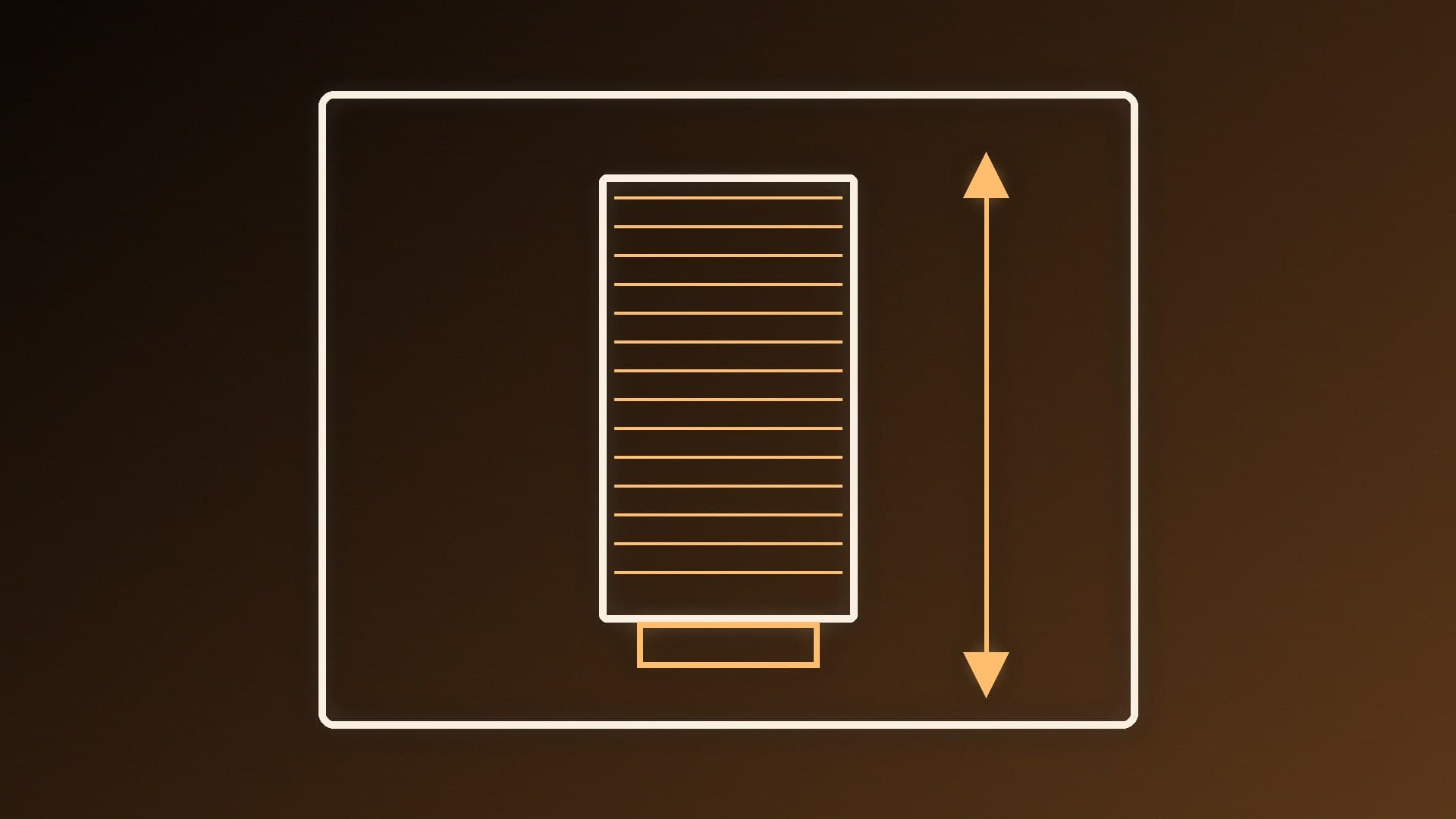
Every case maker lists a maximum CPU cooler height in the specifications. On Fractal Design's North page, for example, it appears as CPU cooler max height in the Compatibility section, alongside the maximum GPU and PSU lengths and radiator support.
Write that number down and compare it with the cooler's height.
Step 2: Find the cooler's total height
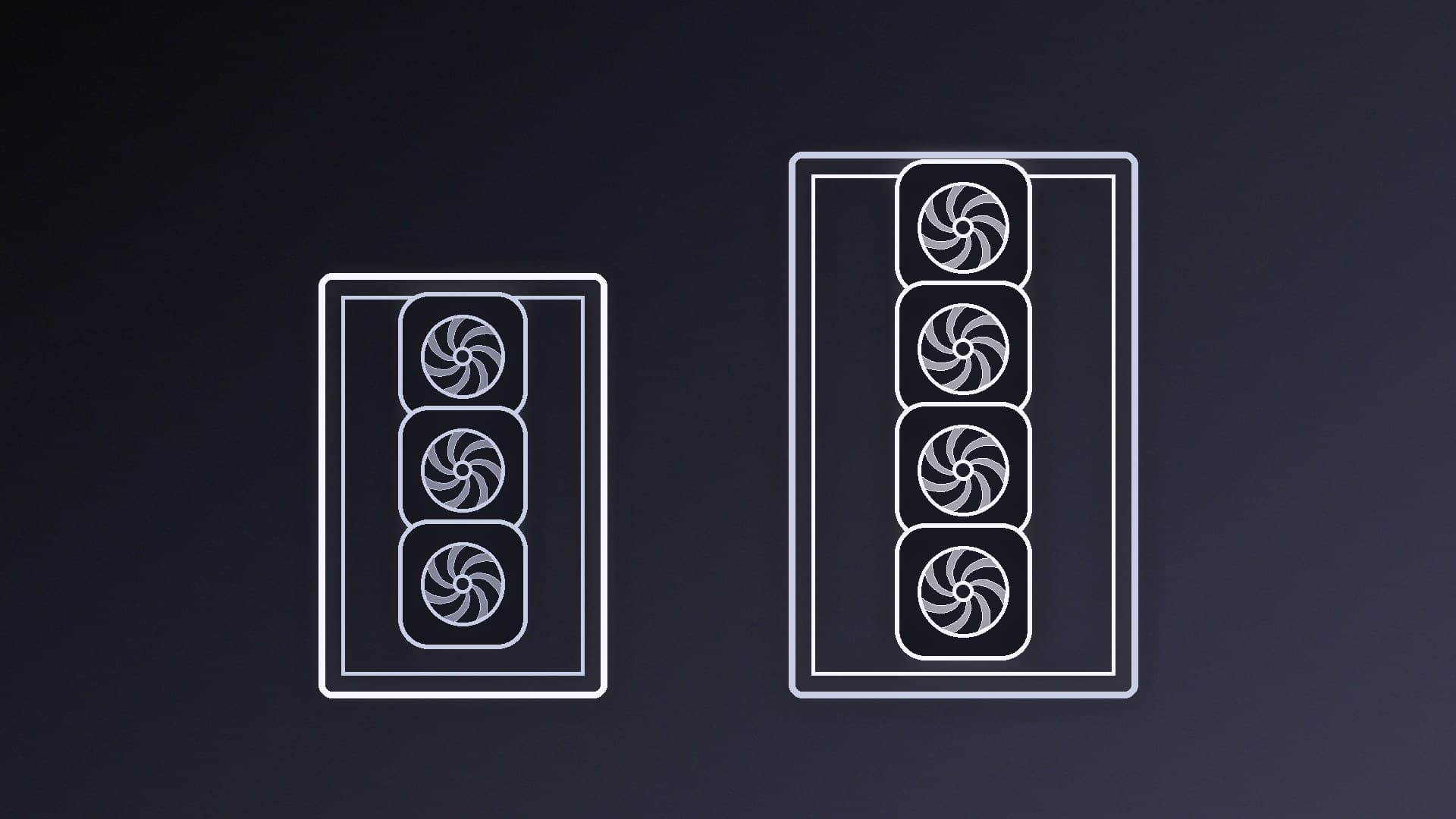
Cooler makers list the height including the fan. Noctua lists the NH-D15 G2 at 168mm tall, 150mm wide and 152mm deep with its fans fitted. Compare this with your case's limit: if the case figure is lower than the cooler's height, it won't fit.
Leave a little margin rather than relying on an exact match.
Step 3: Check RAM clearance
Large dual-tower coolers can overhang the memory slots; Noctua lists the NH-D15 G2 at 150mm wide and 152mm deep with fans. Check the cooler maker's compatibility information for RAM height, or choose low-profile memory; see best low-profile DDR5 RAM.
Step 4: Confirm socket support
Check that the cooler supports your CPU socket. Noctua lists the NH-D15 G2 as compatible with AM5, AM4, LGA1700, LGA1851, LGA1954 and older Intel sockets. Older coolers may need a separate mounting kit for newer sockets, so check the maker's socket list. Our guide to checking CPU and motherboard compatibility covers the socket side.
Step 5: Planning an AIO instead? Check radiator space
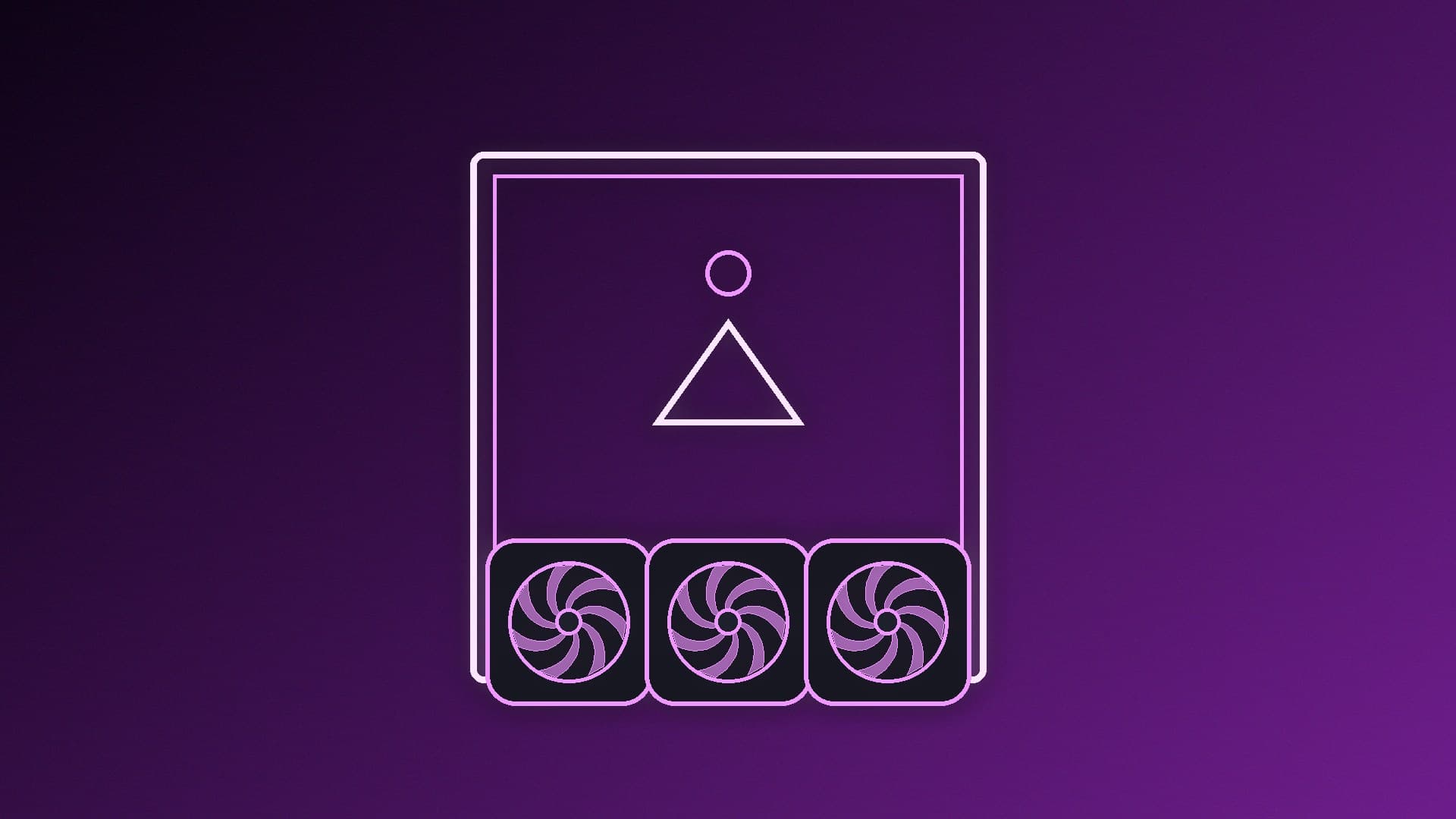
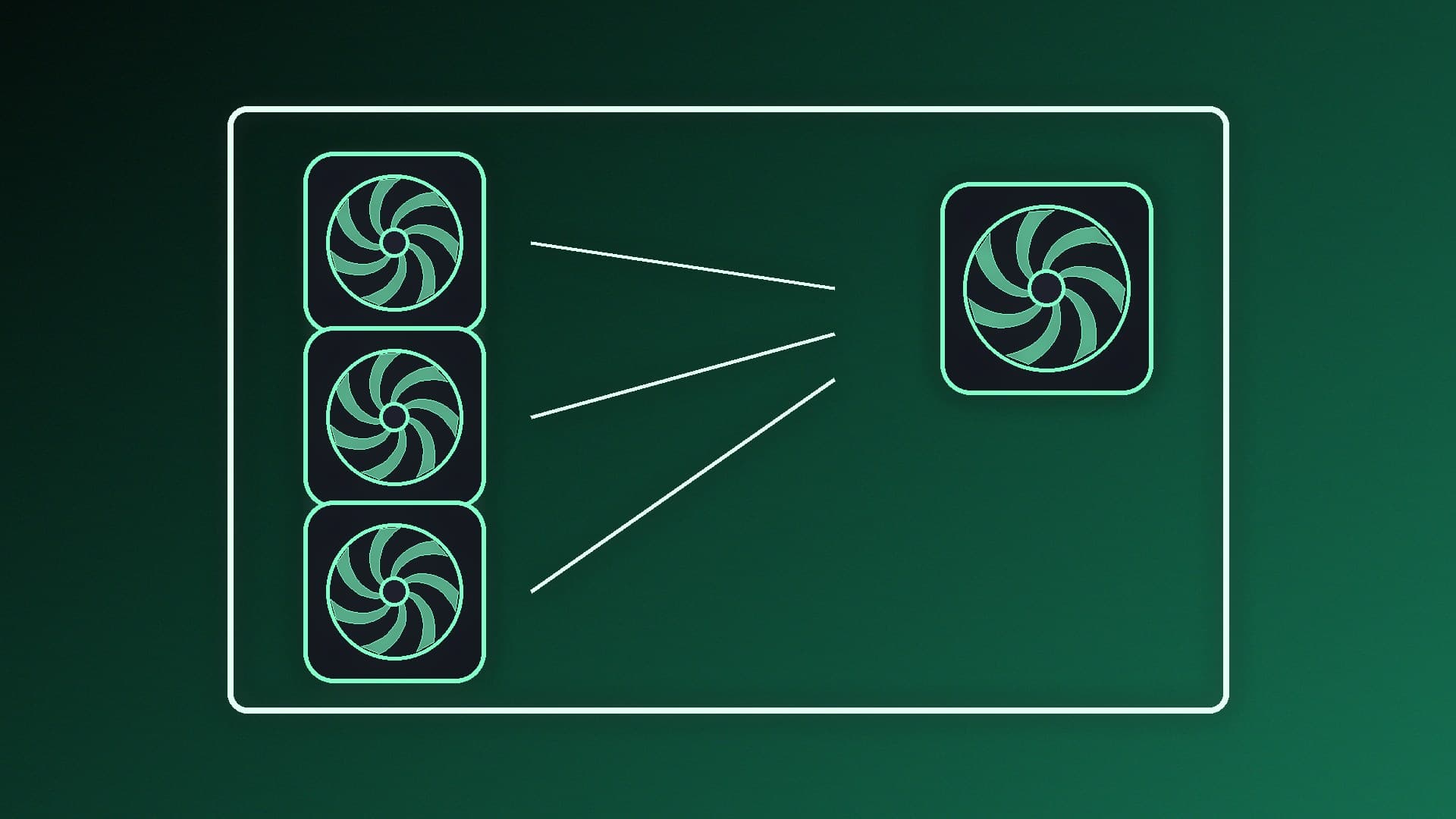
For a liquid cooler, radiator mounting is the main thing to check. Fractal lists the North's front radiator support as 120, 140, 240, 280 or 360mm and its top support as 120 or 240mm. Fractal also notes that GPU length drops from 355mm to 300mm with a 360mm front radiator, a reminder that a radiator can eat into graphics card space. See how to install an AIO cooler and 240mm vs 360mm AIO.
Step 6: Check the motherboard area
Look at the area around your motherboard's CPU socket and check the cooler maker's compatibility notes for your board, especially if the board has large heatsinks near the socket.
A quick checklist
Case CPU cooler max height is higher than the cooler's total height, with a few millimetres spare
RAM height works with the cooler's overhang, or you're using low-profile memory
The cooler supports your socket out of the box
For an AIO, the case supports your radiator size where you want to mount it
Your graphics card still fits after any front radiator
Our verdict
Checking clearance takes five minutes: compare the case's cooler height limit with the cooler's total height, then check RAM, socket and radiator space. If your case is tight, look at a single-tower or dual-tower cooler comparison, our low-profile cooler picks or the best CPU cooler guide.