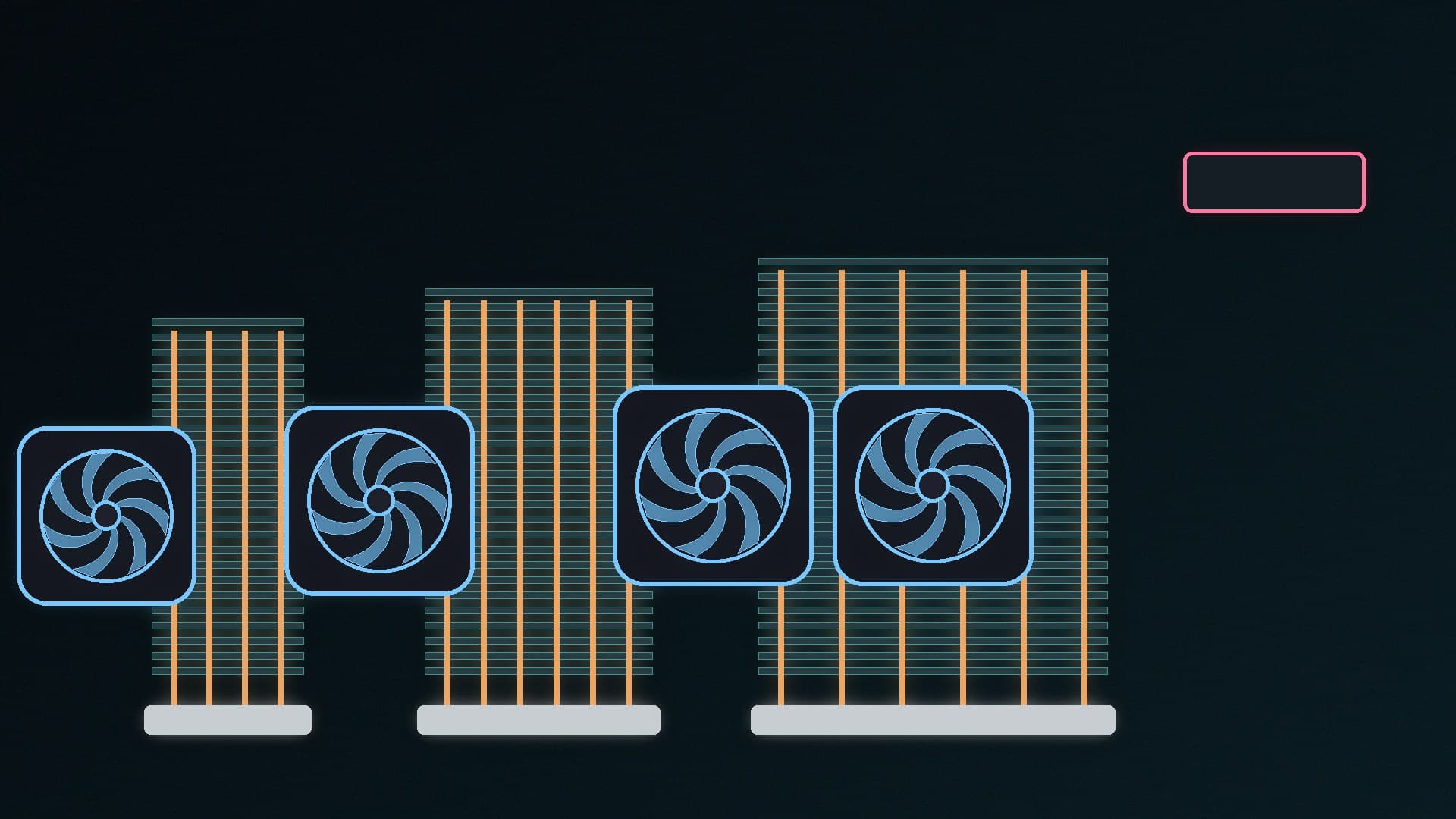
DeepCool's AK air coolers are simple to choose between once you know the pattern: the AK400 is a single tower with four heat pipes, the AK500 is a wider single tower with five, and the AK620 is a dual tower with six heat pipes and two fans. Each also comes in a Digital version with a small status screen. This guide picks the right one for different builds, based on the specifications DeepCool publishes for each cooler.
At a glance
Cooler | Type | Heat pipes | Fans | Height (with fan) | DeepCool heat dissipation rating |
|---|
AK400 | Single tower | 4 x 6mm | 1 x 120mm FDB | 155mm | 220W |
AK400 Digital | Single tower + display | 4 x 6mm | 1 x 120mm FDB | 156mm | Not stated on page |
AK500 | Single tower (wide, offset) | 5 x 6mm | 1 x 120mm FDB | 158mm | 240W |
AK500 Digital | Single tower + display | 5 x 6mm | 1 x 120mm FDB | 160mm | Not stated on page |
AK620 / AK620 Zero Dark | Dual tower | 6 x 6mm | 2 x 120mm FDB | 160mm | 260W |
AK620 Digital | Dual tower + display | 6 x 6mm | 2 x 120mm FDB | 162mm | Not stated on page |
All of them list support for Intel LGA1851, 1700, 1200 and 115x and AMD AM5 and AM4; the AK500 and AK620 families add LGA2066 and 2011. All use 120mm fluid dynamic bearing (FDB) fans rated at 500-1850 RPM ±10%.
Best budget: DeepCool AK400
The DeepCool AK400 is the one to start with. DeepCool rates it at up to 220W of heat dissipation and pitches it at mainstream systems. It uses four 6mm direct-touch heat pipes (DeepCool calls the base Core Touch Technology 2.0), a single 120mm FDB fan rated at 66.47 CFM, 2.04 mmAq and 29 dB(A) or less, and it weighs 661g. At 155mm tall with a slim 120 x 45 x 152mm heatsink, it's also one of the easier coolers here to fit. Our database also lists a white version, the AK400 WH, for white builds.
Choose it if: you have a mainstream six- or eight-core CPU and want a quiet, compact tower that suits most mid-tower cases.
Best with a temperature display: DeepCool AK400 Digital
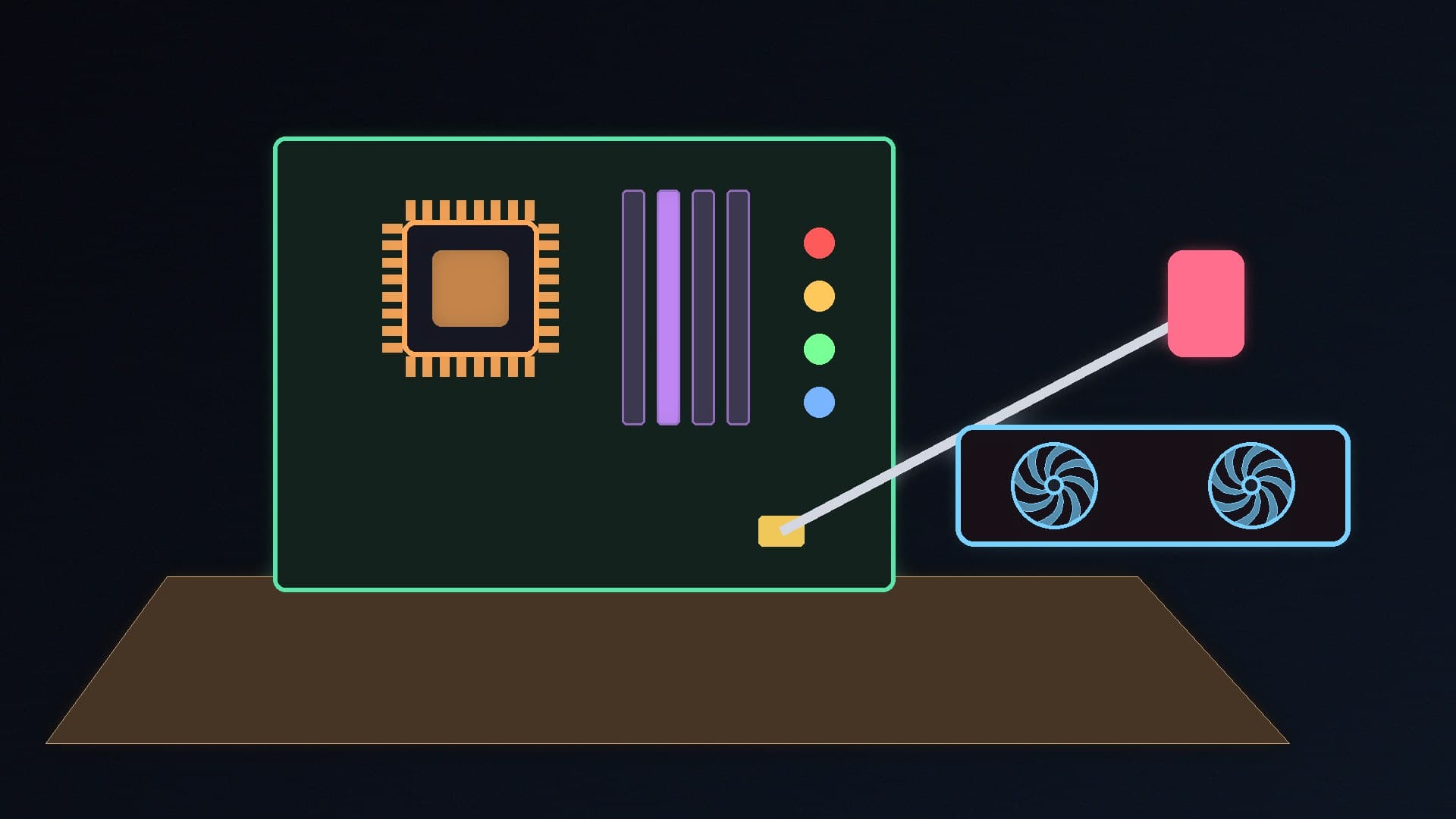
The AK400 Digital is the all-black AK400 with ARGB strips and a low-profile status screen that DeepCool says shows CPU temperature and usage in real time, with a high-temperature warning. The display is driven by DeepCool's app and needs a free internal USB 2.0 header on the motherboard, which is worth checking before you buy. The fan is rated slightly differently from the standard AK400's: 68.99 CFM, 2.19 mmAq and 28 dB(A) or less. DeepCool lists the LEDs at 3W.
Choose it if: you want a cheap way to see CPU temperature at a glance through a glass side panel, and your board has a spare USB 2.0 header.
Best for tall RAM: DeepCool AK500
The DeepCool AK500 is a wider single tower with five heat pipes and a 240W rating from DeepCool. Its main selling point is the angled, offset heat pipe layout, which DeepCool says gives clear access to the DIMM slots for memory with tall heat spreaders. On quad-channel boards, DeepCool quotes 45mm of clearance over the rear slots. It's 158mm tall and weighs 1,040g. One fan note: DeepCool lists the bundled fan at up to 31.5 dB(A), and includes a low-speed adapter that cuts it to 500-1550 RPM and 25.9 dB(A) or less, at the cost of airflow (52.24 CFM rather than 68.99 CFM).
Choose it if: you want more than the AK400 without a dual tower, especially with tall RGB memory. The AK500 Digital adds the status screen and ARGB, with the fan rated at 28 dB(A) or less; it's 160mm tall and also needs a USB 2.0 header.
Best for high-end CPUs: DeepCool AK620
The DeepCool AK620 is the biggest cooler in the range. DeepCool rates it at 260W and markets it for high-frequency overclocking. It has six 6mm copper heat pipes, a nickel-plated convex copper base and a dense dual-tower fin stack, with two 120mm FDB fans rated at 68.99 CFM, 2.19 mmAq and 28 dB(A) or less each. It measures 129 x 138 x 160mm and weighs 1,456g.
The trade-off is RAM clearance. DeepCool quotes 43mm of RAM height clearance with both fans fitted, or 59mm with a single fan, so check your memory height first. The AK620 Zero Dark is the same cooler in all black with identical listed specifications, and the AK620 Digital adds the status display and ARGB, at 162mm tall and 1,486g.
Choose it if: you have a hot eight-core or higher CPU and a case that takes a 160mm cooler (162mm for the Digital).
How to choose
Check case clearance first. These coolers range from 155mm to 162mm tall. Our guide to checking a CPU cooler fits your case shows where to find the limit.
Check RAM height on the AK620. 43mm with two fans may rule out taller RGB kits; see how to check CPU cooler clearance.
Digital models need a USB 2.0 header for the display. They also have ARGB strips; our ARGB vs RGB headers guide explains the connectors.
Ratings aren't test results. DeepCool's 220W, 240W and 260W figures are its own ratings and don't tell you how a cooler performs in your case. Use them to compare DeepCool models with each other, not with other brands' numbers.
Not sure about air vs liquid? See air cooler vs AIO. For other brands, compare our Noctua, Thermalright and Cooler Master picks.
Once you've chosen, our air CPU cooler installation guide walks through fitting it.
Our verdict
For most builds, the DeepCool AK400 is the sensible pick: four heat pipes, a quiet FDB fan, a 220W rating from DeepCool and a 155mm height that suits most cases. The AK500 is the step up if you have tall RAM, thanks to its offset heat pipes, and the dual-tower AK620 is the one for high-end CPUs, as long as your case takes 160mm and your RAM fits under 43mm with both fans. The Digital versions add a CPU temperature screen and ARGB, but need a free USB 2.0 header.