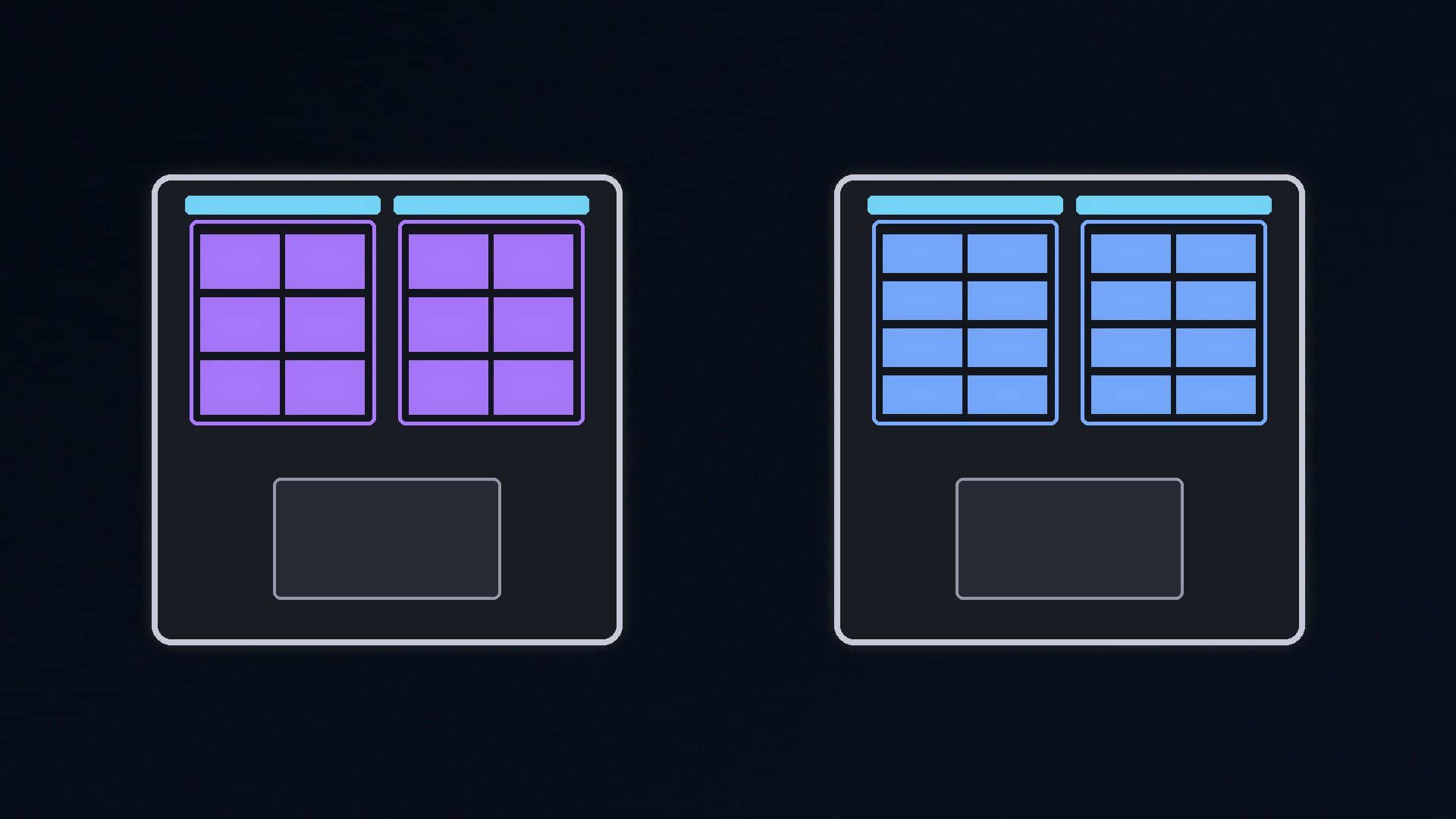
Since its 12th Gen Core processors, Intel has built its mainstream desktop CPUs with two different kinds of core on the same chip: Performance-cores (P-cores) and Efficient-cores (E-cores). That's why a spec sheet can list a "24-core" processor with only eight P-cores, and why the thread count doesn't always match what you'd expect. This guide explains what each core type is for, how Intel's Thread Director hands out work between them, and how to read the core counts when you're choosing a CPU. It's based on Intel's own explanations and specification pages.
The short answer
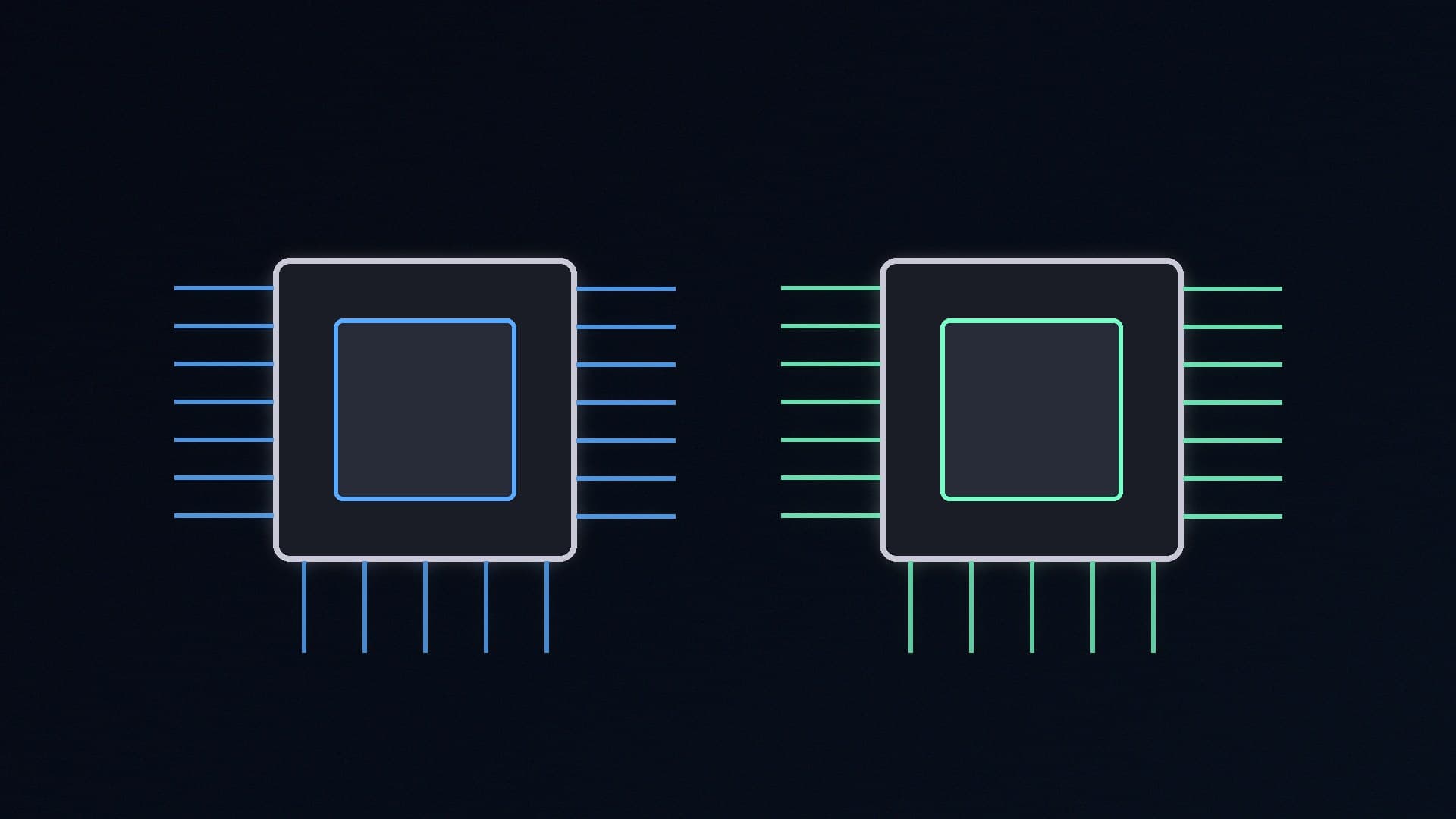
| P-cores (Performance-cores) | E-cores (Efficient-cores) |
|---|
Size | Physically larger | Physically smaller; several fit in the space of one P-core |
Designed for | Raw speed: high turbo frequencies and high IPC | Performance per watt |
Best at | Heavy single-threaded work, such as many game engines | Background tasks and scalable multi-threaded work |
Threads per core | Two with Hyper-Threading, where supported | One |
Example clocks (Core Ultra 9 285K) | Up to 5.5GHz max turbo | Up to 4.6GHz max turbo |
What P-cores do
Intel describes P-cores as physically larger, high-performance cores designed for raw speed while maintaining efficiency. They're tuned for high turbo frequencies and high IPC (instructions per cycle), and Intel says they're ideal for the heavy single-threaded work demanded by many game engines. In other words, they're the cores Intel intends for your game's heaviest work.
Intel also says P-cores are capable of Hyper-Threading, running two software threads at once. That isn't true of every current chip, though, as you'll see below.
What E-cores do
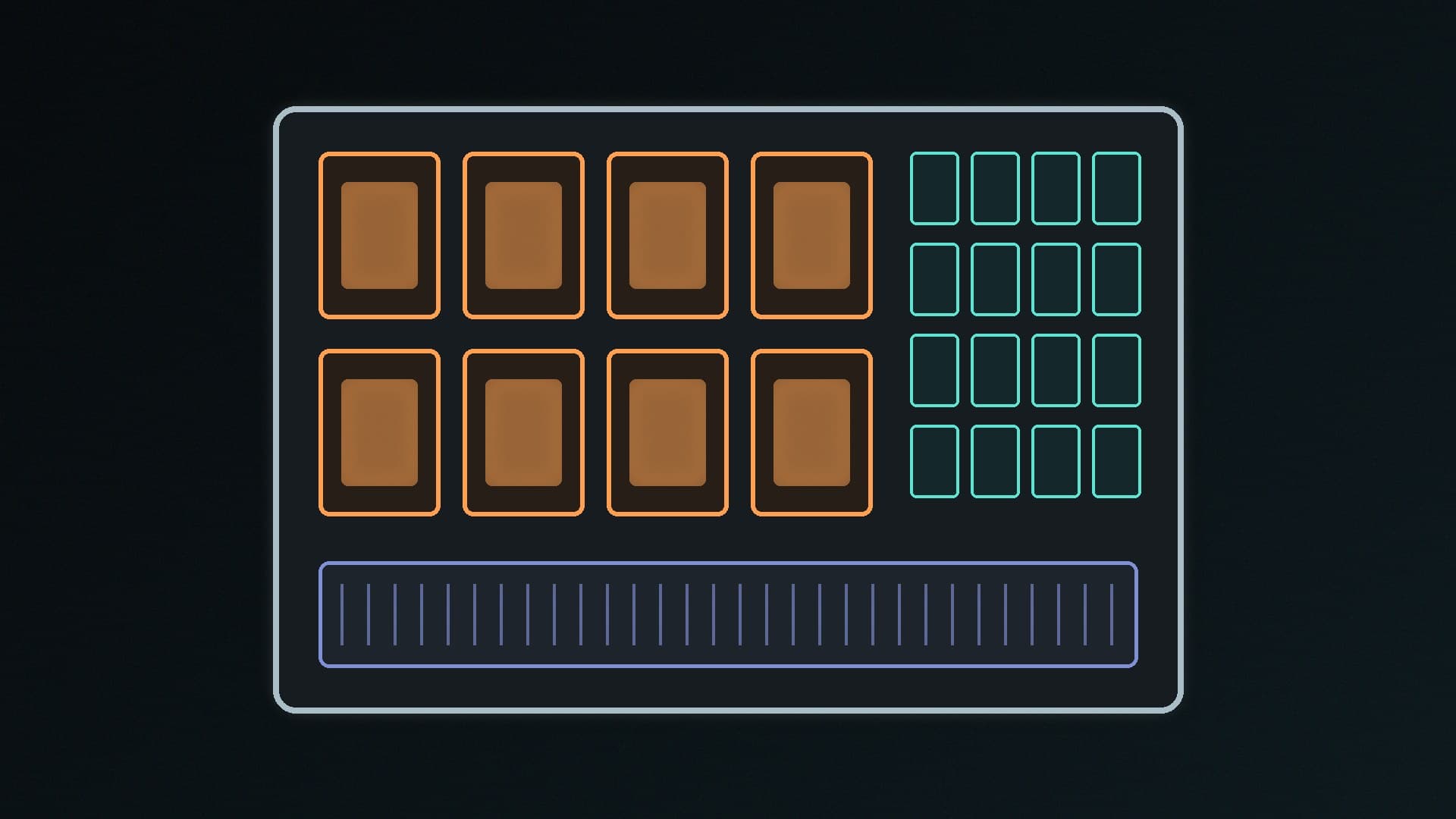
E-cores are physically smaller, and Intel says several fit into the physical space of one P-core. They're designed to maximise efficiency, measured as performance per watt, and each runs a single software thread.
Intel gives E-cores two jobs. First, they handle background tasks efficiently; Intel's examples are Discord and antivirus software, which leaves the P-cores free to drive gaming performance. Second, they add scalable multi-threaded performance, working alongside the P-cores on core-hungry jobs such as rendering video.
E-cores aren't simply slow cores. On the Core Ultra 9 285K, Intel lists an E-core max turbo of 4.6GHz, against 5.5GHz for the P-cores.
How Thread Director decides which core runs what
Having two kinds of core only helps if work lands on the right one. That's the job of Intel Thread Director, which Intel says is built into the hardware and uses machine learning rather than static rules. According to Intel, it:
monitors the instruction mix of each thread and the state of each core with nanosecond precision;
gives runtime feedback to the operating system so it can make the best scheduling decision;
adapts its guidance to the system's thermal design point, operating conditions and power settings.
Intel says the result is that, when you're gaming, background tasks are kept from interrupting or using the high-performance cores. Thread Director gives guidance to the operating system, which makes the final scheduling decision.
How to read P-core and E-core counts
Look for the core breakdown on Intel's specification page or a retailer listing, not just the total. Two examples from Intel's own specifications:
| Core Ultra 9 285K | Core i5-14600K |
|---|
Total cores | 24 | 14 |
P-cores | 8 | 6 |
E-cores | 16 | 8 |
Total threads | 24 | 20 |
P-core max turbo | 5.5GHz | 5.3GHz |
E-core max turbo | 4.6GHz | 4GHz |
Hyper-Threading | No (24 cores, 24 threads) | Yes |
Socket | LGA1851 | LGA1700 |
The thread counts tell the story. The Core i5-14600K has 14 cores but 20 threads, because its six P-cores each run two threads (12) and its eight E-cores run one each (8). The Core Ultra 9 285K has 24 cores and 24 threads, so every core runs one thread; Intel's specification page lists Hyper-Threading as "No" for this chip. When you compare processors across generations, don't assume more threads means a faster chip, and don't assume two chips with the same core count have the same mix of cores.
Both processors are in our specs database: the Intel Core Ultra 9 285K and the Intel Core i5-14600K. Before choosing between platforms, read our guides to upgrading from LGA1700 to LGA1851 and the best LGA1700 CPU upgrades.
What it means when you buy a CPU
For gaming: P-cores matter most, because Intel positions them for the heavy single-threaded work many game engines rely on. Compare P-core counts and P-core turbo clocks, then look at independent gaming reviews.
For gaming while streaming or running apps in the background: E-cores take on background work, which Intel says helps keep the P-cores free for the game.
For video editing and rendering: total core count matters more, because Intel says E-cores work with P-cores on core-hungry, multi-threaded jobs.
For overclockers: Intel says its unlocked desktop processors have separate overclocking controls for P-cores and E-cores, and its Extreme Tuning Utility includes E-core tuning options. If you're deciding between unlocked and locked chips, see Intel K vs KF vs F.
Our verdict
P-cores and E-cores aren't a case of one being better than the other: they do different jobs. P-cores are Intel's big, fast cores for the heavy single-threaded work many game engines rely on; E-cores are small, power-efficient cores for background tasks and multi-threaded workloads such as rendering. Intel Thread Director helps Windows put each thread on the right core. When you compare Intel CPUs, read the P-core and E-core counts separately, check the thread count and whether the chip supports Hyper-Threading, and use independent reviews for real-world performance.