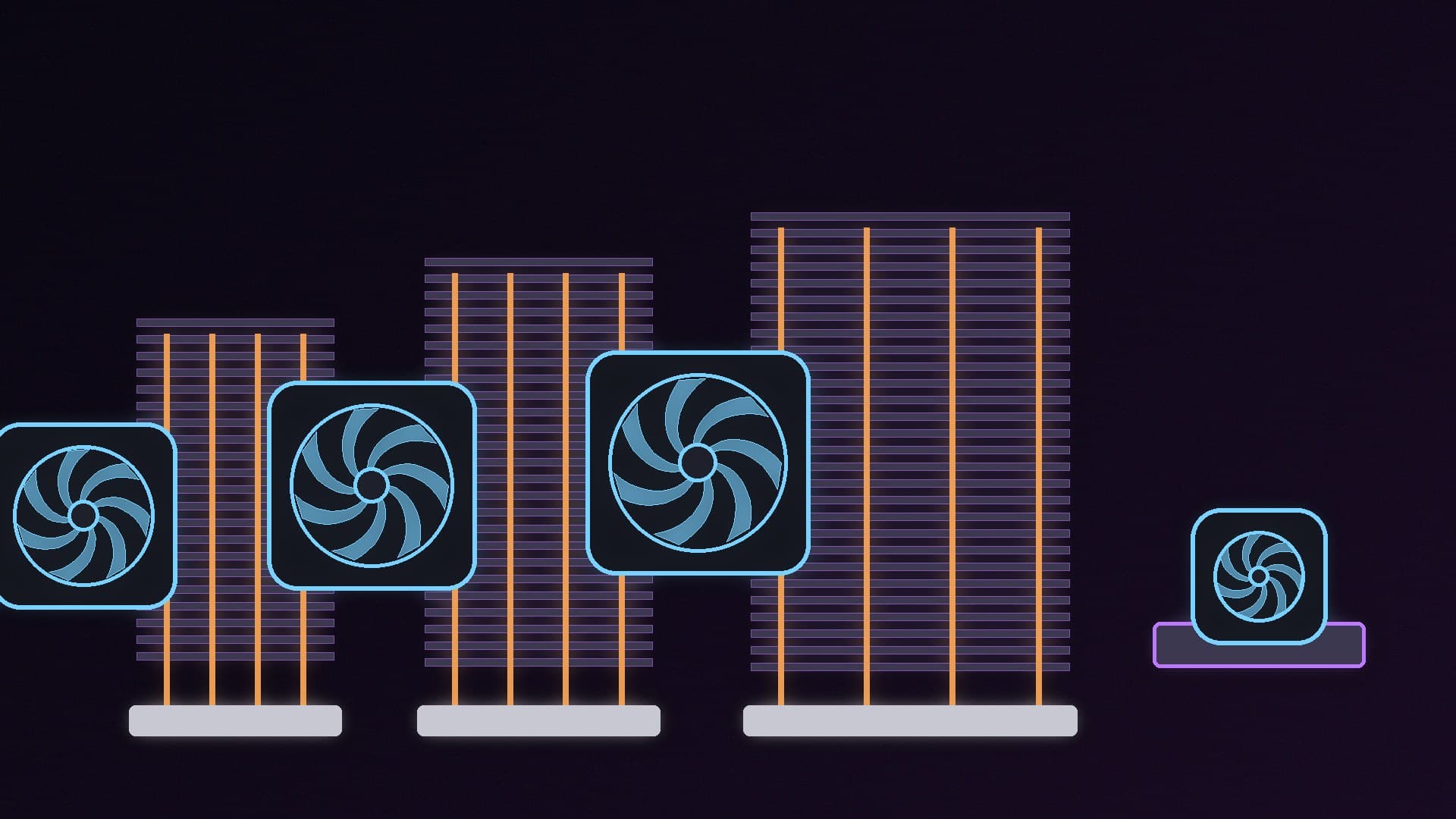
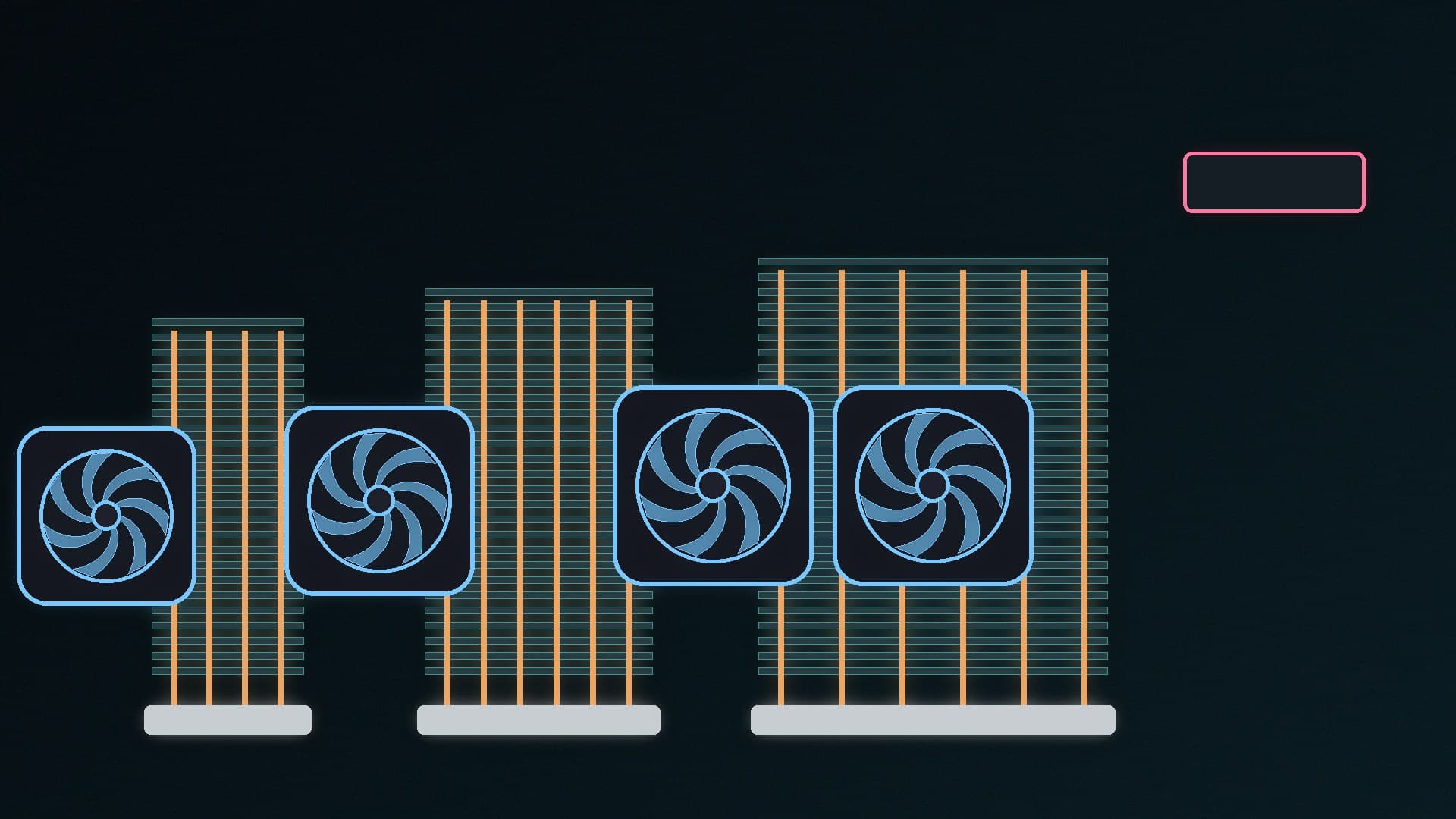
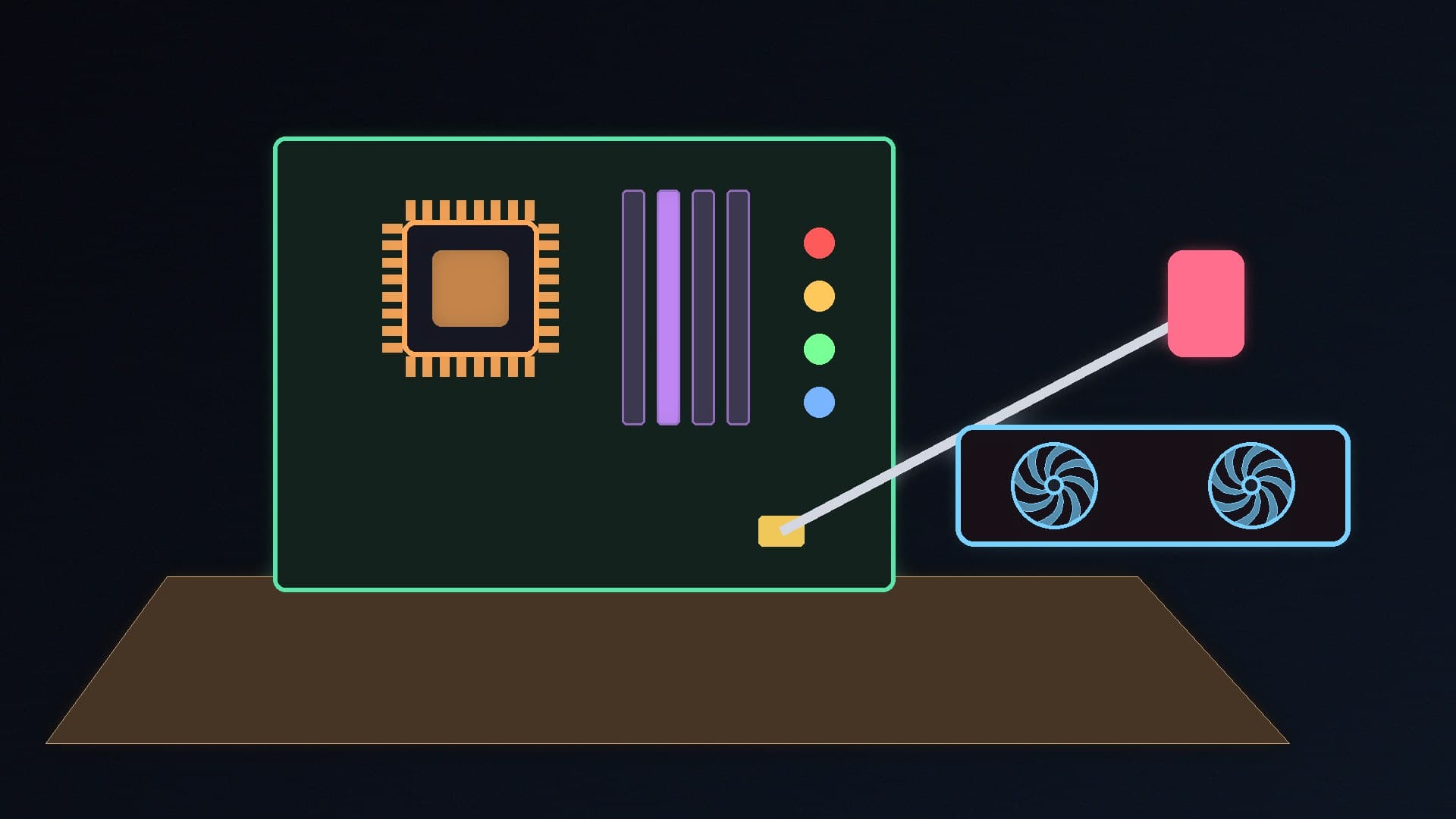
Cooler Master has made the Hyper 212 for years, and it's still the name most builders know, but the current range goes well beyond it. There are refreshed 212s with one or two fans, ARGB Halo versions, the six-heat-pipe Hyper 612 Apex, a dual-tower MasterAir with eight heat pipes and a 67mm-tall top-flow cooler for mini-ITX cases. We've picked the best model for each type of build using Cooler Master's official specification pages.
Every cooler on this list supports Intel LGA 1851 and LGA 1700 (plus older LGA 1200 and 115x sockets) and AMD AM5 and AM4, according to Cooler Master, so socket support won't decide it. Height, fan count and lighting will.
At a glance
Cooler | Best for | Heat pipes | Fans | Height | Max fan noise (Cooler Master) |
|---|
Hyper 612 Apex | Best overall | 6 | 2 x 120mm | 159mm | 30 dBA |
Hyper 212 Black | Best budget | 4 | 1 x 120mm | 152mm | 32.8 dBA |
Hyper 212 Black X Duo | Budget push-pull | 4 | 2 x 120mm | 152mm | 32.8 dBA |
Hyper 212 Halo Black | Budget ARGB | 4 | 1 x 120mm | 154mm | 27 dBA |
Hyper 622 Halo Black | ARGB dual tower | 6 | 2 x 120mm | 157mm | 27 dBA |
MasterAir MA824 Stealth | High-end CPUs | 8 | 135mm + 120mm | 165.6mm | 24.6 dBA (135mm), 22.6 dBA (120mm) |
Hyper 510 | Mini-ITX cases | 5 | 1 x 120mm slim | 67mm | 31.4 dBA |
Noise ratings are per fan at maximum speed and aren't measured the same way as an independent review, so treat them as a rough guide rather than a ranking.
Best overall: Cooler Master Hyper 612 Apex
The Hyper 612 Apex is the one we'd look at first for a mainstream gaming PC. It's a single tower with six copper heat pipes, which Cooler Master calls "Superconductive Composite" heat pipes, and two Mobius 120P PWM fans. Cooler Master rates the fans at 0-2400 RPM, 75.2 CFM of airflow and 30 dBA at maximum, with loop dynamic bearings (LDB) and an MTTF of more than 200,000 hours.
At 127 x 114 x 159mm it's slightly taller than a Hyper 212, and Cooler Master says the 159mm height fits most mid-tower cases. It comes in black or white.
Choose it if: you want a step up from the Hyper 212 with more heat pipes and two fans out of the box, and your case takes a 159mm cooler.
Best budget: Cooler Master Hyper 212 Black
The Hyper 212 Black is the current version of the classic. It keeps the familiar four direct-contact heat pipes and adds a SickleFlow 120 Edge fan rated at 690-2500 RPM (±10%), 70.7 CFM and 32.8 dBA, with a loop dynamic bearing and an MTTF of more than 160,000 hours. Cooler Master includes its CryoFuze thermal paste.
The heatsink with fan measures 125 x 74 x 152mm, so it fits more cases than the larger coolers here. Its 32.8 dBA rating (shared with the X Duo) is the highest maximum on this list, but that's at full speed; a fan curve that keeps the fan slower when the CPU is lightly loaded will make it quieter.
Choose it if: you're building on a budget or upgrading from a stock cooler and don't need lighting.
The push-pull option: Hyper 212 Black X Duo
The Hyper 212 Black X Duo is the same four-heat-pipe heatsink with a second SickleFlow 120 Edge fan in a push-pull layout. Cooler Master quotes the same per-fan figures (690-2500 RPM, 70.7 CFM, 32.8 dBA). The second fan makes it 103mm deep rather than 74mm, so check that it won't overhang your tallest RAM slot or your top fans.
Best budget ARGB: Cooler Master Hyper 212 Halo Black
If you want lighting without paying for a dual-tower cooler, the Hyper 212 Halo Black is the 212 to get. It has four black-finished heat pipes and a Halo fan with what Cooler Master calls dual-loop ARGB lighting. ARGB auto-detection means it shows a default spectrum effect on its own, or you can control it fully through a 3-pin ARGB Gen 2 header on your motherboard.
The fan runs at 650-2050 RPM (±10%), with 51.88 CFM, 2.89 mmH₂O static pressure and 27 dBA at maximum, using a rifle bearing. It measures 124 x 73 x 154mm. There's also a white version for white builds.
If you'd rather have a fan that moves more air than the Halo, the Hyper 212 Spectrum V3 is the alternative ARGB 212: Cooler Master lists 650-1750 RPM, 71.93 CFM, 1.86 mmH₂O and 27.2 dBA, with nickel-plated heat pipes and a rifle bearing.
Best ARGB dual tower: Cooler Master Hyper 622 Halo Black
The Hyper 622 Halo Black gives you two towers, six heat pipes and two redesigned Halo² ARGB fans. Cooler Master says the nickel-plated base and six heat pipes cover the whole CPU, and that its 157mm height suits most RAM and cases. The dimensions are 125 x 137 x 157mm. Each fan is rated at 650-2050 RPM (±10%), 51.88 CFM, 2.89 mmH₂O and 27 dBA with a rifle bearing.
Choose it if: you want a bigger heatsink than the Hyper 612 Apex and lighting matters to you. It's wider than the single towers, so check the clearance over your RAM using our guide to checking CPU cooler clearance.
Best for high-end CPUs: Cooler Master MasterAir MA824 Stealth
The MasterAir MA824 Stealth is the biggest cooler on this list. It's an all-black dual tower with eight heat pipes, which Cooler Master says use a groove-and-powder wick structure with varying heat pipe thickness, on an expanded nickel-plated copper base. It pairs a 135mm and a 120mm Mobius fan in a staggered push-pull layout. Cooler Master rates the 135mm fan at 0-1550 RPM (±15%), 63.6 CFM and 24.6 dBA, and the 120mm fan at 0-1950 RPM (±15%), 63.1 CFM and 22.6 dBA, both with loop dynamic bearings and an MTTF of more than 200,000 hours.
It's also big: 162.2 x 150.6 x 165.6mm. At 165.6mm tall it won't fit every mid-tower, so check your case's maximum CPU cooler height before buying. If you're comparing it with other flagships, see our best Noctua CPU cooler and best be quiet! CPU cooler guides.
Choose it if: you're running a high-core-count CPU, want the largest heatsink in the range and have the case space.
Best for mini-ITX: Cooler Master Hyper 510
Tower coolers are often too tall for compact cases, which is where the Hyper 510 comes in. It's a top-flow cooler that stands just 67mm tall overall (120 x 120 x 67mm), with five direct-contact heat pipes and a 15mm-thick Mobius 120 Slim fan. Cooler Master rates the fan at up to 2500 RPM, 53.7 CFM, 2.53 mmH₂O and 31.4 dBA, with a 4-pin PWM connector and a loop dynamic bearing rated for more than 200,000 hours MTTF. It has a three-year warranty.
A top-flow design blows down onto the motherboard, and Cooler Master says this helps cool surrounding components too, which is useful in a cramped mini-ITX case. Cooler Master doesn't publish a TDP rating for it, but a 67mm cooler has far less fin area than the towers here, so we'd pair it with a mid-range CPU rather than a flagship chip. For more slim options, see our best low-profile CPU cooler guide.
How to choose
Measure first. Your case's maximum CPU cooler height is the hard limit. The range here runs from 67mm to 165.6mm.
Single or dual tower? Dual towers have more fin area but are wider, which can clash with tall RAM. Our single tower vs dual tower explainer covers the trade-offs.
Lighting. Cooler Master says the Halo models need a 3-pin ARGB header for full lighting control; without one, they fall back to a default effect. Our ARGB vs RGB headers explainer shows how to tell the headers apart.
Installation. Follow the manual for your socket's bracket, and see our step-by-step guide to installing an air CPU cooler.
Our verdict
For most gaming PCs, the Cooler Master Hyper 612 Apex is the pick: six heat pipes, two fans and a 159mm height that Cooler Master says fits most mid-towers. On a tight budget the Hyper 212 Black is still the sensible default, and the Hyper 212 Halo adds ARGB for not much more. The MasterAir MA824 Stealth is the choice for high-end CPUs if your case takes a 165.6mm cooler, while the 67mm Hyper 510 is the one to get for mini-ITX. Check your case's cooler height limit before you buy any of them.