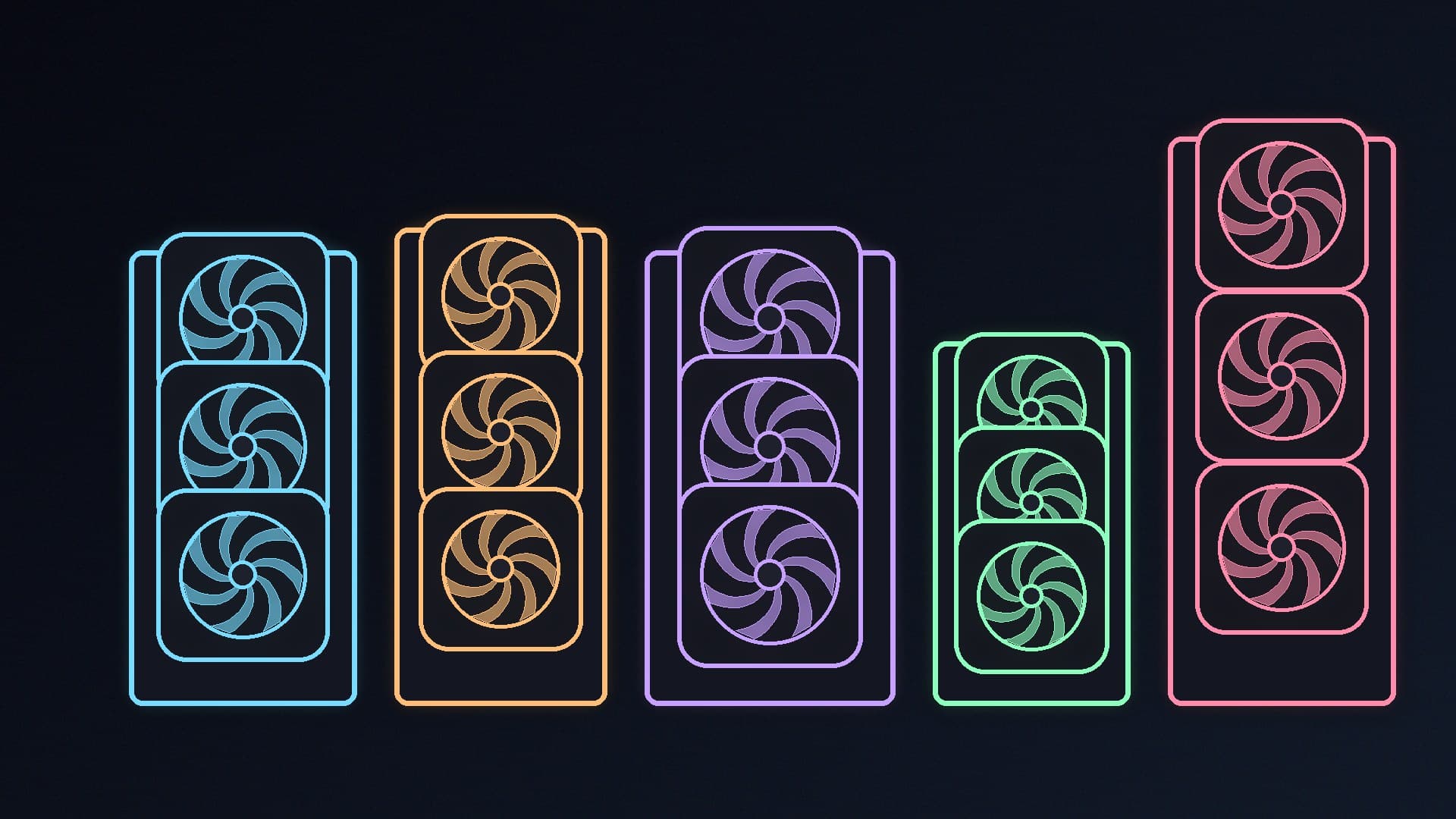
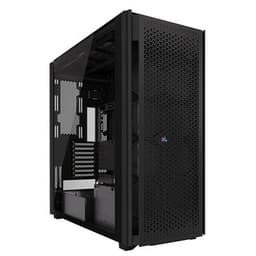
Corsair sells more case models than almost any other brand, and the names don't always make it obvious how they differ. The 3500X, FRAME 4000D, 6500X, 2500D AIRFLOW and 9000D RGB AIRFLOW cover five quite different builds: a glass mid-tower, a modular airflow mid-tower, a dual-chamber showcase case, a compact Micro-ATX dual-chamber case and a super-tower for custom loops. For temperatures and noise, check independent reviews.
Our picks at a glance
Key specifications compared
All figures are from Corsair's product pages. Dimensions are height x length x width.
| FRAME 4000D | 3500X | 6500X | 2500D AIRFLOW | 9000D RGB AIRFLOW |
|---|
Type | Mid-tower | Mid-tower | Dual-chamber mid-tower | Dual-chamber, Micro-ATX | Super full-tower |
Size (mm) | 486 x 490 x 239 | 506 x 460 x 240 | 496 x 481 x 328 | 376 x 469 x 304 | 698 x 698 x 307 |
Motherboards | Mini-ITX to E-ATX | Mini-ITX to E-ATX | Mini-ITX to E-ATX | Mini-ITX, Micro-ATX | Mini-ITX to SSI-EEB |
Max GPU length | 430mm | 425mm | 400mm | 400mm | 580mm |
Max CPU cooler | 170mm | 170mm | 190mm | 180mm | 180mm |
Max PSU length | 220mm | 180mm | 225mm | 225mm | 225mm |
360mm radiator mounts | Front, top, side | Top, side | Top, bottom, side | Top, bottom | Front, top, side (480mm front and top) |
Front intake | Yes (mesh) | No (glass) | No (glass) | Yes (mesh) | Yes (mesh) |
Fans included | None | None | None | None | None |
Weight | 10kg | 9kg | 16kg | 13kg | 37kg |
None of these standard versions comes with fans, so budget for them. Corsair also sells RGB and LCD versions of some of these cases with fans included; the database entry we link for the 6500X is the RGB version.
Best overall: Corsair FRAME 4000D
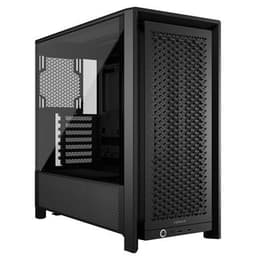
The FRAME 4000D is the most flexible mid-tower in the range. Corsair lists 360mm radiator support in the front, roof and side, and up to ten 120mm fans. Its InfiniRail system lets you slide the front and roof fan mounts to where you want them, with front fans up to 200mm and roof fans up to 140mm. Corsair says its 3D Y-pattern steel front panel gives up to 12% more airflow than the previous 4000D Airflow front panel; that's Corsair's claim, not something we've measured.
Clearances are generous for a mid-tower: graphics cards up to 430mm, CPU coolers up to 170mm and power supplies up to 220mm. A GPU anti-sag arm is included, and the case is compatible with reverse-connector motherboards such as ASUS BTF, MSI Project Zero and Gigabyte Project Stealth. Front I/O is one USB 3.2 Gen 2 Type-C port, two USB 3.2 Gen 1 Type-A ports and a combo audio jack.
The main limit is the 170mm cooler height, which rules out a few of the tallest air coolers. Corsair lists 37mm of cable routing space behind the motherboard tray.
Choose it if: you want strong airflow, front intake and the most radiator choices in a normal-sized ATX case.
Best glass mid-tower: Corsair 3500X
The 3500X is a wraparound-glass case: the front and left side are tempered glass, so there's no front intake. Instead, Corsair puts cooling in the side, roof and the floor above the PSU, with 360mm radiator mounts in the side and roof and up to ten 120mm fans.
It takes Mini-ITX to E-ATX boards (E-ATX up to 305 x 277mm), graphics cards up to 425mm and coolers up to 170mm. The PSU limit is shorter than the others here at 180mm, so check your power supply's length if it's a high-wattage unit. It has seven horizontal expansion slots, or four if you use a vertical GPU mount (riser sold separately). It also supports reverse-connector motherboards.
Corsair's spec table lists 45mm of cable routing space, while its feature text mentions 38mm behind the motherboard, so plan on the lower figure if you're routing thick cables.
Choose it if: you want the panoramic glass look in a mid-tower and you're happy to cool from the side and bottom rather than the front.
Best dual-chamber: Corsair 6500X
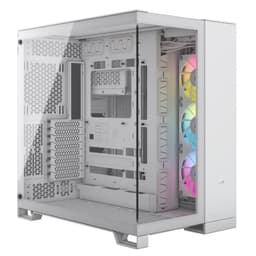
The 6500X puts the PSU, drives and most of the cabling in a second chamber behind the motherboard, leaving the main chamber clean. Like the 3500X it has a glass front, so intake comes from the bottom and side. Corsair lists 360mm radiators in the top, bottom and side and room for up to ten 120mm or seven 140mm fans.
It's the best choice here for big air coolers, with 190mm of CPU cooler height. GPU length is 400mm, PSU length 225mm, and you get eight horizontal expansion slots (a vertical mount kit is sold separately). Front I/O is the best of the mid-towers, with one USB 3.2 Gen 2 Type-C port and four USB 3.2 Gen 1 Type-A ports. The dual-chamber design gives 109mm of cable routing space.
One AIO note: the 6500 Series manual advises keeping the radiator higher than the pump and avoiding the bottom 360mm mount for an AIO, to prevent pump wear, noise and poorer cooling. So use the top or side for an AIO and keep the bottom for fans. Our AIO radiator orientation guide explains why.
Choose it if: you want a tidy showcase build, a tall air cooler, or lots of front-panel USB ports.
Best compact: Corsair 2500D AIRFLOW
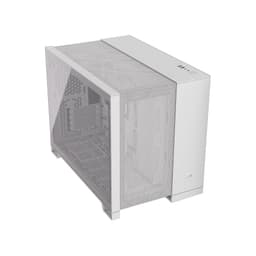
The 2500D AIRFLOW is a dual-chamber case for Micro-ATX and Mini-ITX boards only. It's short at 376mm tall but deep at 469mm, so it uses less height rather than less desk depth. Mesh covers the front, side, bottom and roof, and Corsair lists room for up to eleven 120mm or eight 140mm fans.
For its size it still takes a lot of hardware: graphics cards up to 400mm, coolers up to 180mm and a standard ATX PSU up to 225mm. Radiator support is 360mm in the roof and bottom, 280mm in the front and 240mm in the side. You only get four expansion slots, which is normal for Micro-ATX.
Choose it if: you're building on Micro-ATX and want a small case that still has full-size GPU and cooler clearance. See our best Micro-ATX case guide for alternatives.
Best for custom loops: Corsair 9000D RGB AIRFLOW
The 9000D RGB AIRFLOW is a super-tower at 698mm tall and 698mm deep, and it weighs 37kg before you add any parts. It supports up to eighteen 120mm fans and radiators up to 480mm in the front and roof, plus 360mm in the side and 240mm in the rear. Graphics cards can be up to 580mm long, and it takes motherboards up to SSI-EEB.
It has eight horizontal expansion slots plus two vertical slots for a secondary motherboard, room for up to six SSDs and five hard drives, and an integrated USB Type-C hub in the front panel with two USB-C and four USB-A ports. Corsair also includes an iCUE LINK System Hub and an integrated GPU anti-sag support.
This is a niche case. Unless you're planning a custom loop with large radiators, a dual-system build or lots of storage, a mid-tower such as the FRAME 4000D makes more sense. Our mid-tower vs full-tower comparison covers the trade-offs.
Choose it if: you're building a custom loop with 480mm radiators, a workstation with lots of drives, or two systems in one case.
How to choose between them
Front intake or glass? The FRAME 4000D, 2500D AIRFLOW and 9000D have mesh fronts. The 3500X and 6500X have glass fronts and rely on side and bottom intake. Our mesh vs glass front case comparison explains the trade-off.
Single or dual chamber? Dual-chamber cases (6500X, 2500D) hide cables and the PSU but are wider. See dual-chamber vs standard PC case.
Radiator plans. If you want a 360mm AIO at the front, only the FRAME 4000D and 9000D offer that here. Check fit with our AIO radiator fit guide.
Reverse-connector motherboards. All five product pages list support for ASUS BTF, MSI Project Zero and Gigabyte Project Stealth boards, though Corsair's 6500 series explainer notes that reverse-connector Micro-ATX boards are not officially supported in the 6500X. Our back-connect vs standard motherboard explainer covers what these boards involve.
Cooler and PSU length. The 3500X's 180mm PSU limit and the 170mm cooler limits on the 3500X and FRAME 4000D are the main constraints to check.
Where to buy
Corsair cases are widely stocked by UK retailers such as Scan, Overclockers UK, Box and Amazon UK, as well as Corsair's own store. Prices change often, so compare a few retailers before you buy. Forge PC doesn't sell these cases.
For other brands, see our best PC case, best budget PC case and best be quiet! PC case guides.
Our verdict
On Corsair's specifications, the FRAME 4000D is the best all-round Corsair case: it has a mesh front, three 360mm radiator positions, a 430mm GPU limit and an anti-sag arm in a normal-sized ATX mid-tower. The 3500X is the pick for a glass showcase mid-tower, the 6500X suits tidy dual-chamber builds and tall air coolers, the 2500D AIRFLOW is the best compact choice for Micro-ATX, and the 9000D RGB AIRFLOW is only worth it for very large custom-loop or dual-system builds. None of the standard versions includes fans, so budget for them, and check independent reviews for thermals and noise.