This guide uses only the product pages on ARCTIC's own website, read on 23 November 2026, so every height, fan speed and warranty figure below is ARCTIC's own, not our measurement. We haven't quoted temperatures or noise levels.
ARCTIC's current range splits neatly in two: the Freezer 36 air coolers and the Liquid Freezer III Pro all-in-one (AIO) liquid coolers. Choosing between them comes down to three questions: does it fit your case, how much heat does your processor put out, and do you want lighting? If you're still deciding between air and liquid in general, start with our air cooler vs AIO guide.
At a glance
Cooler | Type | Size (ARCTIC) | Fans listed | Sockets listed | Warranty |
|---|
Freezer 36 | Single-tower air cooler | 104 x 126 x 159mm (L x W x H), 890g | 2x P12 PWM PST, 200-1,800rpm | Intel LGA1851/1700, AMD AM5/AM4 | 6 years |
Freezer 36 A-RGB | Single-tower air cooler | 104 x 126 x 159mm, 917g | 2x P12 PWM PST A-RGB, 200-2,000rpm | Intel LGA1851/1700, AMD AM5/AM4 | 6 years |
Liquid Freezer III Pro 240 | 240mm AIO | Radiator 277 x 120 x 38mm | 2x P12 Pro | Intel 115X/1200/1700/1851, AMD AM4/AM5 | 6 years |
Liquid Freezer III Pro 280 | 280mm AIO | Radiator 317 x 138 x 38mm | 2x P14 Pro, 400-2,500rpm | Intel and AMD (see ARCTIC page) | 6 years |
Liquid Freezer III Pro 360 | 360mm AIO | Radiator 398 x 120 x 38mm | 3x P12 Pro, 600-3,000rpm | Intel 115X/1200/1700/1851, AMD AM4/AM5 | 6 years |
Liquid Freezer III Pro 420 | 420mm AIO | Radiator 458 x 138 x 38mm | 3x P14 Pro, 400-2,500rpm | Intel and AMD (see ARCTIC page) | 6 years |
All figures from ARCTIC's product pages. Check the exact socket list on the page for your variant before buying.
Best for most builds: ARCTIC Freezer 36
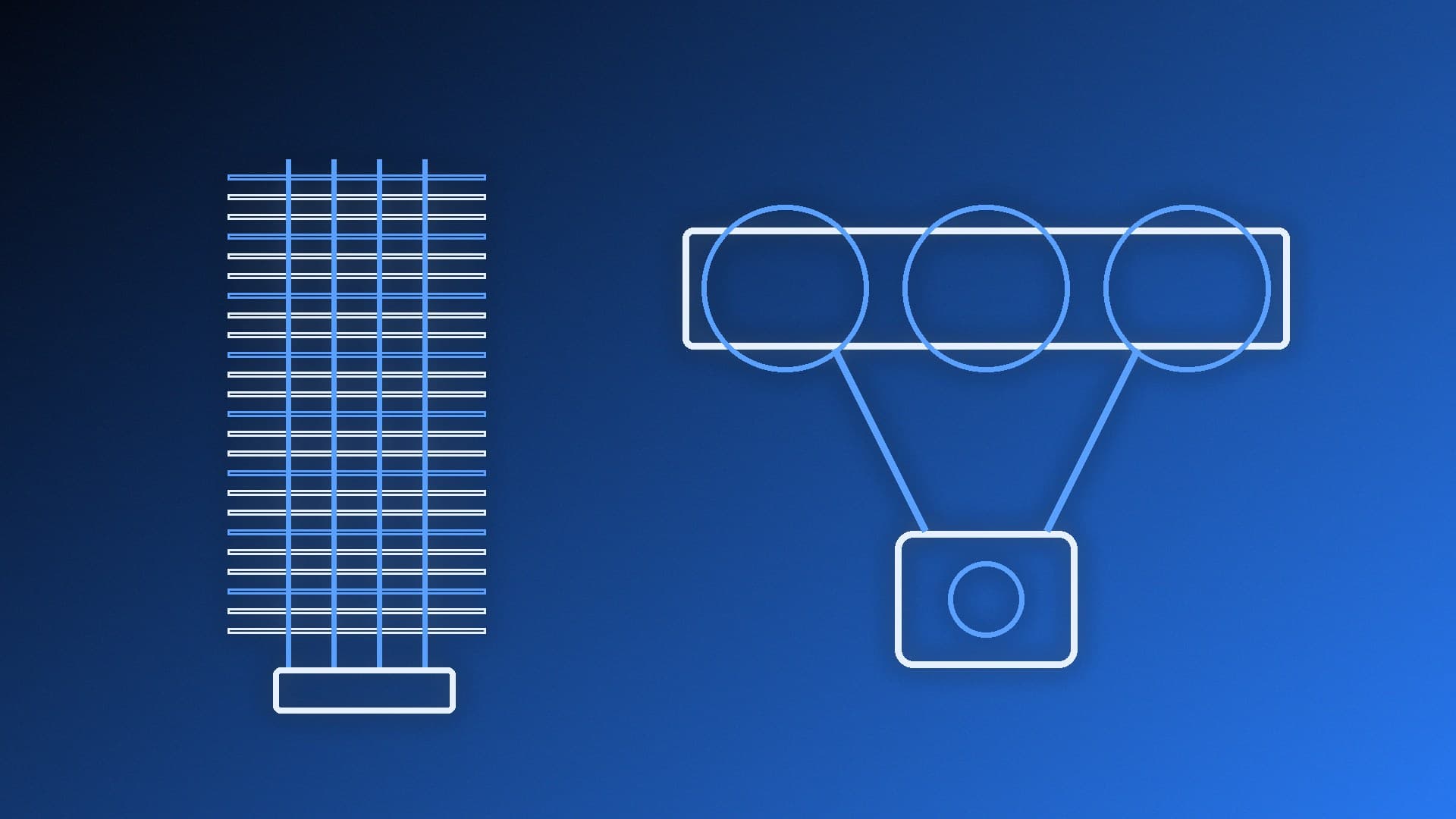
The ARCTIC Freezer 36 is a single-tower air cooler with four 6mm copper heatpipes, a 59-fin aluminium stack and two P12 PWM PST fans in push-pull, according to ARCTIC. Both fans are PWM controlled from 200 to 1,800rpm and stop completely below 5% PWM, which is useful if you want a near-silent desktop at idle and your motherboard's fan curve can drop that low.
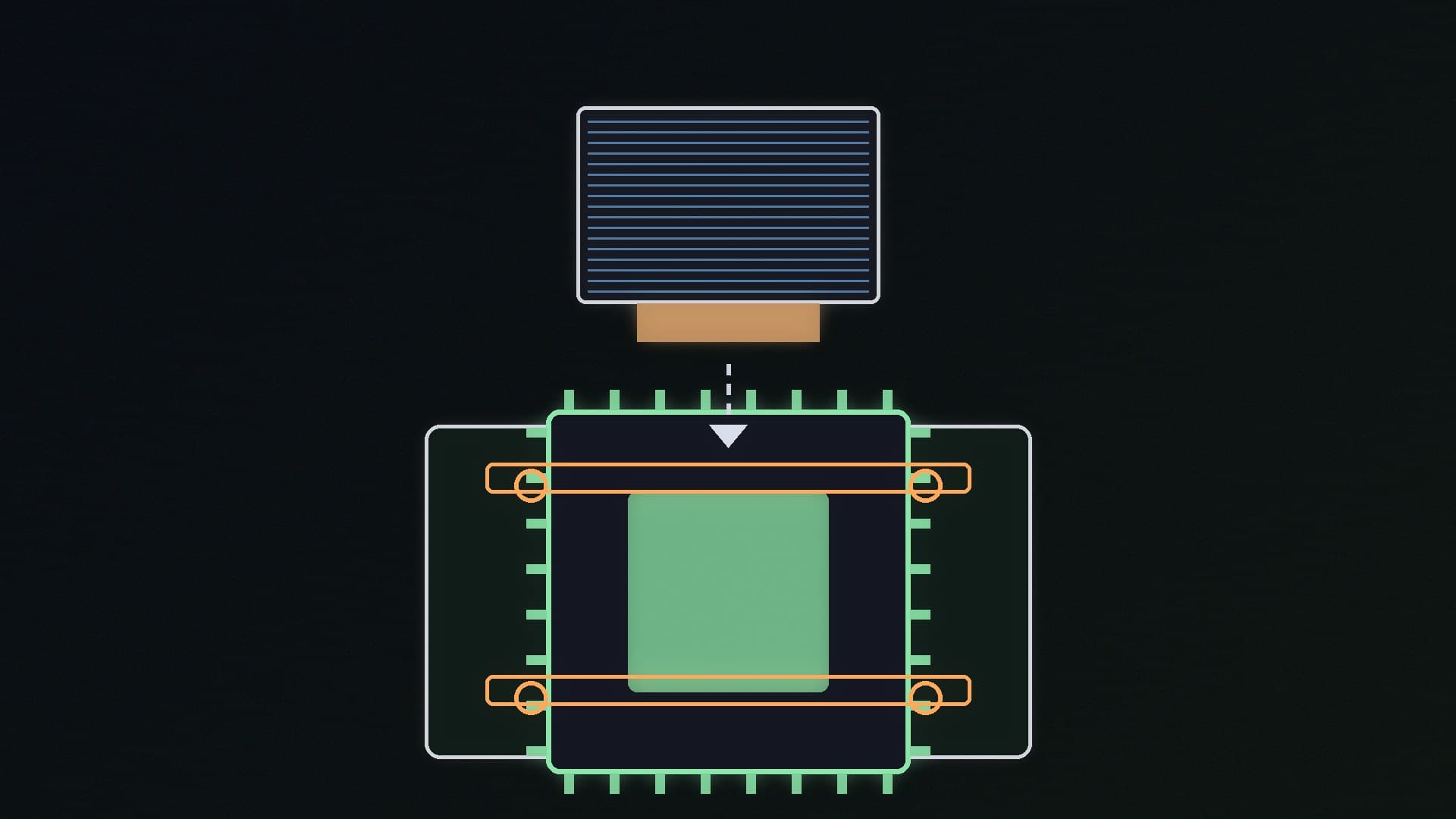
Its 159mm height is the number to check first. Many mid-tower cases allow coolers of that height, but compact and some slim cases don't, so read our guide to checking CPU cooler clearance before you order. ARCTIC lists support for LGA1851, LGA1700, AM5 and AM4. On Intel, it uses ARCTIC's own mounting frame, which ARCTIC says reduces the mechanical load on the CPU and lets the cooler screw onto the CPU's backplate.
If you're comparing it with the other big-name budget tower, we've put it side by side in Freezer 36 vs Peerless Assassin 120 SE, and there's a step-by-step Freezer 36 installation guide.
Best with lighting: ARCTIC Freezer 36 A-RGB
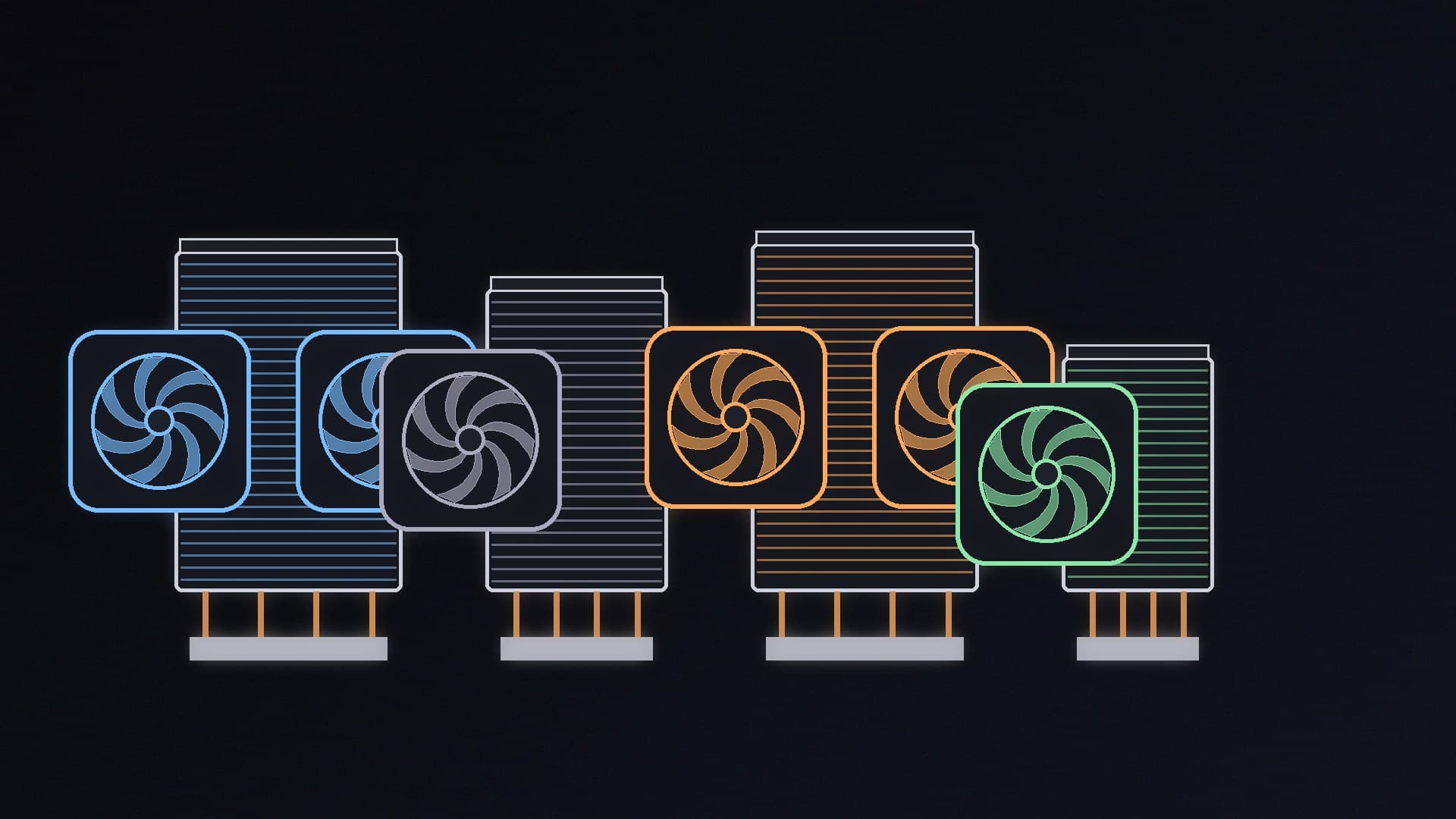
The Freezer 36 A-RGB shares the same 104 x 126 x 159mm heatsink and four heatpipes, but swaps in P12 PWM PST A-RGB fans rated up to 2,000rpm, and weighs 917g against 890g, per ARCTIC. Buy it only if you want addressable lighting that matches the rest of your build; the cooling hardware is otherwise the same design. ARCTIC says the Freezer 36 comes in several versions, including black and white A-RGB models, and our database also lists the Freezer 36 S A-RGB.
Best 240mm AIO: Liquid Freezer III Pro 240
The Liquid Freezer III Pro 240 is the one to consider if your case only takes a 240mm radiator, typically at the front or top of a smaller mid-tower. ARCTIC lists a 277 x 120 x 38mm radiator, two P12 Pro fans, a pump rated from 800 to 2,800rpm (PWM controlled) and 450mm tubes.
The whole Liquid Freezer III Pro range uses the thicker 38mm radiator. ARCTIC says it holds more liquid than conventional 27mm radiators, but the extra thickness also matters for fit: a 38mm radiator plus 25mm fans needs more room than most slim AIOs, especially at the top of the case above tall RAM or motherboard heatsinks. Our guide to checking whether an AIO radiator fits your case walks through the measurements.
Best all-round AIO: Liquid Freezer III Pro 360
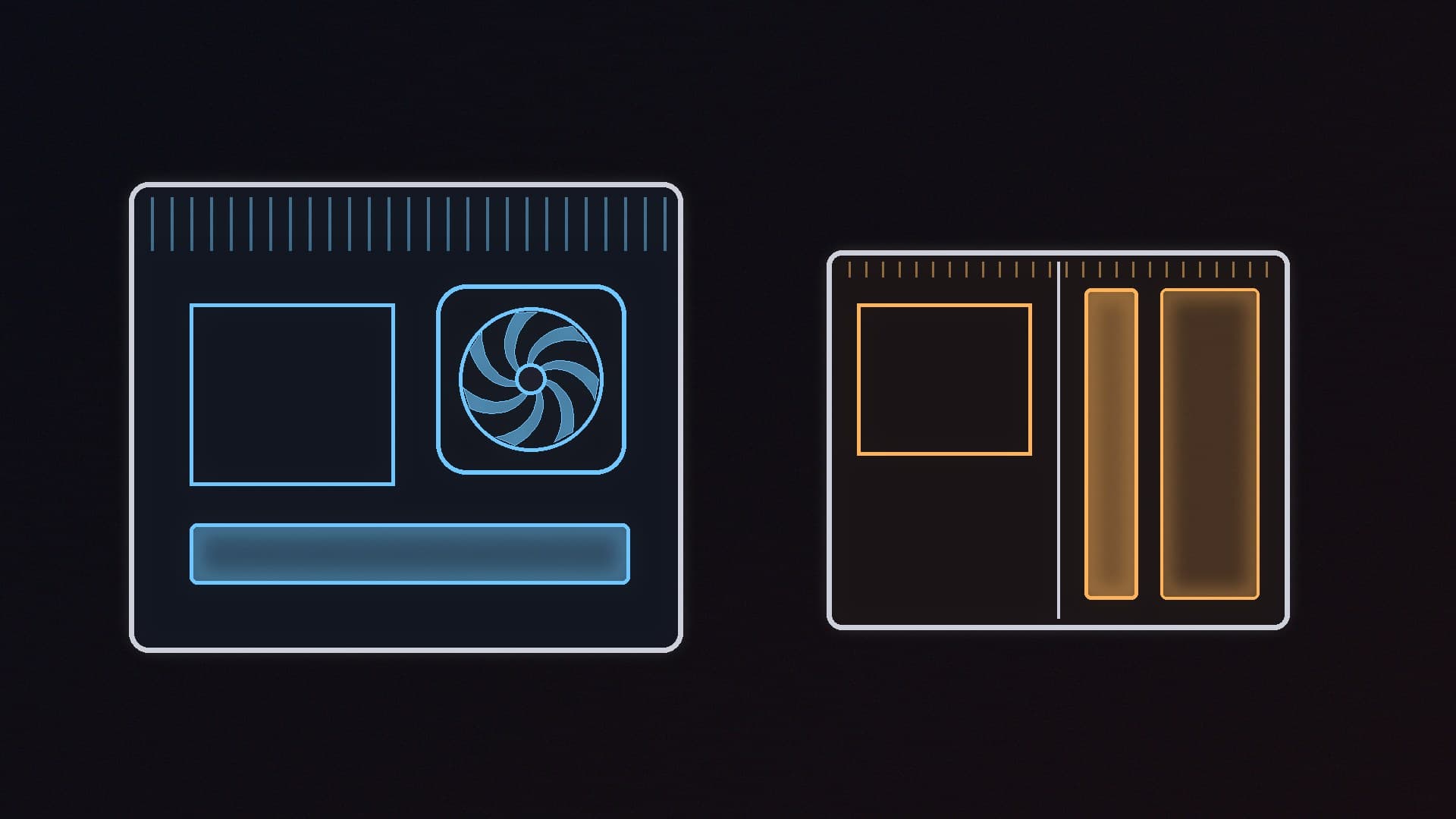
For hot, high-core-count processors in a mid-tower or larger case, the Liquid Freezer III Pro 360 is the most sensible big ARCTIC AIO. ARCTIC lists a 398 x 120 x 38mm radiator with three P12 Pro fans at 600-3,000rpm, rated at 77 CFM and 6.9 mmH2O of static pressure each. Like the rest of the range, it has a small PWM-controlled VRM fan on the pump block (rated 400-2,500rpm) to move air over the motherboard's voltage regulators, an offset cold plate mount that ARCTIC says shifts contact towards the CPU hotspot, and an Intel contact frame in the box. ARCTIC also includes MX-6 thermal paste.
Not sure whether you need 360mm or 240mm? See 240mm vs 360mm AIO. There's also an A-RGB version if you want lighting.
For 140mm fan mounts: Liquid Freezer III Pro 280 and 420
The Liquid Freezer III Pro 280 and Liquid Freezer III Pro 420 use 140mm P14 Pro fans, rated at 400-2,500rpm, 110 CFM and 5.2 mmH2O each by ARCTIC. Their radiators are 138mm wide (317mm long for the 280, 458mm for the 420), so they only suit cases with 140mm fan mounts at the radiator position; many cases that take a 360mm radiator can't take a 420mm one. If your case does support them, they're worth a look. Lit versions of both are listed in our database too (280 A-RGB, 420 A-RGB).
How to choose
Measure first. The Freezer 36 needs 159mm of cooler height. The AIOs need radiator mounts of the right size and enough depth for a 38mm radiator plus fans.
Match the cooler to the processor. Mainstream six- and eight-core gaming chips are a sensible match for a good tower cooler; very hot, high-core-count chips under sustained all-core load are where a 360mm or 420mm AIO makes more sense. Check the processor's power rating on AMD's or Intel's spec page.
Plan your headers. ARCTIC says the Liquid Freezer III Pro's splitter cable lets the pump, VRM fan and radiator fans be controlled separately, or together from a single PWM signal with the all-in-one cable, so check which fan headers your motherboard has free. Our CPU fan error fix explains what to do if the board complains at boot.
Black Friday buyers: prices on coolers move a lot this week, so compare the exact model name, radiator size and A-RGB or non-RGB version before you buy. We haven't listed prices here.
For more choices beyond ARCTIC, see our best AIO coolers and best Thermalright air coolers. For case fans to go with them, see best ARCTIC case fans.
Our verdict
For most mid-range gaming PCs, the ARCTIC Freezer 36 is the sensible ARCTIC pick: a 159mm push-pull tower with four heatpipes, fans that stop below 5% PWM and a six-year warranty, per ARCTIC's specs. Choose the Freezer 36 A-RGB only if you want lighting. For hotter processors, the Liquid Freezer III Pro 360 is the best all-rounder if your case takes a 360mm, 38mm-thick radiator, with the 240 for smaller cases and the 280 and 420 for cases with 140mm mounts. All figures are ARCTIC's own, not our testing, so check your case's clearance and radiator support first.