Small-form-factor PCs have to make compromises, and these two cases make very different ones. The Cooler Master MasterBox NR200P V2 is a relatively roomy 18.25-litre Mini-ITX case with a vertical graphics card mount, a bottom fan and room for a 280mm radiator. The Lian Li A4-H2O, designed with DAN Cases, squeezes a sandwich layout into just 11 litres, with the graphics card behind the motherboard on a riser and a 240mm AIO on top.
This comparison uses Cooler Master's and Lian Li's official product pages, read on 24 November 2026. We haven't included prices, so check current UK listings before you buy.
Both cases are in our specifications database: the Cooler Master MasterBox NR200P V2 and the Lian Li A4-H2O. For more options, see our best Mini-ITX case guide, and if you're still choosing a board, our best Mini-ITX AM5 motherboard guide.
NR200P V2 vs A4-H2O at a glance
| Cooler Master NR200P V2 | Lian Li A4-H2O |
|---|
Volume | 18.25 litres | 11 litres |
Dimensions | 360 x 185 x 274mm (excl. protrusions) | 326 x 140 x 244mm (D x W x H) |
Exterior | SGCC steel, mesh and ABS plastic; tempered glass and steel side panels | Aluminium exterior, SPCC steel interior |
Motherboard | Mini-ITX | Mini-ITX |
Expansion slots | 3 | 3 |
Riser cable included | PCIe 4.0 x16 | PCIe 5.0 |
Graphics card length | Up to 357mm past the front bracket, or 334mm without (both incl. power connector) | Up to 322mm |
CPU cooler height | 67mm | 55mm |
Radiator support | 120, 140, 240 or 280mm at the top | 240mm at the top (55mm max with fans) |
Fans included | 1x 120mm PWM (bottom) | None listed |
Power supply | SFX or SFX-L | SFX or SFX-L |
Front USB | 2x USB 3.2 Gen 1 Type-A, 1x USB 3.2 Gen 2x2 Type-C (20Gbps) | 1x USB 3.0 Type-A, 1x USB 3.1 Type-C |
Storage | 1x 3.5in (2 without bottom fan), 1x 2.5/3.5in combo, 1x 2.5in (max 2) | 1x 2.5in SSD |
Warranty | 2 years | 1 year |
Size and layout
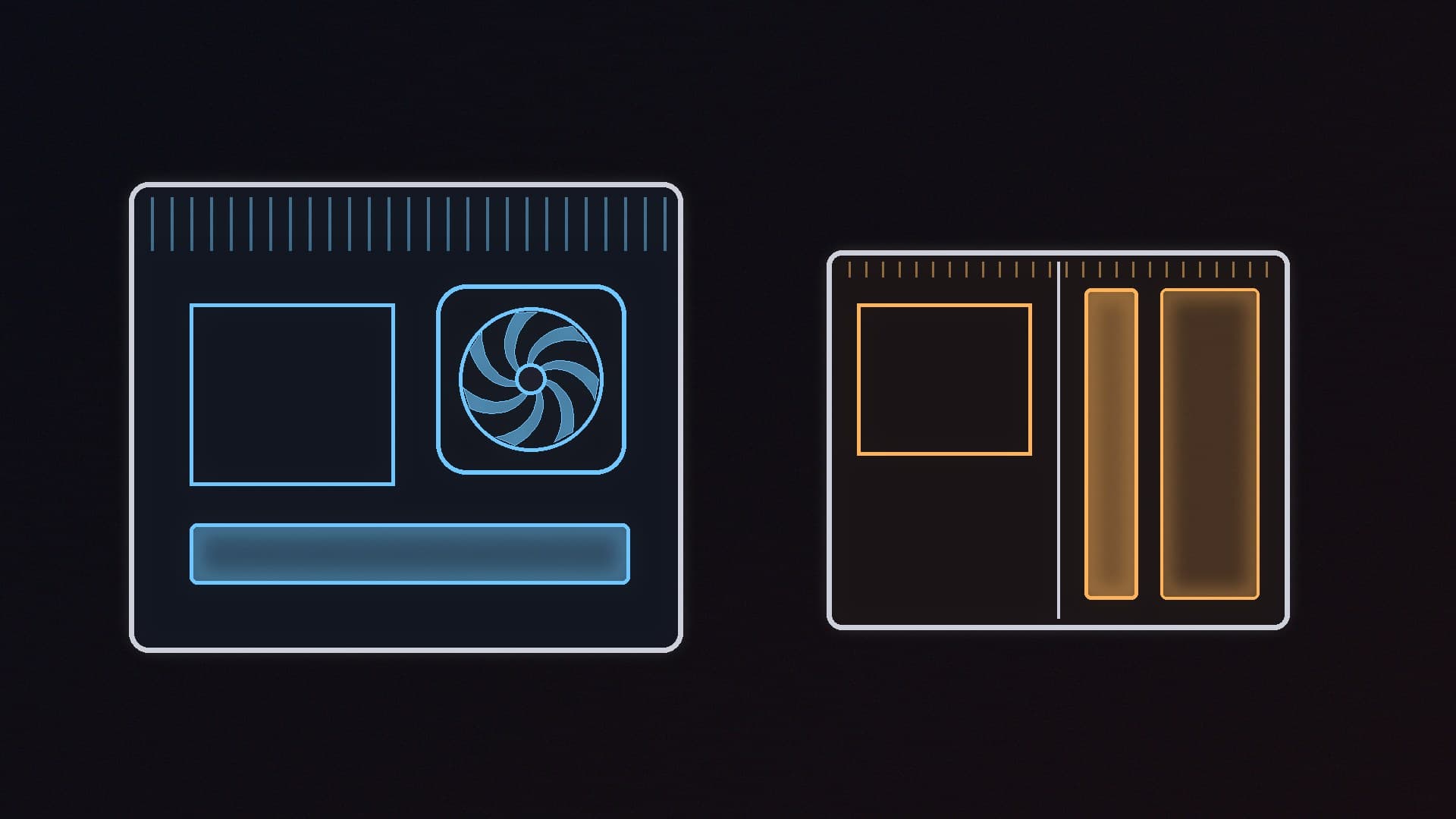
The A4-H2O is the smaller case by a long way: 11 litres against 18.25 litres. Lian Li describes it as one of the smallest cases on the market that supports both a triple-slot graphics card and a 240mm AIO. It uses a sandwich layout: the graphics card sits behind the motherboard, connected by the included PCIe 5.0 riser cable, with the motherboard and cooler on the other side.
The NR200P V2 is wider and taller, but it's still a compact case. Cooler Master includes a PCIe 4.0 x16 riser cable and a GPU holder, and the case supports vertical mounting options. If you want to know how a riser-mounted card differs from a standard horizontal one, our vertical vs horizontal GPU mount guide explains the basics.
Graphics card support
Both cases list three expansion slots, so both can take a triple-slot graphics card, but the length limits differ:
NR200P V2: up to 357mm long and 160mm high (including the power connector) if the card extends past the front bracket, with a 73mm width limit. Without passing the front bracket, the limit is 334mm long and 80mm wide.
A4-H2O: up to 322mm long.
That gives the NR200P V2 the edge for large cards. Cooler Master also says it's compatible with NVIDIA's SFF-Ready Enthusiast GeForce cards. Whichever case you choose, check the card maker's exact dimensions, including the power connector, using our guide to checking whether a graphics card fits your case.
The A4-H2O's included riser is PCIe 5.0, while the NR200P V2 includes a PCIe 4.0 riser. That matters only if you want to run a PCIe 5.0 graphics card at its full interface speed.
CPU cooling
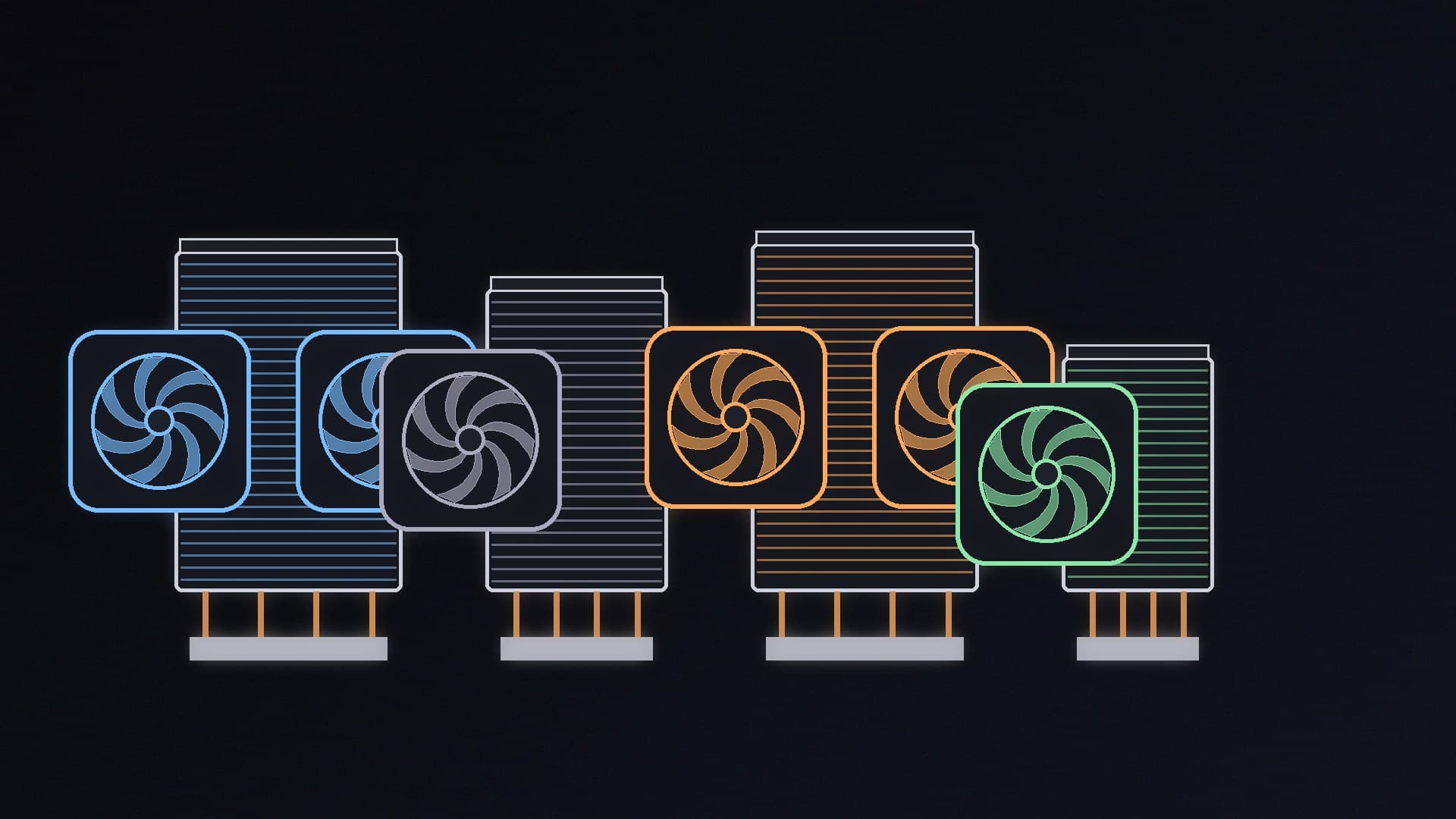
This is the biggest practical difference. The NR200P V2 takes CPU coolers up to 67mm tall, which allows a low-profile air cooler, and it supports 120, 140, 240 or 280mm radiators at the top. A 120mm PWM fan comes pre-installed at the bottom, and there's room for a second 120mm bottom fan, depending on whether you fit a 3.5in drive.
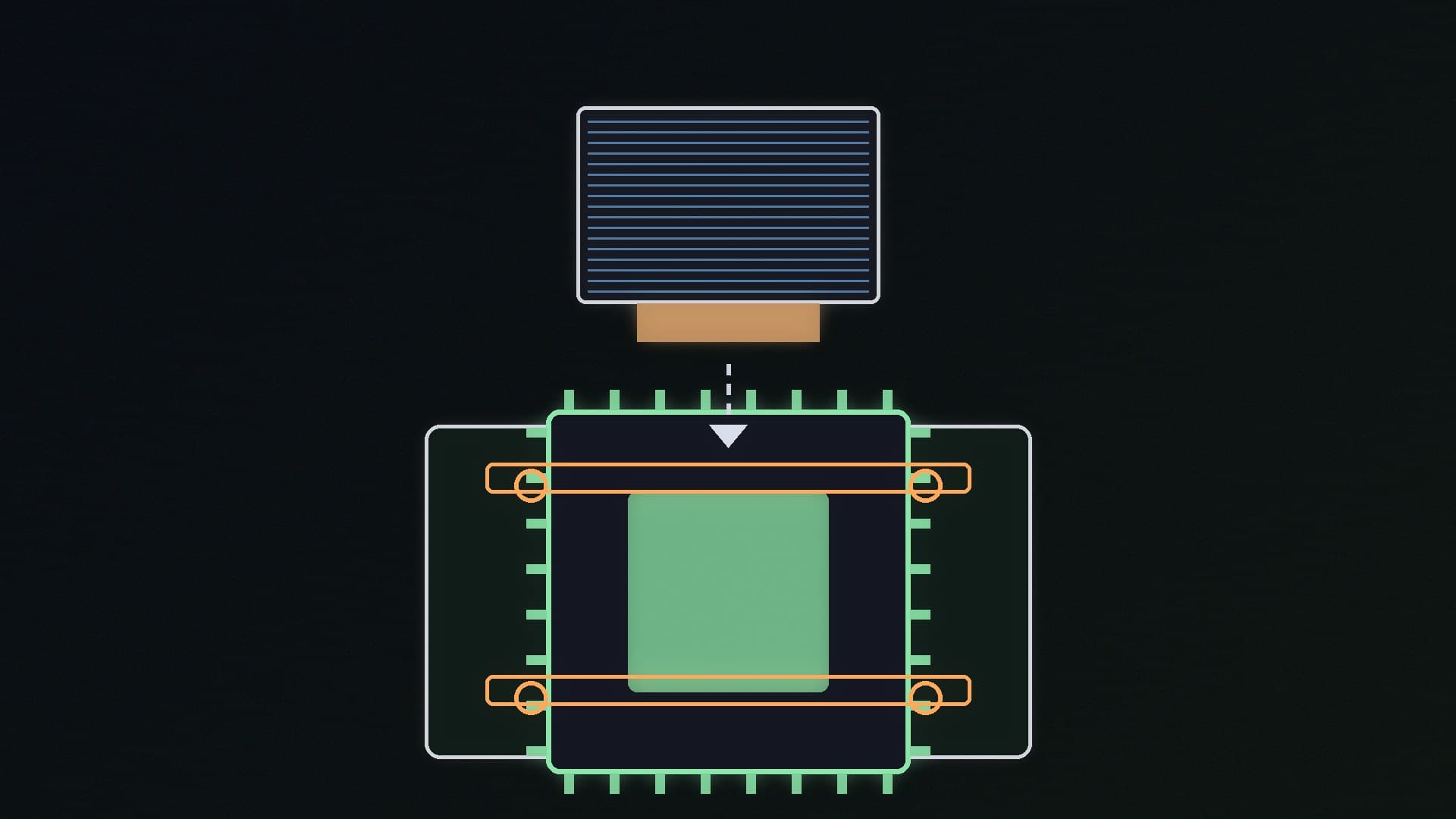
The A4-H2O allows only 55mm for an air cooler, and it's really designed for a 240mm AIO: Lian Li lists one 240mm radiator at the top with a maximum combined thickness of 55mm including fans, and a removable top bracket to make fitting easier. Lian Li doesn't list any included fans, so budget for the AIO's own fans. Our AIO radiator fit guide and best low-profile CPU cooler guide can help with either route.
Power supply, storage and ports
Both cases take SFX and SFX-L power supplies; Cooler Master lists 130mm of PSU clearance for the NR200P V2. Lian Li says the A4-H2O includes a pre-routed power cord extension. Our best SFX power supply guide covers suitable units, such as the Lian Li SP850P and Cooler Master V SFX Gold 850.
The NR200P V2 has more storage room: Cooler Master lists one 3.5in bay (two if you remove the bottom fan), a combined 2.5/3.5in bay and a 2.5in bay (up to two), while the A4-H2O takes a single 2.5in SSD. In practice, most Mini-ITX builds rely on M.2 SSDs on the motherboard. The NR200P V2 also has the faster front USB-C port, rated by Cooler Master at up to 20Gbps (USB 3.2 Gen 2x2). Check that your motherboard has the matching header before relying on it.
Which should you buy?
Choose the Cooler Master NR200P V2 if you want the easier build: more room for long graphics cards, a choice of low-profile air cooling or a 240mm/280mm AIO, an included bottom fan, more drive space and a 20Gbps front USB-C port. It's also listed with a longer warranty (2 years against Lian Li's 1 year).
Choose the Lian Li A4-H2O if the smallest possible case is the priority and you're happy to use a 240mm AIO and a card no longer than 322mm. Its aluminium exterior and PCIe 5.0 riser are welcome, but the tighter clearances mean you'll need to plan the parts carefully.
Our verdict
For most people, the NR200P V2 is the better Mini-ITX case: at 18.25 litres it has room for graphics cards up to 357mm, coolers up to 67mm tall or radiators up to 280mm, plus an included 120mm fan, more storage and a 20Gbps front USB-C port. The A4-H2O is the better choice only if size is everything, since it fits a triple-slot graphics card and a 240mm AIO into just 11 litres, with an aluminium exterior and a PCIe 5.0 riser.