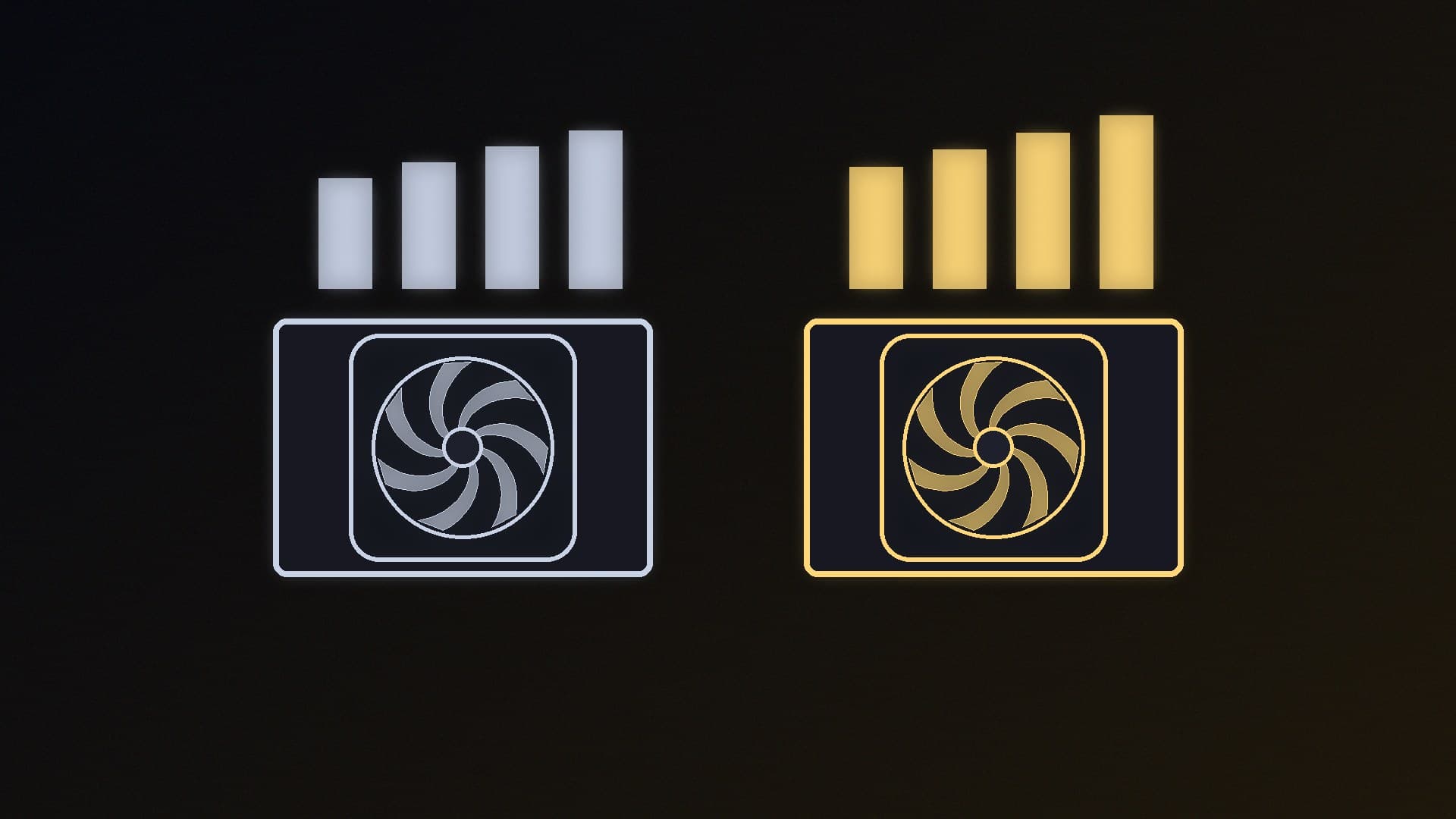
80 PLUS Platinum and Titanium are the two highest efficiency ratings you'll see on a desktop power supply box. Both mean a PSU wastes less electricity as heat than a Gold or Bronze unit, but Titanium adds a stricter requirement at very light loads, which is where a gaming PC spends a lot of its time. This guide compares the two using the official requirements published by CLEAResult, which runs the 80 PLUS programme. For how a specific PSU performs, check independent reviews.
The short answer
80 PLUS Platinum is already very efficient and is the sensible top tier for most high-end gaming PCs.
80 PLUS Titanium adds a minimum efficiency at 10% load and raises the bar at 20% and 50% load. It's mostly worth it for PCs that run for many hours a day, very high-wattage builds, or if you simply want the best PSU and the price gap is small.
The official numbers
CLEAResult publishes different requirements depending on mains voltage. UK mains is nominally 230V, so the 230V EU Internal category is the closest match for a PC plugged in here. Here are the minimum efficiencies for non-redundant internal (desktop) power supplies:
Load | Platinum (230V EU) | Titanium (230V EU) | Platinum (115V) | Titanium (115V) |
|---|
10% | Not required | 90% | Not required | 90% |
20% | 92% | 94% | 90% | 92% |
50% | 94% | 96% | 92% | 94% |
100% | 90% | 91% | 89% | 90% |
Power factor | 0.95 at 50% | Above 0.95 at 20% | 0.95 at 50% | Above 0.95 at 20% |
Two things stand out. First, Titanium is the only one of the two with a 10% load requirement. Second, the gap at 20% and 50% load is two percentage points on the 230V scale, and only one point at full load.
Be aware that some PSU spec sheets quote a 115V certification rather than a 230V one. A PSU certified as Titanium at 115V and one certified at 230V EU have been tested against different thresholds, so compare like with like. The 80 PLUS listings show which category a unit was certified under.
Why light loads matter
A 1,000W power supply in a gaming PC might spend most of its time at the desktop, browsing or watching video, drawing well under 100W. That's below 10% of its rating. Platinum has no requirement there, so two Platinum units can differ a lot at idle. Titanium at least guarantees 90% efficiency at 10% load (100W on a 1,000W unit).
This is also why choosing a sensible wattage matters as much as the badge. A grossly oversized PSU spends more time at very light loads where efficiency drops. Our how to calculate PSU wattage guide helps you size it properly.
What the difference is worth
Efficiency is the share of power drawn from the wall that reaches your components. At a constant 400W load, a PSU running at 94% efficiency draws about 425.5W from the wall, while one at 96% draws about 416.7W: a difference of roughly 9W. Those figures come from the efficiency formula, not from testing, and real PSUs often beat the minimums.
Over a year that's small. Running at that load for four hours a day, 9W adds up to about 13kWh a year. Multiply that by your electricity unit rate on your bill to see what it's worth to you; for most gaming PCs it's a few pounds a year at most. Titanium makes more sense for PCs that run at high load for long periods, such as workstations, render boxes or local AI machines running around the clock.
Other things that matter more for most buyers
The efficiency badge doesn't tell you about noise, ripple, protections, cable quality, warranty or the fan curve. The 80 PLUS programme measures efficiency and power factor only. Other rating schemes, such as Cybenetics, also measure noise; see our Cybenetics vs 80 PLUS explainer. Our how to read a PSU spec sheet guide covers what else to check, and our semi-passive vs always-on PSU fan comparison explains why a high-efficiency unit can often run its fan less at low loads.
If you're moving up the efficiency ladder from a cheaper unit, our 80 PLUS Bronze vs Gold and 80 PLUS Gold vs Platinum comparisons cover the earlier steps.
Which should you buy?
Choose Platinum if: you want a premium, efficient PSU for a gaming PC, the Titanium version costs noticeably more, or you'd rather spend the difference on a better warranty or quieter model.
Choose Titanium if: your PC runs for long hours at high load, you're buying a very high-wattage unit for a workstation or multi-GPU build, or the price gap is small and you want the best efficiency at idle as well as under load.
Our verdict
80 PLUS Titanium is measurably stricter than Platinum: on CLEAResult's 230V EU scale it requires 94% and 96% efficiency at 20% and 50% load against Platinum's 92% and 94%, and it's the only one of the two with a 10% load requirement. For a typical UK gaming PC that difference is worth a few pounds a year at most, so Platinum is the better-value choice. Titanium makes sense for machines that run hard for long periods, or when the price gap is small. Either way, pick a sensible wattage and check independent reviews for noise and electrical performance.