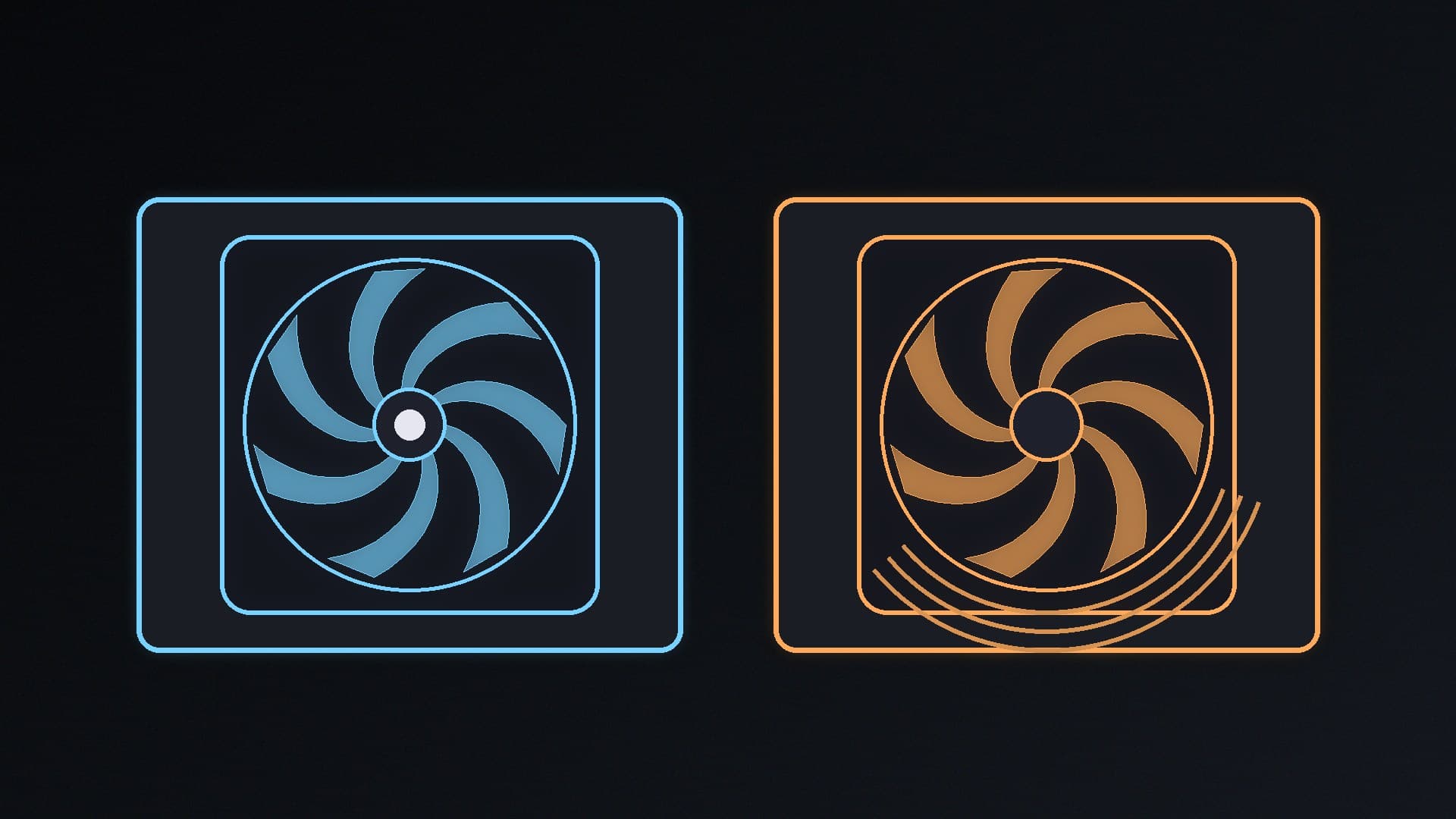
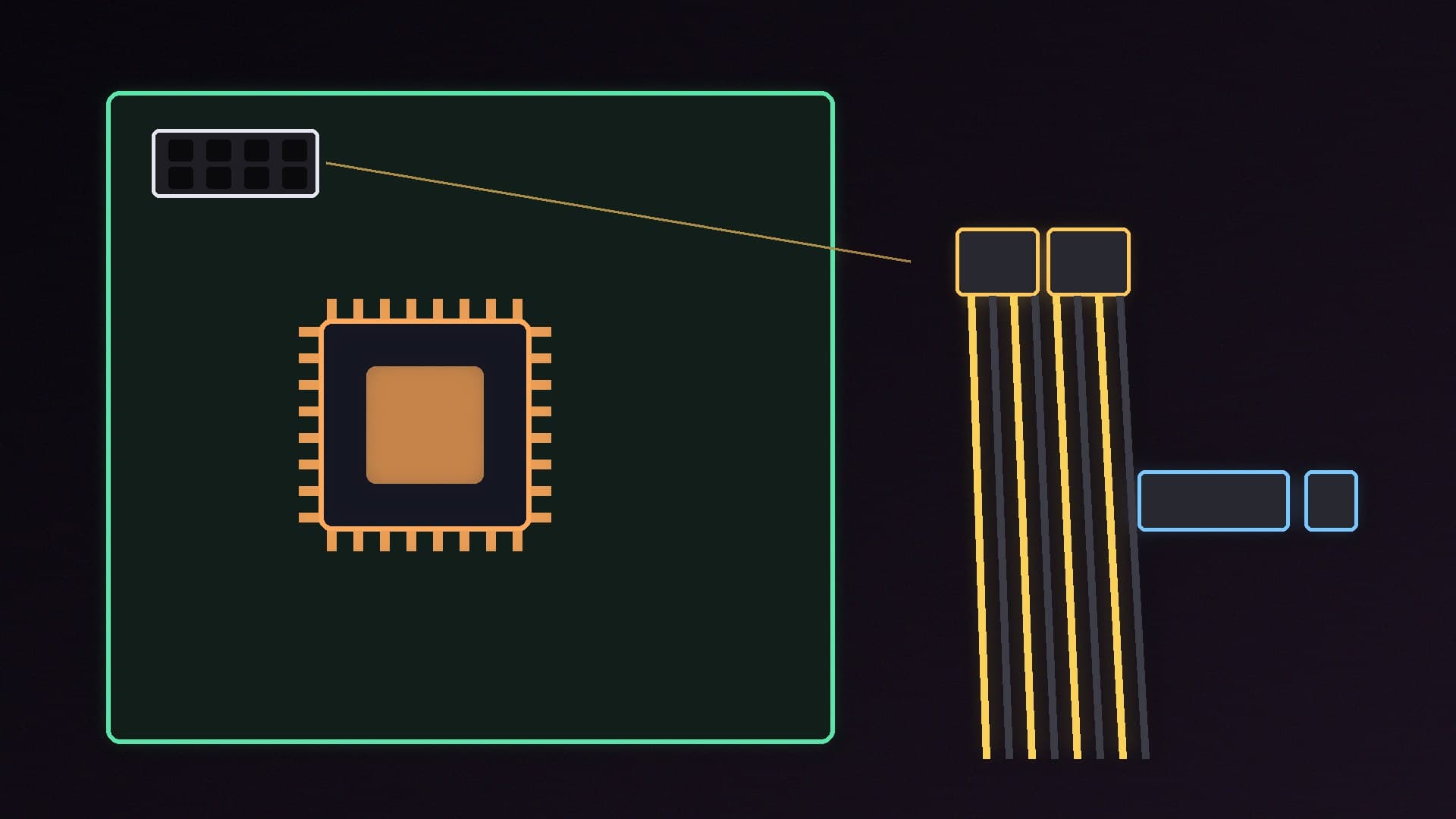
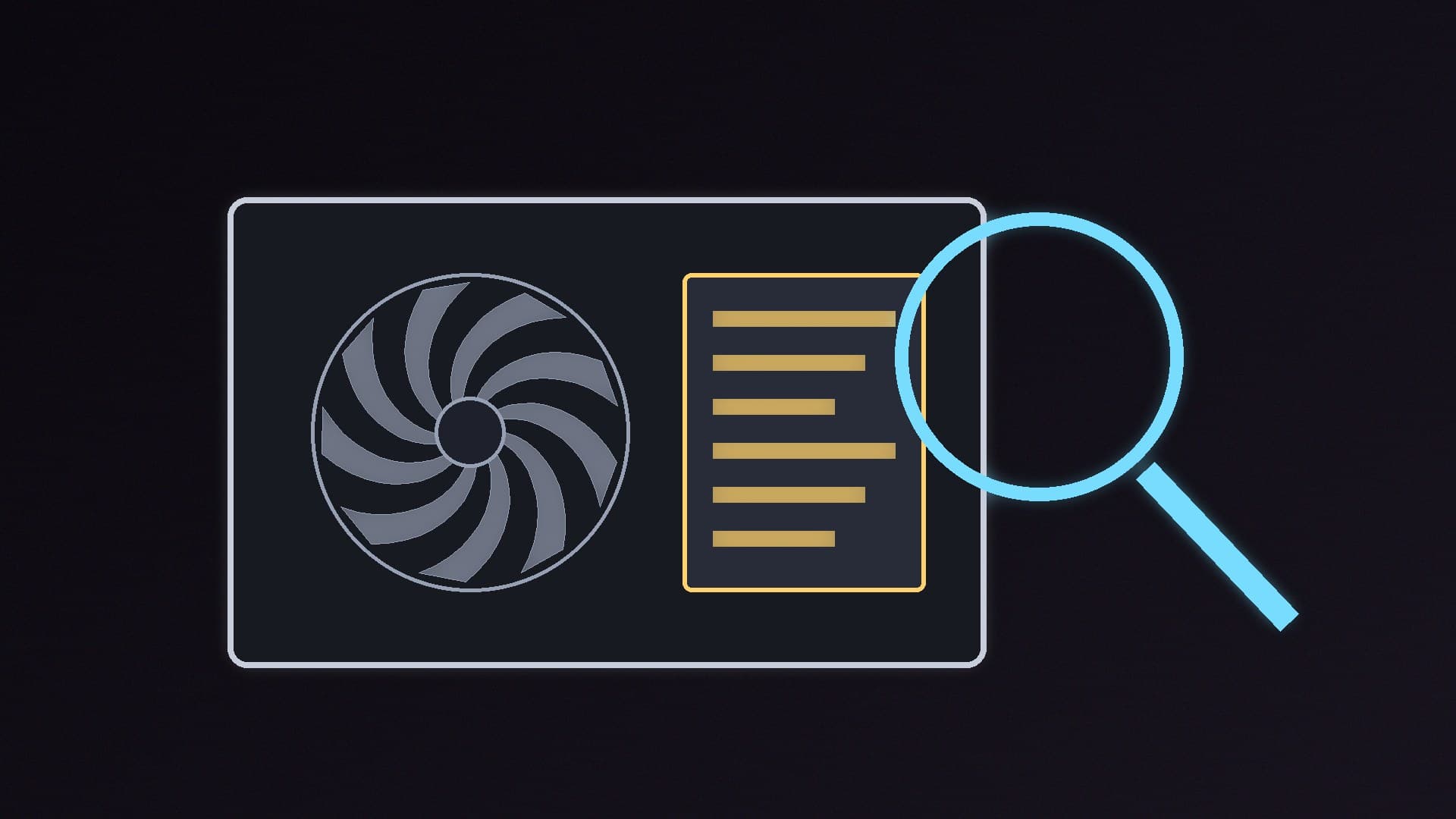
Look at the back of many power supplies and you'll find a small button next to the power switch, which Seasonic calls the fan control button. It chooses between a semi-passive mode, where the fan stops when the PSU doesn't need it, and a normal mode, where the fan always spins. Seasonic, which says it was the first brand to put a hybrid mode on a retail PSU with its X-Series in late 2009, calls these Hybrid Mode and Normal mode. This comparison explains the difference using Seasonic's documentation.
The short answer
| Semi-passive (hybrid / zero RPM) | Always-on (normal) |
|---|
Fan at light load | Stopped | Spinning |
Fan under heavier load | Starts and speeds up as load and temperature rise | Speeds up as load and temperature rise |
Noise at idle | No fan noise from the PSU | Some fan noise |
Airflow through the PSU at idle | None from the fan; heat dissipates passively | Constant |
Our suggestion | Quiet PCs that spend a lot of time at light load | PSUs in hot or cramped spots, or if you'd rather have constant airflow |
How semi-passive mode works
Seasonic describes its hybrid power supplies as models that "combine passive and active cooling": the fan stops when the need for forced airflow is low and starts when conditions require more cooling, and the PSU keeps powering the PC either way. Fan behaviour is set by load and temperature. Seasonic's hybrid fan control has three automatic states:
Fanless mode: the fan doesn't spin, and the PSU's design gets rid of the heat without it.
Silent mode: the fan runs at a low speed when some forced airflow is needed.
Cooling mode: airflow increases as load and heat rise.
The point at which the fan starts varies. Seasonic says the starting point in its S3FC hybrid control can be anywhere from 20% to 50% load depending on the model, and that the fan can start earlier if the temperature gets too high. It also uses hysteresis, so the fan may keep running for a while after the load drops rather than flicking on and off around the threshold.
The main benefit is noise: Seasonic says that when the fan is stopped it produces no rotational noise. Seasonic also argues that not running the fan reduces fan wear.
What always-on mode changes
On models with a button, Seasonic says the switch chooses between Hybrid and Normal. In Normal mode the fan "runs even under light load". It doesn't lock the fan at a fixed speed; it decides only whether the fan is allowed to stop. On Seasonic's Focus Plus units, the knowledge base says to leave the button unpressed for fanless mode and press it if you want the fan to spin at all times. Other brands may use different labels, so check your PSU manual for which position is which.
Installation matters more in hybrid mode
PSU orientation makes a difference when the fan is idle. Seasonic's installation advice is:
Bottom-mounted PSU, hybrid mode: Seasonic says the PSU will mostly stay in fanless mode, and mounting it with the ventilation cover facing up (towards the motherboard) helps hot air rise out while the fan is still.
Bottom-mounted PSU, normal mode: Seasonic says orientation is optional, because the fan runs all the time. If the case has a vented, filtered floor, it recommends facing the vent down to draw in cool outside air.
Top-mounted PSU: Seasonic recommends facing the vent down; if you mount it facing up, leave at least 5cm between the PSU and the case panel.
Flat desktop, SFX or ITX systems: Seasonic says to face the vent towards the motherboard.
See our power supply installation guide for the rest of the process.
Is a PSU fan that isn't spinning faulty?
Usually not. Seasonic notes that a hybrid PSU will mostly stay in fanless mode because most modern systems run at low loads. If your PSU has a semi-passive mode and the PC is idling, a still fan is expected. As a simple check, press the fan-mode button (if there is one) to switch to normal mode and see whether the fan starts, or watch it under a sustained heavy load. Seasonic also says a hybrid PSU won't stay fanless under every load: it's designed to start the fan when it needs to. Unsure of your model? See how to check what PSU you have.
Fan bearings and quality
Fan mode and fan quality are separate things. Seasonic points out that the bearing affects how the fan runs mechanically, while the controller decides when it starts. A number of its models use fluid dynamic bearing (FDB) fans; our sleeve vs ball vs fluid dynamic bearing fans comparison explains the difference. For specific models, see our best Seasonic power supplies.
Our verdict
For most home PCs, leave a power supply in its semi-passive (hybrid) mode: the fan stops when it isn't needed, so the PSU is silent at idle and light load, and it starts automatically as load and temperature rise. Normal mode is worth considering if the PSU sits in a hot or cramped spot or you'd simply rather have constant airflow; that's our suggestion rather than a Seasonic rule. Either way, follow Seasonic's orientation advice, including the 5cm gap for a top-mounted PSU facing up. A stopped fan at idle is normal on a hybrid PSU, not a fault.