This comparison is based on NVIDIA's official specifications, read on 25 November 2026, plus model file sizes published on Hugging Face. Where we give an opinion, we say so.
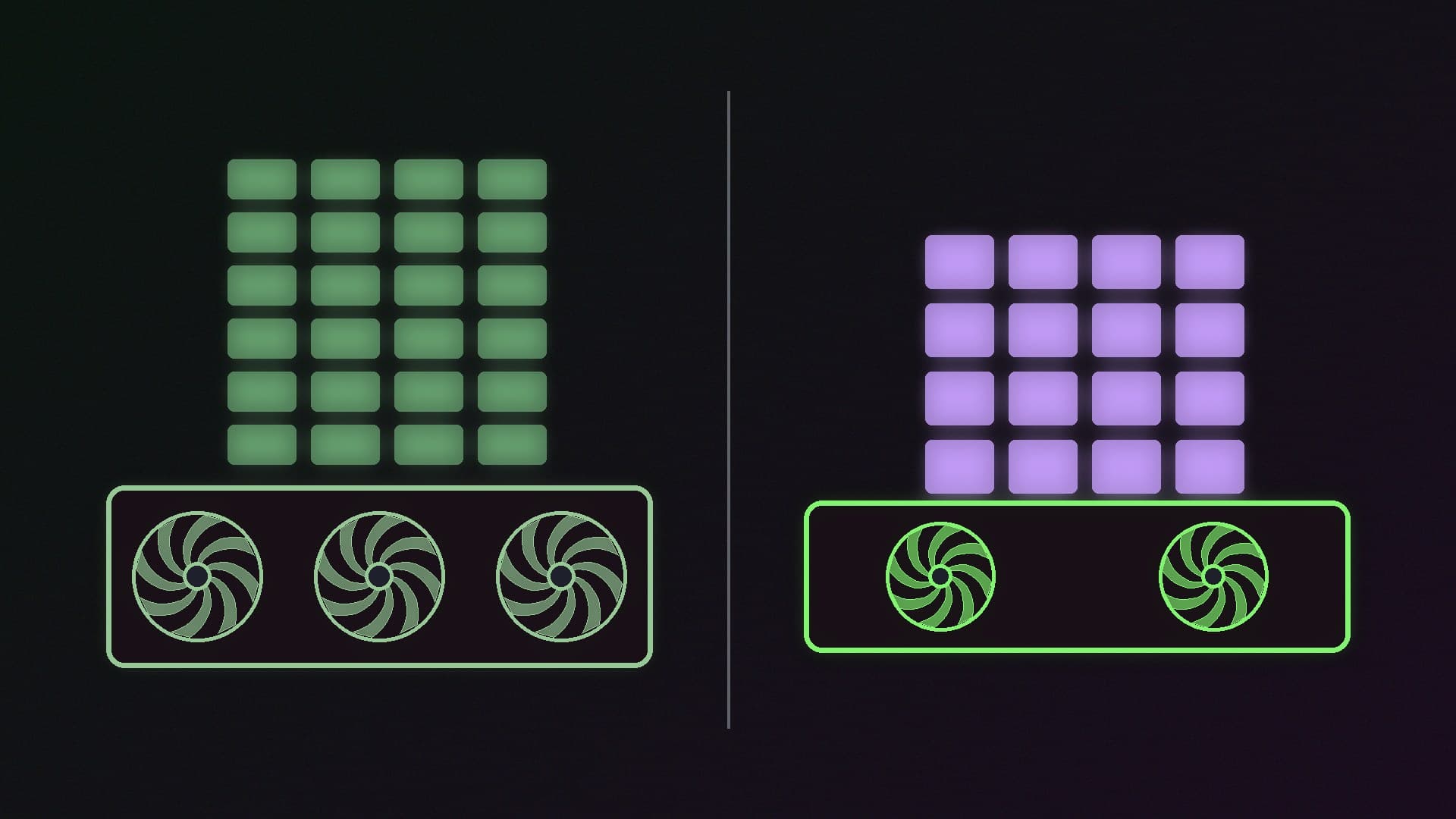
For local AI, this is one of the most common upgrade dilemmas. The GeForce RTX 3090 is an older Ampere-generation card, which this comparison assumes you'd buy used, but it has 24GB of video memory. The GeForce RTX 5080 is a current Blackwell card with faster GDDR7 memory and much newer AI hardware, but only 16GB. If you've already read our RTX 3090 vs RTX 5070 Ti comparison, the 5080 is the step up: the same 16GB, with more CUDA cores and higher clocks.
Specs compared
Specification (NVIDIA Founders Edition) | GeForce RTX 3090 | GeForce RTX 5080 |
|---|
Architecture | Ampere | Blackwell |
CUDA cores | 10,496 | 10,752 |
Boost / base clock | 1.70GHz / 1.40GHz | 2.62GHz / 2.30GHz |
Video memory | 24GB GDDR6X | 16GB GDDR7 |
Memory bus | 384-bit | 256-bit |
Tensor Cores | 3rd generation | 5th generation (NVIDIA quotes 1,801 AI TOPS) |
CUDA compute capability | 8.6 | 12.0 |
PCI Express | Gen 4 | Gen 5 |
NVLink | Yes | No |
Graphics card power | 350W | 360W |
NVIDIA's required system power | 750W | 850W |
Founders Edition size | 313mm, 3-slot | 304mm, 2-slot |
Power connectors | 2x 8-pin (adapter to 12-pin included) | 3x 8-pin (adapter included) or one 450W+ PCIe Gen 5 cable |
NVIDIA doesn't publish an AI TOPS figure for the RTX 3090 on the page we used, so the two cards can't be compared on that number. Partner cards from ASUS, Gigabyte, MSI and others can differ in size, clocks and power.
Why VRAM matters most
For running large language models (LLMs) at home, the amount of video memory decides which models you can load at all. If a model and its context don't fit on the card, apps such as Ollama, LM Studio and llama.cpp move part of the work to system RAM and the CPU, which is much slower. Our guide to how context length uses VRAM explains why you need room on top of the model file itself.
Here's how that plays out with a real example. Unsloth's GGUF downloads of Qwen3-8B on Hugging Face list these file sizes:
Qwen3-8B GGUF file | File size (Hugging Face) | Fits on 16GB? | Fits on 24GB? |
|---|
Q4_K_M | 5.03GB | Yes, with lots of room | Yes, with lots of room |
Q8_0 | 8.71GB | Yes | Yes |
BF16 (unquantised) | 16.39GB | No, the file alone is bigger than the card | Yes, with some room for context |
Those are file sizes, not exact memory use, and the "fits" columns are our estimate. The pattern is the useful part: an 8GB-class 4-bit or 8-bit model is easy on both cards. The 3090's extra 8GB starts to matter when you move up to bigger models, higher-quality quantisations or long context. If your models of choice need 17-22GB, only the 3090 holds them entirely in VRAM. Our GGUF quantisation explainer covers what Q4_K_M, Q8_0 and the rest mean.
Where the RTX 5080 pulls ahead
Much newer AI hardware. The 5080 has 5th-generation Tensor Cores, and NVIDIA says Blackwell gets its maximum AI performance "with FP4". FP4 only helps when your app and model format actually use it. Our FP4 vs FP8 vs FP16 explainer covers when that happens, and our compute capability guide explains why 12.0 against 8.6 matters for software support.
Faster memory and clocks. NVIDIA's technical blog notes that generating output tokens (the decode phase) is memory-bound, so memory speed has a big effect on how quickly text appears. The 5080 uses faster GDDR7 on a narrower 256-bit bus, while the 3090 uses GDDR6X on a wider 384-bit bus. NVIDIA's pages we used don't list a bandwidth figure for either card, so we aren't claiming a winner on that, and we haven't measured it. Our GDDR7 vs GDDR6 explainer has the background.
It's a current product. You buy it new with a full warranty and current driver support, and it's a strong gaming card too. A 3090 bought used may have had years of heavy use. Our used GPU buying guide for local AI lists the checks to make before you hand over money.
Slimmer. The Founders Edition is a 2-slot card against the 3090's 3-slot design, which matters in smaller cases.
Where the RTX 3090 pulls ahead
50% more VRAM. 24GB against 16GB is the single biggest difference for local LLMs, and no software update changes it.
Lower power supply requirement. NVIDIA recommends a 750W system for the 3090 and 850W for the 5080, even though the cards' own power ratings are close (350W and 360W). Our guide to choosing a PSU for a local AI PC explains how to size one.
A route to more VRAM with two cards. NVIDIA lists NVLink for the 3090 and not for the 5080. You don't need NVLink to split a model across two cards in most home AI apps, though: our guide to running a local LLM on two GPUs covers how that works.
Which should you buy?
This is our recommendation, based on the specs above rather than our own testing.
Choose the RTX 3090 if the models you want to run don't fit in 16GB. That includes larger dense models at 4-bit, 8-bit versions of mid-sized models and long-context work. A healthy used 3090 is still one of the simplest ways to get 24GB on one card. Check its condition carefully, and make sure your power supply and case can handle a 3-slot, 350W card.
Choose the RTX 5080 if your models fit comfortably in 16GB, you also game, or you want newer features such as FP4 support and a warranty. As the newer architecture, we'd expect it to stay supported by new AI software for longer, though that's our expectation rather than anything NVIDIA has promised. If 16GB isn't enough but you want new hardware, our best 24GB graphics cards for local AI guide covers the alternatives.
You'll find the RTX 5080's full specs on our NVIDIA GeForce RTX 5080 Founders Edition product page.
Our verdict
For local AI, VRAM usually decides this one: the RTX 3090's 24GB holds models and context that simply won't fit on the RTX 5080's 16GB. If your models fit in 16GB, though, the RTX 5080 is the better buy, with a much newer Blackwell chip, FP4 support, faster GDDR7 and a full warranty. Work out the size of the models you actually want to run before you choose.