Black Friday falls on Friday 27 November 2026, and power supplies are discounted alongside everything else. A PSU feeds every other part in your PC, so it's worth five minutes of checking before you jump on a deal. This checklist is general buying guidance drawn from the 80 PLUS and Cybenetics certification bodies' own descriptions and our existing PSU guides.
1. Work out the wattage you actually need
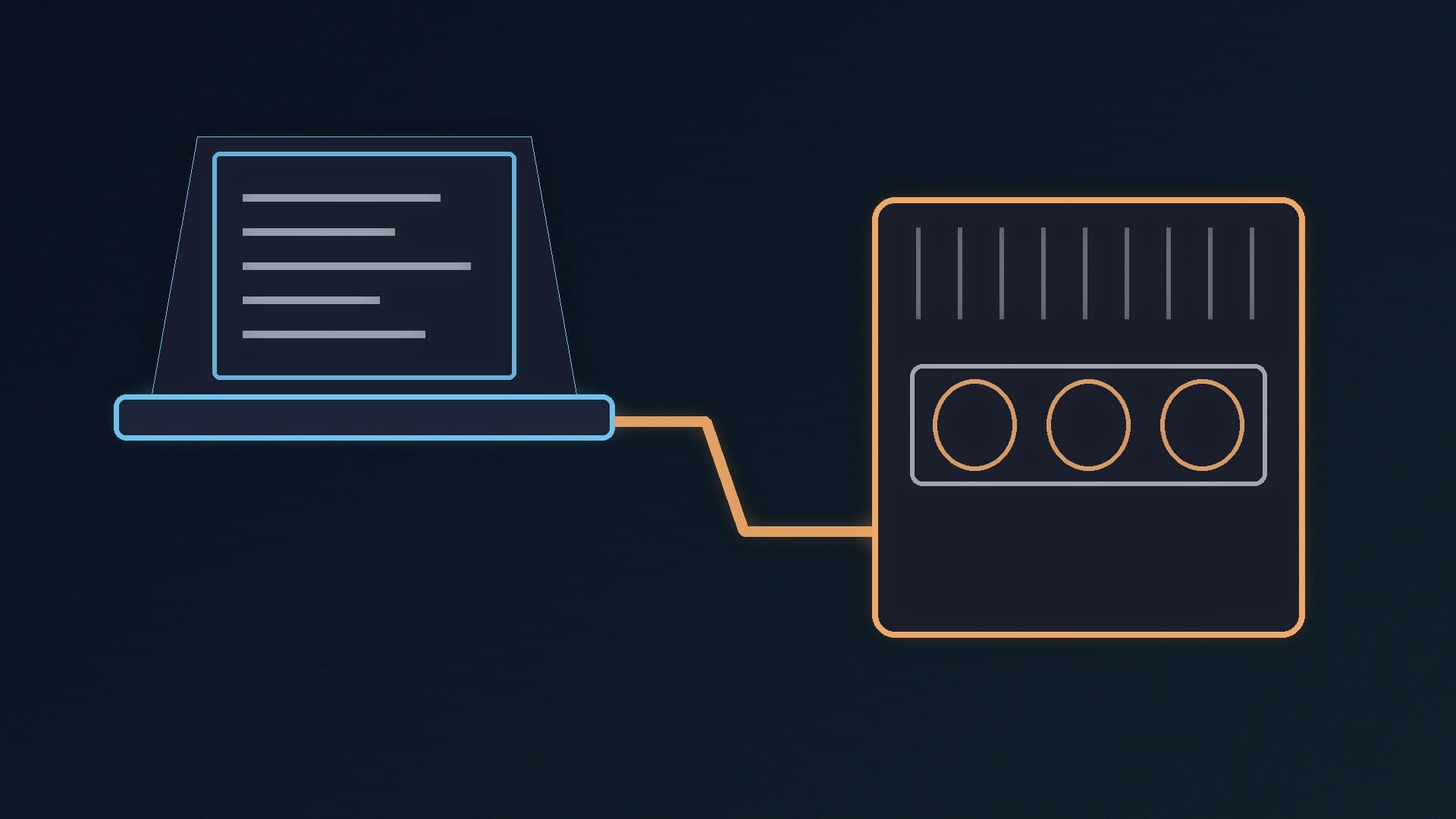
Add up your CPU and graphics card power, allow for the rest of the system and leave headroom for power spikes and future upgrades. Our step-by-step PSU wattage calculator guide walks through it, and how to choose a PSU covers matching a unit to an RTX 50 or RX 9000 build. Don't buy a 1,200W unit just because it's discounted if your system needs far less, and don't undersize a PSU for a high-end GPU because a smaller one is cheaper today.
2. Check which PSU you have now
If you're replacing an existing unit, find out what's in your PC first: its wattage, form factor and whether it's modular. Our guide on how to check what PSU you have shows where to look.
3. Understand the efficiency badge
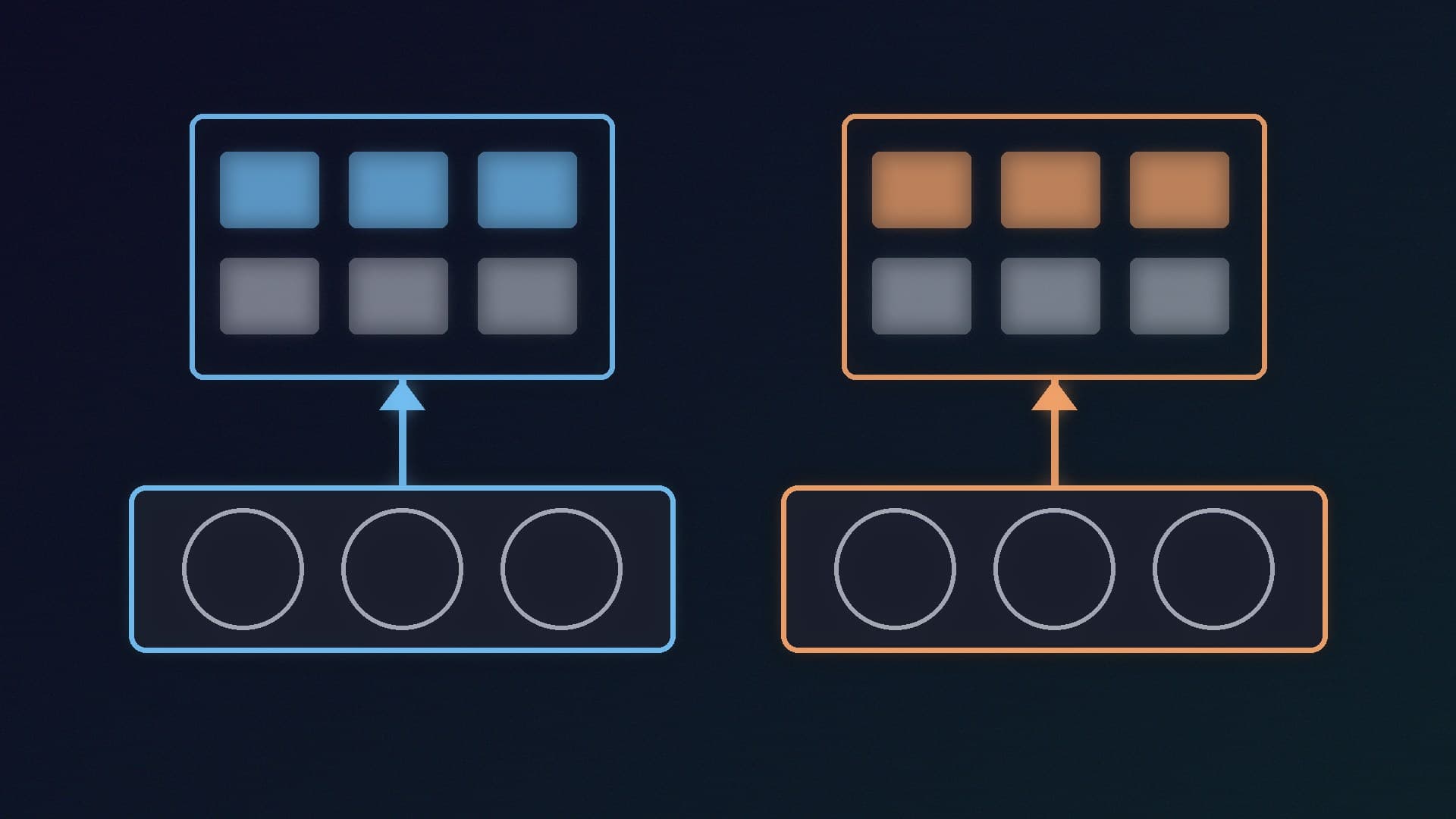
80 PLUS, run by CLEAResult, is a certification programme for internal PSUs. Its baseline requires at least 80% efficiency at 10%, 20%, 50% and 100% of rated load with a power factor of 0.9 or higher, and it has seven levels from Standard through Bronze, Silver, Gold, Platinum and Titanium to Ruby. CLEAResult also lists a separate 230V EU internal desktop category, which is closer to UK mains than the 115V category. Higher tiers waste less power as heat, but the jump from one tier to the next doesn't change what the PSU can power. See 80 PLUS Bronze vs Gold for whether the step up is worth paying for.
4. Look for a Cybenetics rating as well
Cybenetics runs ETA (efficiency) and LAMBDA (noise) certifications for power supplies. It says its laboratory and certification body are independently accredited by the Cyprus Accreditation Body, so its results aren't self-declared, and it measures conducted emissions (EMI) on every PSU it tests. A LAMBDA rating is useful if you want a quiet PC. Our Cybenetics vs 80 PLUS guide explains how the two differ.
5. Confirm ATX 3.x and the right GPU connector
Some recent graphics cards use the 16-pin 12V-2x6 power connector. A PSU with a native 12V-2x6 cable avoids adapters. Check the listing says ATX 3.0 or 3.1 and includes the connector your GPU needs; ATX 3.1 vs ATX 3.0 explains the difference, and how to connect a 12V-2x6 cable safely covers installation.
6. Count the connectors for your build
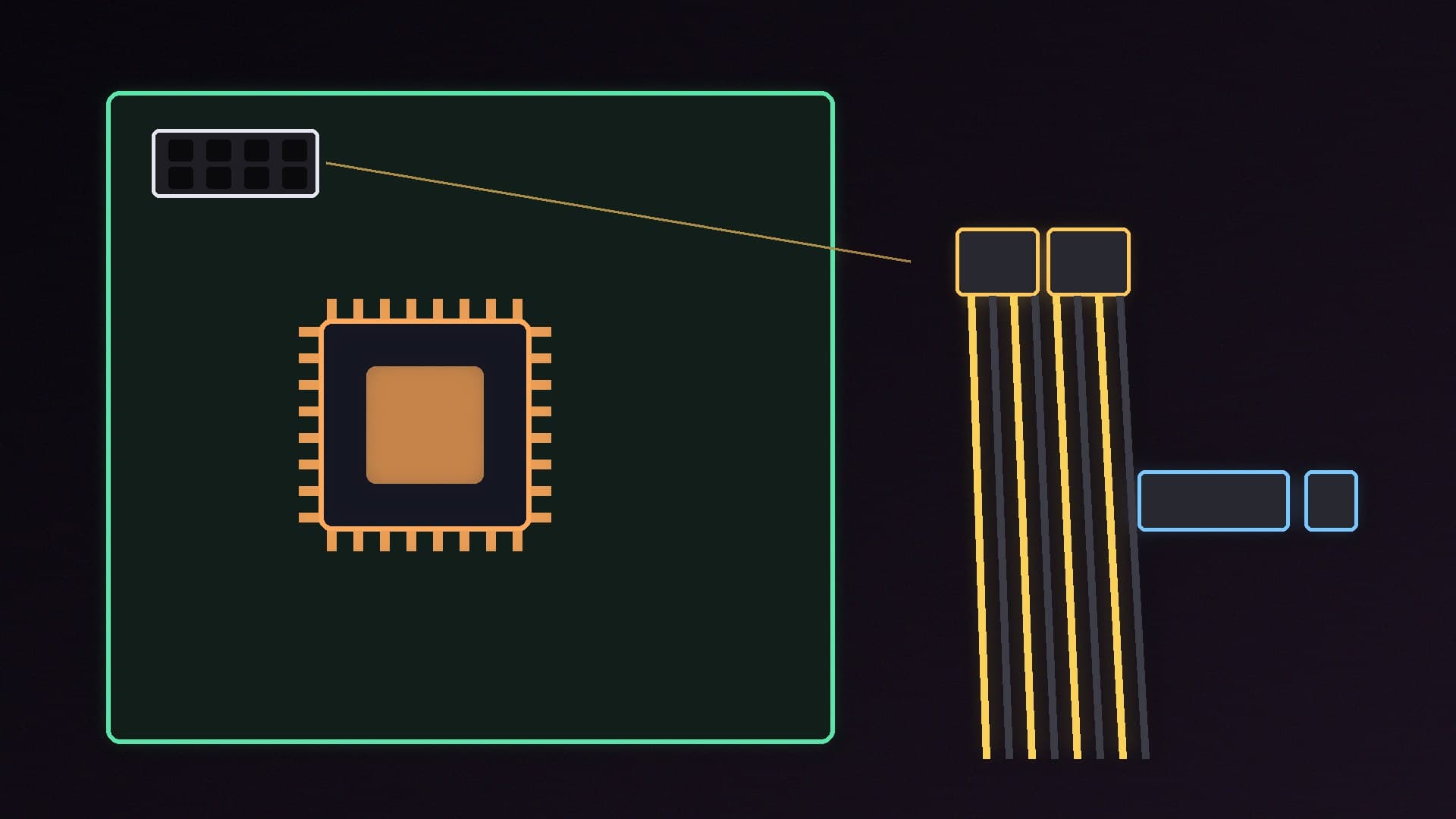
Check there are enough PCIe or 12V-2x6 cables for your GPU, enough CPU EPS cables for your motherboard (high-end boards may want two), and enough SATA connectors for drives. The spec sheet lists these; our guide to reading a PSU spec sheet explains the rest of the table.
7. Decide on modular cables, and don't mix them
Fully modular PSUs make cable management easier, and you can replace cables later. Never reuse modular cables from a different PSU, even from the same brand, unless the maker says they're compatible, because pinouts vary. See modular vs non-modular and how to check modular PSU cables are compatible.
Most cases take ATX power supplies, but small-form-factor cases may need SFX or SFX-L. Longer high-wattage ATX units can clash with drive cages or bottom fans, so compare the PSU's length with your case's PSU clearance. Our SFX vs ATX guide covers the size differences.
9. Read the warranty and the fan behaviour
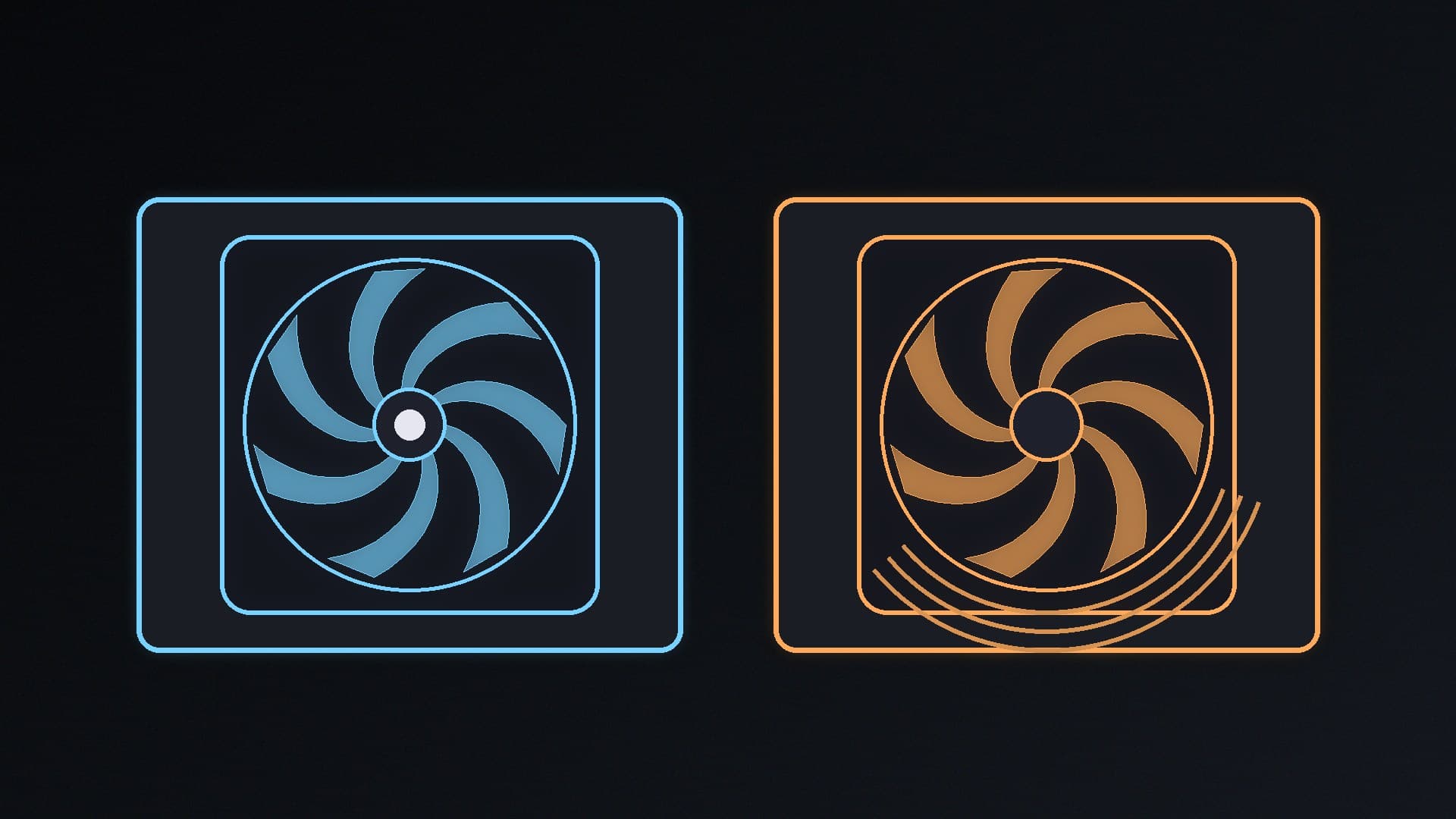
Warranty length varies widely between ranges, even from the same brand, and is a useful signal of what the maker expects. Check it on the maker's own page, not just the listing. If noise matters, check whether the fan stops at low loads; semi-passive vs always-on PSU fans explains the trade-off.
10. Compare the deal against the right model
PSU ranges are often refreshed with near-identical names, and an older revision may be discounted next to a newer one with different connectors. Match the exact model number with the maker's page, and use our guide to checking Black Friday PC deals to judge whether a "was" price is meaningful. Our Corsair PSU Black Friday prices report is one example of tracking discounts. If you'd rather start from a shortlist, see our best power supplies, best 850W PSUs and best budget PSUs.
Quick checklist
Check | What to confirm |
|---|
Wattage | Enough for CPU + GPU with headroom |
Current PSU | Wattage, size and modularity of what you're replacing |
80 PLUS | Tier, ideally under the 230V EU category |
Cybenetics | ETA efficiency and LAMBDA noise ratings |
ATX 3.x | Native 12V-2x6 if your GPU uses it |
Connectors | GPU, CPU EPS and SATA counts |
Modular | Never mix cables from another PSU |
Size | ATX, SFX or SFX-L; length vs case clearance |
Warranty and fan | Years on maker's page; fan-stop mode |
Model number | Exact match; current revision |
Our verdict
Before buying a power supply on Black Friday, work out the wattage your build needs, check the 80 PLUS tier and look for Cybenetics ETA and LAMBDA ratings, which are independently accredited. Make sure it's ATX 3.x with a native 12V-2x6 cable if your graphics card uses one, has enough GPU, CPU and SATA connectors, fits your case, and has a warranty you're happy with. Then match the exact model number on the maker's page so you know you're getting the current revision.