It's based on AMD's official specification pages and its Threadripper 9000 launch announcement, with memory bandwidth figures calculated from those specs and clearly labelled as theoretical.
If you're building a PC for running large language models, image generation or fine-tuning at home, the processor choice usually comes down to two AMD platforms. The Ryzen 9 9950X is the top mainstream AM5 chip. The Ryzen Threadripper 9970X is a high-end desktop (HEDT) part on the sTR5 socket and TRX50 chipset, and AMD markets the Threadripper 9000 family directly at "AI developers" and local AI processing.
For most local AI work, the graphics card does the heavy lifting, so this isn't really a contest about which CPU is faster. It's about three platform features: how many graphics cards you can feed, how much memory bandwidth you get when a model spills out of VRAM, and how much RAM you can fit at full speed.
The specs side by side
| Ryzen 9 9950X | Threadripper 9970X |
|---|
Cores / threads | 16 / 32 | 32 / 64 |
Boost / base clock | Up to 5.7 GHz / 4.3 GHz | Up to 5.4 GHz / 4.0 GHz |
L3 cache | 64 MB | 128 MB |
Default TDP | 170W | 350W |
Socket / chipsets | AM5 / A620, B650(E), X670(E), B840, B850, X870(E) | sTR5 / TRX50 |
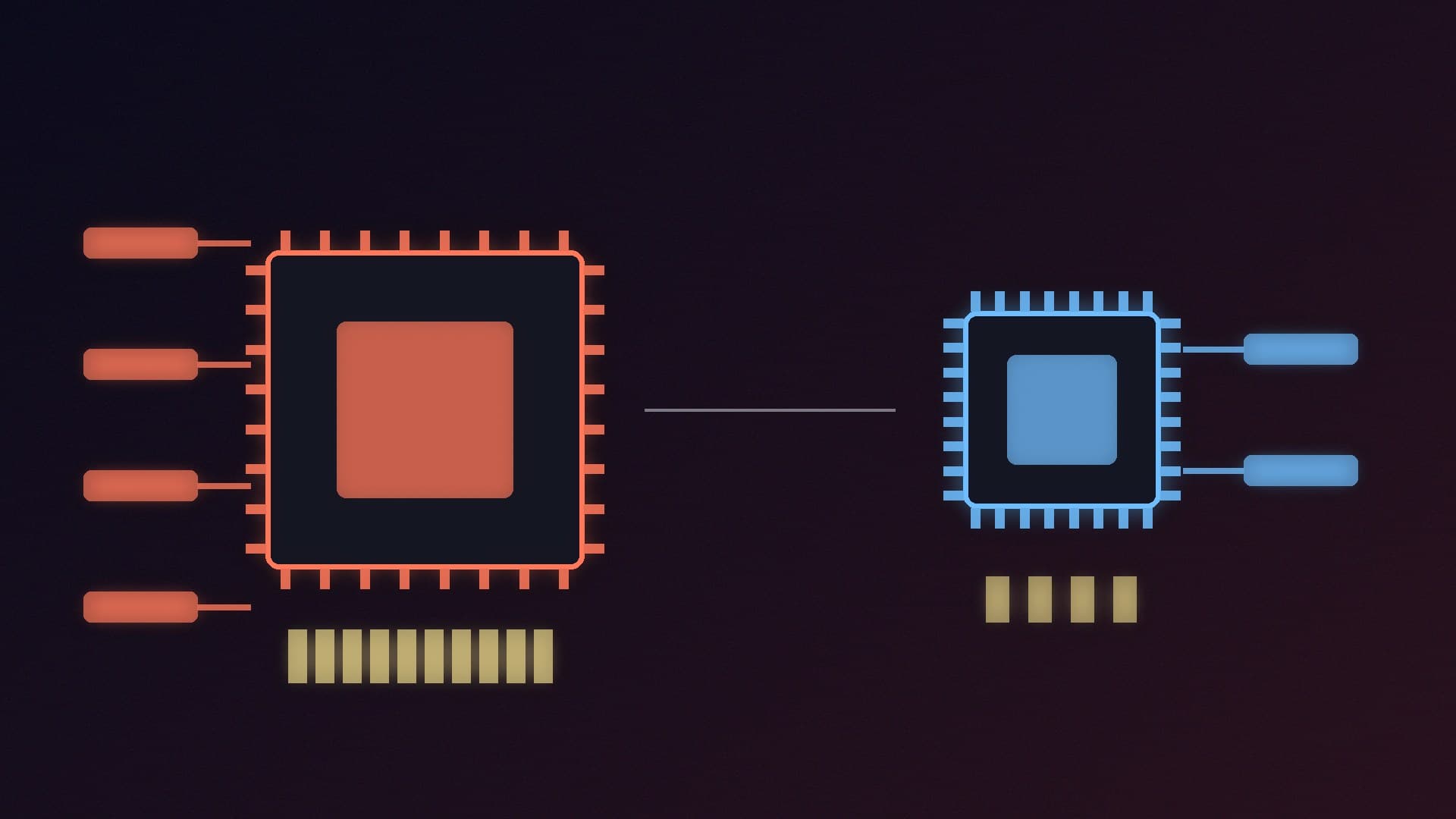
Memory channels | 2 | 4 |
Memory type | DDR5 UDIMM | DDR5 RDIMM |
Rated memory speed | DDR5-5600 (2 DIMMs), DDR5-3600 (4 DIMMs) | Up to 6400 MT/s |
Max memory (AMD spec) | 256 GB | Not listed on the spec page |
ECC | Yes (requires motherboard support) | Yes (enabled by default) |
PCIe 5.0 lanes (total / usable) | 28 / 24 | 92 / 88 |
Integrated graphics | Yes (AMD Radeon, 2 graphics cores) | No, discrete card required |
All figures come from AMD's product pages for each chip.
Memory bandwidth: the biggest difference for CPU offload
When a model fits entirely in your graphics card's VRAM, system memory barely matters for generation speed. When it doesn't, and layers or mixture-of-experts weights sit in system RAM, generation speed is usually limited by how quickly the CPU can read that memory. Our memory bandwidth explainer goes into why.
Theoretical peak DDR5 bandwidth is the transfer rate multiplied by 8 bytes per 64-bit channel, multiplied by the number of channels. Using AMD's rated speeds:
Configuration | Calculation | Theoretical peak |
|---|
Ryzen 9 9950X, 2 DIMMs at DDR5-5600 | 5,600 x 8 x 2 | 89.6 GB/s |
Ryzen 9 9950X, 4 DIMMs at DDR5-3600 | 3,600 x 8 x 2 | 57.6 GB/s |
Threadripper 9970X, 4 channels at DDR5-6400 | 6,400 x 8 x 4 | 204.8 GB/s |
These are paper figures: real-world bandwidth is lower on both platforms, and memory overclocking with EXPO kits can push AM5 beyond AMD's rated speeds. But the ratio is the point. AMD's own launch post says the quad-channel controller is "capable of twice the memory bandwidth of typical dual-channel desktop systems", and against a fully populated AM5 board the gap on paper is wider still.
That four-DIMM figure is the trap for AM5 local AI builds. AMD rates the 9950X at DDR5-5600 with two modules but DDR5-3600 with four. If you fill all four slots to reach 128GB or 192GB for big models, you may lose a large slice of the bandwidth that CPU offload depends on. See our RAM for local AI guide for how much you really need, and our guide to running MoE models on low VRAM for the kind of workload where this matters most.
PCIe lanes: one graphics card or several
The 9950X has 24 usable PCIe 5.0 lanes from the CPU, plus extra PCIe 4.0 lanes from the chipset (AMD lists 8 extra Gen4 lanes with X870E, for example). That's comfortable for one graphics card and fast NVMe storage. A second card is possible on boards that split the main slot or wire a second slot, but each card gets fewer lanes. Our PCIe x16 vs x8 comparison and dual-GPU motherboard picks cover how much that matters.
The 9970X lists 88 usable PCIe 5.0 lanes, and AMD's launch post says TRX50 offers up to 80 PCIe 5.0 lanes "for graphics, storage, and more", pitched at "advanced set-ups using multiple GPUs and NVMe storage". If your plan is two, three or four graphics cards for a large model split across them, as in our two-GPU local LLM guide, this is the main reason to go Threadripper. Physical slot layout, spacing and power still depend on the motherboard and case, so check those before buying.
Cores, cache and power
The 9970X has twice the cores and twice the L3 cache. That helps with jobs that scale across many threads, such as compiling software, dataset preparation, running several services at once, or CPU-side inference with many threads. But when an LLM generates text from weights held in system memory, bandwidth is usually the tighter limit, so for that job the extra memory channels are likely to matter more than the extra cores.
The 9950X boosts higher (up to 5.7 GHz against 5.4 GHz), which suits lightly threaded work and games. It also has integrated graphics, handy for driving your display while the discrete card is fully loaded with a model.
Power is a real difference. AMD lists a default TDP of 170W for the 9950X and 350W for the 9970X, before you add graphics cards. A multi-GPU Threadripper build needs a much bigger power supply and cooling plan; AMD lists no cooler in the box for either chip.
The 9970X uses registered DDR5 (RDIMM), a different module type from the unbuffered desktop memory (UDIMM) that AM5 uses, so desktop RAM won't carry over. It needs a TRX50 motherboard such as the ASUS Pro WS TRX50-Sage WiFi A. Both the memory and the boards are workstation-class parts, so expect the overall platform to cost far more than an AM5 build. We haven't listed prices because they vary widely; check current UK pricing at specialist retailers before deciding.
The AMD Ryzen 9 9950X works with a wide range of AM5 boards, from B650 to X870E, and uses ordinary desktop DDR5. ECC is supported if the motherboard supports it, whereas the 9970X has ECC enabled by default. Our ECC vs non-ECC explainer covers whether that matters for you.
AMD also sells Threadripper PRO on the WRX90 platform with 8-channel memory, according to its launch post. That's a further step up for professional workstations and beyond the scope of this comparison.
Which should you choose?
Choose the Ryzen 9 9950X if:
You run one graphics card and your models mostly fit in its VRAM.
You want a PC that also games well and uses standard desktop parts.
You can stick to two memory modules, or accept slower RAM with four.
Power, noise and platform cost matter.
Choose the Threadripper 9970X if:
You plan to run two or more graphics cards and want each to have plenty of PCIe lanes.
You regularly offload large models or MoE experts to system RAM and need much more memory bandwidth.
You need lots of RAM at full rated speed, or ECC by default.
You also run heavily multi-threaded work alongside AI.
Not sure whether you need a powerful CPU at all? Our CPU vs GPU for local AI comparison explains where each does the work.
Our verdict
For most home local AI builds, the Ryzen 9 9950X is the sensible choice: put the money into a graphics card with more VRAM and keep to two memory modules for full rated speed. The Threadripper 9970X earns its far higher platform cost only if you need what AM5 can't offer: 88 usable PCIe 5.0 lanes for several graphics cards, and quad-channel DDR5-6400 with over twice the theoretical memory bandwidth for models that spill into system RAM.