The compatibility information comes from official support pages published by Noctua, Corsair, MSI and ENERMAX, all read on 26 November 2026. Your cooler's manual and its maker's compatibility list are the final word for your exact model.
If you're moving from an AM4 Ryzen to an AM5 Ryzen processor, the new motherboard, processor and DDR5 memory already add up. The good news is that you probably don't need a new CPU cooler as well. AMD kept the cooler mounting pattern the same on AM5, so most AM4 coolers carry over. There are exceptions, though, and it's worth spending five minutes checking before you take your old PC apart.
Our how to upgrade from AM4 to AM5 guide covers the whole platform move. This guide focuses on the cooler.
Quick answer
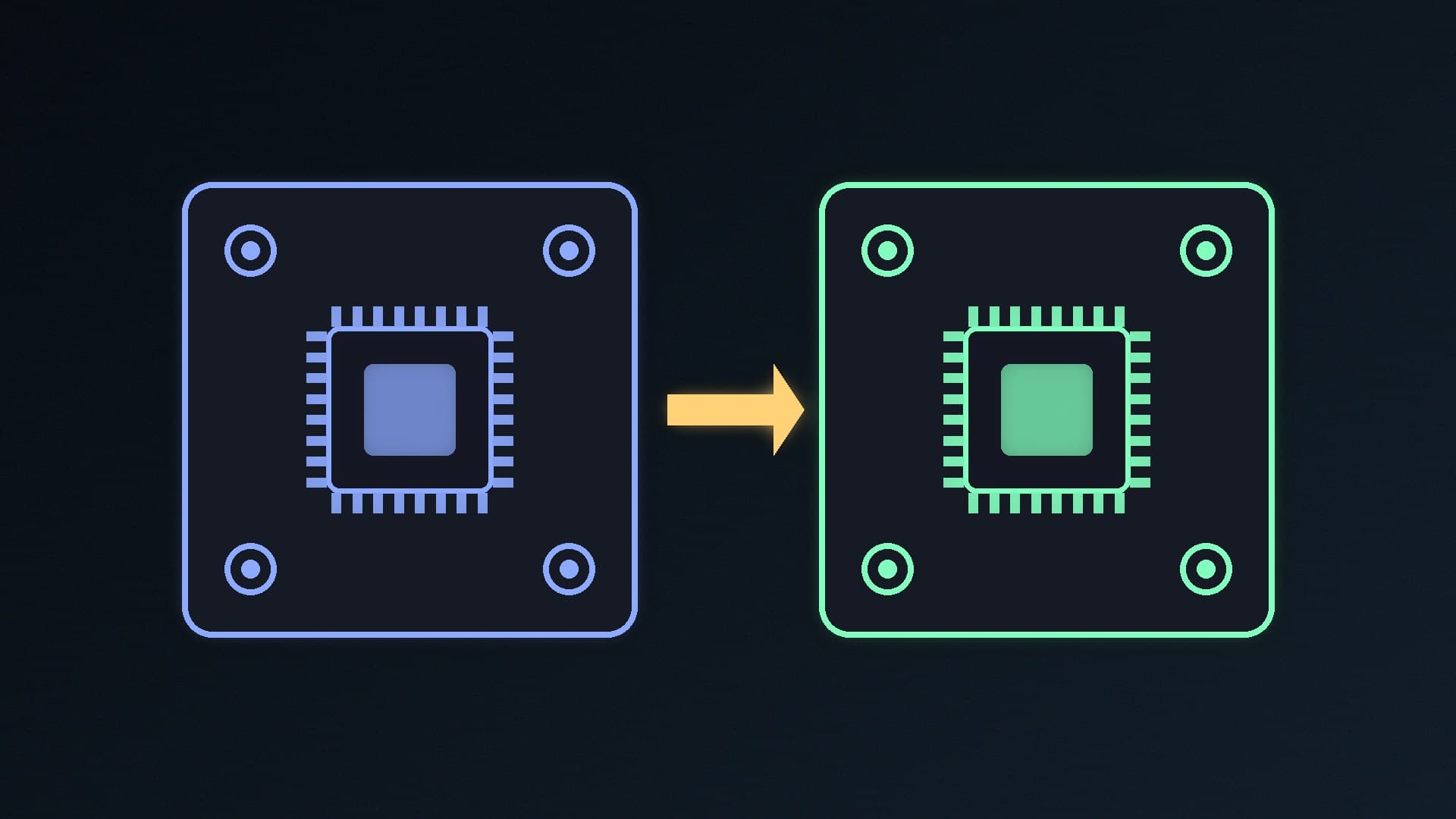
Yes, most AM4 coolers fit AM5. Noctua says the backplate threads and their pattern are identical on both sockets, and Corsair says the bracket size is the same.
No, if your cooler used its own backplate on AM4. Noctua's NH-L9a-AM4 and NM-AM4-L9aL9i kit are examples; you'll need an AM5-specific kit.
Maybe, if your cooler is several years old. Some older coolers need an updated mounting kit from their maker.
Either way, check the TDP. Fitting the socket doesn't guarantee the cooler can handle a more powerful processor.
Why most AM4 coolers fit AM5
Noctua's support FAQ explains the key point clearly: most of its AM4 mountings attach to the threads of the standard AM4 stock backplate, and "these backplate threads and their pattern are identical on AM4 and AM5". As a result, Noctua says all of its coolers and mounting kits that support AM4 are upwards compatible with AM5, with two exceptions.
Other cooler makers say the same about their products. Corsair says the AM5 socket uses the same CPU cooler bracket size as AM4, so if you already have a Corsair cooler on an AM4 motherboard, you don't need new brackets or a new cooler when you move to AM5. MSI's support FAQ answers "Can I use AMD AM4 kits for AM5 socket?" with "Yes", listing its MAG CORELIQUID AIO range. ENERMAX says all of its CPU coolers released after late 2021 are AM5-ready and don't need an extra backplate.
The exception: coolers with their own backplate
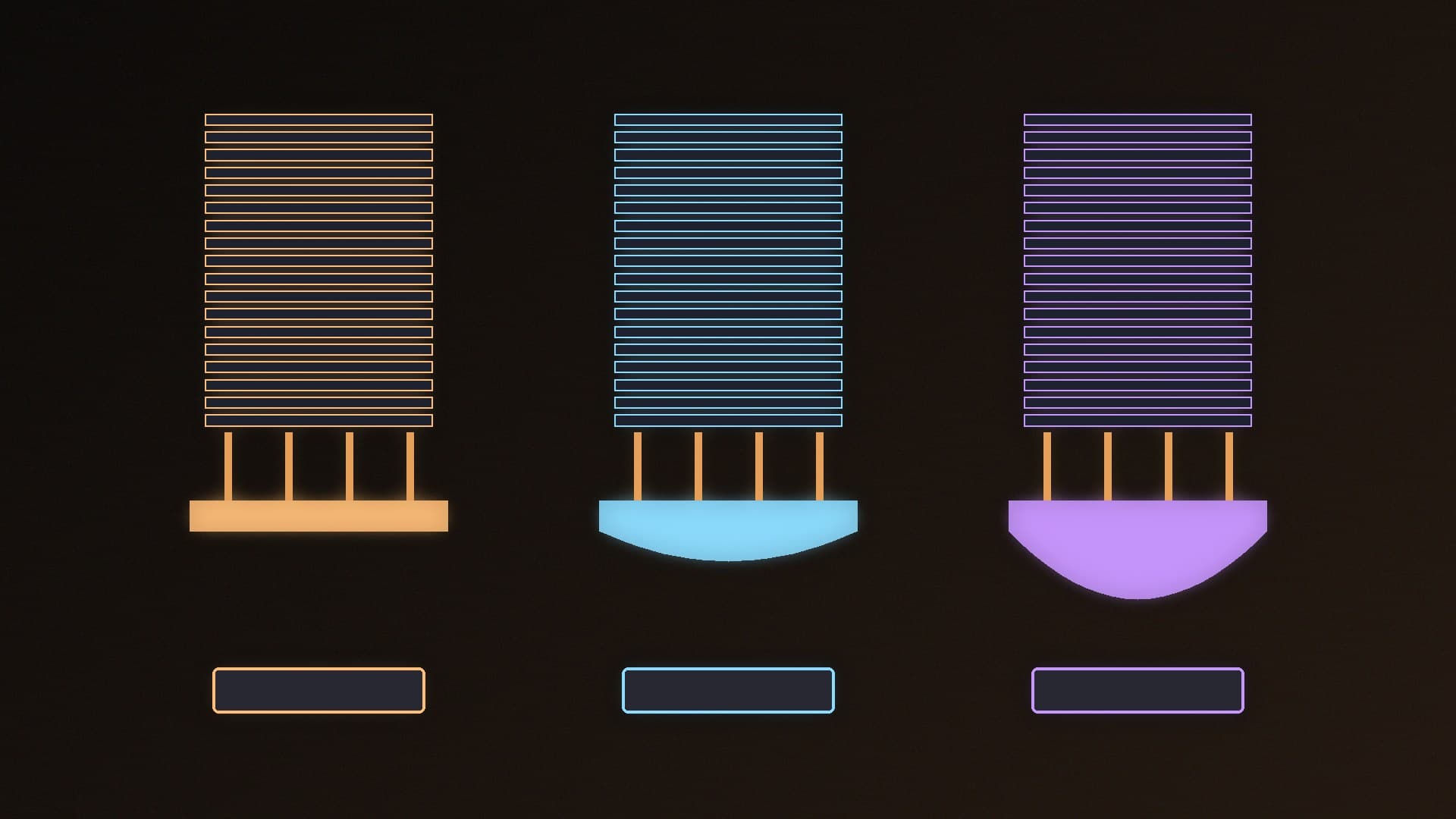
The catch is the backplate itself. On AM4, some coolers replaced AMD's stock backplate with a custom one. Noctua says the NH-L9a-AM4 and the NM-AM4-L9aL9i mounting kit are not compatible with AM5 because they require replacing the standard AMD backplate with a custom one, "which isn't possible on AM5". Noctua sells a dedicated AM5 kit, the NM-AM5-L9aL9i, for its NH-L9a, NH-L9a-AM4 and NH-L9i low-profile coolers.
So the rule of thumb is:
Cooler screws into or clips onto the stock AMD backplate or brackets: very likely compatible with AM5.
Cooler needed you to remove AMD's backplate and fit its own: won't fit AM5 as is. Check whether the maker offers an AM5 kit.
Older coolers may need an updated kit
The age of your cooler matters too. Noctua says all its SE-AM4 models and all multi-socket coolers bought since January 2019 already support AM5. Older multi-socket coolers that were upgraded to AM4 with the NM-AM4 or NM-AM4-UxS kits also need nothing more. But multi-socket coolers bought before 2019 that were never upgraded to AM4 need an NM-AM5/4-MP83 or NM-AM5/4-MP78 kit.
ENERMAX says its mounting kits were upgraded in 2021 for AM4, AM5 and LGA1700, and owners of older versions can contact their local ENERMAX branch to request a new mounting kit. Other brands have similar programmes, so check your cooler maker's support pages if your cooler is a few years old.
How to check your cooler before you upgrade
Find your cooler's exact model name. It's usually on the box, the manual, a sticker on the heatsink or pump, or your order history.
Search the maker's site for AM5 compatibility. Look for a compatibility list, FAQ or product page that lists AM5. If your cooler was sold as AM4-compatible and uses the stock backplate, it will usually say AM5 is supported too.
Check how it was mounted on AM4. Look at the back of your current motherboard. If the backplate is AMD's original one and your cooler screws into it, you're in good shape. If the cooler came with its own backplate, read the section above.
Check for missing parts. If you've lost the AMD mounting screws or clips from the original box, contact the cooler maker. Some coolers use parts that are only in the original accessories bag.
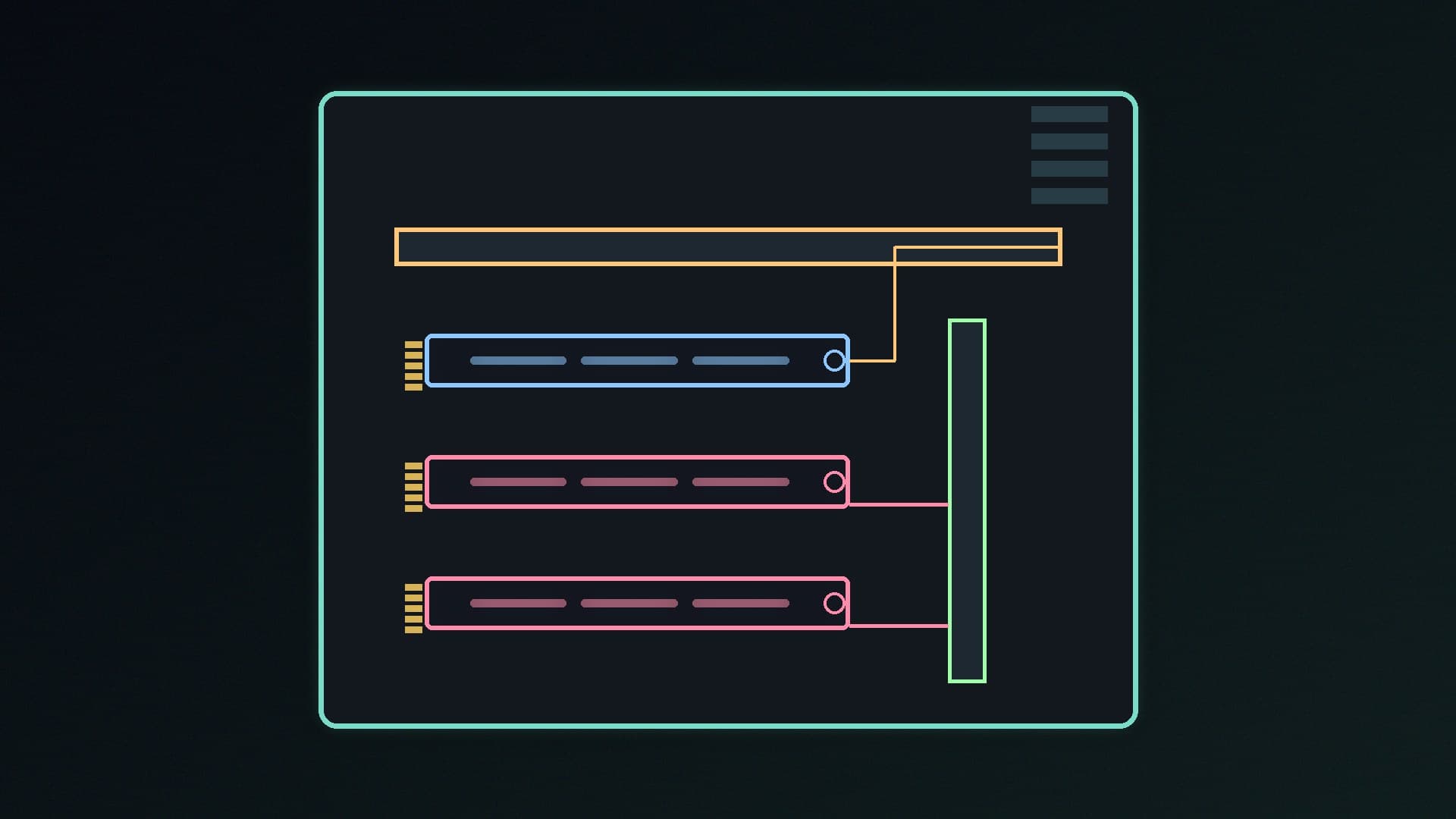
Check physical clearance on the new board. Different motherboards place the socket, memory slots, VRM heatsinks and M.2 heatsinks in different positions. Our how to check CPU cooler clearance guide explains what to measure.
How to move the cooler across
Remove the cooler from the AM4 system. Unscrew it evenly, a few turns at a time, working diagonally, then lift it away gently.
Clean off the old paste. Use isopropyl alcohol and a lint-free cloth on the cooler's base until it's clean.
Follow the AM5 instructions in the manual. Many coolers have different steps or standoffs for Intel and AMD, and some manuals have a separate AM5 section. Keep AMD's backplate on the AM5 board; don't try to replace it.
Apply fresh paste. Use a modest amount. Noctua includes an NA-TPG1 thermal paste guard for AM5 with some coolers, such as the NH-D15 G2 LBC.
Tighten evenly. Turn each screw a little at a time in a diagonal pattern until they stop. Don't force them.
Connect the fan and pump cables. Our how to connect CPU cooler fan headers guide explains which headers to use.
Our how to install an air CPU cooler and how to install an AIO cooler guides go into more detail on fitting.
Is your old cooler good enough for your new CPU?
Fitting isn't the same as coping. A small cooler that was fine for a low-power AM4 chip may not be enough for a higher-power AM5 processor. AMD's specification page lists the Ryzen 7 9800X3D at a 120W default TDP, for example, and says it doesn't include a cooler in the box. Check your new processor's TDP on AMD's site, then compare that with what your cooler's maker says it can handle. Noctua, for example, publishes its own NSPR performance rating and a CPU compatibility tab for each cooler. Once everything's running, our safe CPU temperatures guide tells you what to look for.
If you do need a new cooler, see our best Noctua CPU coolers picks or our best budget CPU cooler guide.
Our verdict
Most AM4 coolers work on AM5 because the backplate thread pattern and bracket size are the same, according to Noctua and Corsair, and MSI and ENERMAX also confirm their AM4-ready coolers work on AM5. The main exceptions are coolers that replaced AMD's backplate with their own, such as Noctua's NH-L9a-AM4, which need a dedicated AM5 kit, and very old multi-socket coolers that never received an AM4 kit. Check your cooler's exact model on the maker's site, keep AMD's backplate in place, clean and re-paste, and make sure the cooler can handle your new processor's TDP.