The processor details come from AMD's official Ryzen 7 9800X3D product page, and the cooler details come from each manufacturer's own specification page, all read on 26 November 2026. Always check the cooler maker's compatibility list, your case manual and your memory height before you buy.
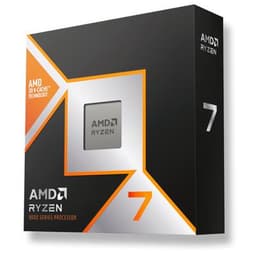
The Ryzen 7 9800X3D is AMD's eight-core gaming processor for AM5 builds. It doesn't come with a cooler in the box, so you need to budget for one, and the right choice depends on your case, your memory and how quiet you want the PC to be. Here's what AMD says the chip needs, and the coolers we'd shortlist.
What the Ryzen 7 9800X3D needs from a cooler
AMD's specification page lists these figures that matter for cooling:
Default TDP: 120W
Maximum operating temperature (Tjmax): 95°C
Thermal solution in the box: not included
Recommended cooler: AMD says a liquid cooler is recommended for optimal performance
Socket: AM5, with support for A620, B650, B650E, X670, X670E, B840, B850, X870 and X870E chipsets
Overclocking: unlocked, with Precision Boost Overdrive and Curve Optimizer support
It's an eight-core, 16-thread Zen 5 chip with 96MB of L3 cache, a 4.7GHz base clock and up to 5.2GHz boost. AMD markets its second-generation 3D V-Cache as delivering faster gaming with low latency.
Two points follow from this. First, AMD's wording is a recommendation for optimal performance rather than a requirement, and its spec page doesn't say air coolers are unsupported, so a large air cooler is still a reasonable option. Check the cooler maker's CPU compatibility information before you buy; Noctua, for example, publishes a CPU compatibility tab for each cooler. Second, because the chip is unlocked and supports Precision Boost Overdrive, a stronger cooler can give you more headroom if you want to tune it later. Our guide to safe CPU temperatures explains how to read the numbers once it's running.
Quick picks
Pick | Cooler | Type | Key official specs |
|---|
Best overall | ARCTIC Liquid Freezer III Pro 360 | 360mm AIO | AM4/AM5, offset mounting, VRM fan, 38mm-thick radiator, 6-year warranty |
Best air cooler | Noctua NH-D15 G2 LBC | Twin-tower air | Low-base-convexity version Noctua recommends for AM5 without offset mounting, 168mm tall, 8 heatpipes, 6-year warranty |
Best value | Thermalright Peerless Assassin 120 SE | Twin-tower air | AM4/AM5, 155mm tall, six 6mm heatpipes, 730g heatsink |
Best overall: ARCTIC Liquid Freezer III Pro 360
If you're following AMD's recommendation and want a liquid cooler, the Liquid Freezer III Pro 360 is the one to shortlist. ARCTIC lists support for AMD AM4 and AM5 as well as Intel LGA1851 and LGA1700, so it will move with you if you change platforms.
Two features are especially relevant to Ryzen. ARCTIC says it uses offset mounting for Intel and AMD, shifting the cold plate towards the CPU hotspot for more efficient heat transfer. On Ryzen processors, the hottest part of the chip isn't always under the centre of the heatspreader, so a cooler designed with that in mind makes sense. It also has an integrated PWM-controlled VRM fan on the pump block, which ARCTIC says lowers voltage regulator temperatures. That's useful in AIO builds because there's no air cooler fan blowing over the area around the socket.
Other official specs include a 398 x 120 x 38mm aluminium radiator (thicker than the conventional 27mm, according to ARCTIC), three P12 Pro fans rated at 600 to 3,000rpm, a PWM-controlled pump at 800 to 2,800rpm, 450mm tubes, pre-installed, pre-wired fans and MX-6 thermal paste in the box. The warranty is six years.
Before buying, check your case supports a 360mm radiator. ARCTIC also notes that some motherboards can clash with the pump block because of oversized M.2 heatsinks in the first M.2 slot, and says it will supply a compatible M.2 cooler free of charge for affected boards. When we read ARCTIC's own store page, the black Pro 360 was listed as no longer available there, so check UK retailers' stock, or look at the Arctic Liquid Freezer III Pro 240 if your case only takes a 240mm radiator. See the Arctic Liquid Freezer III Pro 360 spec page, and our how to install an AIO cooler guide for fitting tips.
Best air cooler: Noctua NH-D15 G2 LBC
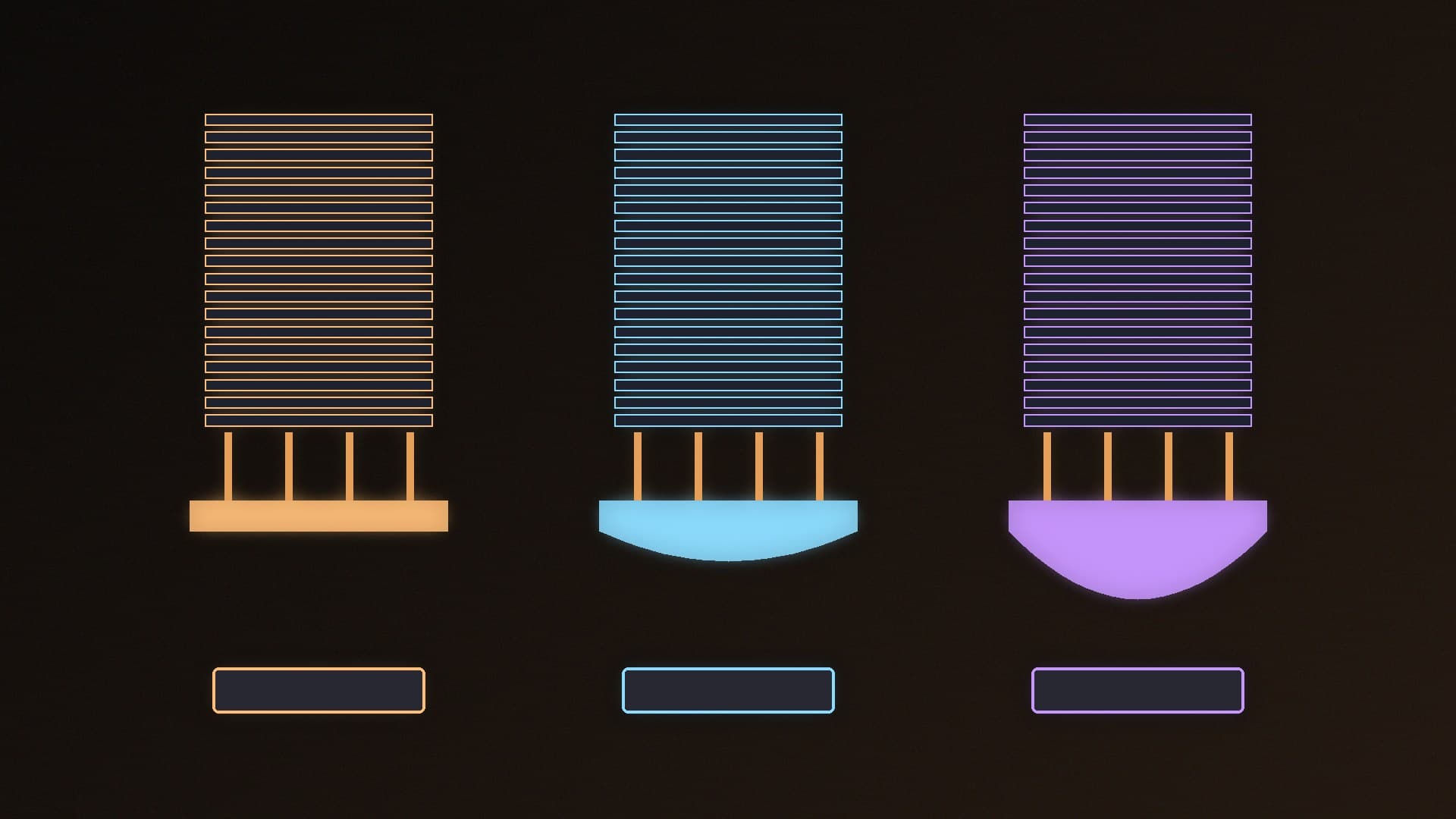
The NH-D15 G2 comes in three versions: standard, LBC (low base convexity) and HBC (high base convexity). Noctua's specification page says the LBC variant is "optimised for relatively flat CPUs (e.g. AM5/AM4)" and is not recommended for LGA1851 or LGA1700. Noctua's FAQ rates both the LBC and the standard version "Excellent" on AM5 when you use the included offset mounting, and recommends the LBC for AM5 if you don't want to use the offset mounting or want the lowest possible CCD and IOD temperatures together. For an AMD-only Ryzen 7 9800X3D build, the LBC is the natural pick; if you might move the cooler to an Intel LGA1851 system later, Noctua's standard Noctua NH-D15 G2 is the more versatile choice.
Noctua lists eight 6mm heatpipes, soldered fins, two NF-A14x25r G2 PWM 140mm fans rated at up to 1,500rpm, and a total height of 168mm. It's a big cooler: 150mm wide, 152mm deep with fans and 1,525g. Noctua's NSPR (its own relative performance rating) for it is 228. The box includes NT-H2 thermal paste, a low-noise adaptor for each fan, and an NA-TPG1 thermal paste guard for AM5, which helps stop paste squeezing into the notches around the edge of AM5 processors. The warranty is six years.
Check two things first: that your case has at least 168mm of CPU cooler clearance, and that your RAM won't clash with the front fan. Our how to check CPU cooler clearance guide covers both. See the Noctua NH-D15 G2 LBC spec page, and our best Noctua CPU coolers guide for the rest of the range.
Best value: Thermalright Peerless Assassin 120 SE
If you've spent most of your budget on the processor and graphics card, a twin-tower air cooler like Thermalright's Peerless Assassin 120 SE is a sensible way to cool a 120W chip without spending heavily. Thermalright lists AM4 and AM5 support alongside Intel's 115X, 1200, 1700 and 1851 sockets.
The heatsink measures 125 x 110 x 155mm and weighs 730g, with six 6mm heatpipes and a nickel-plated C1100 pure copper base. Thermalright's TL-C12C fans are 120mm, rated at up to 1,550rpm and 66.17 CFM, with a listed noise level of 25.6 dBA and a 4-pin PWM connector. At 155mm tall, it's 13mm shorter than the NH-D15 G2, so it suits cases with a little less CPU cooler clearance. Thermalright advises making sure the chassis clearance exceeds the cooler's height and leaving clearance for tall memory modules.
See the Thermalright Peerless Assassin 120 SE spec page, and our best Thermalright CPU coolers guide if you want an ARGB version or a different size.
Air or AIO for a 9800X3D?
AMD recommends a liquid cooler for optimal performance, but that's not the only factor. A 360mm AIO needs radiator space in your case and has a pump, which is another moving part. A big air cooler has no pump to wear out but needs height clearance and can crowd your memory slots. Our air cooler vs AIO comparison goes into the trade-offs in more depth, and single-tower vs dual-tower CPU coolers explains why we've picked twin-tower designs here.
Here's a simple way to decide:
Want the best result and have room for a 360mm radiator? Choose an AIO such as the Liquid Freezer III Pro 360.
Want a quiet, low-maintenance build in a roomy case? Choose a large twin-tower air cooler such as the NH-D15 G2 LBC.
On a tight budget? A twin-tower like the Peerless Assassin 120 SE is a sensible starting point, and you can always upgrade later.
Fitting tips for AM5
Keep AMD's stock backplate. Noctua explains that its AM4 and AM5 mountings attach to the threads of AMD's standard backplate, and that replacing the backplate with a custom one isn't possible on AM5. Follow your cooler's AM5 instructions. Our how to install an air CPU cooler guide walks through the process.
Don't overdo the paste. Use a modest amount; Noctua includes an NA-TPG1 thermal paste guard for AM5 with the NH-D15 G2 LBC.
Check BIOS support first. If your motherboard is an older AM5 model, check its CPU support list shows the Ryzen 7 9800X3D and update the BIOS if needed before installing. Our how to update your BIOS safely guide explains how.
Check your memory height if you're using an air cooler, especially with RGB modules.
If you're still deciding on the processor itself, see our Ryzen 7 9800X3D vs Ryzen 7 9700X and 9800X3D vs 9850X3D comparisons, and the AMD Ryzen 7 9800X3D spec page.
Our verdict
The Ryzen 7 9800X3D has a 120W default TDP, ships without a cooler, and AMD recommends liquid cooling for optimal performance. The ARCTIC Liquid Freezer III Pro 360 is our best overall pick for its AM5 offset mounting, VRM fan and six-year warranty, if your case takes a 360mm radiator. The Noctua NH-D15 G2 LBC is the best air cooler because Noctua optimised its flatter base for AM5 and AM4 (the standard NH-D15 G2 is the better choice if you might switch to Intel), and the Thermalright Peerless Assassin 120 SE is a sensible budget twin-tower. Check case clearance, radiator support and RAM height before you buy.