It's based on Intel's official ARK specification pages for both chips, read on 26 November 2026. Clock speeds and power figures below are Intel's rated numbers; what you get in practice also depends on your motherboard's power settings and your cooler.
If you're building on Intel's LGA 1851 platform, these two unlocked Arrow Lake chips are the ones most people end up choosing between. The Core Ultra 9 285K is Intel's desktop flagship in the Core Ultra 200S family. The Core Ultra 7 265K sits one step below it and, on paper, looks remarkably similar. The question is whether the 285K's extra cores and cache are worth paying for, or whether the 265K gives you nearly everything you need.
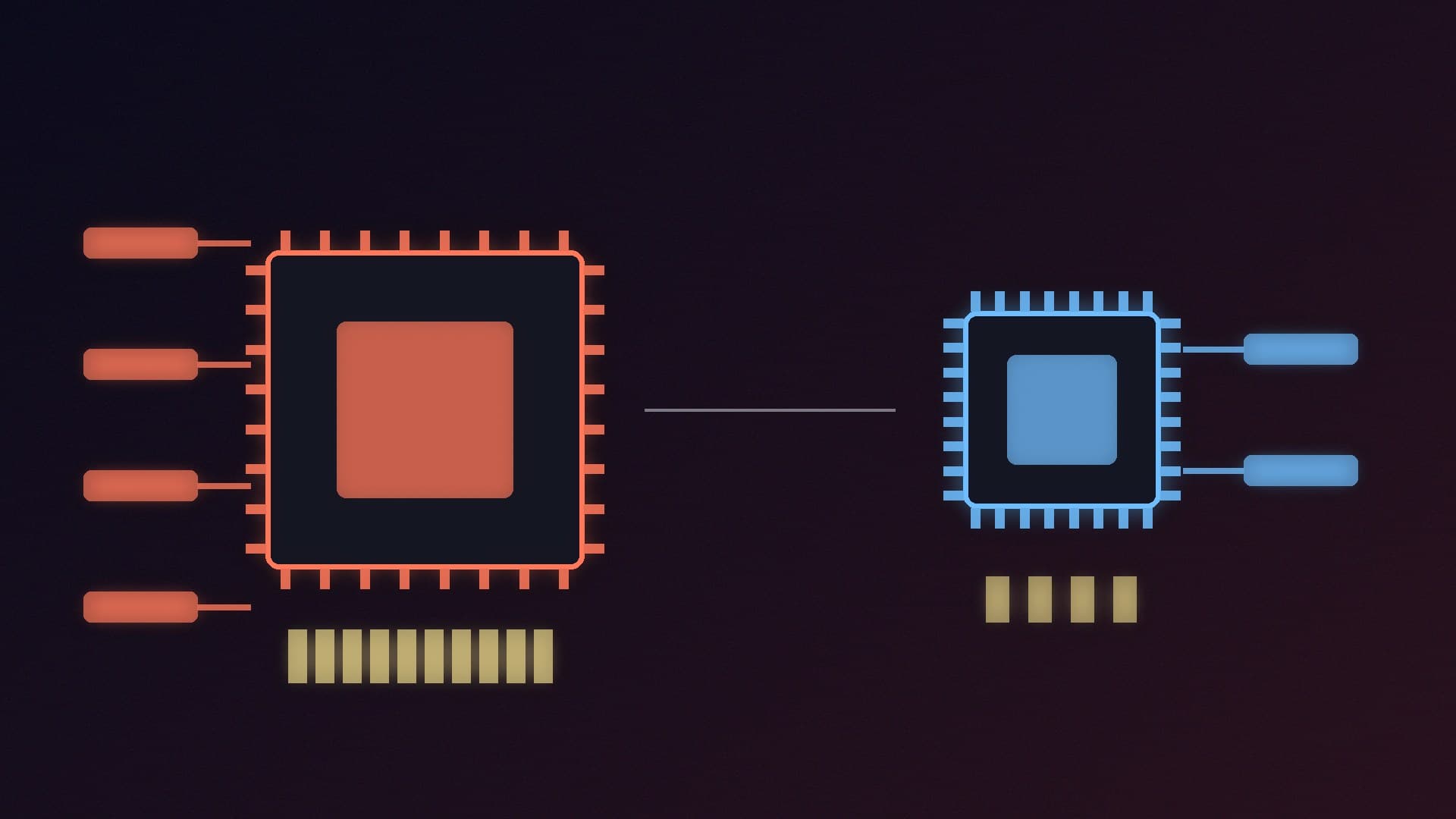
The short version: the two chips have the same number of Performance-cores, the same power limits, the same integrated graphics, the same NPU and the same memory and PCIe support. The differences are four extra Efficient-cores, 6MB more L3 cache, 4MB more L2 cache and a small bump to peak clock speeds on the 285K.
At a glance
| Core Ultra 7 265K | Core Ultra 9 285K |
|---|
Socket | FCLGA1851 | FCLGA1851 |
Total cores | 20 | 24 |
Performance-cores | 8 | 8 |
Efficient-cores | 12 | 16 |
Threads | 20 | 24 |
Max turbo frequency | 5.5GHz | 5.7GHz |
Thermal Velocity Boost | Not listed | 5.7GHz |
Turbo Boost Max 3.0 | 5.5GHz | 5.6GHz |
P-core max turbo | 5.4GHz | 5.5GHz |
E-core max turbo | 4.6GHz | 4.6GHz |
P-core base | 3.9GHz | 3.7GHz |
E-core base | 3.3GHz | 3.2GHz |
Intel Smart Cache (L3) | 30MB | 36MB |
Total L2 cache | 36MB | 40MB |
Processor Base Power | 125W | 125W |
Maximum Turbo Power | 250W | 250W |
Memory | Up to DDR5-6400, 2 channels, 256GB max | Up to DDR5-6400, 2 channels, 256GB max |
Integrated graphics | Intel Graphics, 4 Xe-cores, up to 2GHz | Intel Graphics, 4 Xe-cores, up to 2GHz |
NPU | Intel AI Boost, 13 TOPS | Intel AI Boost, 13 TOPS |
Overall peak TOPS (Int8) | 33 | 36 |
PCIe lanes | 24 (PCIe 5.0 and 4.0) | 24 (PCIe 5.0 and 4.0) |
Thunderbolt 4 | Yes | Yes |
Hyper-Threading | No | No |
Cores: where the 285K pulls ahead
Both processors have eight Performance-cores (P-cores), the big, fast cores that handle most of the work in games and other lightly threaded software. The difference is in the Efficient-cores (E-cores): the 265K has 12 and the 285K has 16, giving totals of 20 and 24 cores.
Neither chip supports Hyper-Threading, according to Intel's specification pages, so the thread counts match the core counts: 20 threads on the 265K and 24 on the 285K. That's worth knowing if you're comparing these chips with older Intel parts or with AMD processors that run two threads per core.
Extra E-cores matter most in work that spreads across every core you have: video encoding in software, 3D rendering, compiling large code projects and similar jobs. In those tasks, four more cores give the 285K 20 per cent more cores to share the load. In games, which typically lean on a handful of fast cores, the extra E-cores are much less likely to make a noticeable difference.
Clock speeds: a small gap at the top
Intel rates the 285K's maximum turbo at 5.7GHz, using Intel Thermal Velocity Boost, against 5.5GHz for the 265K. The 285K's Turbo Boost Max 3.0 frequency is 5.6GHz against 5.5GHz, and its P-core max turbo is 5.5GHz against 5.4GHz. That's a gap of around 100 to 200MHz at the top end, which on its own is a modest difference.
Interestingly, the 265K has slightly higher base frequencies: 3.9GHz for its P-cores and 3.3GHz for its E-cores, against 3.7GHz and 3.2GHz on the 285K. Base clocks are a guaranteed minimum under Intel's specified conditions rather than a typical running speed, but it does show that Intel spaced these chips mainly by core count rather than by clocks. Both chips have the same 4.6GHz E-core max turbo.
Cache
The 285K has 36MB of Intel Smart Cache (the shared L3) and 40MB of total L2 cache. The 265K has 30MB and 36MB respectively. More cache can help in some workloads, particularly ones that repeatedly touch large data sets, but the difference here is incremental rather than transformational. If cache size is the main reason you're shopping, it's worth looking at AMD's X3D chips, which our Core Ultra 7 265K vs Ryzen 7 9700X comparison and best CPU guide cover.
Power and cooling: identical limits
Both processors have a 125W Processor Base Power and a 250W Maximum Turbo Power. That means the 285K isn't rated to draw more at peak than the 265K, but it does have four more cores sharing that same budget under heavy all-core loads.
In practice, both chips need a capable cooler if you want them to hold high clocks during long rendering or encoding jobs. A high-end air cooler or a 280mm or 360mm AIO is a sensible starting point for either. The cooler you'd buy for one is the same class you'd buy for the other, so cooling doesn't change the decision. Also check your motherboard's power settings, because boards can apply different limits by default.
Graphics, NPU and AI: no difference
Both chips have the same integrated Intel Graphics with four Xe-cores and a 2GHz maximum dynamic frequency, support for up to four displays, and hardware H.264, HEVC and AV1 encode and decode with Intel Quick Sync Video. That makes either chip handy for video work even before you add a graphics card, and it means you can still run displays from the motherboard if your graphics card fails.
Both also have the same Intel AI Boost NPU, rated at 13 TOPS (Int8), which supports Windows Studio Effects. Intel lists overall peak platform TOPS of 33 for the 265K and 36 for the 285K. The small gap comes from the CPU portion, since the NPU and GPU figures listed are identical, so the NPU isn't a reason to choose one chip over the other.
Both processors support up to DDR5-6400 in dual-channel mode, up to 256GB of memory, and Intel lists ECC memory support for both; check your motherboard's specifications if you need ECC. Both offer 24 PCIe lanes split across PCIe 5.0 and 4.0, with configurations of up to 1x16 plus 2x4, Thunderbolt 4 support and a DMI 4.0 x8 link to the chipset.
That means the motherboard you choose matters far more than which of these two CPUs you pick when it comes to USB, M.2 slots and networking. Our B860 vs Z890 comparison explains the chipset choice, and our best LGA 1851 motherboard guide lists boards for both chips. If you're coming from a 12th, 13th or 14th Gen system, see our guide to upgrading from LGA 1700 to LGA 1851: you'll need a new motherboard and, if you're on DDR4, new memory too.
Which should you buy?
Choose the Core Ultra 7 265K if you mainly game, or you do occasional content creation alongside gaming. It has the same eight P-cores, the same graphics, NPU, memory and PCIe support, and the same power limits as the 285K. The things you give up are four E-cores, some cache and up to 200MHz of peak clock speed. For most gaming builds that's a sensible trade, and the money you save can go towards a better graphics card, which usually has a much bigger effect on frame rates.
Choose the Core Ultra 9 285K if you regularly run work that uses every core: long software video encodes, 3D rendering, large code compiles or running several heavy applications at once. The extra E-cores and cache are where its advantage lies. It also makes sense if you want the highest Intel clocks available on LGA 1851 and the price difference doesn't matter to you.
Consider neither if you're building a pure gaming PC and aren't tied to Intel. Check independent reviews from outlets that test both platforms before you commit, as gaming results vary by title and resolution.
Before you buy, check current UK prices, as the gap between these chips varies by retailer, and confirm that your motherboard has a BIOS that supports your chosen CPU. Both chips are in the Forge PC database: see the Intel Core Ultra 7 265K 1851 and Intel Core Ultra 9 285K 1851 spec pages.
Our verdict
The Core Ultra 7 265K and Core Ultra 9 285K are closer than their names suggest. Both have eight P-cores, 125W base and 250W maximum turbo power, the same 4-Xe-core graphics, the same 13 TOPS NPU, DDR5-6400 support and 24 PCIe lanes. The 285K adds four E-cores (24 cores against 20), 6MB more L3 cache, 4MB more L2 and up to 200MHz more peak clock speed. For gaming and mixed use, the 265K is the better buy; choose the 285K only if you regularly run heavily multithreaded work that can use the extra cores.