It's based on NVIDIA's official specification pages, the RTX PRO 5000 datasheet and NVIDIA's RTX Blackwell architecture whitepaper, all read on 26 November 2026. Bandwidth and AI TOPS figures are NVIDIA's theoretical peak numbers.
If you want to run large language models, image generators or fine-tuning jobs at home and your budget reaches the top of NVIDIA's range, two Blackwell cards keep coming up. The GeForce RTX 5090 is what NVIDIA calls the most powerful GeForce GPU ever made, with 32GB of GDDR7. The RTX PRO 5000 Blackwell is a workstation card that trades some raw throughput for much more memory: 48GB, or 72GB in a second version, with error-correcting code (ECC).
For local AI, that memory difference is often the whole story. A model that fits entirely in video memory runs on the graphics card; one that doesn't has to be split with system RAM, which usually slows it down considerably. So the real question is whether 32GB is enough for what you want to run.
At a glance
| RTX PRO 5000 Blackwell | GeForce RTX 5090 |
|---|
Architecture | Blackwell | Blackwell |
CUDA cores | 14,080 | 21,760 |
Tensor cores | 5th generation | 5th generation |
AI TOPS (NVIDIA peak) | 2,064 | 3,352 |
Video memory | 48GB or 72GB GDDR7 with ECC | 32GB GDDR7 |
Memory interface | 384-bit | 512-bit |
Memory bandwidth | 1,344GB/s | 1,792GB/s |
Power | 300W total board power | 575W total graphics power |
Power connector | 1x PCIe CEM5 16-pin | 4x PCIe 8-pin (adapter in box) or 1x 600W PCIe Gen 5 cable |
Size | 4.4in x 10.5in, dual slot, full height | 304mm x 137mm, 2-slot (Founders Edition) |
Display outputs | 4x DisplayPort 2.1b | 3x DisplayPort, 1x HDMI |
Video engines | 3x NVENC, 3x NVDEC | 3x NVENC, 2x NVDEC |
Multi-Instance GPU | Yes, up to 2 instances | Not listed |
System interface | PCIe 5.0 x16 | PCIe Gen 5 |
Memory capacity: the PRO 5000's big advantage
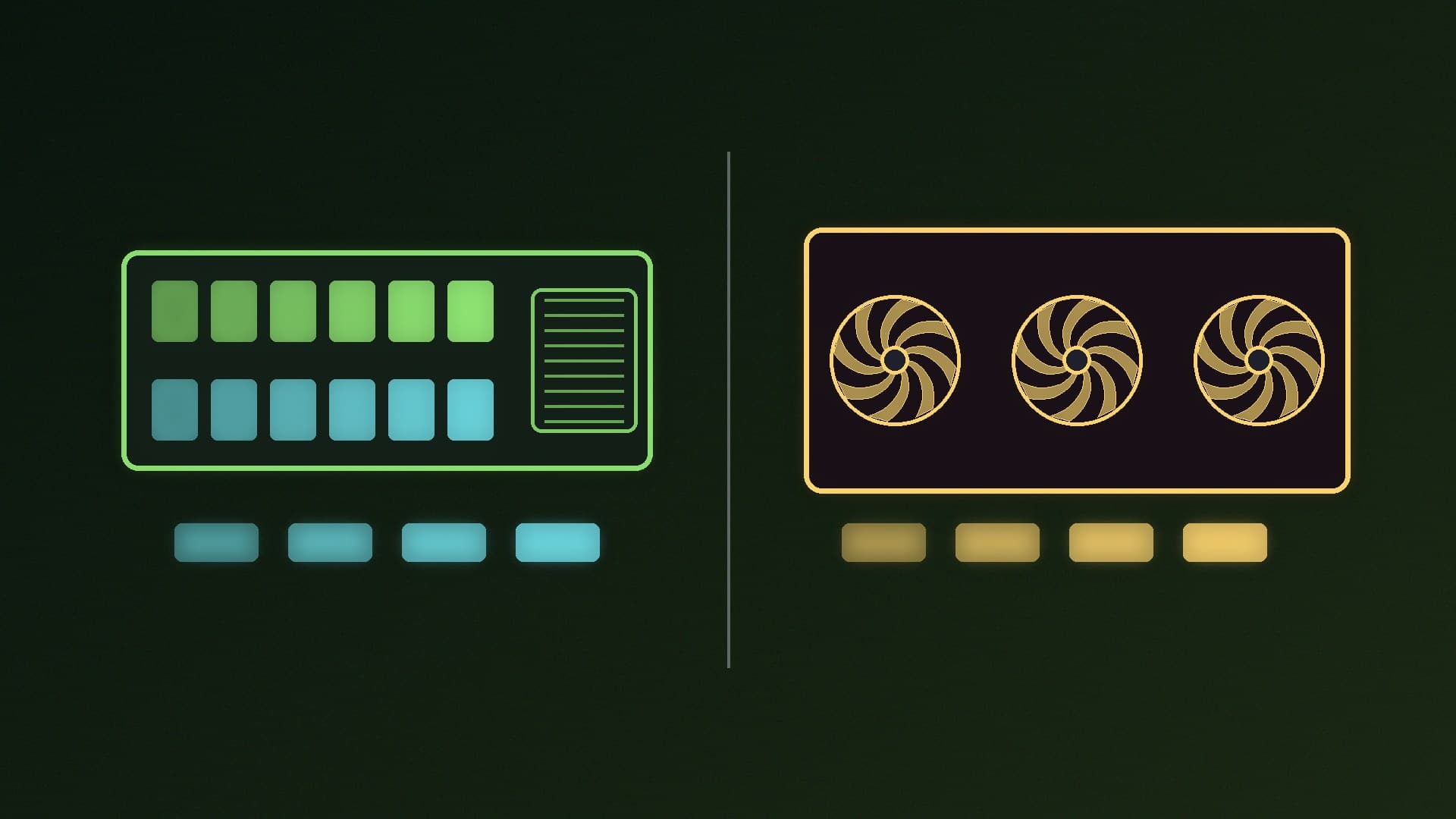
The RTX PRO 5000 comes with 48GB of GDDR7, and NVIDIA also lists an RTX PRO 5000 72GB Blackwell. Both have ECC. The RTX 5090 has 32GB without ECC.
That's 50 per cent more memory on the 48GB card and more than double on the 72GB version. NVIDIA's datasheet pitches the extra capacity at exactly the jobs home AI users care about: LLM inference, fine-tuning AI models locally and storing large context windows.
In practice, more VRAM lets you do three things:
Run bigger models entirely on the card. Larger models, or the same model at a higher-quality quantisation, need more memory. Our quantisation explainer shows how the numbers add up.
Use longer context. The conversation history and documents a model is working with take up VRAM too, as our guide to LLM context length and VRAM explains.
Keep several models loaded. Useful if you run a chat model, an embedding model and an image model at the same time.
ECC (error-correcting code) memory is designed to catch and correct memory errors. Whether that's worth having on a home AI machine depends on how long and how critical your jobs are; our ECC vs non-ECC explainer covers the same question for system RAM.
Winner: RTX PRO 5000, comfortably.
Bandwidth and compute: the RTX 5090 is faster
The RTX 5090 has a wider 512-bit memory bus and, according to NVIDIA's architecture whitepaper, 1,792GB/s of peak memory bandwidth from 28Gbps GDDR7. The RTX PRO 5000 has a 384-bit bus and 1,344GB/s. That gives the RTX 5090 about a third more theoretical bandwidth.
Our explainer on memory bandwidth and local LLM speed covers why bandwidth is such an important spec for chatbot text generation.
The RTX 5090 also has more CUDA cores (21,760 against 14,080) and a higher AI TOPS rating (3,352 against 2,064). Both are peak figures from NVIDIA, and neither tells you exactly how a particular app will perform, but they point the same way: when a model fits in 32GB, the RTX 5090 has more hardware to throw at it.
Both cards have fifth-generation Tensor cores with FP4 support. NVIDIA says FP4 cuts memory demands, which helps either card fit larger models. Our FP4 vs FP8 vs FP16 guide explains the trade-offs.
Winner: RTX 5090, for any model that fits in its 32GB.
Power, cooling and fitting it in your case
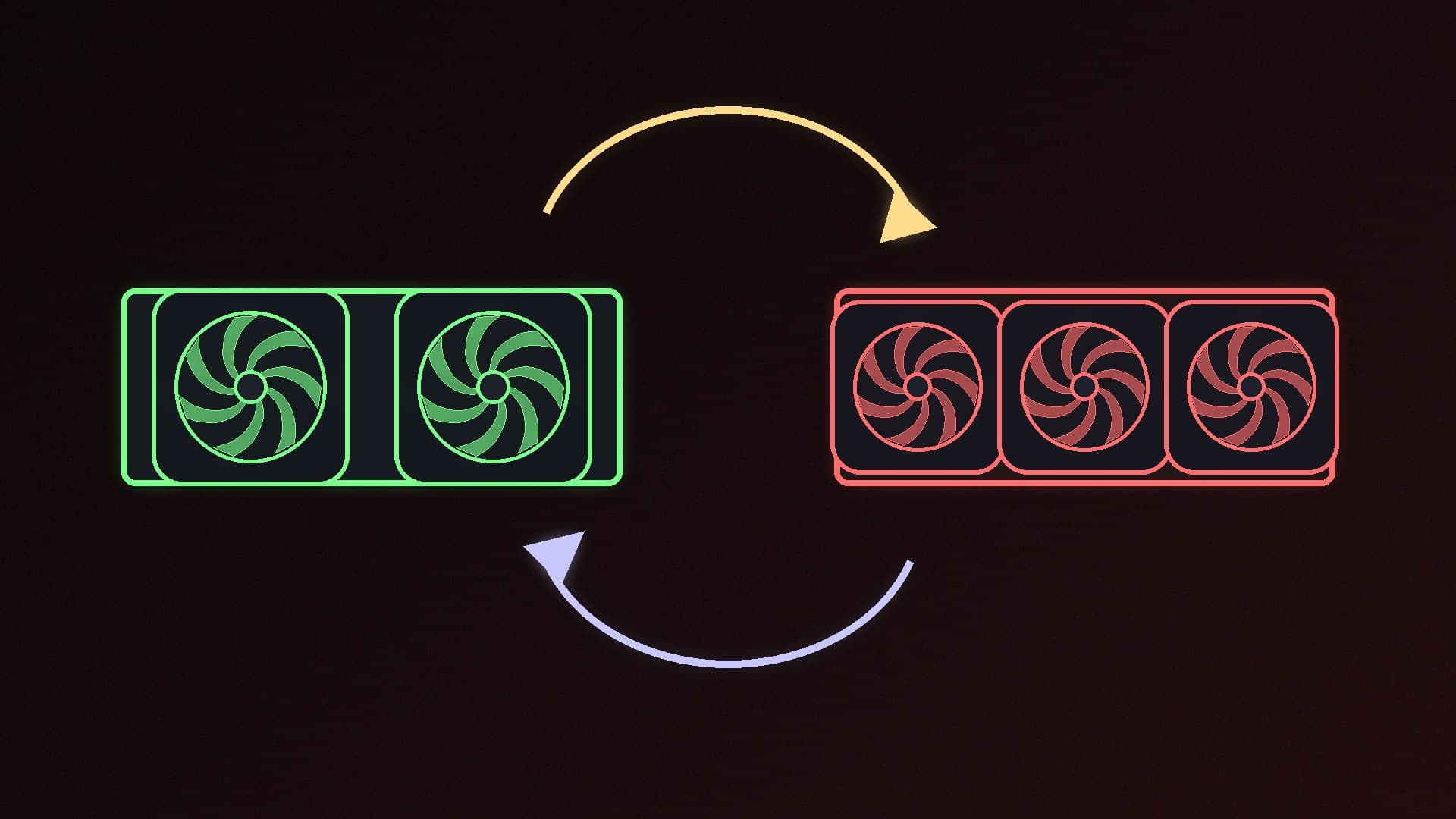
This is where the two cards feel completely different to live with.
The RTX PRO 5000 is rated at 300W total board power and uses a single PCIe CEM5 16-pin connector. NVIDIA lists it as a 4.4in x 10.5in, full-height, dual-slot card with active cooling.
The RTX 5090 is rated at 575W total graphics power, and NVIDIA says the required system power is 1,000W, based on a PC with a Ryzen 9 9950X. It needs either four PCIe 8-pin cables through the adapter in the box or one 600W PCIe Gen 5 cable. The Founders Edition is 304mm long, 137mm wide and dual-slot, but NVIDIA notes that card dimensions vary by manufacturer, so check the exact model.
The PRO 5000's lower power draw makes a real difference if you plan to run more than one card, leave models running for long periods or build in a smaller case. Our guides to choosing a PSU for a local AI PC and running a local LLM across two GPUs cover those builds.
Winner: RTX PRO 5000.
Workstation features
The RTX PRO 5000 includes a few features aimed at professional and shared use:
Multi-Instance GPU (MIG). NVIDIA says it can be split into up to two fully isolated instances, each with its own memory, cache and compute cores. On the 48GB card, that's up to two 24GB instances; on the 72GB card, up to two 36GB instances.
Enterprise drivers and certification. NVIDIA's datasheet highlights enterprise drivers, ISV certifications, IT management tools and enterprise-grade support.
Four DisplayPort 2.1b outputs and three video decoders.
The RTX 5090 supports NVIDIA's Game Ready and Studio drivers, DLSS 4 and the rest of the GeForce feature set, so it's the better card if the same PC is also for gaming. For home AI software, both are well covered: Ollama supports NVIDIA cards with compute capability 5.0 or newer, and ComfyUI's GPU guide says all NVIDIA GPUs from the last ten years are supported in PyTorch and work very well. Software support isn't a reason to choose one over the other.
Winner: depends on use — RTX PRO 5000 for shared or professional machines, RTX 5090 for a PC that also games.
Price and availability
We haven't listed prices because both cards sell for very different amounts depending on the retailer and supplier, and UK prices have been moving quickly. NVIDIA's RTX PRO 5000 page points buyers to the NVIDIA Marketplace or an NVIDIA partner, so check those and specialist UK suppliers for current pricing before deciding. If you're looking even higher up the range, the NVIDIA RTX Pro 6000 Blackwell Workstation Edition 96GB is compared with the RTX 5090 in our RTX PRO 6000 vs RTX 5090 guide.
Who should buy which?
Choose the RTX PRO 5000 Blackwell if:
The models you want to run need more than 32GB, or you want long context with large models.
You fine-tune models and value ECC memory.
You want to run two or more cards, or keep power and heat down.
The machine will be shared, and MIG or enterprise support matters.
Choose the NVIDIA GeForce RTX 5090 Founders Edition if:
Your models fit comfortably in 32GB and you want them to run as fast as possible.
The PC is also for gaming or GeForce-focused creative work.
You have a large case and a PSU rated for at least 1,000W, as NVIDIA recommends.
If neither card's memory is quite right, our two 16GB GPUs vs one big GPU comparison and best workstation GPUs for AI guide cover the alternatives.
Our verdict
For local AI, the RTX PRO 5000 Blackwell is the better buy if memory is your limit: 48GB or 72GB of ECC GDDR7 at 300W lets you run larger models and longer contexts on one card, and makes multi-GPU builds far easier to power. The GeForce RTX 5090 has about a third more theoretical bandwidth and far more CUDA cores, so it's the faster card for models that fit in 32GB, and the obvious choice if the PC is also for gaming, provided you can feed its 575W rating.