The measured results in this comparison come from XDA Developers' hands-on test of two GeForce RTX 5060 Ti 16GB cards against a GeForce RTX 5090, published on 17 November 2026, and are credited to XDA throughout. The rest is based on how the hardware works.
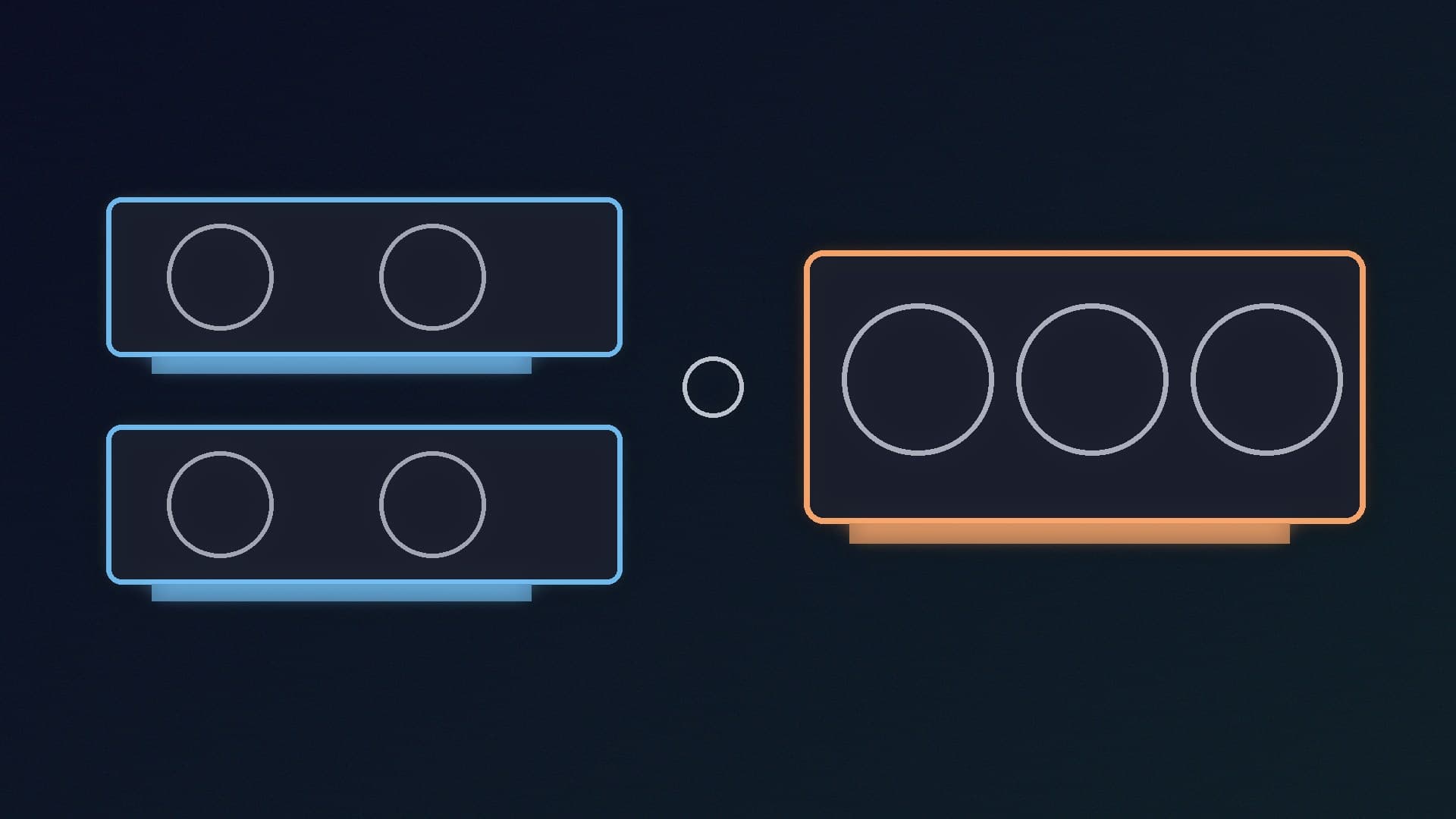
If you run local language models, you will eventually hit the wall: a model that won't load because your graphics card runs out of memory. At that point there are two obvious upgrades. You can add a second 16GB card and split models across both, or you can sell up and buy one card with 24GB or 32GB. Here's how they compare.
The short answer
Two 16GB cards give you more total memory for the money, so they load bigger models and longer contexts than any single 16GB or 24GB card.
One big card is faster, simpler and doesn't depend on your motherboard having a second properly wired slot.
Capacity: two cards win on what fits
VRAM decides which models you can load at all, and two 16GB cards add up to 32GB. In XDA's tests with llama.cpp, a 14B model (Qwen3-14B at Q4_K_M) ran on one RTX 5060 Ti, but a 32B model (Qwen3-32B at Q4_K_M) failed with an out-of-memory error on a single card and ran fine split across two. A 70B model (Llama 3.3 70B at IQ3_XXS) also ran on the pair.
XDA didn't have a 24GB card, but it measured how much memory each model used on the pair as context grew. The 32B model needed about 23.6GB at 16,384 tokens of context and about 27.9GB at 32,768, so XDA estimates a 24GB card would top out at around 16,000 tokens. The 70B model needed about 28.2GB at just 4,096 tokens, which XDA says no 24GB card could load. If capacity is your problem, a pair of 16GB cards beats a single 24GB card such as the RTX 3090 or RX 7900 XTX. Our context length and VRAM explainer shows why context eats so much memory.
Against a 32GB RTX 5090 the picture is closer to a tie. XDA found the 32B model fitted 32,768 tokens on both setups, and the 70B fitted 8,192 on both, with only 16,384 tokens squeezing onto the 5090 alone.
Speed: one big card wins clearly
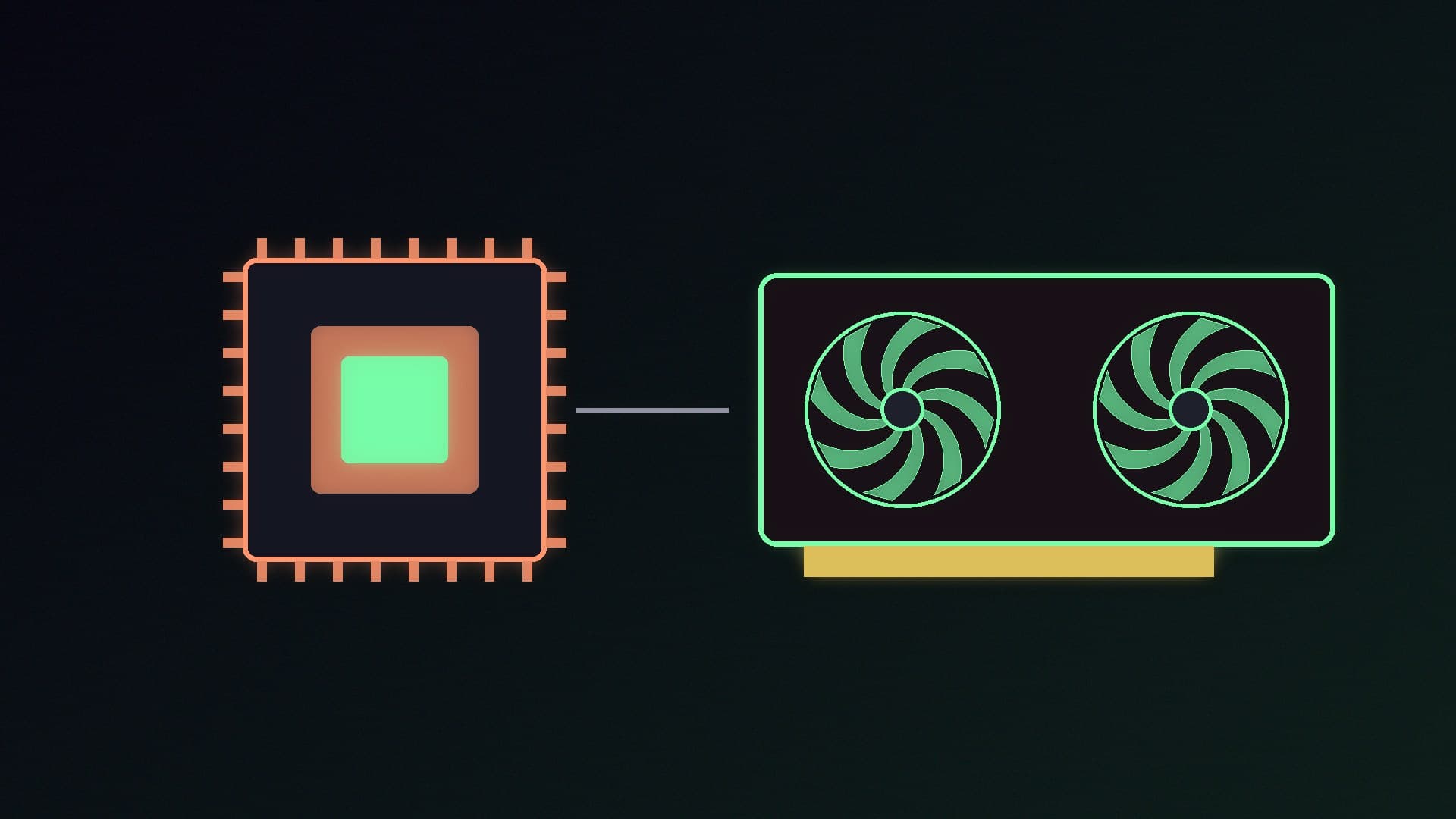
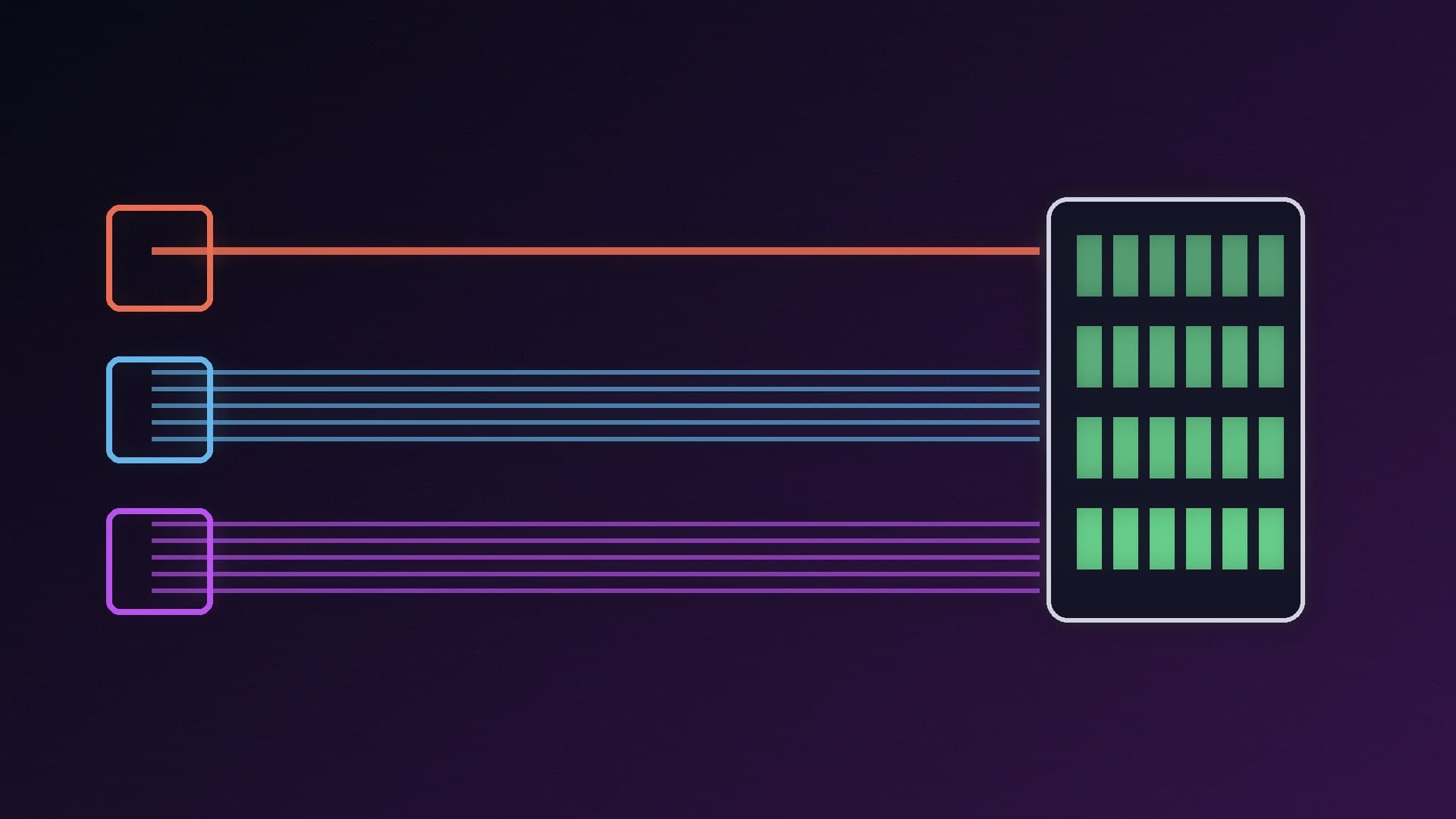
Generating text is mostly a race to read the model's weights from memory, so memory bandwidth matters more than anything else. XDA notes the RTX 5090 has 1,792GB/s of bandwidth against 448GB/s for each RTX 5060 Ti, and the 5090 was 1.7 to 1.9 times faster on every model it tested. Our memory bandwidth explainer goes into why.
How you split the model across two cards also matters a lot. By default, llama.cpp splits by layers, so one card works while the other waits. XDA found that gave the memory of two cards but the speed of one: 46.31 tokens per second on one card and 46.37 on two for the 14B model. Switching to tensor split, which divides each layer between both cards so they work at the same time, was 1.7 to 1.8 times faster than layer split in XDA's tests. Our guide to running a local LLM on two GPUs covers the setup.
Motherboard: the hidden cost of two cards
This is where two-card setups go wrong. XDA's first board had a second full-length slot wired to a single PCIe lane from the chipset, and the second card dropped off the bus while loading the 70B model. Moving to a board that ran both slots at x8 from the CPU fixed it.
Before buying a second card, check your motherboard manual's lane-sharing table. A slot that looks like x16 may run at x4 or x1, and filling certain M.2 slots can reduce it further or disable it. You'll also need room for two cards, enough airflow and a power supply that can feed both. See our picks for the best motherboards for dual-GPU local AI.
Cost
XDA paid about half as much for its pair of RTX 5060 Ti cards as it originally paid for its RTX 5090, and reckons the pair delivered 52% to 59% of the 5090's speed with nearly the same memory ceiling. Graphics card prices move quickly, so check current UK prices yourself. As a rule, two mid-range 16GB cards cost far less than one flagship 32GB card.
Quick comparison
| Two 16GB cards (e.g. 2x RTX 5060 Ti 16GB) | One 24GB card | One 32GB card (RTX 5090) |
|---|
Total VRAM | 32GB (split across two cards) | 24GB | 32GB |
Loads 32B model with long context | Yes (XDA) | Up to about 16K tokens (XDA estimate) | Yes (XDA) |
Speed | Lower; needs tensor split to scale | Depends on card | Fastest (XDA) |
Motherboard needs | Two well-wired PCIe slots | One slot | One slot |
Setup hassle | Higher | Low | Low |
Which should you buy?
Add a second 16GB card if you already own one, keep hitting out-of-memory errors, and your motherboard can run both slots at x8 from the CPU, as XDA's working board did. It's the cheapest way to load 32B-class models with long contexts. Good candidates include the ASUS RTX 5060 Ti 16GB Dual OC and MSI RTX 5060 Ti 16GB Ventus 2X OC Plus.
Buy one big card if speed matters most, you also game on the PC, or your motherboard's second slot is weak. The NVIDIA GeForce RTX 5090 Founders Edition is the fastest single-card option, while our best 24GB graphics cards for local AI covers cheaper routes. Bear in mind XDA's figures suggest a 24GB card fits less than a pair of 16GB cards.
Our verdict
Two 16GB cards buy you room, and one big card buys you speed. If you're starting from scratch and can afford it, a single large card is the simpler, faster choice. If you already own a 16GB card and your motherboard has a properly wired second slot, adding another is the most cost-effective way to run bigger models, as long as you use tensor split and check the PCIe lanes first.