Everything here comes from Noctua's own NH-D15 G2 product page, the specification pages for the standard, LBC and HBC versions, and Noctua's FAQ on which version to buy, all read on 26 November 2026.
Noctua's NH-D15 G2 is one of the best-known air coolers on the market, and it's also one of the most confusing to buy. Noctua sells it in three versions: the standard NH-D15 G2, the NH-D15 G2 LBC and the NH-D15 G2 HBC. On paper they're almost identical, and the difference comes down to the shape of the cooler's base. Noctua rates each version differently for each socket, and marks some combinations as "not recommended", so it's worth choosing carefully.
Quick answer
Most people, and anyone on Intel LGA1851: buy the standard NH-D15 G2. Noctua calls it the best all-rounder.
AMD AM4, or AM5 if you don't want to use the offset mounting: buy the NH-D15 G2 LBC.
Intel LGA1700 running full ILM pressure, without washers or a contact frame: buy the NH-D15 G2 HBC.
Not sure which platform you'll use next? The standard version is rated "Good" or "Excellent" on every platform in Noctua's table, while the LBC and HBC each have platforms Noctua doesn't recommend them for.
What's the same
According to Noctua's specification pages, all three versions share:
Eight 6mm heatpipes and soldered fins (a listed fin count of 58), with nickel-plated copper heatpipes and base
Two NF-A14x25r G2 PWM 140mm fans, rated at 0 to 1,500rpm, 155.6m³/h (91.58 CFM) maximum airflow and 24.8 dB(A) maximum noise
The same size: 168mm tall, 150mm wide and 152mm deep with fans, weighing 1,525g with fans
The same NSPR rating (Noctua's own relative performance score) of 228
The same socket support: AM5, AM4, LGA1851, LGA1700, LGA1200 and LGA115x, plus LGA1954 on the spec sheets
The same box contents: NT-H2 thermal paste, two low-noise adaptors, a PWM splitter cable, an NA-TPG1 thermal paste guard for AM5, a cleaning wipe, the Torx-based SecuFirm2+ mounting system and screwdriver, and shim washers for LGA1700
A six-year warranty
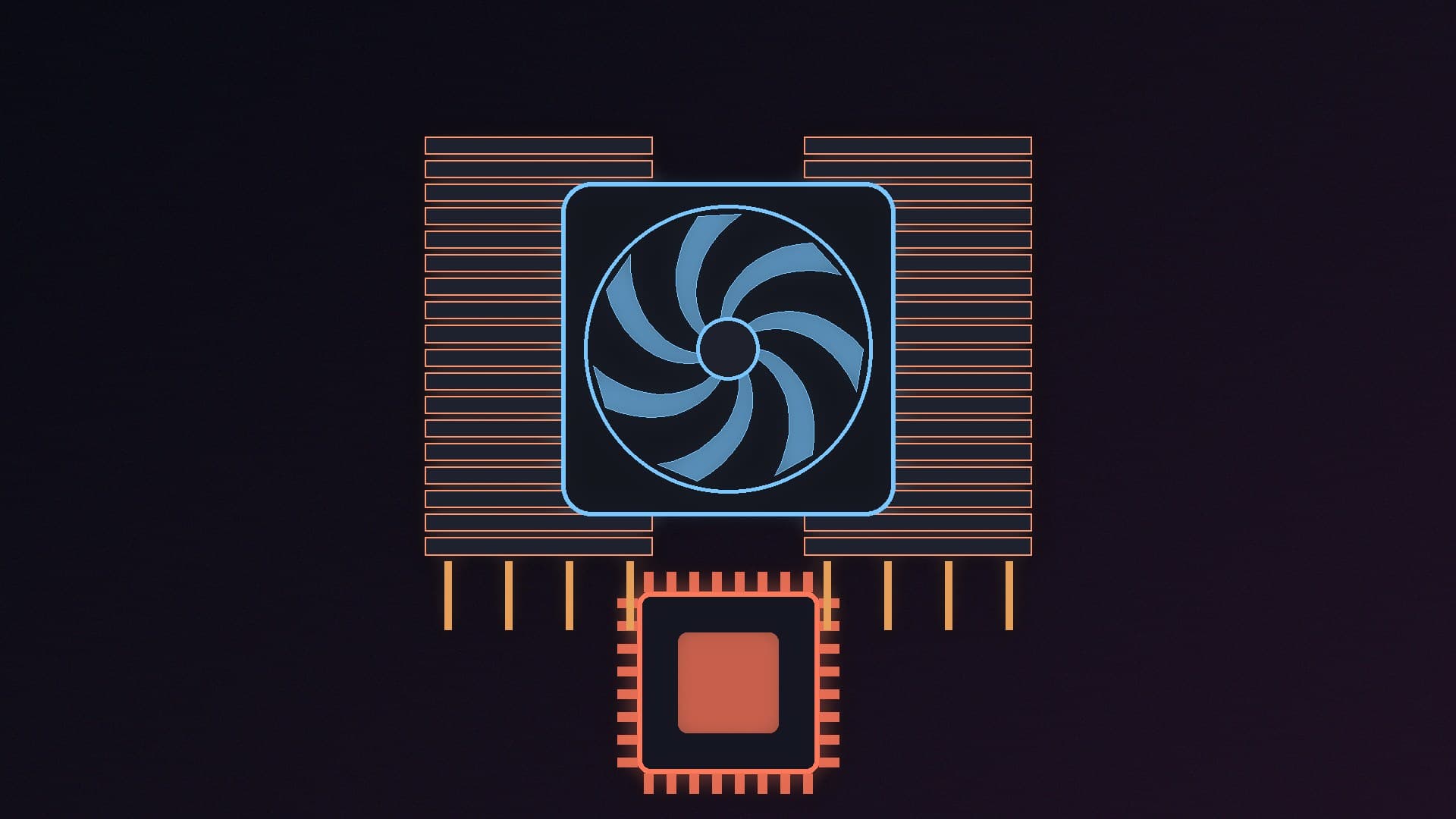
Noctua describes the G2 as the second generation of the original NH-D15, with eight heatpipes instead of six, and says the extra thermal capacity is most helpful at extreme heat loads such as 250W and beyond. It also says an offset construction lets the cooler clear the top PCIe x16 slot on most current motherboards.
What's different: base convexity
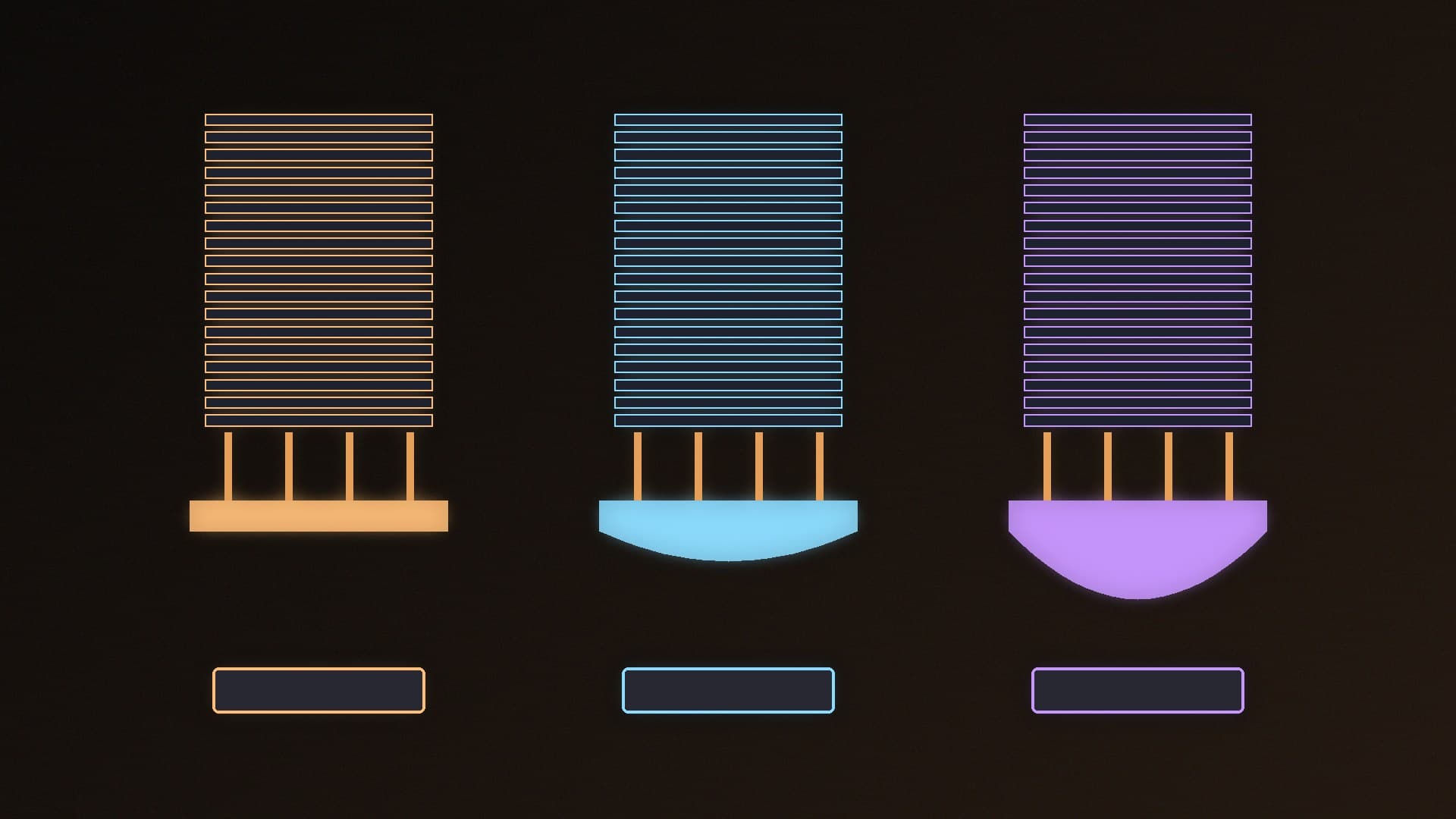
The only difference between the three versions is the base convexity, meaning how much the cooler's contact plate bulges in the middle.
Standard NH-D15 G2: Noctua's general-purpose version.
LBC (low base convexity): Noctua says this version is "optimised for relatively flat CPUs (e.g. AM5/AM4)" and is not recommended for LGA1851 or LGA1700.
HBC (high base convexity): Noctua says this version is "optimised for highly convex CPUs (e.g. LGA1700)" and is not recommended for AM5 or AM4.
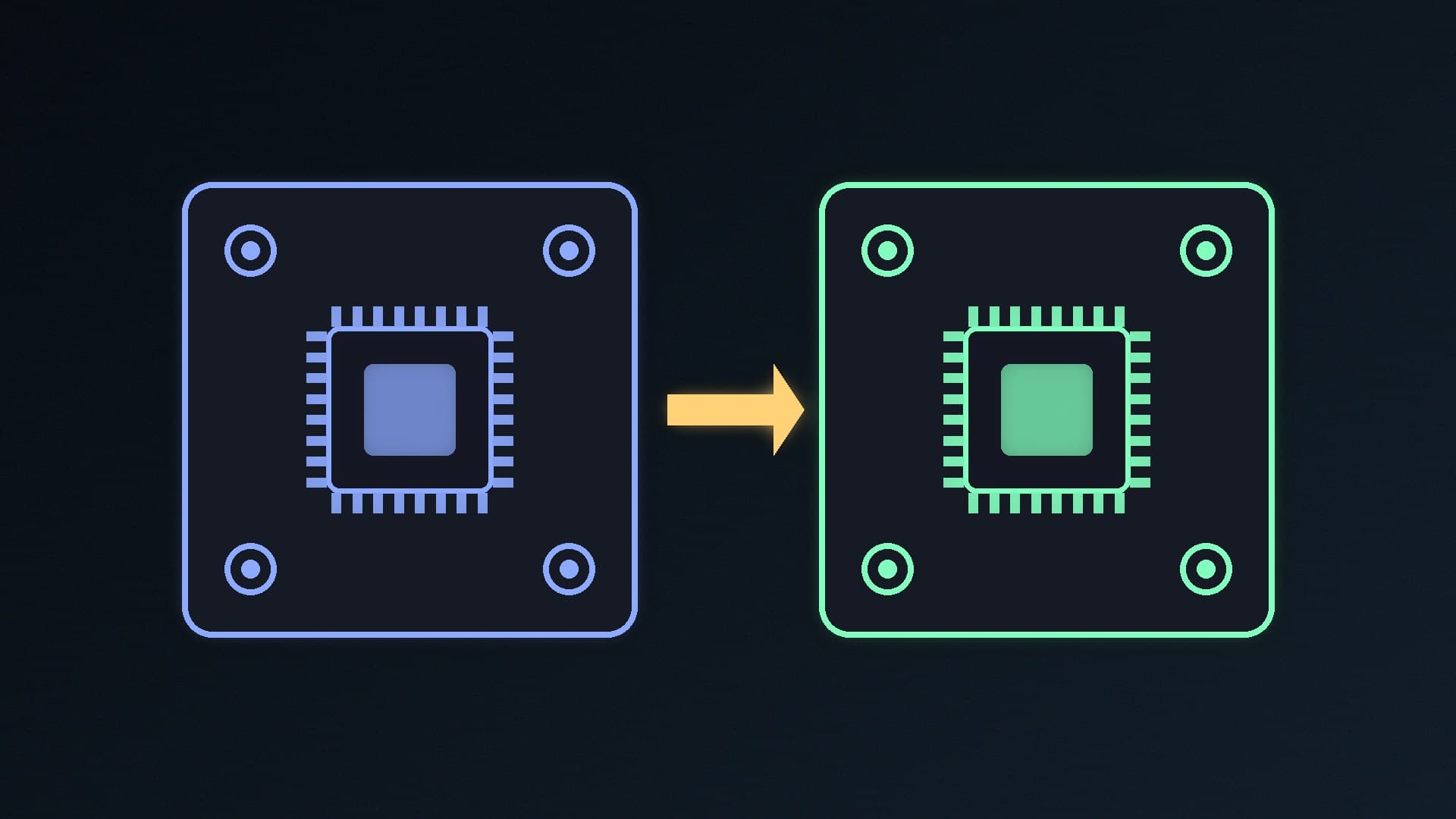
Why does this matter? A processor's heatspreader isn't always perfectly flat. Noctua's FAQ refers to "CPU deformation from ILM pressure" on LGA1700, meaning the socket's retention mechanism can bend the processor slightly. A more curved base can match a curved heatspreader better, while a flatter base suits a flatter one.
Noctua's recommendations by socket
Noctua's FAQ gives a clear answer, summarised here:
Platform | LBC | Standard | HBC |
|---|
AM5 with Noctua's offset mounting | Excellent | Excellent | Good |
AM5 without offset, AM4, flat or lapped heatspreaders, delidded AM5 | Excellent | Good | Not recommended |
LGA1851, or LGA1700 with a contact frame | Good | Excellent | Good |
LGA1700 with reduced ILM pressure (washers), LGA1200, LGA115x | Not recommended | Excellent | Good |
LGA1700 with full ILM pressure, or a CPU permanently deformed from long-term use | Not recommended | Good | Excellent |
Noctua's own standard recommendation is the standard NH-D15 G2, because it's "the best allrounder and most versatile of the three versions". It says the standard version gives the best results on LGA1851, on AM5 using the included offset mounting, and on LGA1700 with the included washers or a contact frame.
Which should you buy?
AMD AM5 (Ryzen 7000, 8000 and 9000)
Both the standard version and the LBC are rated "Excellent" on AM5 if you use the offset mounting. Noctua recommends the LBC if you don't want to use the offset mounting, or if you want to combine the lowest possible CCD (core chiplet) temperatures with the lowest possible IOD (I/O die) temperatures. If you're building a gaming PC around a chip such as the Ryzen 7 9800X3D and will only ever use AMD, the LBC is a sensible choice; see our Ryzen 7 9800X3D vs Ryzen 7 9700X comparison if you're still choosing the processor. If you might move the cooler to an Intel system later, the standard version keeps your options open.
AMD AM4
Noctua rates the LBC "Excellent" and the standard version "Good" on AM4, and doesn't recommend the HBC. If you're still on AM4 but plan to move to AM5, the LBC is a good fit for both, and our how to upgrade from AM4 to AM5 guide explains which parts carry over.
Intel LGA1851 (Core Ultra 200S)
Noctua rates the standard version "Excellent" on LGA1851, with the LBC and HBC both "Good". For a Core Ultra 7 265K or Core Ultra 9 285K build, buy the standard version. Our contact frame vs stock ILM comparison explains the socket mechanism in more detail.
Intel LGA1700 (12th, 13th and 14th Gen)
This is where the HBC makes sense. Noctua recommends it if you don't want to modify the socket with washers or a contact frame, and for LGA1700 processors that may have become permanently deformed after long-term use with full ILM pressure. If you're happy to use the included washers or a contact frame, the standard version is rated "Excellent".
Before you buy any version
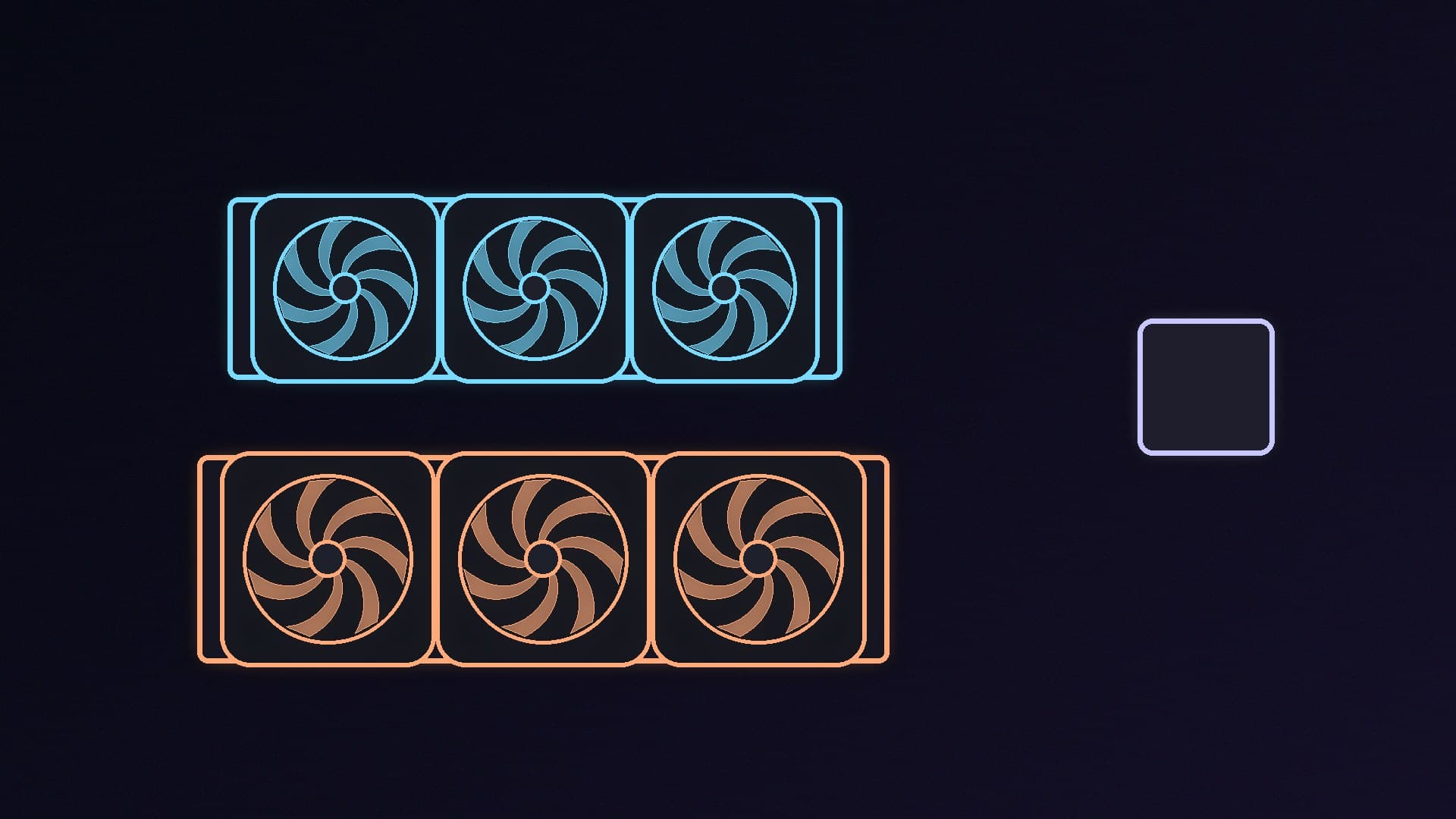
The NH-D15 G2 is a very large cooler. At 168mm tall, it needs a case with at least that much CPU cooler clearance, and its 150mm width and front fan can overhang memory slots. Noctua's site has motherboard, case and RAM compatibility data, and our how to check CPU cooler clearance guide explains what to measure. If you're not sure you need this much cooler, our single-tower vs dual-tower CPU cooler and air cooler vs AIO comparisons can help, and our best Noctua CPU coolers guide covers smaller models such as the NH-U12A.
See the spec pages for the Noctua NH-D15 G2, Noctua NH-D15 G2 LBC and Noctua NH-D15 G2 HBC.
Our verdict
The standard NH-D15 G2, LBC and HBC share the same eight-heatpipe heatsink, two NF-A14x25r G2 fans, 168mm height, NSPR rating of 228, accessories and six-year warranty. Only the base shape differs. Noctua recommends the standard version for most people, especially on LGA1851, on AM5 with offset mounting and on LGA1700 with washers or a contact frame. Choose the LBC for AM4, or for AM5 without offset mounting, and the HBC only for LGA1700 systems running full ILM pressure or with a deformed CPU.