All specifications come from AMD's official Ryzen 7 9800X3D product page and Intel's official Core Ultra 7 265K specification page, both read on 26 November 2026. For performance figures, check independent reviews that test the games and apps you actually use.
The Ryzen 7 9800X3D and Core Ultra 7 265K are two of the most common choices for a high-end desktop build, but they're built around very different ideas. AMD's chip has eight cores and a huge stack of cache aimed squarely at gaming. Intel's chip has 20 cores across two types, plus an NPU for AI tasks and a broader set of platform features. Here's how they compare on paper, and which one makes more sense for different kinds of user.
Quick answer
Gaming-first PC: the Ryzen 7 9800X3D, AMD's 3D V-Cache chip with 96MB of L3 cache and a 120W TDP.
Gaming plus heavy multithreaded work: the Core Ultra 7 265K, with 20 cores and a 250W maximum turbo power.
Want Thunderbolt 4 or an NPU: the Core Ultra 7 265K, which Intel lists with both.
Cooling: AMD says the 9800X3D doesn't include a cooler, and Intel's spec page doesn't list one for the 265K, so plan to budget for a cooler with either chip.
Specs compared
Spec | AMD Ryzen 7 9800X3D | Intel Core Ultra 7 265K |
|---|
Architecture | Zen 5 (Granite Ridge) | Arrow Lake |
Cores / threads | 8 / 16 | 20 (8 Performance + 12 Efficient) / 20 |
Base clock | 4.7GHz | 3.9GHz (P-core), 3.3GHz (E-core) |
Max boost | Up to 5.2GHz | Up to 5.5GHz (P-core max turbo 5.4GHz) |
L2 cache | 8MB | 36MB |
L3 cache | 96MB | 30MB Intel Smart Cache |
Power | 120W default TDP | 125W base, 250W maximum turbo power |
Max operating temperature | 95°C | 105°C |
Socket | AM5 | LGA1851 |
Memory | DDR5, 2 channels, up to DDR5-5600 (two modules) | DDR5, 2 channels, up to DDR5-6400 |
Max memory | 256GB | 256GB |
PCIe | PCIe 5.0, 28 total / 24 usable lanes | PCIe 5.0 and 4.0, 24 lanes |
Integrated graphics | AMD Radeon Graphics, 2 cores, 2,200MHz | Intel Graphics, 4 Xe-cores, up to 2GHz |
NPU | None listed | Intel AI Boost, 13 TOPS (33 TOPS overall platform) |
Cooler in the box | No (AMD recommends a liquid cooler) | Not listed on Intel's spec page |
Launch | 7 November 2024 | Q4 2024 |
Gaming
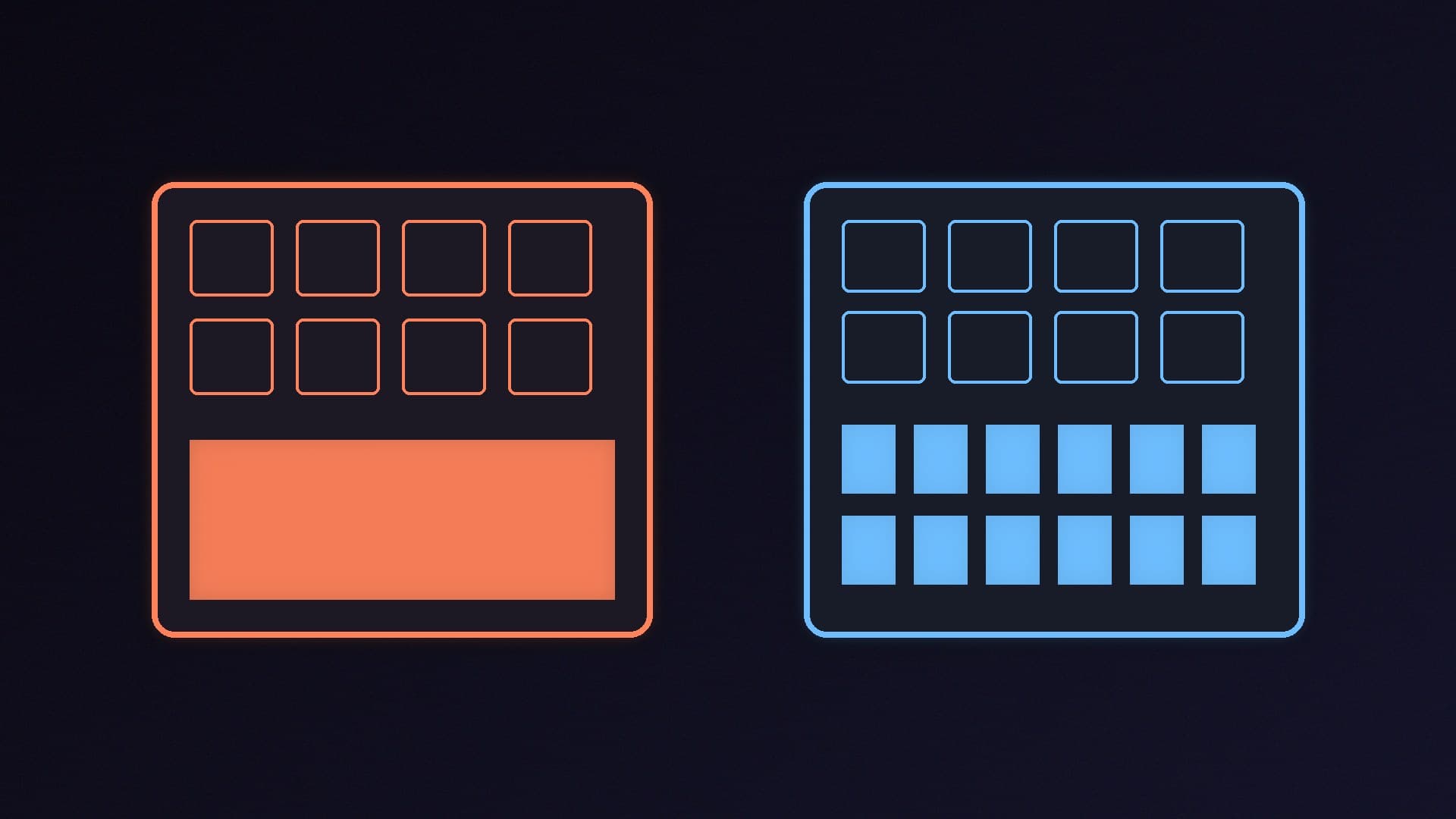
The Ryzen 7 9800X3D's headline feature is its 96MB of L3 cache, which AMD achieves with its second-generation 3D V-Cache technology. AMD markets the chip specifically for gaming, saying its 3D V-Cache delivers faster gaming with low latency.
The Core Ultra 7 265K has a higher maximum boost clock (5.5GHz against 5.2GHz) and more L2 cache, but much less L3 cache. How the two compare in frame rates depends on the game, resolution and graphics card, and we haven't tested it. Independent reviews with game-by-game results are the best place to see real-world differences for the titles you play.
What we can say from the specs is that if gaming is your main or only priority, the 9800X3D is the processor AMD designed for exactly that job.
Productivity and multitasking
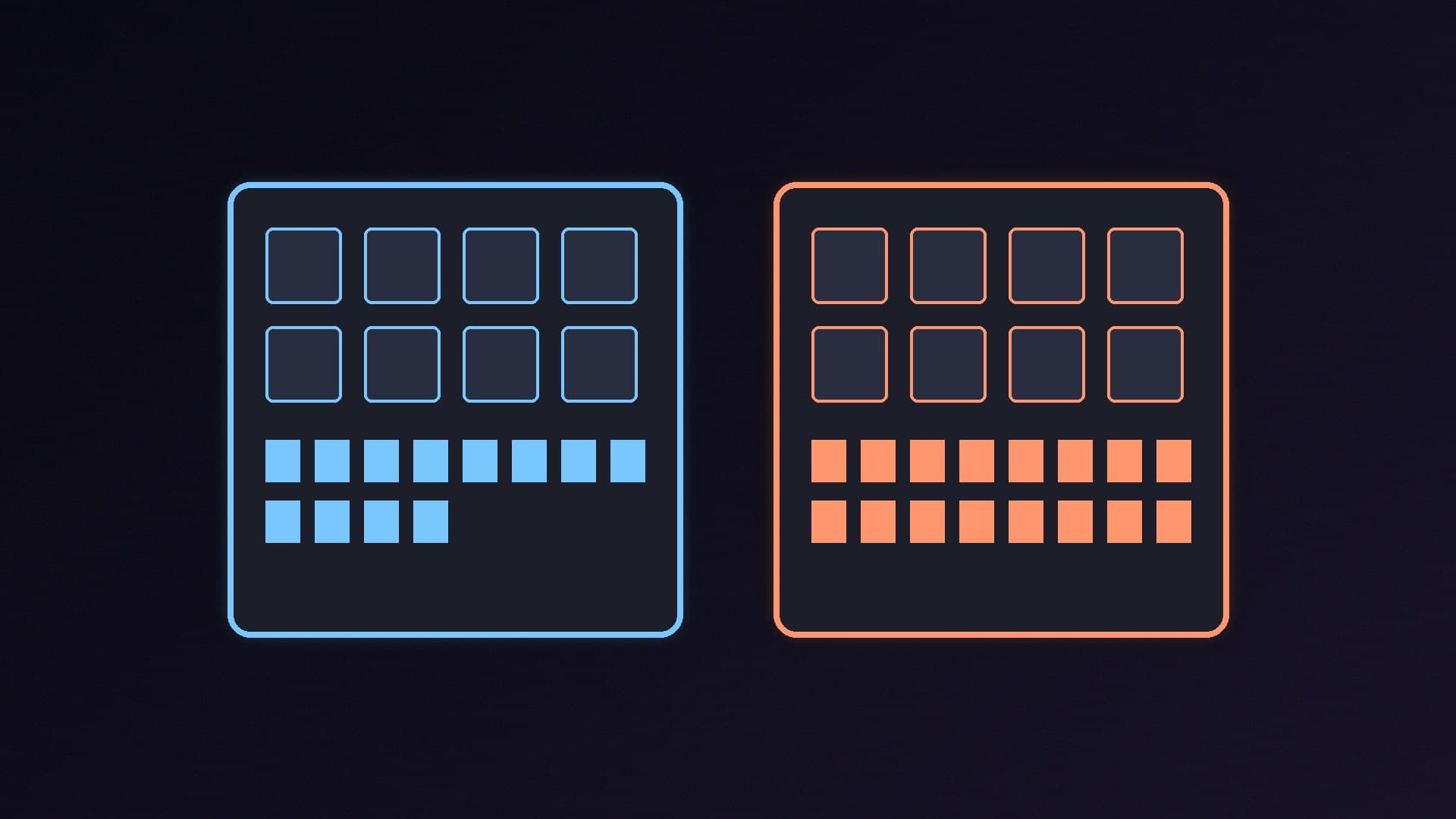
This is where the 265K's design makes more sense. It has 20 cores against the 9800X3D's eight, though no Hyper-Threading, so it runs 20 threads to AMD's 16. Workloads that scale across many cores, such as video encoding, 3D rendering, code compilation and running many apps at once, can use those extra Efficient-cores.
The 265K also has a 250W maximum turbo power, against the 9800X3D's 120W TDP. That higher power limit gives Intel's chip room to sustain heavy multithreaded work, but it also means the cooler and motherboard need to handle more heat. Our Core Ultra 7 265K vs Core Ultra 9 285K comparison explains where Intel's extra cores matter.
For video work specifically, the 265K's integrated graphics support Intel Quick Sync Video with H.264, HEVC and AV1 hardware encode and decode, according to Intel. That's useful in apps that can use Quick Sync alongside a dedicated graphics card.
AI features
Intel lists an NPU (Intel AI Boost) rated at 13 TOPS on the Core Ultra 7 265K, with 33 TOPS for the whole processor including the CPU and GPU. It supports Windows Studio Effects and frameworks such as OpenVINO, DirectML and ONNX Runtime. AMD's specification page for the 9800X3D doesn't list an NPU. If you want Windows Studio Effects or other NPU-based features on a desktop, that's a point in Intel's favour.
Socket: The 9800X3D uses AMD's AM5 socket and works with A620, B650, B650E, X670, X670E, B840, B850, X870 and X870E chipsets. The 265K uses Intel's LGA1851. Our AM5 vs LGA1851 comparison covers the platforms in more detail.
Memory: Intel officially supports up to DDR5-6400; AMD lists DDR5-5600 for two modules (and DDR5-3600 for four). Both support up to 256GB. AMD lists EXPO memory overclocking support for the 9800X3D; see our best DDR5 RAM for AM5 guide.
PCIe: Both support PCIe 5.0. AMD lists 24 usable lanes; Intel lists 24 lanes in configurations up to one x16 plus two x4.
Thunderbolt: Intel lists Thunderbolt 4 support for the 265K. AMD's page lists four native USB 3.2 Gen 2 (10Gbps) ports and USB-C DisplayPort Alternate Mode. Actual ports depend on your motherboard.
Graphics: Both have integrated graphics. AMD lists two graphics cores at 2,200MHz; Intel lists four Xe-cores at up to 2GHz, with up to four displays supported.
Cooling and power
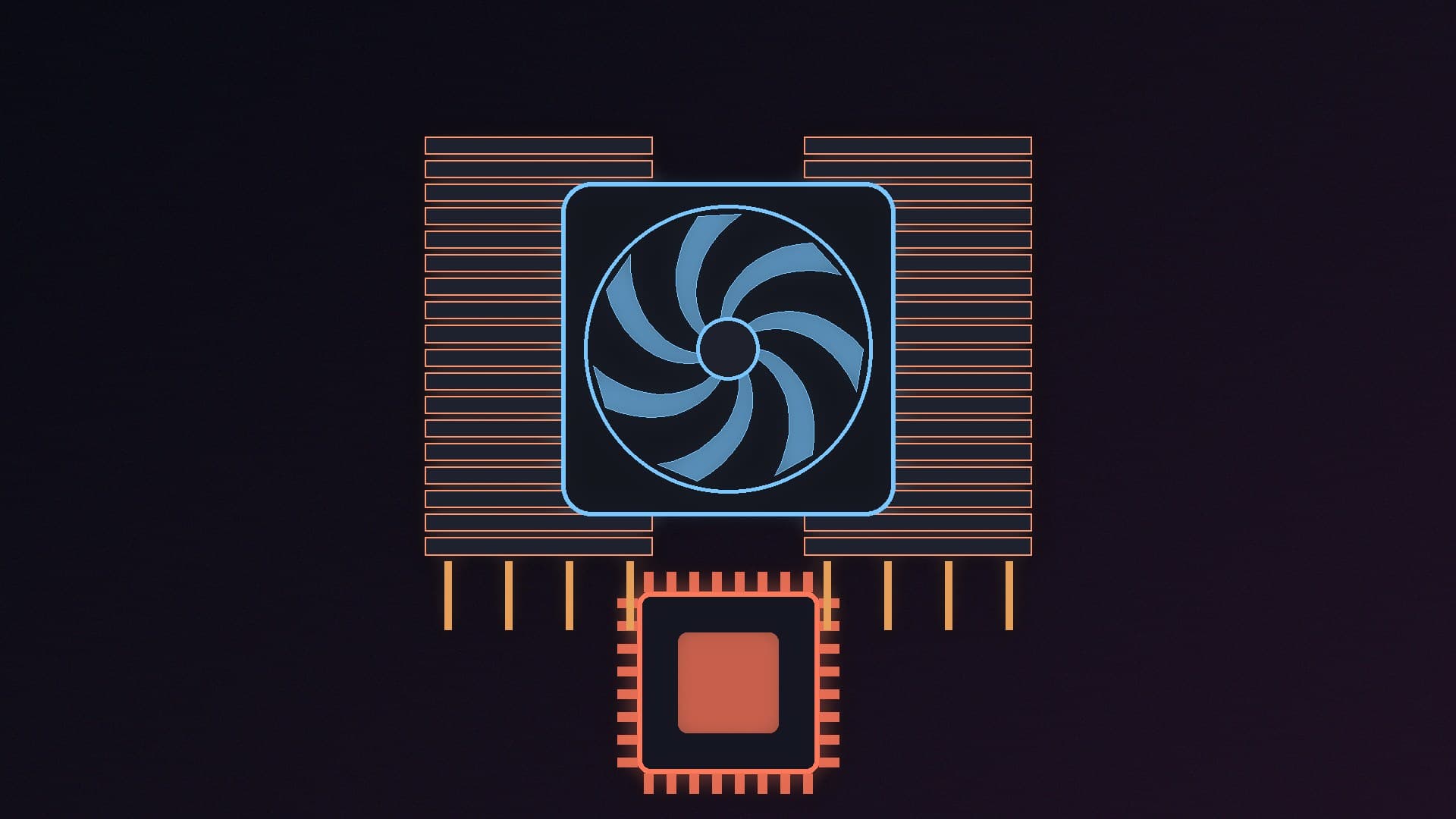
AMD doesn't include a cooler with the 9800X3D and recommends a liquid cooler for optimal performance. The 265K's 250W maximum turbo power is more than double the 9800X3D's 120W TDP, so plan for a strong cooler if you'll run sustained all-core workloads; a large air cooler or a 280mm to 360mm AIO is worth considering. Our air cooler vs AIO guide explains the trade-offs, and contact frame vs stock ILM covers an Intel-specific mounting upgrade.
Which should you buy?
Buy the Ryzen 7 9800X3D if you mainly play games, and want the chip AMD designed for gaming with 96MB of L3 cache.
Buy the Core Ultra 7 265K if you split your time between gaming and multithreaded work such as video editing, rendering or programming, want Thunderbolt 4 support, or want an NPU for Windows AI features.
Prices change often, especially around Black Friday, so compare current UK prices for the processor and a suitable motherboard before you decide. See our Ryzen 7 9800X3D vs Ryzen 7 9700X and Core Ultra 7 265K vs Ryzen 7 9700X comparisons for more options, and the AMD Ryzen 7 9800X3D and Intel Core Ultra 7 265K 1851 spec pages.
Our verdict
The Ryzen 7 9800X3D and Core Ultra 7 265K suit different buyers. AMD's chip has eight cores, 16 threads and 96MB of L3 cache at a 120W TDP, and AMD designed it for gaming. Intel's chip has 20 cores, a higher 5.5GHz boost, a 250W maximum turbo power, a 13 TOPS NPU, DDR5-6400 support and Thunderbolt 4. Choose the 9800X3D for a gaming-first PC and the 265K for a mixed gaming and productivity machine, and check independent benchmarks for the games and apps you use.