Card dimensions come from NVIDIA's official SFF-Ready list, and power and memory figures come from NVIDIA's GeForce RTX 50 Series specification pages, all read on 26 November 2026. Always check the card maker's own product page and your case manual before you buy.
Building a small form factor (SFF) PC used to mean a lot of guesswork. Graphics card makers list a card's length, height and thickness, but not how much room the power cable needs, and a few millimetres can decide whether the side panel closes. NVIDIA's SFF-Ready guideline is designed to remove some of that guesswork, and it's the quickest way to shortlist a powerful graphics card for a compact build.
This is a different category from low-profile cards, which are half-height designs for slim office PCs and are covered in our best low-profile graphics card guide. SFF-Ready cards are full-height enthusiast cards that are small enough for compact Mini-ITX cases.
What does SFF-Ready mean?
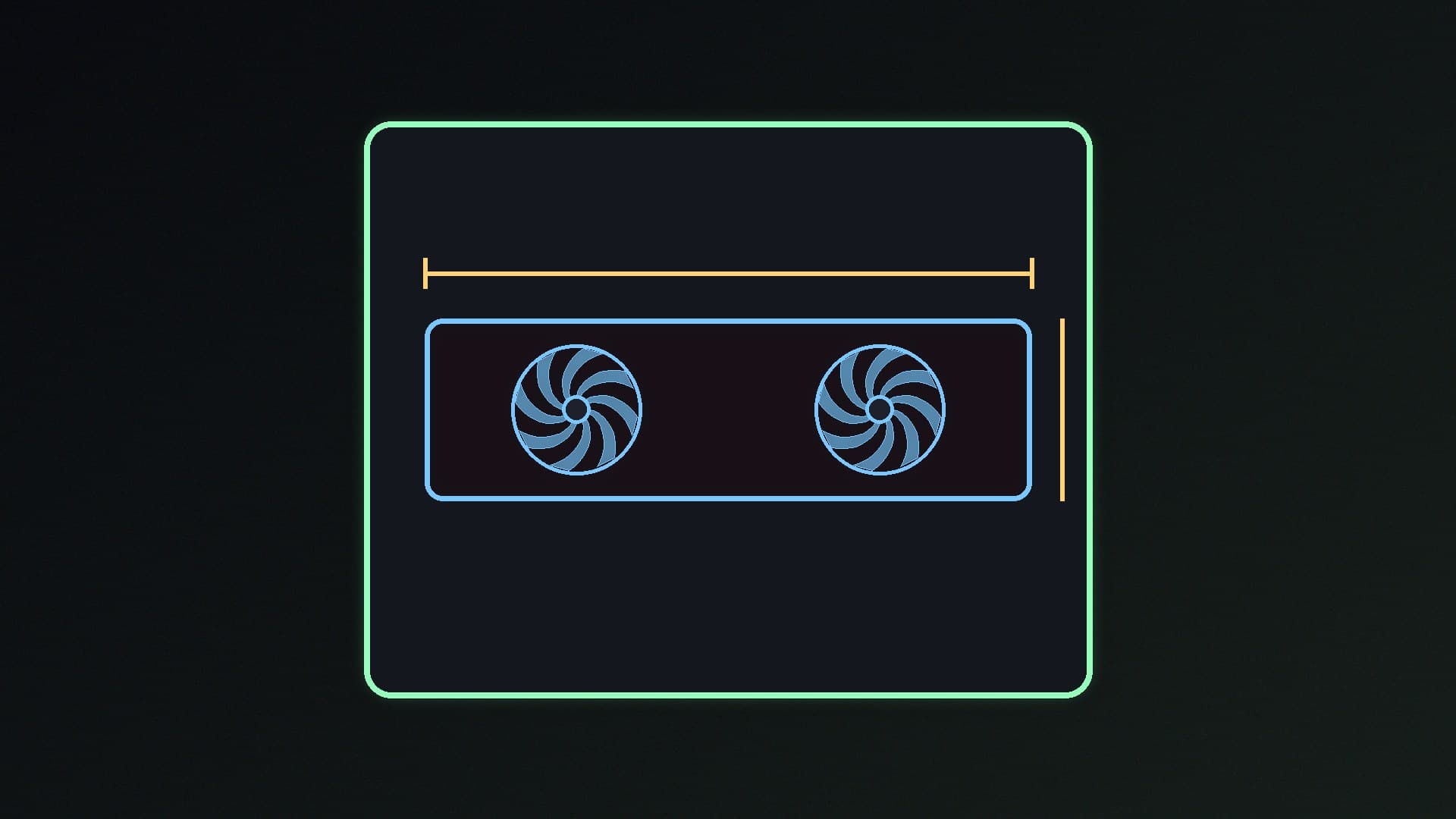
NVIDIA says SFF-Ready Enthusiast GeForce Cards are RTX 70-class or higher cards from the GeForce RTX 50 and RTX 40 Series with these maximum dimensions:
Height: 151mm, including the power cable bend radius
Length: 304mm
Thickness: 50mm, or 2.5 slots
For cases, NVIDIA says a compatible case needs 154.5mm of clearance from the motherboard or riser PCB to the side or top panel, depending on how the card is mounted, and 312mm of length clearance, including the graphics card and any riser or extender. Cases that meet this are labelled as compatible with SFF-Ready Enthusiast GeForce Cards.
NVIDIA says more than 150 RTX 50 and RTX 40 Series cards from NVIDIA and its partners ASUS, Colorful, Gainward, GALAX, GIGABYTE, INNO3D, MSI, Palit, PNY and Zotac meet the guideline. Because it only covers 70-class cards and above, an RTX 5060 Ti or a Radeon card won't carry the label even if it's physically small, so you'll need to check those against your case manually.
Quick picks
Pick | Card | Size (H x L x W), NVIDIA's list | Memory | Total graphics power | NVIDIA required system power |
|---|
Best overall | MSI RTX 5070 Ti 16GB Ventus 3X OC | 121 x 303 x 49mm | 16GB GDDR7 | 300W | 750W |
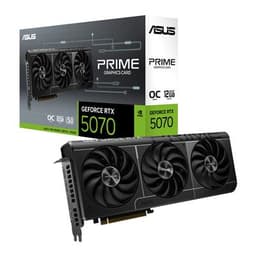
Best value | ASUS RTX 5070 12GB Prime OC | 126 x 304 x 50mm | 12GB GDDR7 | 250W | 650W |
Best slim high-end | NVIDIA GeForce RTX 5080 Founders Edition | 137 x 304 x 40mm | 16GB GDDR7 | 360W | 850W |
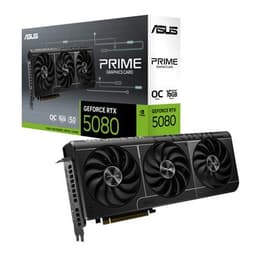
Best partner RTX 5080 | ASUS Prime RTX 5080 16GB | 126 x 304 x 50mm | 16GB GDDR7 | 360W | 850W |
Most powerful | NVIDIA GeForce RTX 5090 Founders Edition | 137 x 304 x 40mm | 32GB GDDR7 | 575W | 1000W |
Memory, total graphics power and required system power are NVIDIA's reference figures for each GPU. Partner cards with factory overclocks may have different power ratings, so check the card maker's page.
Best overall: MSI RTX 5070 Ti 16GB Ventus 3X OC
The RTX 5070 Ti is the sweet spot for a compact gaming PC. NVIDIA's specs give it 16GB of GDDR7 on a 256-bit interface and a 300W total graphics power, with a 750W required system power. That 16GB of memory gives you more headroom than the 12GB RTX 5070 for high-resolution textures and creative work.
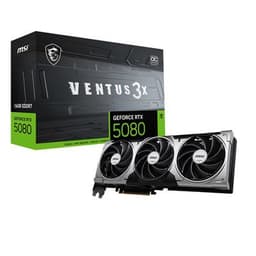
MSI's GeForce RTX 5070 Ti Ventus 3X OC appears on NVIDIA's SFF-Ready list at 121mm high, 303mm long and 49mm thick. That's a triple-fan card that still squeezes inside the guideline, though only just on length, so make sure your case's GPU clearance is at least the 312mm NVIDIA recommends. See the MSI RTX 5070 Ti 16GB Ventus 3X OC spec page.
Best value: ASUS RTX 5070 12GB Prime OC
If you want SFF-Ready peace of mind at a lower cost, the RTX 5070 is the entry point. NVIDIA rates it at 250W total graphics power with a 650W required system power, which is easier to supply from a compact power supply in a small case. It has 12GB of GDDR7 on a 192-bit interface.
ASUS's PRIME GeForce RTX 5070 OC Edition is on NVIDIA's list at 126 x 304 x 50mm. That's the maximum length and thickness allowed, so it's a good example of why the case clearance numbers matter. See the ASUS RTX 5070 12GB Prime OC spec page. If you need a shorter card, NVIDIA's list also includes the ASUS Dual GeForce RTX 5070 at 249mm long and the RTX 5070 Founders Edition at 242mm.
Best slim high-end: NVIDIA GeForce RTX 5080 Founders Edition
The RTX 5080 Founders Edition is the card to choose if thickness is your main constraint. NVIDIA lists it at 137mm high, 304mm long and 40mm thick, and its specification page describes it as a 2-slot card. That's noticeably slimmer than the 2.5-slot partner cards on the list, which can matter in sandwich-style cases where the card sits on a riser behind the motherboard.
NVIDIA rates the RTX 5080 at 360W total graphics power and 850W required system power, with 16GB of GDDR7 on a 256-bit bus. It takes three PCIe 8-pin cables via the included adapter, or one 450W-or-greater PCIe Gen 5 cable. In a small case, a native 16-pin cable from your power supply is much tidier than the adapter. See the NVIDIA GeForce RTX 5080 Founders Edition spec page.
Best partner RTX 5080: ASUS Prime RTX 5080 16GB
If you can't find a Founders Edition, ASUS's PRIME GeForce RTX 5080 is on NVIDIA's SFF-Ready list at 126 x 304 x 50mm, with the same RTX 5080 GPU and 16GB of memory. MSI's GeForce RTX 5080 Ventus 3X OC is also on the list at 121 x 303 x 49mm. Both are thicker than the Founders Edition, so check your case supports 2.5-slot cards. See the ASUS Prime RTX 5080 16GB and MSI RTX 5080 16GB Ventus 3X OC spec pages.
Most powerful: NVIDIA GeForce RTX 5090 Founders Edition
The RTX 5090 Founders Edition is remarkable for a flagship: NVIDIA lists it at 137mm high, 304mm long and 40mm thick, a 2-slot design that meets the SFF-Ready guideline. It has 32GB of GDDR7 on a 512-bit interface.
The catch is power. NVIDIA rates the RTX 5090 at 575W total graphics power and a 1000W required system power. It takes four PCIe 8-pin cables via the adapter, or one 600W PCIe Gen 5 cable. Small cases can limit the size of power supply you can fit, so check your case manual for the PSU form factor it supports and make sure you can fit one big enough, and that the case has the airflow to remove that much heat. For most small builds, the RTX 5080 Founders Edition is the more practical high-end choice. See the NVIDIA GeForce RTX 5090 Founders Edition spec page.
How to check a card fits your case
Start with the case manual. Look for the maximum GPU length, height (sometimes called width) and slot count. If the case says it's compatible with SFF-Ready Enthusiast GeForce Cards, NVIDIA's guideline cards should fit.
Check the card's exact model name. A brand's OC, White or non-OC versions can have different coolers. Match the exact model to NVIDIA's list or the maker's page.
Allow for the power cable. NVIDIA's height limit includes the cable bend radius, which is why the guideline is useful. If your card isn't on the list, measure from the motherboard or riser to the side panel and allow room for the connector and cable to bend.
Check the power supply. Compare NVIDIA's required system power with your PSU's rating, and make sure it has the right connectors. Our best 850W power supply guide is a good starting point for RTX 5070 Ti and RTX 5080 builds, though for an SFF build you'll also need to check the PSU form factor your case supports.
Think about airflow. A card that fits physically still needs fresh air. Cases with mesh panels next to the graphics card's fans generally give it the best chance.
Our best Mini-ITX case and best Mini-ITX AM5 motherboard guides cover the rest of a small build, and our best graphics card guide compares GPUs regardless of size.
Our verdict
NVIDIA's SFF-Ready label is the easiest way to find a powerful graphics card that fits a compact case: it guarantees a maximum of 151mm height including the power cable bend, 304mm length and 2.5 slots, for RTX 70-class cards and above. The MSI RTX 5070 Ti 16GB Ventus 3X OC is our best overall pick for its 16GB of memory and 300W rating, the ASUS RTX 5070 12GB Prime OC is the value choice at 250W, and the two-slot RTX 5080 Founders Edition is the best high-end option for slim builds. The RTX 5090 Founders Edition also qualifies, but its 575W rating and 1000W system power requirement make it a challenge in most small cases.