13.5 yet, so this story is based on the project's official release notes and documentation. All the speed figures below are Open WebUI's own test results, not ours.
Open WebUI, the self-hosted chat front end that many people put in front of Ollama, llama.cpp or a cloud API, released version 0.13.5 on GitHub on 25 November 2026. It's a big release. The headline additions are a router that can pick a model for you, project "folder workspaces", video generation through your own ComfyUI workflows, and much faster handling of very long conversations.
There's also an important catch for anyone already running it: 0.13.5 changes how chat history is stored in the database, and the project says to back up before upgrading.
Automatic model selection with routers
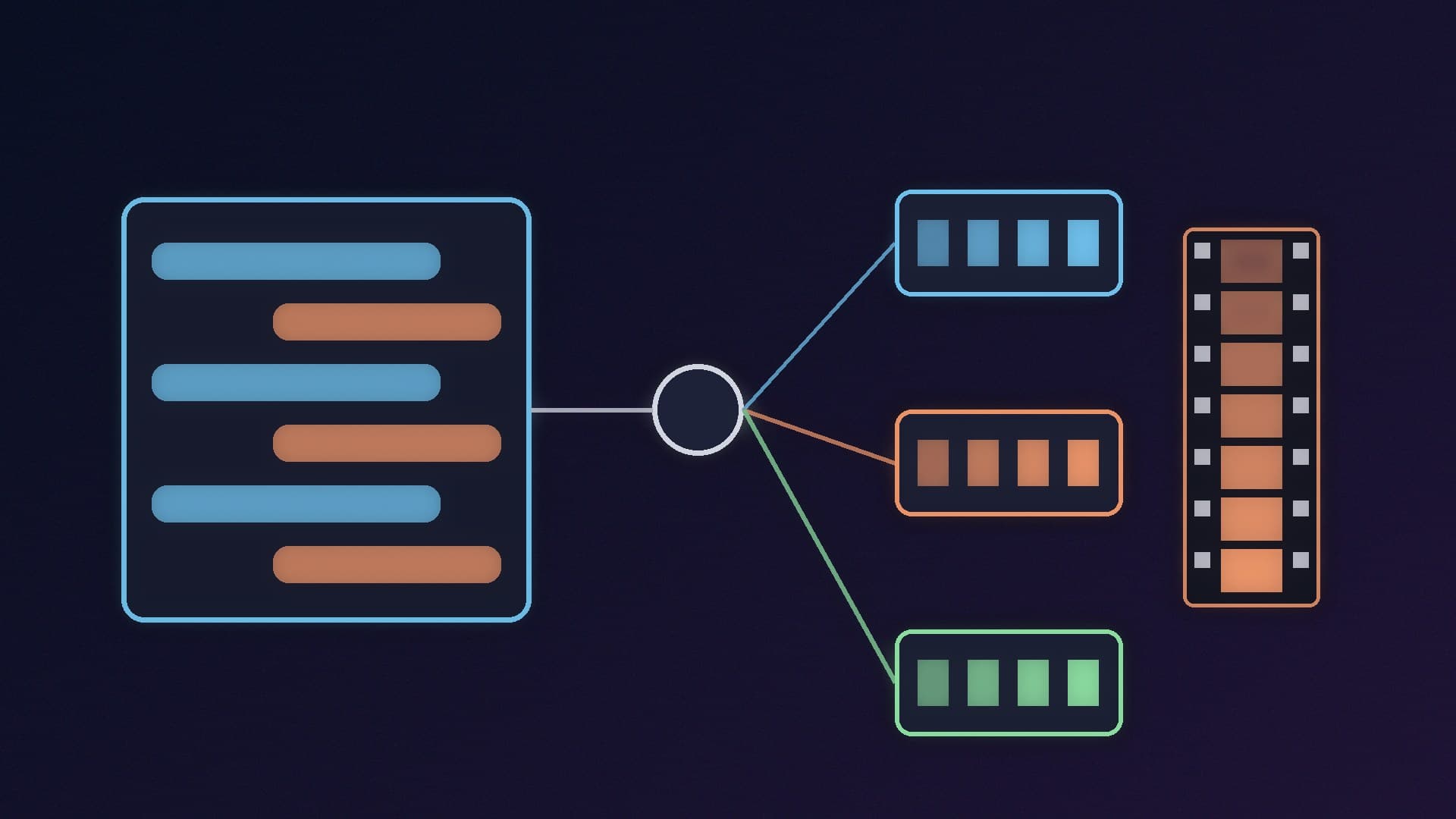
The feature most home users will notice first is automatic model selection. According to the release notes, you can put one router in the chat's model picker and it can send coding questions to one model and writing requests to another. Admins either set text patterns or describe the kind of question each model should handle. If nothing matches, the router uses the first model on its list or picks one at random.
For a local AI PC, that's a practical way to make the most of limited video memory. You could, for example, keep a small, quick model for everyday questions and send coding prompts to a larger coding model, without remembering to switch by hand. How well that works will depend on how much VRAM you have and how quickly your back end can swap models, so plan your model choices around your card. Our VRAM guide covers how much memory different model sizes need.
The router also replaces an older feature. Open WebUI says saved Arena configurations, which let people try a randomly selected model, become routers that choose from a model list at random. If you used the built-in Arena, the notes say you should recreate it as a random router, and move environment-only definitions to the new ROUTER_MODELS variable.
Folder workspaces and project instructions
Folder workspaces are aimed at people who use Open WebUI for coding and project work. The release notes describe running a project's tests in a terminal and trying the app in a browser while the chat stays open beside them. You choose the computer and project directory once for the folder, and the standalone Open WebUI Computer (cptr) app's workflow is now built in.
Projects can also carry standing instructions. Open WebUI says you can describe how a project works once in an AGENTS.md or CLAUDE.md file, and every new chat in that project folder reads it. With Open Terminal 0.18.0 or later connected, the assistant can follow reusable instructions called skills, run checks in your terminal and inspect the result in a browser tab.
Related changes include connecting a remote workstation over SSH (Open Terminal 0.17.21 or later; Linux on x86-64 or ARM64, and Apple silicon Macs), and a rename: what used to be called Terminal connections are now listed under Machines. Existing connections keep their permissions, and the old environment variable names still work for now.
Video generation with your own ComfyUI workflow
Open WebUI can now generate short videos in chat, and one of the supported connection types is ComfyUI. That matters for local AI fans because it means the video can come from your own graphics card rather than a paid service.
Open WebUI's video generation documentation explains how it works:
Video generation is off for regular users by default, because video models take minutes per clip. An admin switches it on in Settings > Images & Videos, adds a connection and grants the Video Generation permission.
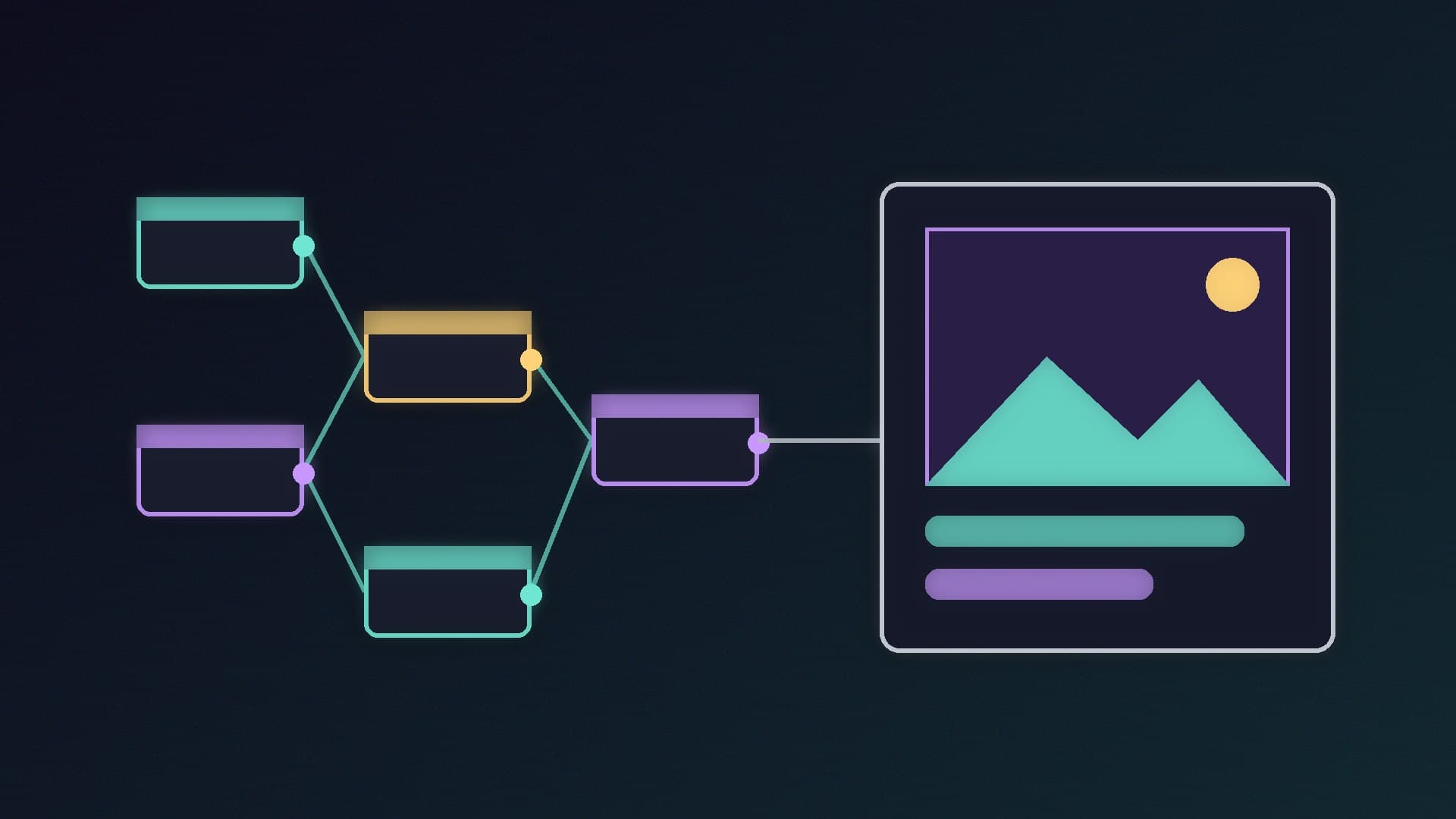
For a ComfyUI connection, you export your video workflow from ComfyUI in API format and upload it. The documentation gives Wan, LTX-Video and HunyuanVideo as examples, and says the workflow must save a video, for example with a Save Video, SaveWEBM or Video Combine node.
You map the workflow's nodes to Open WebUI's fields. Only the prompt is required; an attached image can be used as the first frame, and width, height, length and frame rate can be mapped too. If no frame rate is set anywhere, it uses 24.
Open WebUI waits up to 15 minutes for a video and checks progress every 5 seconds. Both can be changed with environment variables.
Videos are created through a built-in tool, so the chat model needs Native function calling. Keep your normal chat model selected; you pick the video model from the + menu.
The 15-minute default is a useful reminder of how heavy local video generation is. If you're still choosing hardware for it, see our best graphics cards for local AI video generation, and our Wan 2.2 vs LTX-2.5 comparison for two of the model families you might run.
Faster long chats and searches
Several changes target performance on busy or long-running installs. Open WebUI's own figures from the release notes:
What changed | Open WebUI's test | Before | After |
|---|
Sending a message in a long chat | 130 MB PostgreSQL test chat | 10.9 seconds | 0.32 seconds |
Database writes per message | same test | 533 MB | 2 KB |
Two-word search across shared chats | PostgreSQL, 61,000 chats | 18.2 seconds | 1.4 seconds |
Sidebar folder list | 30 folders, 240 files | 335 ms | 44-61 ms |
The long-chat improvement comes from saving only the messages that changed, rather than rewriting the whole conversation. These were measured on Open WebUI's test setups, often with PostgreSQL, so a single-user install on a home PC using the default database may see smaller differences.
Other additions worth knowing about:
Citations beside the chat. Hover over a source number for an excerpt, or click it to read the evidence alongside the answer, including jumping to a PDF page when page information is available.
Whole document or passages. For uploaded files, the default cut-off between sending the whole text and retrieving relevant passages is 50,000 characters per file, adjustable with RAG_FULL_TEXT_THRESHOLD.
Tool output limits. TOOL_OUTPUT_MAX_CHARS caps how much of each tool result goes into the conversation, so a long log doesn't crowd out earlier messages.
Recurring tasks can continue a conversation, be triggered by a webhook and be shared with teammates.
If you use Open WebUI's document features, our knowledge base guide explains the basics.
Back up before you upgrade
The most important line in the release notes is in the Changed section. Open WebUI 0.13.5 stores each chat message separately, so upgrading converts the history in your existing database. The project says to back up the database and associated data first, then upgrade all workers and servers together, because the old and new versions use incompatible formats. It says the conversion runs in batches and can resume after an interruption.
A few other changes could catch out existing setups:
When an admin enters OpenAI's API address in a connection, Open WebUI now defaults to the Responses API. Integrations built for Chat Completions can still select it.
Sites that use Docling for document conversion now send each conversion as a background job, and Open WebUI says to check your Docling server supports that before upgrading.
API clients that read chat messages need to use chat.history, and terminal API endpoints move to /api/v1/machines.
If you run Open WebUI in Docker alongside Ollama, as in our Open WebUI install guide, the safe order is: back up the data volume, pull the new image, then restart. If you're weighing it against alternatives, our Open WebUI vs LibreChat comparison may help.
Our verdict
Open WebUI 0.13.5 is a substantial update. Automatic model routers are the most useful addition for home AI PCs, because they let a small model and a larger specialist share one chat, and ComfyUI video connections let you drive local video workflows from the same interface. The long-chat speed-ups look large in Open WebUI's own tests. But this release migrates your chat database, so back up your data before upgrading, and check the Arena, Docling and API changes if you rely on them.