We haven't independently verified them.
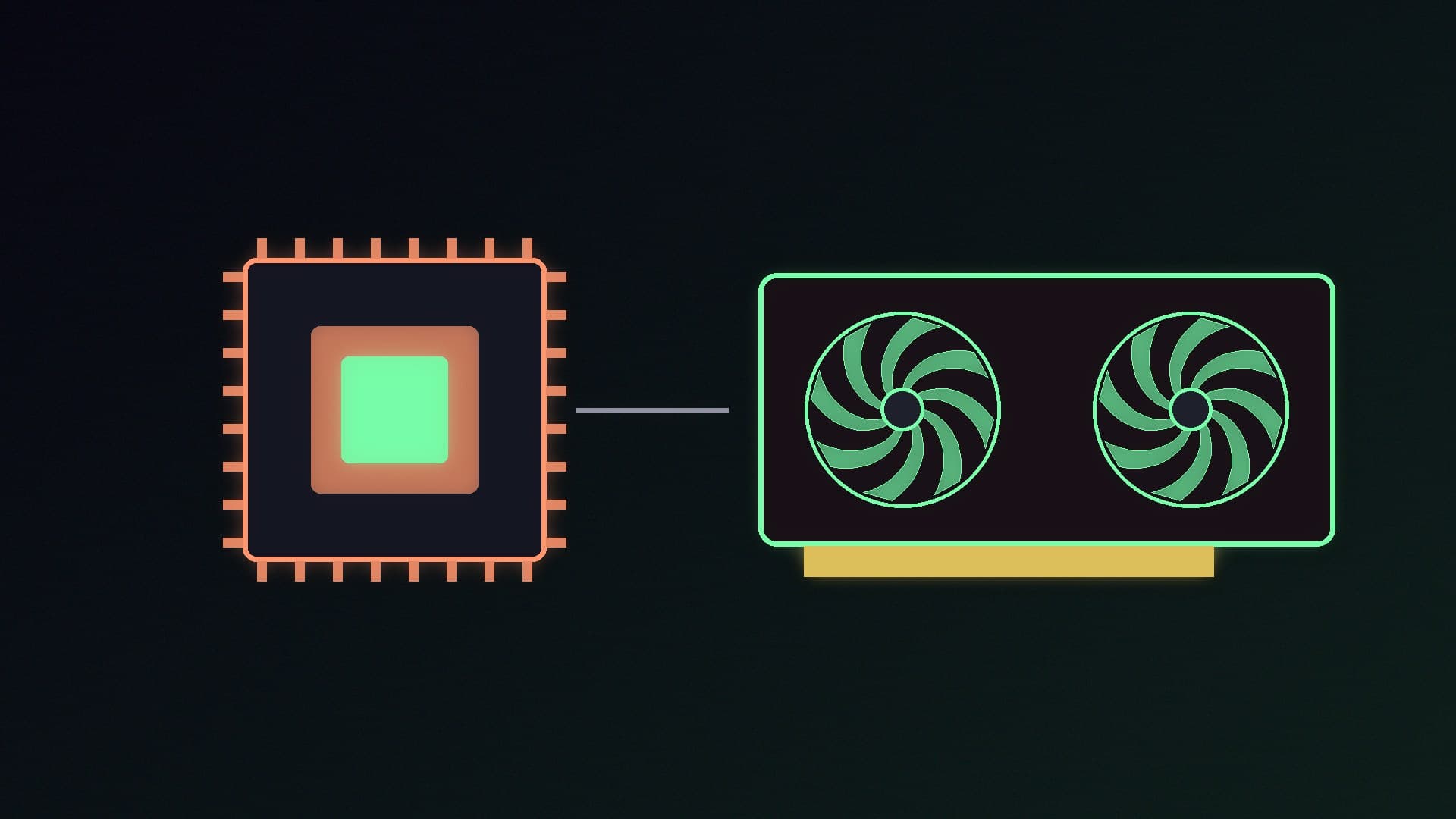
Hugging Face says it has pushed Thinking Machines' new Inkling 2 Mini model to 190.6 tokens per second for a single user on one NVIDIA RTX PRO 6000 96GB workstation card, up from 136 tokens per second with its starting configuration. The interesting part isn't just the number. Rather than tuning settings by hand, Hugging Face's Niels Rogge gave an AI coding agent a fixed testing method and let it run experiments for an afternoon.
If you haven't met the model yet, our Inkling 2 Mini explainer covers its size, its looped mixture-of-experts design and what hardware it needs.
What Hugging Face did
According to the post, the official serving recipes for Inkling 2 Mini in vLLM and SGLang, the two big open-source serving engines, target NVIDIA's B200 and GB300 data-centre GPUs. Hugging Face wanted to know how fast it could run on a single RTX PRO 6000, the Blackwell workstation card behind one of its Inference Endpoint options, where kernel compatibility can differ.
The agent followed a strict protocol. It measured the hardware first, changed one setting at a time, ran every candidate between two control runs, and only kept a change if it beat both controls without making other measurements worse. Hugging Face says it logged 46 valid benchmark runs, using six fixed prompts at the model's default temperature of 1.0, with thinking on and 512 output tokens.
The results
These are Hugging Face's figures for one RTX PRO 6000:
Configuration | Single-user output (tokens/s) | 8-user total (tokens/s) |
|---|
SGLang, no speculative decoding (starting point) | 134-139 | 543-598 |
vLLM nightly, no speculative decoding | 157.0 | 638 |
SGLang with DSpark speculative decoding | 166.6 | 660 (after lifting a four-request cap) |
vLLM nightly with DSpark speculative decoding | 190.6 | 716 |
Hugging Face says all of the gain came from three things: switching from SGLang to a nightly build of vLLM, turning on speculative decoding with the DSpark "drafter" that ships with the model, and adding two memory settings so vLLM's DSpark setup would start on a 96GB card at all. It also says the result was lossless. With greedy sampling, outputs were byte-identical with and without speculative decoding across its six test prompts, and the tuned setup passed long-context retrieval tests at about 250,000 tokens.
Speculative decoding uses a small, fast draft model to guess several tokens ahead, which the main model then checks in one go. Our speculative decoding guide explains the idea for LM Studio users.
Why it stops at about 190 tokens/s
The post's most useful section for hardware buyers explains the ceiling. The agent measured the card's copy bandwidth at 1,469GB/s and worked out how much data each token has to read. Because every token passes through 48 layers, plain decoding re-reads a few gigabytes of weights per token, which Hugging Face says puts the single-user limit at about 256 tokens per second.
Speculative decoding changes that sum on a mixture-of-experts model. Checking several drafted tokens at once wakes up more of each layer's experts, so more memory has to be read per step. At the acceptance rate Hugging Face measured, it puts the ceiling at about 201 tokens per second, and says 190.6 tokens per second is already about 95 per cent of what the card's memory bandwidth allows.
In other words, the limit is memory bandwidth, not clever settings. A similar principle applies to home PCs running local models: once a model fits in video memory, memory bandwidth is usually a big factor in how quickly it produces text. Our VRAM guide covers the capacity side of that equation.
Problems the agent hit
Hugging Face is candid about what didn't work. Shorter draft lengths were rejected at start-up because both engines enforce the drafter's fixed block size, and greedy draft sampling made vLLM about 11 per cent slower at temperature 1.0. Several SGLang environment flags looked like small wins once but didn't hold up against fresh control runs.
Two memory problems are worth knowing about if you serve big models yourself:
The default context was too big. Hugging Face says the default 1-million-token KV cache needed 52.6GiB with only 48.1GiB free alongside the drafter, so it capped the context at 262,144 tokens.
vLLM now claims all the VRAM by default. According to the post, vLLM v0.34.0 raised the default GPU memory utilisation from 0.92 to 1.0, so the KV cache took the remaining memory and the drafter's 5GiB allocation failed. Setting it to 0.85 fixed this. Our vLLM 0.34 news story covers that release.
What it means for you
Most readers won't own a 96GB RTX PRO 6000, and our RTX PRO 6000 vs RTX 5090 comparison explains who it's for. But three lessons carry over to ordinary local AI PCs:
The serving engine matters. Swapping engines alone was worth about 15 per cent here, by Hugging Face's figures. If you're choosing between the big two, see SGLang vs vLLM.
Speculative decoding is worth trying, especially with a drafter built for the model.
Leave memory headroom. Context length and memory-utilisation settings caused both of the crashes Hugging Face describes.
The method is also reusable. Hugging Face has published the scripts, logs and raw measurements in a public repository so others can run the same loop on other models and GPUs.
Our verdict
Hugging Face's result is a credible, well-documented example of how far serving settings can push one workstation card: 190.6 tokens per second for one user and 716 tokens per second across eight, against a calculated limit of about 201. The bigger takeaway is that memory bandwidth sets the ceiling and good settings only get you close to it. These are Hugging Face's own measurements on a 96GB card, so treat them as a guide to method rather than a benchmark for your own PC.