This comparison is based on AMD's and NVIDIA's official specification pages and Ollama's hardware support documentation, all read on 26 November 2026. We haven't included speed figures because we haven't measured them ourselves.
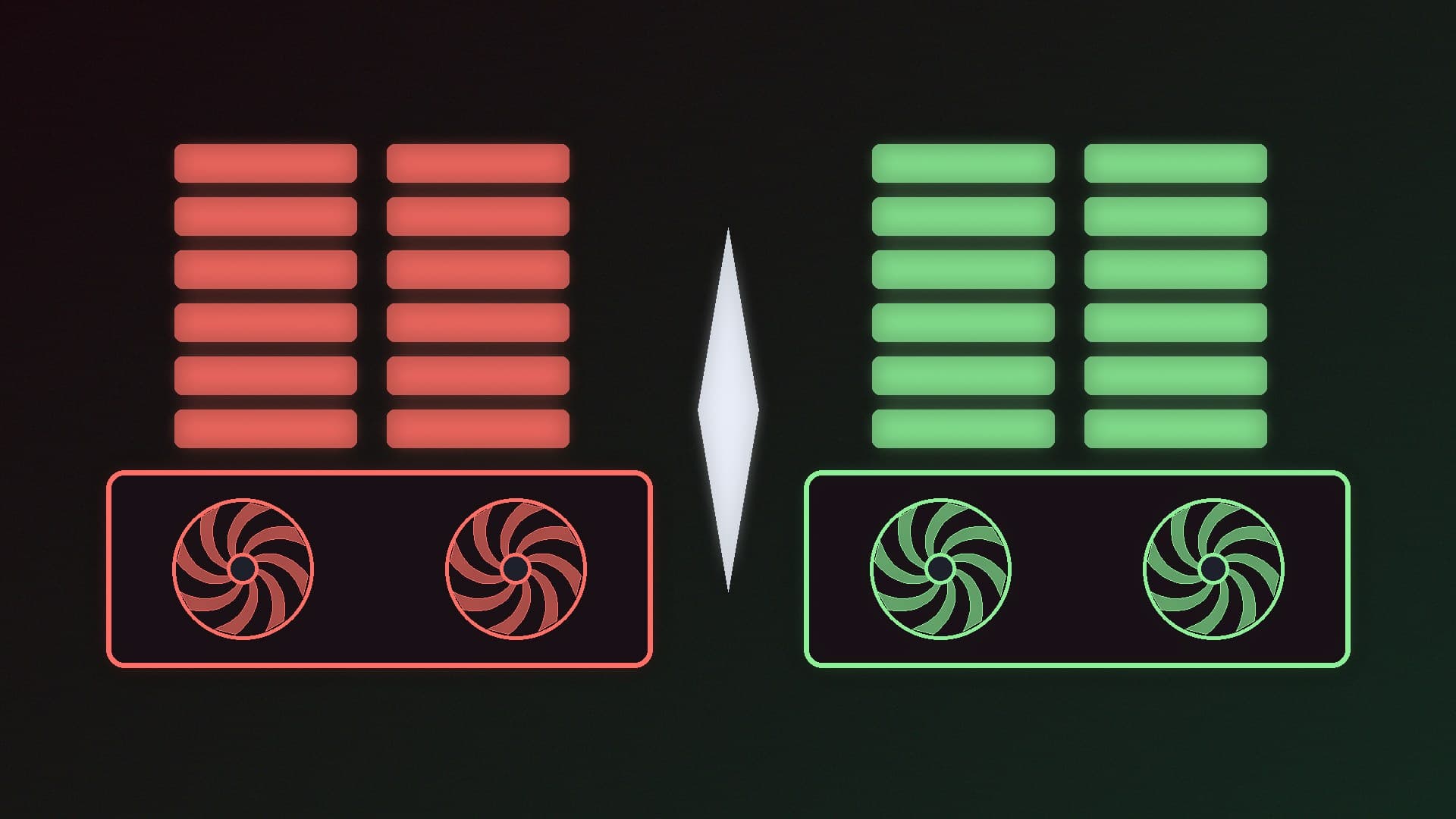
The AMD Radeon RX 9070 GRE and the NVIDIA GeForce RTX 5070 both pair 12GB of video memory with a 192-bit memory bus. If you want to run language models or image generators on your own PC, that makes them natural rivals. We've already compared the RTX 5070 with the 16GB RX 9070 for local AI; this piece looks at AMD's cut-down 12GB card instead.
Specifications compared
| Radeon RX 9070 GRE | GeForce RTX 5070 |
|---|
Video memory | 12GB GDDR6 | 12GB GDDR7 |
Memory interface | 192-bit | 192-bit |
Memory bandwidth (official) | Up to 432GB/s | Not listed on NVIDIA's spec page |
Compute | 48 compute units, 96 AI accelerators | 5th-generation Tensor Cores, 988 AI TOPS |
Board power | 220W typical board power | 250W total graphics power |
Recommended PSU | 650W minimum | 650W required system power |
AMD also quotes 137 TFLOPs of peak FP16 matrix performance for the RX 9070 GRE. NVIDIA's AI TOPS figure and AMD's TFLOPs figure are measured in different ways, so don't compare those two numbers directly.
Memory: same capacity, different type
For local language models, the amount of video memory decides which models fit, and memory bandwidth has a big influence on how quickly text is generated. Our explainer on memory bandwidth and local LLM speed covers why.
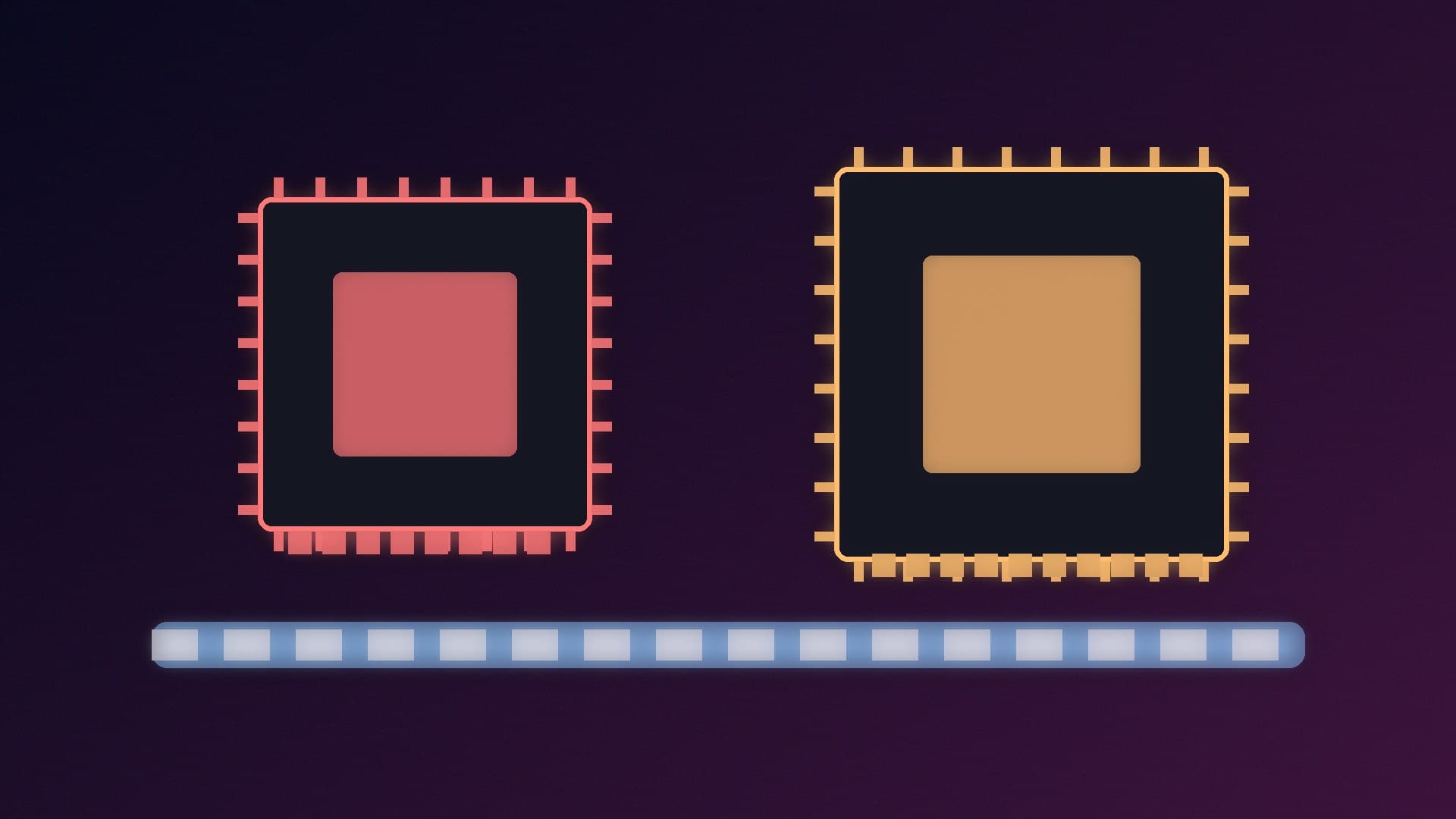
Both cards have 12GB on a 192-bit bus, so the size of model you can load is the same. The difference is the memory type. The RTX 5070 uses GDDR7, while the RX 9070 GRE uses GDDR6 at up to 18Gbps, which AMD rates at up to 432GB/s. NVIDIA doesn't list a bandwidth figure on its RTX 5070 page, so we can't put an official number against AMD's. GDDR7 is the newer memory type, but we haven't measured how much difference it makes to text generation on these cards.
Remember that 12GB is a limit in either case. Longer conversations need extra memory for context, as our guide to context length and VRAM explains, and the larger models simply won't fit. If you know you want bigger models, look at our best 16GB graphics cards for local AI instead.
Software support
This is where the two cards differ most. NVIDIA's CUDA is the default target for most local AI tools. Ollama's hardware page lists the RTX 5070 among its supported GeForce RTX 50-series cards (compute capability 12.0).
On the AMD side, Ollama lists the RX 9070 GRE as supported through ROCm v7 on Linux, and AMD's own ROCm compatibility table for Radeon cards on native Linux also includes it. On Windows, though, Ollama's ROCm list currently covers RX 7000-series and Radeon PRO W7000 cards rather than the RX 9000 series. Ollama says extra GPU support on Windows and Linux comes through its Vulkan backend. In practice that means the RX 9070 GRE is easier to use for local AI on Linux than on Windows, while the RTX 5070 is covered by Ollama's standard NVIDIA support. Our guide to running local AI on an AMD Radeon GPU walks through the options.
Power
AMD rates the RX 9070 GRE at 220W typical board power and NVIDIA rates the RTX 5070 at 250W total graphics power. Both companies recommend a 650W power supply. Our guide to choosing a PSU for a local AI PC explains how to size one.
Which should you buy?
Pick the RTX 5070 if you want the widest software support on Windows and newer GDDR7 memory. Pick the RX 9070 GRE if you're happy to run your AI tools on Linux, or through Vulkan on Windows, and you also want it for gaming. Check current prices before deciding, as they change often.
Both are in our database: the ASUS RTX 5070 12GB Prime OC and MSI RTX 5070 12GB Ventus 2X OC, and for AMD the ASUS RX 9070 12GB Prime GRE EVO OC, Gigabyte RX 9070 GRE 12GB Gaming OC and PowerColor RX 9070 GRE 12GB. For more 12GB options, see our best 12GB graphics cards for local AI.
Our verdict
The RX 9070 GRE and RTX 5070 both have 12GB on a 192-bit bus, so they fit the same size of models. The RTX 5070 has newer GDDR7 memory and the broadest software support, including on Windows. The RX 9070 GRE is supported by Ollama through ROCm on Linux, but on Windows it relies on Vulkan. For most people starting out with local AI, the RTX 5070 is the simpler choice.