Skip to content

VersusKeyboard

Wooting 80HE vs Wooting 60HE v2: 80% or 60% Rapid Trigger Keyboard?

Wooting's 80HE and 60HE v2 are analogue Hall effect keyboards with Rapid Trigger, 0.1 mm adjustable actuation and true 8 kHz polling. The 80HE keeps arrow keys and an F-row with Lekker L60 V2 switches; the 60HE v2 is a 60% board with Lekker Tikken switches and a split-spacebar option. Compared on Wooting's official specs.

By , Senior Hardware Editor

3 min read

Wooting 80HE vs Wooting 60HE v2: 80% or 60% Rapid Trigger Keyboard?
Wooting 80HE compared with Wooting 60HE v2
Wooting 80HEWooting 60HE v2
Keyboard Type—Hall Effect
Layout—60%
Connection Type—USB-C Wired
Switch Type—Lekker Tikken (analog Hall effect)
Dimensions (mm)—305 x 115
Weight (g)—945

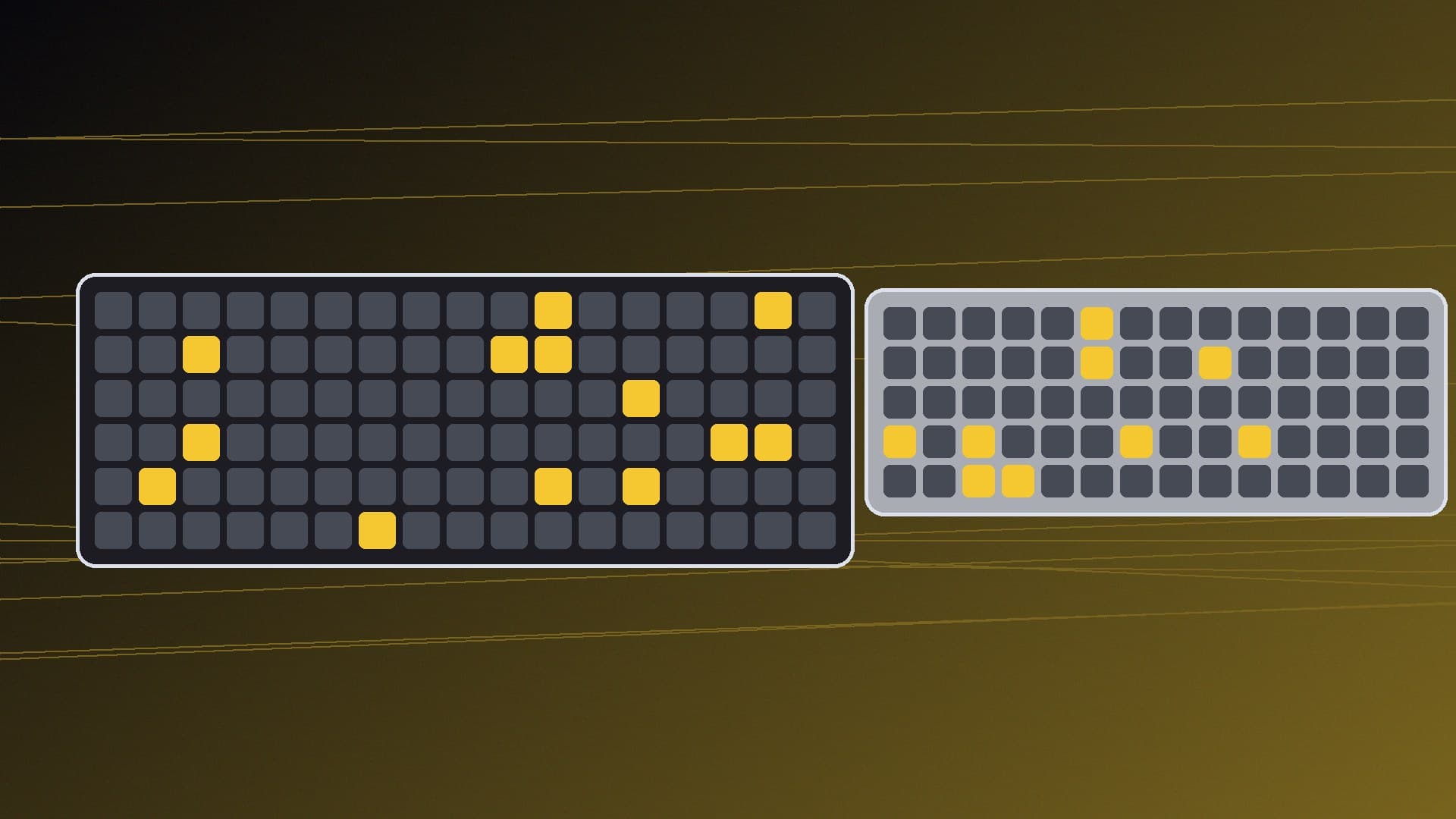
Wooting's 80HE and 60HE v2 are both analogue Hall effect gaming keyboards with Rapid Trigger, adjustable actuation and true 8 kHz polling. The big difference is size: the 80HE keeps a function row and arrow keys, while the 60HE v2 strips the layout back to 60% for maximum mouse space.

Key specs compared

Wooting 80HE

Wooting 60HE v2

Layout

80% (function row and arrow keys)

60% (regular or split spacebar)

Switches

Lekker L60 V2

Lekker Tikken Medium

Switch plate

Polycarbonate (PC), gasket mounted

FR4

Case

PCR ABS or zinc alloy

ABS or aluminium

Polling

True 8 kHz

True 8 kHz

Cable

2 m USB-C to USB-C, braided

2 m USB-C to USB-C, braided

Dimensions

346 x 142 mm

305 x 115 mm

Weight

790 g (PCR ABS), 2,160 g (zinc alloy)

606 g (ABS), 945 g (aluminium)

Both are wired keyboards, and Wooting includes a USB-C to USB-A adapter in the box with each.

Shared features

Both keyboards use Hall effect switches, which means each key's full travel is tracked rather than just on or off. That enables Rapid Trigger, which Wooting says resets and activates keys the instant you move them, and adjustable actuation in 0.1 mm steps. Wooting describes both as offering true 8 kHz polling with 0.125 ms input speed.

Both are configured with Wootility, which Wooting offers as a desktop app or in a web browser. Features include SOCD settings for opposite keys, Dynamic Keystroke, Mod Tap, remapping, toggle keys and analogue controller input. Wooting offers a four-year warranty on both, with two years on LEDs.

If you're new to analogue keyboards, our Hall effect vs mechanical keyboard guide explains the difference.

Size and layout

This is the deciding factor. The 80HE has dedicated arrow keys and a full F-row, so it's easier to live with for typing, editing and games that use function keys. It's also available in ANSI, ISO and JIS layouts, according to Wooting.

The 60HE v2 is 41 mm narrower at 305 mm wide, leaving more room for low-sensitivity mouse swipes. You'll reach arrows and function keys through a layer instead. Wooting offers it in ANSI and ISO, each with a regular or split spacebar.

UK buyers should note that Wooting says ISO versions of these keyboards come without keycaps installed, with the chosen language keycaps supplied separately; UK English is one of the ISO keycap languages listed.

Build and feel

The 80HE uses a silicone gasket mount, a polycarbonate switch plate and screw-in stabilisers, which Wooting says gives a softer feel and a deeper "thock". It also has an LED bar for status information and interchangeable feet for 2.8°, 6° or 10° typing angles.

The 60HE v2 uses Wooting's newer Lekker Tikken switches, which have a full 4 mm travel and a closed bottom that Wooting says sounds more muted. It pairs them with an FR4 plate, a Poron foam sandwich and a friction-fit pad. The aluminium version adds interchangeable bottom-case dampening and strap mounts.

Our verdict

Pick the Wooting 80HE if you want an analogue keyboard you can use for everything, with arrow keys, a function row and the choice of ANSI, ISO or JIS. Pick the Wooting 60HE v2 if you play competitive shooters at low sensitivity and want the most desk space, newer Lekker Tikken switches and the option of a split spacebar. Wooting also sells the updated 80HE+, which uses Lekker Tikken Medium switches and has a programmable knob pre-installed on the zinc prebuilt, according to Wooting. For alternatives from other brands, see our best rapid trigger keyboard guide.
The bottom line

Pick the Wooting 80HE if you want an analogue keyboard you can use for everything, with arrow keys, a function row and the choice of ANSI, ISO or JIS. Pick the Wooting 60HE v2 if you play competitive shooters at low sensitivity and want the most desk space, newer Lekker Tikken switches and the option of a split spacebar. Wooting also sells the updated 80HE+, which uses Lekker Tikken Medium switches and has a programmable knob pre-installed on the zinc prebuilt, according to Wooting. For alternatives from other brands, see our best rapid trigger keyboard guide.
Sources

  1. 01Wooting, 80HE product page
  2. 02Wooting, 60HE v2 product page
  3. 03Wooting, 80HE+ product page

About the author

Callum Reid

Senior Hardware Editor

Callum leads GPU, CPU and platform architecture coverage at Forge PC. Before joining the editorial desk, he spent nine years specifying, assembling and stress-testing custom gaming and workstation systems in the UK, with a focus on PCIe bandwidth, VRM thermal design, DDR5 memory tuning and 1440p/4K frame-time consistency.

More from Callum Reid

Read next

How to Fix a Keyboard Typing the Wrong Characters in Windows 11

How-To

How to Fix a Keyboard Typing the Wrong Characters in Windows 11

If your keyboard types " instead of @ or # instead of £, Windows is usually using the wrong keyboard layout. This guide follows Microsoft's official steps to check the active layout, switch it from the taskbar, add the United Kingdom layout and remove layouts you don't use, plus other causes to rule out.

Marcus Thorne2 min

Best Wooting Keyboard 2026: 80HE+, 80HE and 60HE v2 Compared

Best Picks

Best Wooting Keyboard 2026: 80HE+, 80HE and 60HE v2 Compared

Our pick of Wooting's current analogue Hall effect keyboards, based on Wooting's official specs: the updated 80HE+ with Lekker Tikken switches, the original 80HE with its polycarbonate plate and JIS option, and the compact 60HE v2 with a split-spacebar option. All offer Rapid Trigger, 0.1 mm actuation and true 8 kHz polling.

Hannah Vance3 min

Logi Bolt vs Unifying: Which Logitech Receiver Do You Need?

Versus

Logi Bolt vs Unifying: Which Logitech Receiver Do You Need?

Logi Bolt and Unifying are Logitech's two USB receivers for keyboards and mice, and they don't work with each other. Bolt is based on Bluetooth Low Energy technology; Unifying is Logitech's own 2.4GHz protocol. Both pair up to six devices per receiver. Check the logo under each device, buy matching replacement receivers and use two USB ports if you have both types.

Callum Reid4 min

How to Lube Keyboard Switches: Tools, Lubricants and Step-by-Step Guide

How-To

How to Lube Keyboard Switches: Tools, Lubricants and Step-by-Step Guide

Only lube switches that are scratchy, ping or sound thin, and only on a hot-swap keyboard unless you can desolder. Open each switch, brush thin coats onto the stem and optionally the housings, bag-lube the springs, and skip clicky switches and tactile legs. Mecha recommends Krytox 205g0 for linears, 203g0 for tactiles and 105 for springs.

Marcus Thorne7 min