Skip to content

VersusStreaming Gear

Razer Kiyo V2 vs Kiyo V2 X: 4K or 1440p Streaming Webcam?

Razer's Kiyo V2 is a 4K30 webcam with an 8.3 MP Sony STARVIS sensor, HDR, a 93-degree view and AI auto-framing over USB-C. The Kiyo V2 X is a simpler 1440p webcam with a 3.7 MP sensor, an 80-degree view and a USB-A connection. Both offer 1080p60, autofocus and a privacy shutter. Compared on Razer's official specs.

By , Senior Hardware Editor

2 min read

Razer Kiyo V2 vs Kiyo V2 X: 4K or 1440p Streaming Webcam?

Razer sells two Kiyo V2 streaming webcams. The Kiyo V2 is the 4K model with AI auto-framing and HDR, while the Kiyo V2 X is the simpler 1440p model.

Key specs compared

Kiyo V2

Kiyo V2 X

Top resolution

4K at 30 fps

1440p (Razer advertises 60 fps)

1080p

60, 30 or 24 fps

60, 30 or 24 fps

Image sensor

8.3 MP Sony STARVIS

3.7 MP

Field of view

93° (configurable)

80° (configurable)

HDR

Yes, at 30 fps

No

Connection

USB-C to USB-C (USB 3.0), 2 m cable

USB-A (USB 2.0), 1.5 m cable

Built-in mic

Stereo, omnidirectional, with noise cancellation

Stereo, omnidirectional, no noise cancellation

Weight

255 g

160 g

Both have autofocus with a manual option, a built-in privacy shutter and a fixed L-shaped mount with a ¼-inch thread for tripods. Both work with OBS and XSplit and are set up through Razer Synapse.

Resolution and image quality

The Kiyo V2 records up to 4K at 30 fps and 1440p at 30 fps, using a larger 8.3 MP Sony STARVIS sensor. Its extra resolution gives you room to crop or zoom in software without losing as much detail. The Kiyo V2 X tops out at 1440p, which Razer advertises at 60 fps, though its tech specs list the MJPEG format at up to 1440p 30 fps and 1080p 60 fps, so check your settings if you want 60 fps.

For most streams and video calls, which are sent at 1080p or lower, both cameras offer 1080p at 60 fps. Our 1080p vs 4K webcam guide explains when the extra resolution is worth having.
Features

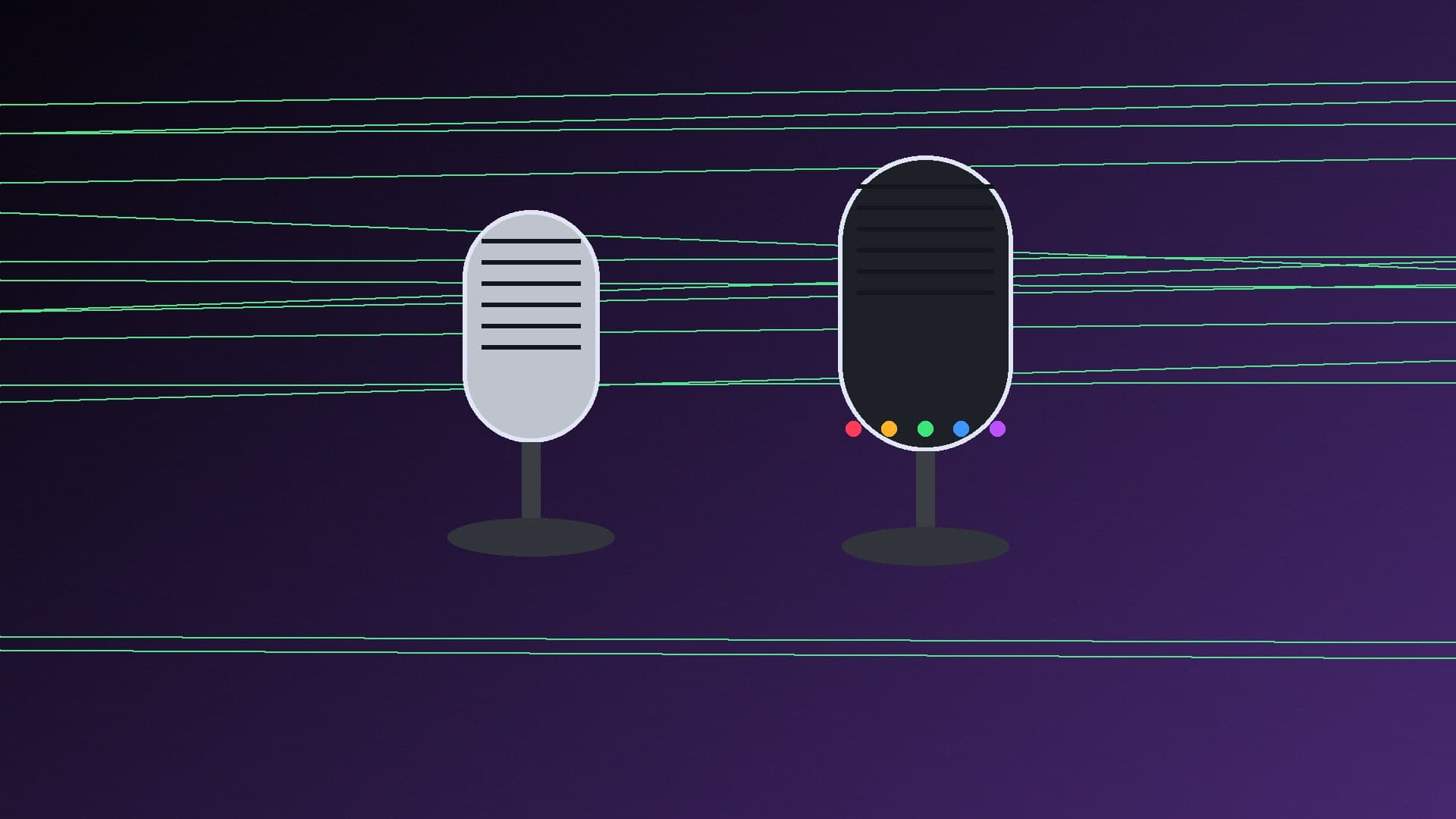
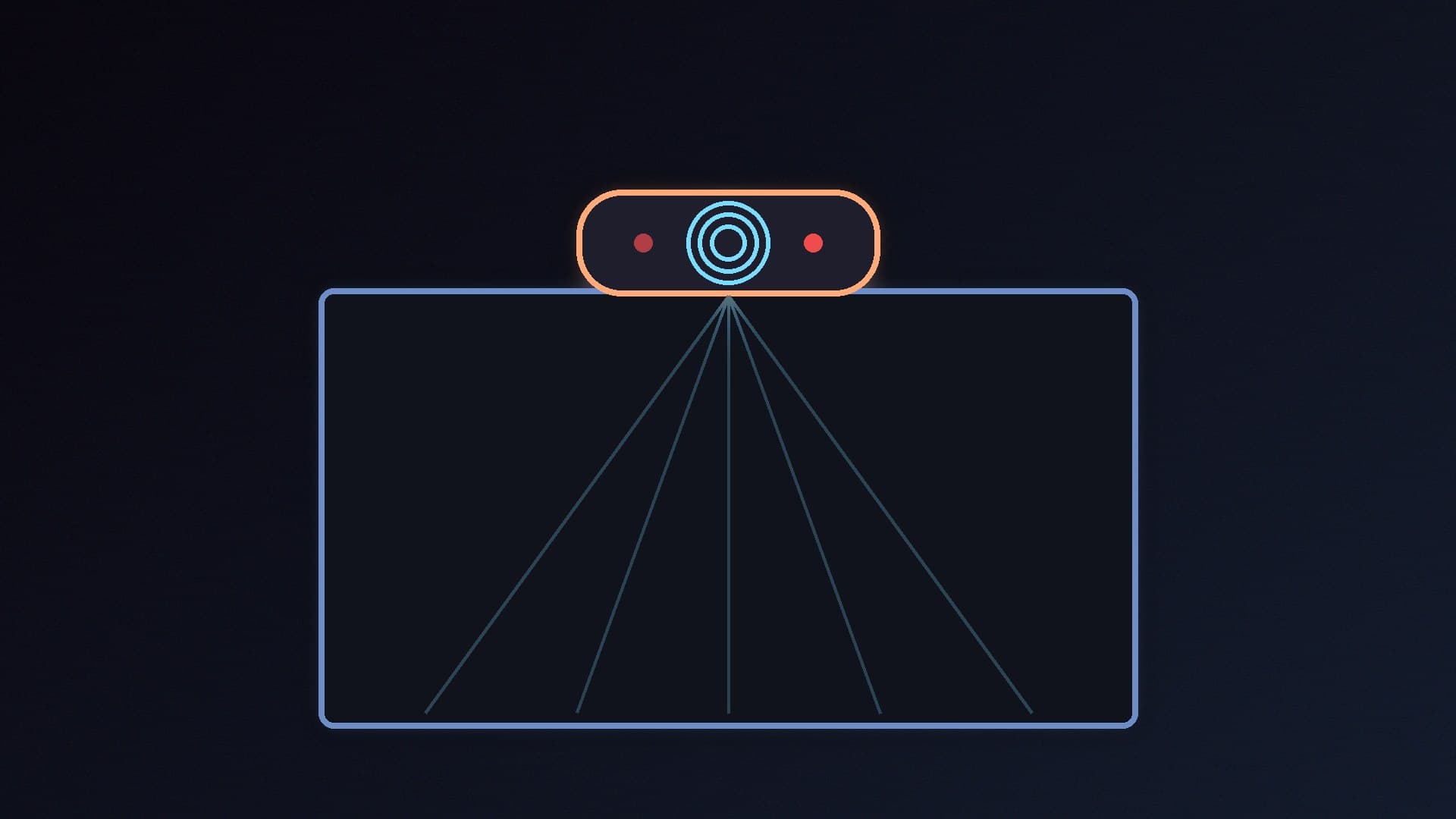
The Kiyo V2 adds AI-powered auto-framing, which Razer says uses pan and zoom to keep you centred as you move, plus HDR at 30 fps and what Razer calls one-click image enhancement for difficult lighting. It also has a wider 93° field of view and noise cancellation on its built-in microphone. Razer describes its software controls as fine image customisation, compared with basic customisation on the Kiyo V2 X.

The Kiyo V2 X keeps the essentials: autofocus, an 80° wide-angle lens, a built-in stereo mic and a privacy shutter you twist to cover the lens.

Connection

This is an easy one to miss. The Kiyo V2 uses a USB-C to USB-C cable and needs a direct USB-C port, supporting USB 3.0. The Kiyo V2 X plugs into a USB-A port and supports USB 2.0, so it'll suit older PCs and laptops with no spare USB-C port. If your camera isn't detected, our guide to fixing a webcam that isn't working in Windows 11 can help.

Our verdict

Pick the Razer Kiyo V2 if you want 4K recording, HDR, a wider view and AI auto-framing that follows you around the frame, and your PC has a free USB-C port. Pick the Razer Kiyo V2 X if you mainly stream or take calls at 1080p or 1440p and want a simpler, lighter webcam that plugs into USB-A. For other options, see our best webcam guide.

The bottom line

Pick the Razer Kiyo V2 if you want 4K recording, HDR, a wider view and AI auto-framing that follows you around the frame, and your PC has a free USB-C port. Pick the Razer Kiyo V2 X if you mainly stream or take calls at 1080p or 1440p and want a simpler, lighter webcam that plugs into USB-A. For other options, see our best webcam guide.

Sources

  1. 01Razer, Kiyo V2 product page
  2. 02Razer, Kiyo V2 X product page

About the author

Callum Reid

Senior Hardware Editor

Callum leads GPU, CPU and platform architecture coverage at Forge PC. Before joining the editorial desk, he spent nine years specifying, assembling and stress-testing custom gaming and workstation systems in the UK, with a focus on PCIe bandwidth, VRM thermal design, DDR5 memory tuning and 1440p/4K frame-time consistency.

More from Callum Reid

Read next

Razer Seiren V3 Mini vs Seiren V3 Chroma: Which USB Mic to Buy?

Versus

Razer Seiren V3 Mini vs Seiren V3 Chroma: Which USB Mic to Buy?

Razer's Seiren V3 Mini and Seiren V3 Chroma are USB condenser mics with a supercardioid pattern, 96 kHz/24-bit recording and tap-to-mute. The compact Mini has a 14 mm capsule; the Chroma adds a 16 mm capsule, stream-reactive RGB lighting, a digital gain limiter and a multi-function tap sensor. Compared on Razer's official specs.

Callum Reid2 min

How to Choose a Webcam: A Step-by-Step Guide

How-To

How to Choose a Webcam: A Step-by-Step Guide

Choose a webcam by deciding what it's for, then checking resolution and frame rate, low-light correction, autofocus and field of view. You need an infrared camera for Windows Hello face sign-in, and Windows Studio Effects depends on a Copilot+ PC's NPU, not the webcam. For most people, a good 1080p webcam is enough.

Marcus Thorne4 min

Cardioid vs Omnidirectional Microphone: Which Pickup Pattern Do You Need?

Versus

Cardioid vs Omnidirectional Microphone: Which Pickup Pattern Do You Need?

Cardioid mics pick up mainly what's in front and reject sound from behind, so they suit solo gaming, streaming and calls. Omnidirectional mics hear the whole room equally, which suits group recording but picks up more noise. Supercardioid is tighter still for noisy desks, but has rejection points at about 125 degrees.

Callum Reid4 min

Best USB Microphone 2026: Streaming, Gaming and Podcasting Picks

Best Picks

Best USB Microphone 2026: Streaming, Gaming and Podcasting Picks

The Shure MV7+ is our pick on paper: a cardioid dynamic USB mic with an XLR output and voice isolation, at £295 RRP. The Logitech G Yeti GX is the value dynamic option, the Elgato Wave:3 MK.2 suits streamers, the RØDE NT-USB+ suits vocals and the HyperX QuadCast 2 S has four pickup patterns.

Hannah Vance6 min