It's one of the most common questions from people building a budget PC for local AI: should you buy the newer GeForce RTX 5060, or an RTX 3060 with 12GB of memory, often second-hand? The RTX 5060 is two generations newer, with Blackwell architecture, fifth-generation Tensor Cores and fast GDDR7. The RTX 3060 12GB is older Ampere hardware, but it has 50% more graphics memory, and for running language models and image generators on your own PC, memory often decides what you can run at all. This comparison is based on NVIDIA's official specifications and Ollama's documentation.
If you're also considering spending more, we compare the 3060 with the 16GB card in RTX 3060 12GB vs RTX 5060 Ti 16GB for local AI, and the newer pair in RTX 5060 vs RTX 5060 Ti 16GB for local AI.
Specs compared
| GeForce RTX 3060 (12GB) | GeForce RTX 5060 |
|---|
Architecture | Ampere | Blackwell |
CUDA cores | 3,584 | 3,840 |
Tensor Cores | 3rd generation | 5th generation |
AI TOPS (NVIDIA figure) | Not listed | 614 |
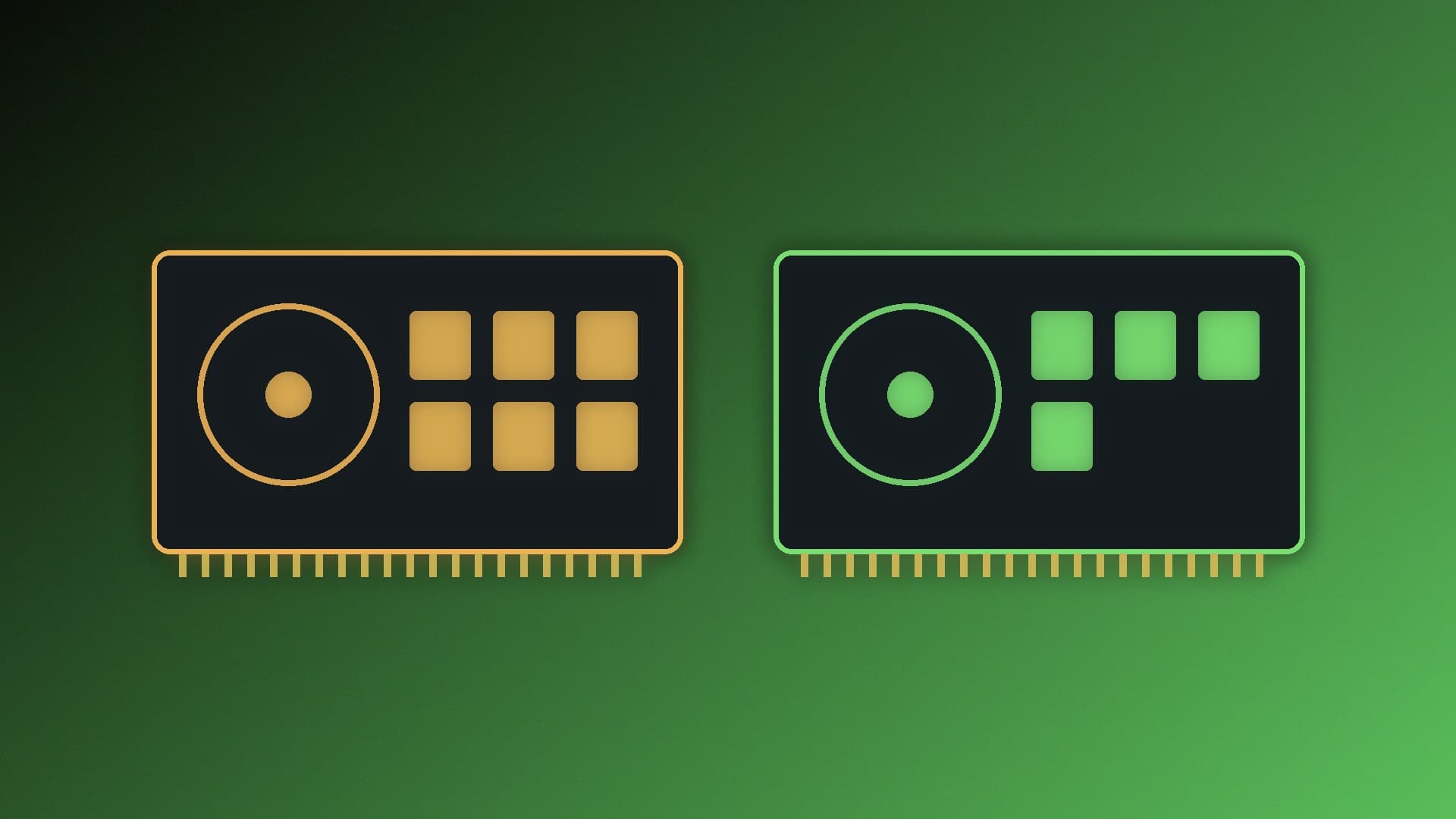
Memory | 12GB GDDR6 (an 8GB GDDR6 version also exists) | 8GB GDDR7 |
Memory interface | 192-bit (128-bit on the 8GB version) | 128-bit |
Boost clock | 1.78GHz | 2.50GHz |
Graphics card power | 170W | 145W (total graphics power) |
NVIDIA's required system power | 550W | 550W |
PCI Express | Gen 4 | Gen 5 |
CUDA compute capability (Ollama docs) | 8.6 | 12.0 |
Sources: NVIDIA's GeForce RTX 3060 family and RTX 5060 family specification pages, and Ollama's hardware support page. NVIDIA's figures are for its reference designs; board partners' cards vary slightly.
VRAM: the 3060's big advantage
When you run a large language model in Ollama, LM Studio or a similar app, the model's weights and the working memory for your conversation need to fit in graphics memory for the GPU to do all the work. If they don't, part of the model runs from system RAM on the CPU, which is much slower. Ollama's ollama ps command shows this directly: "100% GPU" means the model is entirely on the graphics card, while a split such as "48%/52% CPU/GPU" means it's shared with system memory.
That's why the RTX 3060's 12GB matters. It gives you 4GB more room than the RTX 5060, which can be the difference between a model and its context fitting on the card or spilling into system RAM. Our explainers on how much VRAM you need, GGUF quantisation and context length and VRAM show how to estimate what fits. With 8GB you can still run plenty of smaller models; our guide to running a local LLM on 8GB of VRAM explains how.
The same applies to image generation. Recent models are memory-hungry: Black Forest Labs, for example, quotes about 13GB of VRAM for FLUX.2 [klein] 4B, which is above both cards, so on either one you'll be relying on smaller formats and offloading. Our running ComfyUI on low VRAM guide covers those techniques, and the extra 4GB on the 3060 gives you more headroom while using them.
Compute and newer features: the 5060's advantage
The RTX 5060 is the newer design in every other respect. It has slightly more CUDA cores (3,840 against 3,584), a much higher boost clock, newer GDDR7 memory (see GDDR7 vs GDDR6) and fifth-generation Tensor Cores, which NVIDIA rates at 614 AI TOPS. NVIDIA doesn't list an AI TOPS figure for the RTX 3060, so we can't compare them like-for-like on that measure. NVIDIA also says the RTX 5060's fifth-generation Tensor Cores support FP4, a low-precision number format; our FP4 vs FP8 vs FP16 and Tensor Cores vs CUDA cores explainers go into this.
On software support, both cards are covered today. Ollama's hardware page lists the RTX 3060 under compute capability 8.6 and the RTX 5060 under 12.0, and both are within its supported range. See what CUDA compute capability means for why that number matters, and when older cards eventually drop off support lists.
For models that fit comfortably within 8GB, the RTX 5060's newer architecture is likely to be the better choice. Once a model needs more than 8GB, the 3060's capacity tends to matter more than the 5060's speed.
Power, connectors and buying used
NVIDIA rates the RTX 3060 at 170W and the RTX 5060 at a 145W total graphics power, and recommends a 550W power supply for both. The RTX 5060 uses a single 8-pin PCIe connector or a 300W-or-greater PCIe Gen 5 cable, with an adapter in the box; RTX 3060 cards vary by manufacturer, so check the specific model. For long AI sessions, see how to choose a PSU for a local AI PC.
The RTX 5060 is a PCIe 5.0 card and the RTX 3060 is PCIe 4.0; both work in older slots at lower speeds. If you're buying a 3060 second-hand, our used GPU for local AI guide covers what to check.
Watch out for the 8GB RTX 3060
NVIDIA's specifications list the RTX 3060 with either 12GB of GDDR6 on a 192-bit interface or 8GB on a 128-bit interface. The 8GB version removes the memory advantage that makes the RTX 3060 worth considering for AI, so check the listing carefully, especially when buying used. Our news story on RTX 3060 supply explains why both versions have been back in the headlines.
In our specs database
For wider shortlists, see our best 12GB graphics cards for local AI and best 8GB graphics cards for local AI guides. Intel's alternative is covered in Arc B580 vs RTX 3060 12GB for local AI.
Our verdict
For local AI, choose the RTX 3060 12GB if you want to run larger language models, longer conversations or image models without constantly squeezing them into 8GB: its extra 4GB of VRAM matters more than raw speed once models outgrow the RTX 5060. Choose the RTX 5060 if you mainly game and use smaller AI models, as it's the newer, lower-power card with fifth-generation Tensor Cores and PCIe 5.0. Whichever you pick, avoid the 8GB RTX 3060 for AI, and if your budget stretches further, a 16GB card beats both.