If you want to reach your gaming PC, home server or NAS from anywhere without opening ports on your router, two names come up again and again: Tailscale and ZeroTier. Both create a private, encrypted network that your devices join wherever they are, and both have free plans. They're built differently, though, and the free plans have different limits. It's based on each company's official documentation, pricing pages, download pages and GitHub repositories, all checked on 27 November 2026.
If you just want to get going with one of them, our guide on how to access your home PC remotely with Tailscale walks through set-up step by step. If you want to control the desktop itself rather than reach files and services, see our best free remote desktop software guide.
Tailscale vs ZeroTier at a glance
| Tailscale | ZeroTier |
|---|
How it works | WireGuard-based mesh network (a "tailnet") | Virtual Ethernet network on ZeroTier's own peer-to-peer protocol |
Free plan | Personal: unlimited user devices, up to 6 users | Free: personal, non-commercial use, 10 devices, one network |
Open source | Clients mostly open source; coordination server closed source | Most code under MPL-2.0; some "source available" non-free parts |
Self-hosted control | Not official; community project Headscale | Built-in network controller in ZeroTier One |
Relays when direct links fail | DERP servers as a last-resort relay | Free, but slow, relaying |
Exit node (route all traffic) | Yes, on all plans, configured in the client and admin console | Yes, via a tutorial-style manual set-up |
Windows client | Windows 10 or later | MSI installer; Windows 7 needs the older 1.6.6 |
How they work
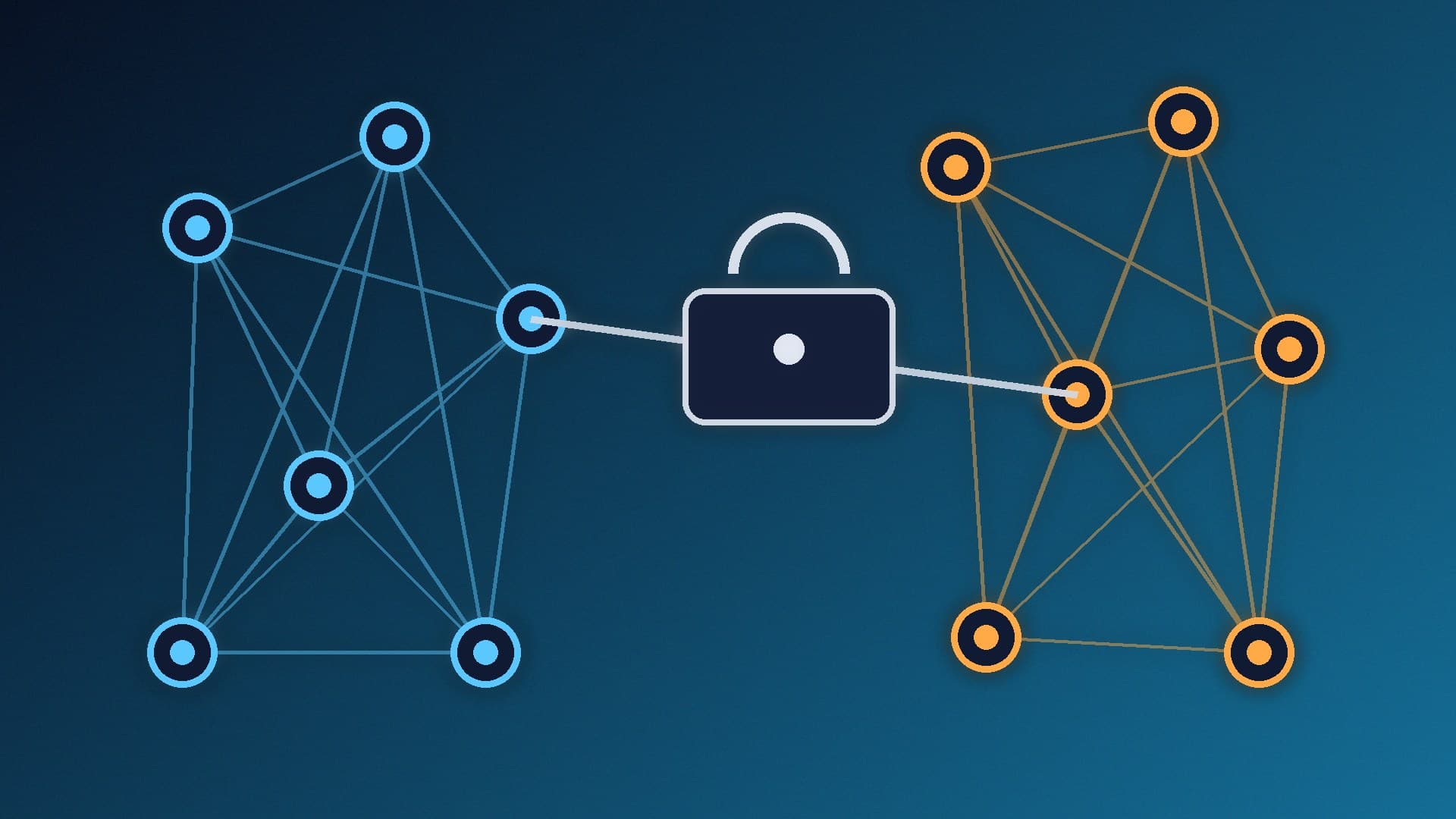
Tailscale builds on WireGuard. Its documentation describes encrypted point-to-point connections using the open-source WireGuard protocol, forming a peer-to-peer mesh that Tailscale calls a tailnet. By default it only routes traffic between your own devices, while your normal internet traffic goes out as usual. Tailscale's DERP servers help devices negotiate connections and, as a last resort when a direct connection isn't possible, relay traffic between them.
ZeroTier calls itself "a smart programmable Ethernet switch for planet Earth". Its protocol documentation explains that it combines a secure peer-to-peer network with an Ethernet emulation layer, so devices behave as if they're on the same physical LAN. ZeroTier says all traffic is encrypted end to end, most traffic flows peer to peer, and it offers free but slow relaying for devices that can't connect directly. Each device has a 10-digit address and each network a 16-digit network ID, which you enter to join.
In our view, ZeroTier's virtual Ethernet approach makes it a natural fit for software that expects devices to share a local network, such as some older LAN games. Tailscale adds conveniences on top of its mesh, such as exit nodes and subnet routers, which its documentation covers in detail.
Winner: depends on the job. ZeroTier for LAN-style networking, Tailscale for simple, secure access to your own devices.
Free plans
This is the biggest practical difference for home users. Tailscale's Personal plan is free "indefinitely", according to its pricing page, with unlimited user devices and up to 6 users. That's plenty for a household with several PCs, a NAS, phones and a laptop.
ZeroTier's free plan is for personal, non-commercial use and covers 10 devices on one network, with one network admin and community support. Ten devices disappear quickly once you add phones, tablets and servers, so heavy users may hit the cap and need a paid plan.
Winner: Tailscale, for its far more generous device allowance.
Setting it up on a PC
Tailscale's Windows client needs Windows 10 or later (or Windows Server 2016 or later), and Tailscale offers both an .exe and an .msi installer. Once installed and signed in, the PC joins your tailnet. Exit nodes are available on all plans, and Tailscale's documentation explains how to advertise a device as an exit node and approve it in the admin console.
ZeroTier's download page lists a Windows MSI installer (version 1.16.2 when we checked) and asks you to approve the driver installation during set-up. It notes that Windows 7 and Server 2012 users need the older ZeroTier One 1.6.6, because there's no Windows 7 support in 1.8 or later. You join a network by entering its network ID, then authorise the device in the network's admin panel. Using a ZeroTier node as a full VPN exit node is possible, but ZeroTier's own guide is a manual tutorial involving IP forwarding and NAT rules on a Linux machine.
Winner: Tailscale. It's quicker for most people, especially if you want an exit node.
Open source and self-hosting
Tailscale's open-source page explains that where the operating system is open, such as Linux and Android, both the client daemon and the app are open source. On Windows and macOS, the daemon is open source and the graphical app is closed. The DERP relay servers are open source, but the coordination server that manages your tailnet is closed source. If you want to run your own, Headscale is an open-source, self-hosted implementation of the Tailscale control server, but it's a community project rather than an official Tailscale product.
ZeroTier's GitHub repository licenses most of its code under MPL-2.0, with a separate "nonfree" folder of source-available code. The ZeroTier One software includes a network controller, and ZeroTier's documentation shows how to create and manage networks through the local controller API. That's more hands-on than its hosted service, but it means you can run your own networks without relying on ZeroTier's cloud.
Winner: ZeroTier, for its built-in, officially documented self-hosted controller.
Which should you choose?
Choose Tailscale if:
You want to reach your own PCs, NAS or home server from anywhere with minimal set-up.
You have more than 10 devices, or a few family members to add.
You want an easy exit node to route traffic through your home connection on public Wi-Fi.
Choose ZeroTier if:
You want devices to behave as if they're on the same Ethernet LAN, for example for some older LAN games.
You want to self-host your network controller using officially supported software.
Ten devices on one network is enough for you.
Whichever you pick, it only gets you onto the network. To wake a sleeping PC first, see how to enable Wake-on-LAN in Windows 11, and for game streaming once you're connected, see how to stream games with Sunshine and Moonlight.
Our verdict
For most people who want to reach their home PCs, NAS or servers from anywhere, Tailscale is the better choice. Its free Personal plan allows unlimited user devices and up to 6 users, set-up is quick on Windows, and exit nodes are easy to configure. ZeroTier makes more sense if you want a virtual Ethernet LAN, for example for some LAN-only games, or if you want to run your own network controller with officially supported software. Just remember its free plan is limited to 10 devices on one network and is for non-commercial use.