Skip to content

VersusNetworking

Synology DS225+ vs DS425+: Should You Buy a 2-Bay or 4-Bay NAS?

Synology's DS225+ and DS425+ share a Celeron J4125, 2GB of memory and a 2.5GbE port, so the choice is about bays. We compare them on Synology's official specs: two bays vs four, RAID 5/6/10 and M.2 NVMe caching on the DS425+, and size, noise and power.

By , Senior Hardware Editor

4 min read

Synology DS225+ vs DS425+: Should You Buy a 2-Bay or 4-Bay NAS?
Synology DiskStation DS225+ compared with Synology DiskStation DS425+
Synology DiskStation DS225+Synology DiskStation DS425+
Ethernet Speed2.5 GbE2.5 GbE

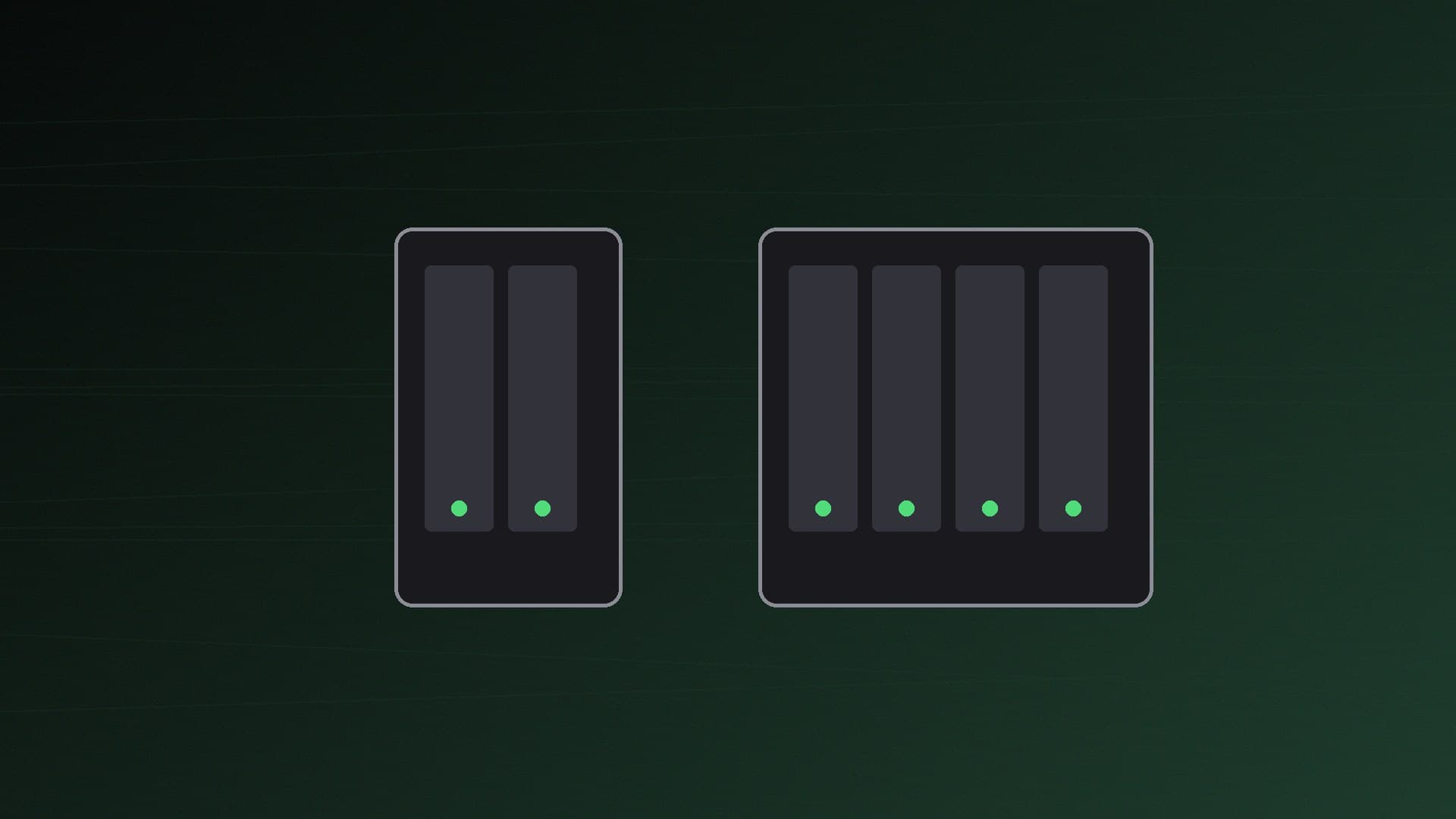
Synology's DiskStation DS225+ and DS425+ share the same processor, memory and networking, so choosing between them mostly comes down to how many drives you want, whether you'd use NVMe SSD caching, and how much space and power you can spare. We've compared them on Synology's official UK product and specification pages, read on 27 November 2026.

Specs compared

DS225+

DS425+

Drive bays

2 x 3.5in SATA HDD or 2.5in SATA SSD

4 x 3.5in SATA HDD or 2.5in SATA SSD

M.2 NVMe slots

None

2 x M.2 2280 NVMe

Raw capacity (Synology, with 24TB drives)

Up to 48TB

Up to 96TB

Processor

Intel Celeron J4125, 4 cores / 4 threads, 2.0GHz (2.7GHz turbo)

Same

Memory

2GB DDR4 non-ECC, one slot, up to 6GB

Same

Networking

1 x 1GbE, 1 x 2.5GbE

Same

USB

2 x USB 3.2 Gen 1

Same

RAID types

SHR, Basic, JBOD, RAID 0, RAID 1

SHR, Basic, JBOD, RAID 0, 1, 5, 6 and 10

Sequential read/write (Synology)

282 / 217MB/s

278 / 281MB/s

Recommended IP cameras (1080p)

25

40

Fans

1 x 92mm

2 x 92mm

Noise (Synology)

19.6dB(A)

21.6dB(A)

Power consumption (access)

16.98W

28.25W

Power adapter

60W

90W

Size (H x W x D)

165 x 108 x 232.2mm

166 x 199 x 223mm

Weight

1.3kg

2.18kg

Warranty

3 years, extendable to 5

3 years, extendable to 5

What's the same

The two NAS units use the same Intel Celeron J4125, a four-core, four-thread chip running at 2.0GHz with a 2.7GHz turbo, with 2GB of DDR4 that you can expand to 6GB using one extra slot. Synology recommends its own memory modules and says it won't provide complete product warranty or technical support if you use non-Synology memory.

Both have one 2.5GbE port and one 1GbE port. Synology's quoted sequential speeds (282/217MB/s on the DS225+ and 278/281MB/s on the DS425+) are beyond what a 1GbE connection can carry, so to get close to them you'll need a 2.5GbE port on your PC and a 2.5GbE switch or router; see 2.5GbE vs 1GbE Ethernet. Both list a three-year hardware warranty, extendable to five years with Synology's paid Extended Warranty Plus in Europe and North America.

Drive bays and RAID

This is the main difference. With two bays, the DS225+ supports SHR, Basic, JBOD, RAID 0 and RAID 1. In practice, most people with two drives will mirror them (RAID 1 or SHR), which gives you the capacity of one drive with protection against a single drive failure. See RAID 0 vs RAID 1 for the trade-off.

The DS425+ adds RAID 5, 6 and 10 and the option to migrate from RAID 1 to RAID 5 or RAID 5 to RAID 6 later, according to Synology's spec page. With four drives in RAID 5 or SHR, you lose roughly one drive's capacity to protection rather than half, so a four-bay NAS stores more per pound spent on drives once you fill it. You also have room to add drives later rather than replacing both drives in a two-bay unit.

Synology says it only guarantees full functionality, reliability and performance for drives on its compatibility list, so check that list before buying disks. Our best NAS hard drive guide covers the options.

M.2 NVMe caching

The DS425+ has two M.2 2280 NVMe slots that Synology says can be used for SSD caching or SSD storage pools. Creating M.2 storage pools requires Synology-verified SSDs, and the M.2 slots aren't hot-swappable. The DS225+ has no M.2 slots; Synology says SSD caching can be enabled there with select compatible SSDs in the drive bays, which would use up one of only two bays.

Size, noise and power

The DS425+ is nearly twice as wide (199mm vs 108mm) and uses two 92mm fans rather than one. Synology rates it at 21.6dB(A) against 19.6dB(A) for the DS225+, and at 28.25W against 16.98W when accessing data, with both dropping to around 6W in HDD hibernation. If the NAS will sit in a living room or run around the clock, the DS225+ is the smaller and lower-power option. Consider a UPS for either.

In our specs database

Both are in the Forge PC products database: Synology DiskStation DS225+ and Synology DiskStation DS425+. Where our database and Synology's pages differ, Synology's official figures take precedence.

For more options, including other brands, see our best NAS for home guide, and our best NAS operating system guide if you're weighing up building your own.

Our verdict

Choose the Synology DS225+ if two mirrored drives are enough for your backups and media: it has the same Celeron J4125, 2GB memory and 2.5GbE port as the DS425+ in a smaller, quieter box that draws less power. Choose the DS425+ if you want four bays for RAID 5, 6 or 10, room to add drives later, up to 96TB raw capacity, or the two M.2 NVMe slots for SSD caching. If you're unsure how much storage you'll need in a few years, the DS425+ is the safer long-term buy.

The bottom line

Choose the Synology DS225+ if two mirrored drives are enough for your backups and media: it has the same Celeron J4125, 2GB memory and 2.5GbE port as the DS425+ in a smaller, quieter box that draws less power. Choose the DS425+ if you want four bays for RAID 5, 6 or 10, room to add drives later, up to 96TB raw capacity, or the two M.2 NVMe slots for SSD caching. If you're unsure how much storage you'll need in a few years, the DS425+ is the safer long-term buy.

Sources

  1. 01Synology, DiskStation DS225+
  2. 02Synology, DiskStation DS425+

About the author

Callum Reid

Senior Hardware Editor

Callum leads GPU, CPU and platform architecture coverage at Forge PC. Before joining the editorial desk, he spent nine years specifying, assembling and stress-testing custom gaming and workstation systems in the UK, with a focus on PCIe bandwidth, VRM thermal design, DDR5 memory tuning and 1440p/4K frame-time consistency.

More from Callum Reid

Read next

Best Free Download Managers for Windows in 2026

Best Picks

Best Free Download Managers for Windows in 2026

The best free download managers for Windows in 2026, from official sources: Free Download Manager for most people, Xtreme Download Manager as the open-source pick, JDownloader 2 for file-hosting links, Motrix for a modern interface and aria2 for the command line.

Hannah Vance6 min

What Is MCP? Model Context Protocol Explained for Local AI

How-To

What Is MCP? Model Context Protocol Explained for Local AI

MCP lets local AI apps such as LM Studio connect models to files, tools and services. We explain hosts, clients and servers, tools and resources, local versus remote servers, which apps support it, and how to use it safely.

Marcus Thorne5 min

Best Local LLM Server Software 2026: Run Your Own AI Back End

Best Picks

Best Local LLM Server Software 2026: Run Your Own AI Back End

Want a local model running as a service for your apps, agents or other PCs? We compare Ollama, llama.cpp's llama-server, LM Studio's llmster, Lemonade, KoboldCpp, vLLM and SGLang, and explain which suits which kind of user.

Hannah Vance6 min

SillyTavern 1.19.1 Fixes Three Security Flaws: Update Now

News

SillyTavern 1.19.1 Fixes Three Security Flaws: Update Now

SillyTavern 1.19.1 fixes three security flaws in 1.19.0 and earlier, including a high-severity bug that let crafted character cards, imported chats or model replies run scripts in the app. Here's what was fixed and who should update.

Eleanor Shaw4 min