If you've set up a local AI app recently, you've probably seen an option to add "MCP servers". MCP, short for Model Context Protocol, is how a growing number of AI apps connect a model to files, tools and other software. It can make a local model far more useful, but it also lets that model do things on your PC, so it's worth understanding before you start installing servers.
This explainer covers what MCP is, how it works, which local AI apps support it and how to use it safely.
MCP in one sentence
The official documentation describes MCP as "an open-source standard for connecting AI applications to external systems". Its own analogy is a USB-C port for AI applications: just as USB-C gives devices one standard way to connect, MCP gives AI apps one standard way to reach data sources, tools and workflows.
Without a shared standard, each app needs its own integration for each tool. With MCP, someone writes one server for, say, a file system or a database, and any app that supports MCP can use it. The MCP site's examples range from agents that access your Google Calendar and Notion to AI models that create 3D designs in Blender.
Hosts, clients and servers
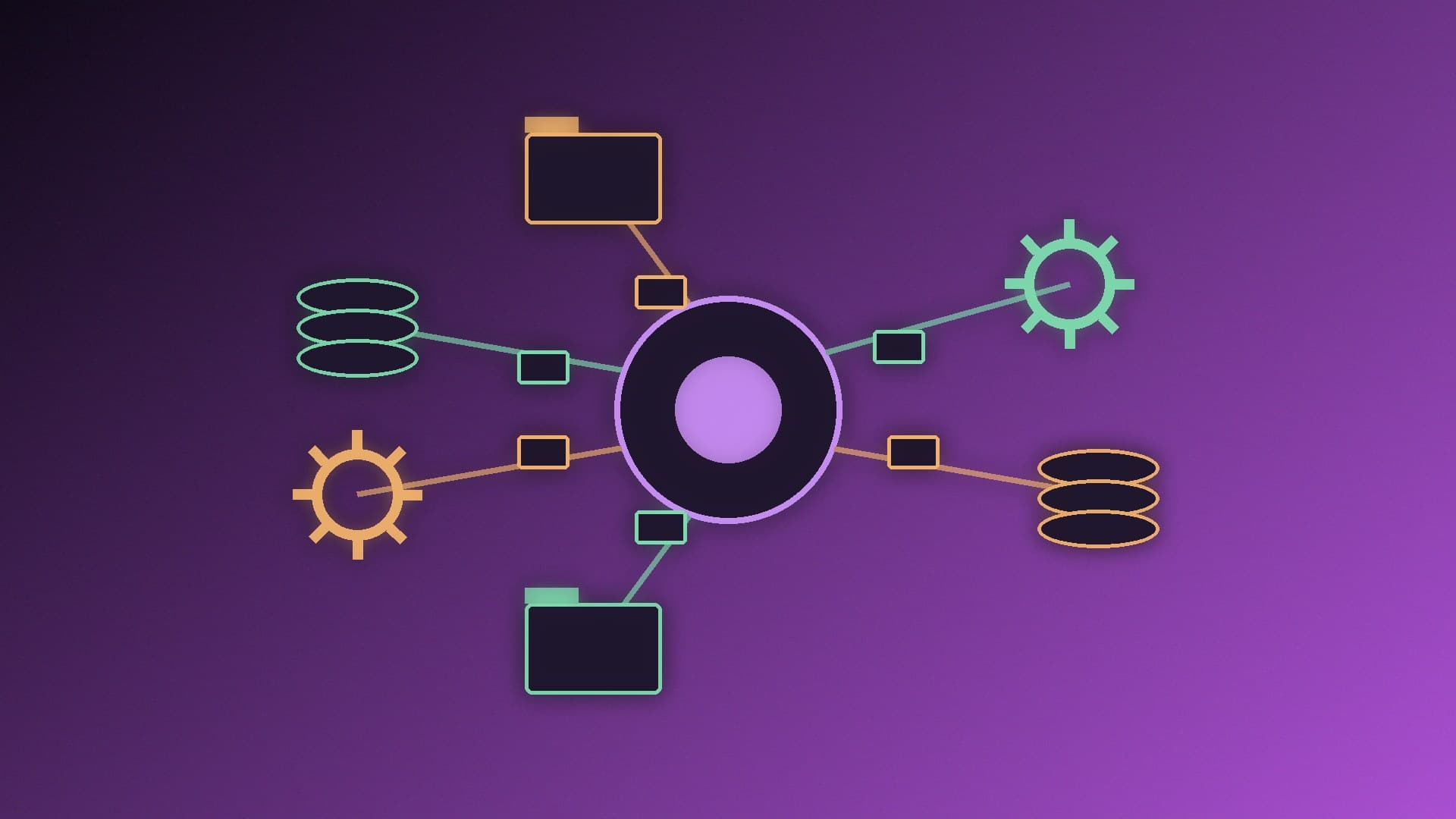
MCP uses a client-server design with three roles:
MCP host: the AI application you use, such as LM Studio. It coordinates one or more MCP clients.
MCP client: a component inside the host that keeps a connection to one MCP server. The host creates one client per server.
MCP server: a program that provides context to the client, such as access to files, a database or a web service.
So when you add three MCP servers to an app, the app runs three clients behind the scenes, one for each server.
What an MCP server can offer
The specification defines three core "primitives" that servers can expose:
Primitive | What it is | Examples from the MCP docs |
|---|
Tools | Executable functions the AI app can invoke to perform actions | File operations, API calls, database queries |
Resources | Data sources that provide context | File contents, database records, API responses |
Prompts | Reusable templates that structure interactions | System prompts, few-shot examples |
Tools are the part most people care about, because they let a model act rather than just answer. That builds on the tool calling feature you may already know from our guides to tool calling in Ollama and tool calling in LM Studio. MCP standardises how those tools are described and connected. The model still has to be good at tool calling, so pick a model that supports it.
Local and remote servers
MCP has two standard transports, and the difference matters for privacy and security:
Stdio: the host starts the server as a local process and talks to it through standard input and output. The MCP docs say this gives direct communication between processes on the same machine with no network overhead, and local stdio servers typically serve a single client.
Streamable HTTP: the server runs as a web service, locally or remotely. It uses HTTP POST, with optional Server-Sent Events for streaming, and supports standard HTTP authentication such as bearer tokens, API keys and custom headers. MCP recommends OAuth to obtain tokens. Remote servers typically serve many clients.
A local model with only local stdio servers keeps everything on your PC. Adding a remote server means some data leaves your machine, however private your model is.
Which local AI apps support MCP?
LM Studio: since version 0.3.17, LM Studio acts as an MCP host and supports both local and remote MCP servers. You add them by editing the app's mcp.json file, which follows Cursor's format, or with an "Add to LM Studio" button where a server offers one. Our step-by-step guide shows how to use MCP servers in LM Studio.
llama.cpp: the llama-server README lists experimental options to load MCP server definitions in a Cursor-compatible JSON format, and an experimental MCP proxy for its built-in Llama Chat app. Both carry the warning "do not enable in untrusted environments".
KoboldCpp: its GitHub page lists MCP server support alongside tool calling, web search and RAG.
Several of the agent apps in our pick of the best local AI agent apps can also call tools through MCP.
The security risks
MCP's power is also its risk. LM Studio's documentation puts it bluntly: some MCP servers can run arbitrary code, access your local files and use your network connection, so never install MCP servers from untrusted sources.
The official MCP security best practices go further. For local servers, they recommend that apps show a clear consent dialog before connecting a new local MCP server, display the exact command that will be run, warn that MCP servers run with the same privileges as the client, and highlight dangerous command patterns. They also suggest running MCP server commands in a sandboxed environment with minimal privileges. The document describes attacks where a malicious startup command or a crafted server configuration leads to arbitrary code execution or data exfiltration.
In practice, that means:
Only install servers from sources you trust, and read what a server's configuration will run before you add it.
Give servers the least access they need. A file server pointed at one project folder is safer than one with access to your whole drive.
Prefer local stdio servers when privacy matters, and treat remote servers as sharing data with a third party.
Keep the AI app itself on localhost. If your model server is reachable from your network with MCP tools enabled, anyone who can reach it may be able to use those tools. llama.cpp, for example, doesn't allow server tools or MCP servers on a non-loopback address without an API key unless you deliberately set its --allow-unauthenticated-tools option, which it says is only for trusted networks. Our guide to sharing Ollama on your local network covers safe network set-ups.
Watch what the model does. Review tool calls, especially ones that write files, run commands or send data.
Do you need MCP?
Not for chatting with a model. MCP becomes worthwhile when you want a local model to work with your own files, code or services: a coding assistant that can read your project, an agent that can search your notes, or a home lab tool that can query a database. It works best with a capable tool-calling model and enough memory for a longer context, because tool descriptions and results all take up space; our explainer on context length and VRAM shows how that adds up.
Our verdict
MCP is an open standard that lets AI apps connect models to tools, files and services through a common set of hosts, clients and servers. It's well supported in local AI apps such as LM Studio, KoboldCpp and llama.cpp, and it can make a local model genuinely useful for real work. Treat every MCP server like software you're installing: use trusted sources, give it minimal access, prefer local servers for private data and keep your AI app off the open network.