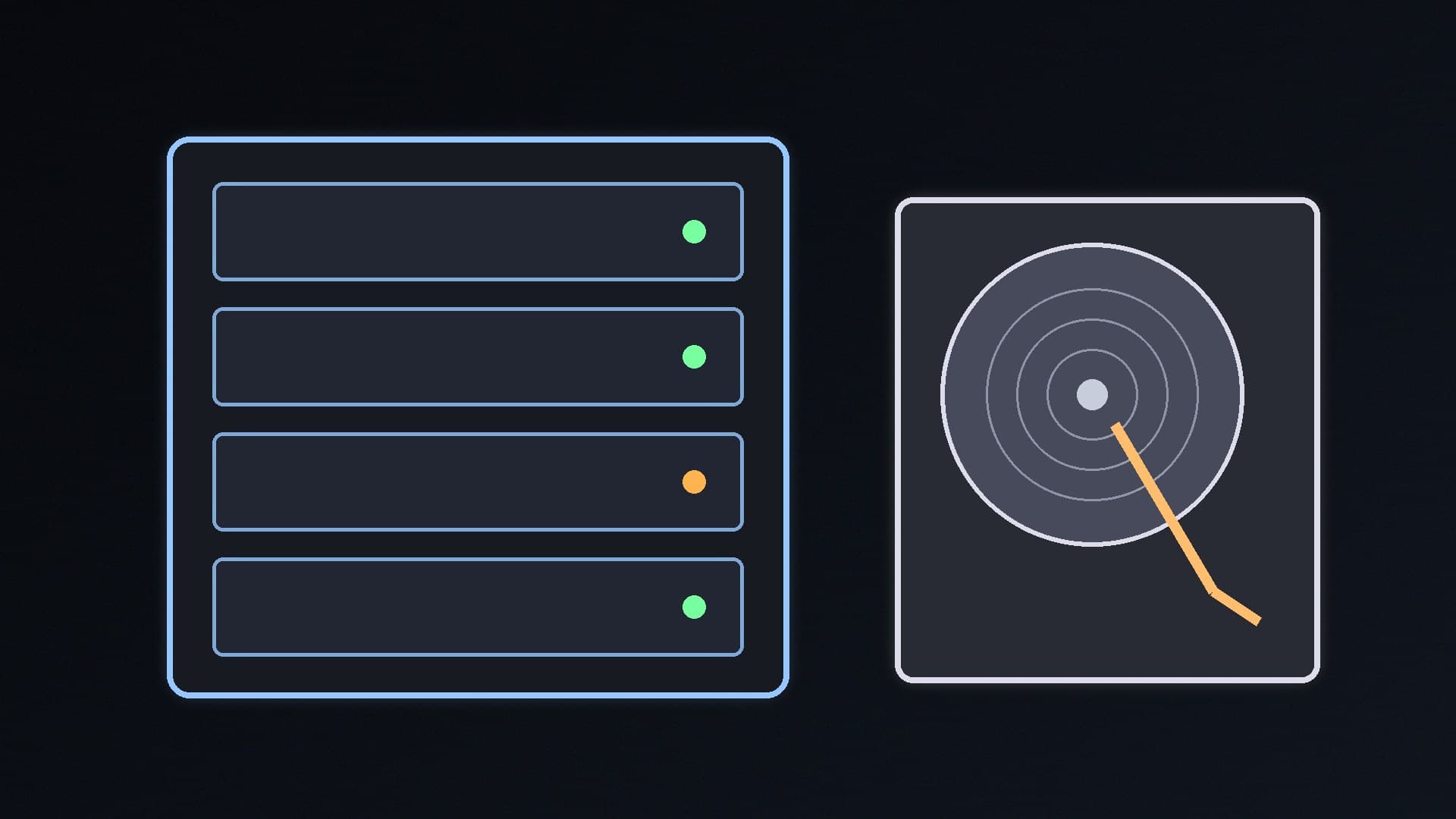
A NAS (network-attached storage) box runs all day, every day, often with several drives packed side by side in a RAID array. That's a harder life than a desktop drive is designed for, which is why WD, Seagate and Toshiba all sell dedicated NAS ranges with vibration sensors, firmware tuned for RAID and higher workload ratings. We've compared five current NAS hard drive ranges on the manufacturers' published specifications, from mainstream drives for a two-bay home NAS to high-capacity models for bigger arrays. We haven't quoted prices, because hard drive prices change by capacity and are moving around ahead of Black Friday on 27 November 2026.
The short answer
Drive range | Best for | Key specs (manufacturer) |
|---|
WD Red Plus | Most home NAS boxes | CMR; up to 8 bays; 180TB/year workload; 2TB to 12TB; 3-year limited warranty |
Seagate IronWolf | Home NAS with health monitoring | CMR; AgileArray firmware; up to 7,200 RPM; 180TB/year; 3 years of Rescue data recovery |
Toshiba N300 | Bigger home arrays | CMR; 7,200 rpm; 1 to 8 or 1 to 12 bays; 180TB/year; 4TB to 22TB; 3-year warranty |
WD Red Pro | Heavy workloads and big arrays | CMR; 7,200 RPM; 550TB/year; any bay count; 2TB to 26TB; 5-year limited warranty |
Seagate IronWolf Pro | Maximum capacity | CMR; up to 32TB; IronWolf Health Management; 3 years of Rescue data recovery |
1. WD Red Plus: best NAS hard drive for most people
WD Red Plus is the mainstream choice for a home or small-office NAS. WD says it's designed for 24x7 operation in RAID-optimised NAS systems with up to eight bays, and it uses CMR (conventional magnetic recording), which WD says provides consistent write performance and better handling of RAID rebuilds than drive-managed SMR drives. It's tuned with WD's NASware firmware, has rotational vibration safeguards and RAID error recovery control, and is rated for 180TB a year of workload and 1 million hours MTBF, with a 3-year limited warranty.
Capacities run from 2TB to 12TB (WD's model list also includes a 1TB version). One thing to check is the speed: WD says Red Plus drives run at 5,400, 5,640 or 7,200 RPM depending on the model, so look at the exact model number if spindle speed matters to you. WD quotes up to 260MB/s for the 10TB model.
If you want a small drive for a two-bay NAS, the WD Red Plus 4TB (WD40EFPX) is in our specs database.
Why it's our pick: it covers the capacities most home NAS owners buy, with CMR recording and NAS firmware, and WD lists it for NAS enclosures with up to eight bays.
2. Seagate IronWolf: best for built-in drive health monitoring
Seagate's IronWolf is the direct rival to WD Red Plus. Seagate says it uses CMR and its AgileArray firmware for smooth RAID performance, reduced vibration and efficient power management, and supports workloads of up to 180TB a year, with speeds of up to 7,200 RPM. It includes rotational vibration sensors for multi-bay enclosures.
The two features that set it apart are software and support. IronWolf Health Management monitors drive status in compatible NAS systems, and Seagate includes three years of its Rescue Data Recovery Services with all IronWolf drives. Seagate says the drives are tested for compatibility with NAS brands including Asustor and QNAP, and lists Synology among compatible systems, but it recommends checking your NAS maker's compatibility list before you buy, which is good advice for any drive.
The Seagate IronWolf 4TB (ST4000VN006) is in our specs database. For a closer look at these two ranges, see our WD Red Plus vs Seagate IronWolf comparison.
Why it's our pick: the included data recovery cover is a real safety net for a home NAS, and health monitoring helps you replace a drive before it fails.
3. Toshiba N300: best for bigger home arrays
Toshiba's N300 is a 3.5-inch SATA NAS drive that Toshiba lists at 7,200rpm, with a 512MB or 1,024MB buffer. Toshiba lists support for one to eight-bay NAS systems, and one to 12 bays for the higher-capacity models, so it suits larger enclosures than WD Red Plus. It uses CMR, has integrated rotational vibration sensors, error recovery control and Toshiba's NASLink firmware, and is rated for up to 180TB a year with a 3-year warranty.
Capacities run from 4TB to 22TB. Toshiba says the 12TB to 22TB models are helium-sealed for lower power consumption, and quotes idle noise as low as 20dB (typical) for those helium models. That's Toshiba's figure, not our measurement.
Why it's our pick: it offers higher capacities and a larger bay rating than the mainstream ranges while keeping the same 180TB/year workload rating.
4. WD Red Pro: best for heavy workloads and large arrays
WD Red Pro is the step up for busy, multi-user NAS systems. All Red Pro drives run at 7,200 RPM, and WD rates them for up to 550TB a year of workload and up to 2.5 million hours MTBF, with a 5-year limited warranty. Unlike Red Plus, WD lists Red Pro for RAID-optimised NAS systems with any number of bays, in tower and rack-mount enclosures. It also uses CMR, NASware and time-limited error recovery (TLER) for RAID.
Capacities range from 2TB to 26TB, and WD quotes up to 267MB/s for the 10TB model. For a home media server you probably don't need the workload rating, but the longer warranty and larger capacities can still make it worth considering.
Why it's our pick: if your NAS is shared by a team, runs constant backups or has lots of bays, it has three times the workload rating of WD Red Plus and two extra years of warranty.
5. Seagate IronWolf Pro: best for maximum capacity
Seagate IronWolf Pro is the range to look at if capacity is your priority. Seagate says it's available in capacities of up to 32TB, uses CMR for reliable multi-user performance in RAID and NAS systems, and is aimed at media professionals and small businesses. Like the standard IronWolf, it includes IronWolf Health Management and three years of Rescue Data Recovery Services, and Seagate says it has been tested by NAS providers including Asustor, QNAP and UGREEN.
Seagate's own UK store was showing IronWolf Pro as out of stock when we checked, so look at UK retailers for availability.
Why it's our pick: it reaches the highest capacity in this guide, which means fewer drives for the same storage.
What to look for in a NAS hard drive
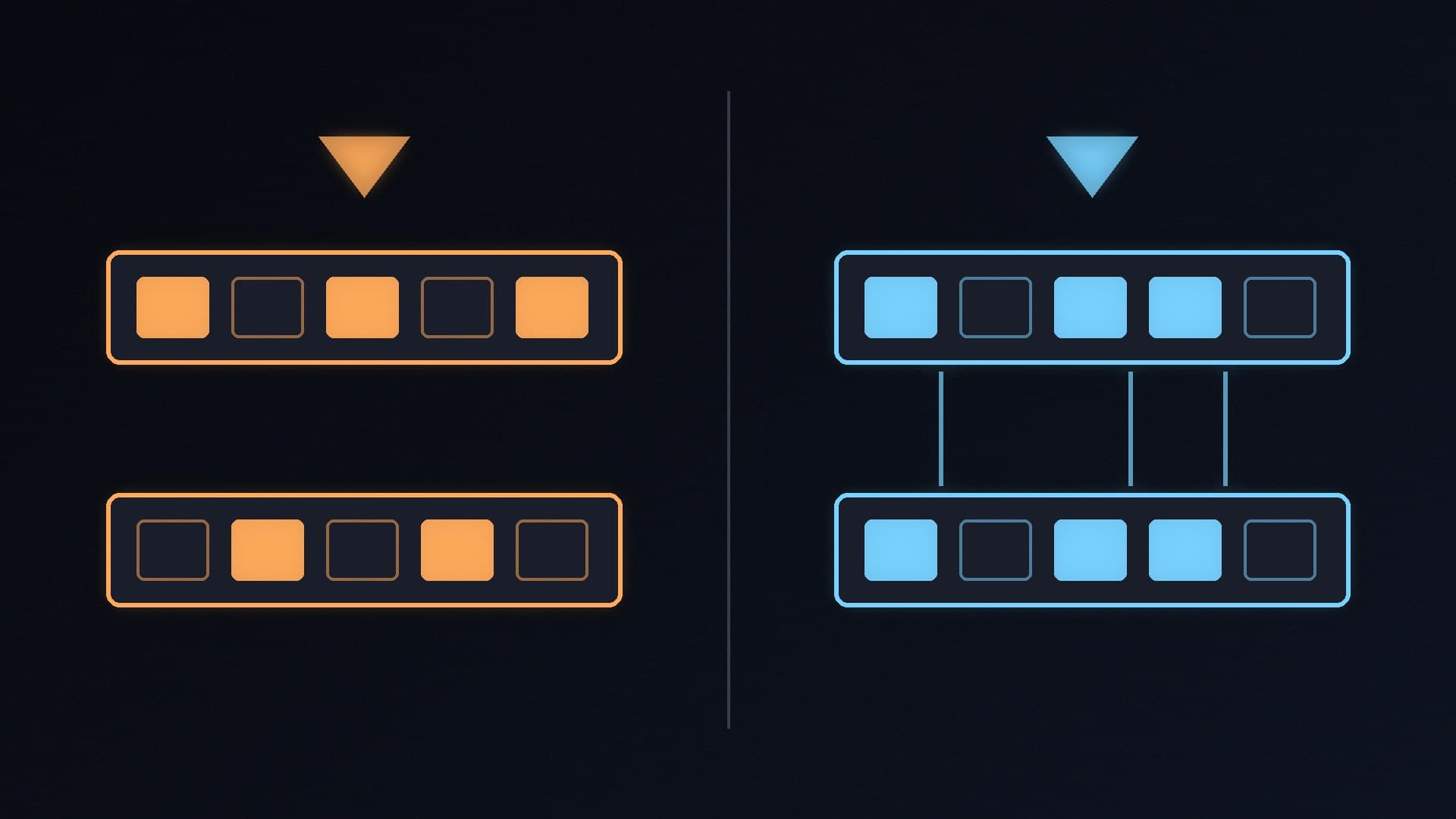
CMR, not SMR: all five ranges here use CMR. Our CMR vs SMR hard drive explainer covers why that matters for RAID.
Bay count: WD Red Plus is listed for up to eight bays; Toshiba N300 for up to 12 on larger models; WD Red Pro for any number of bays.
Workload rating: 180TB a year is typical for home NAS drives. Pro ranges are rated higher for constant, multi-user use.
Warranty and recovery cover: WD Red Plus and Toshiba N300 have three years; WD Red Pro has five; Seagate IronWolf drives include three years of data recovery services.
Compatibility: check your NAS maker's compatibility list for the exact model and capacity.
Spindle speed: check the exact model. WD Red Plus runs at 5,400, 5,640 or 7,200 RPM depending on the model, while WD Red Pro and Toshiba N300 are listed at 7,200 RPM.
Still choosing the box itself? See our best NAS for home guide. A NAS is also worth protecting with a UPS, and if you plan to move big files around your home network, read 2.5GbE vs 1GbE Ethernet.
Our verdict
For most home NAS boxes, WD Red Plus is the best NAS hard drive range on paper, because it uses CMR, is designed for one to eight-bay RAID systems and is rated for 180TB a year with a 3-year warranty. Seagate IronWolf is an equally strong alternative that adds drive health monitoring and three years of data recovery services. Choose Toshiba N300 for larger home arrays of up to 12 bays, WD Red Pro for heavy multi-user workloads and a 5-year warranty, or Seagate IronWolf Pro if you need capacities of up to 32TB. Whatever you choose, check your NAS maker's compatibility list and current UK prices per terabyte before you buy.