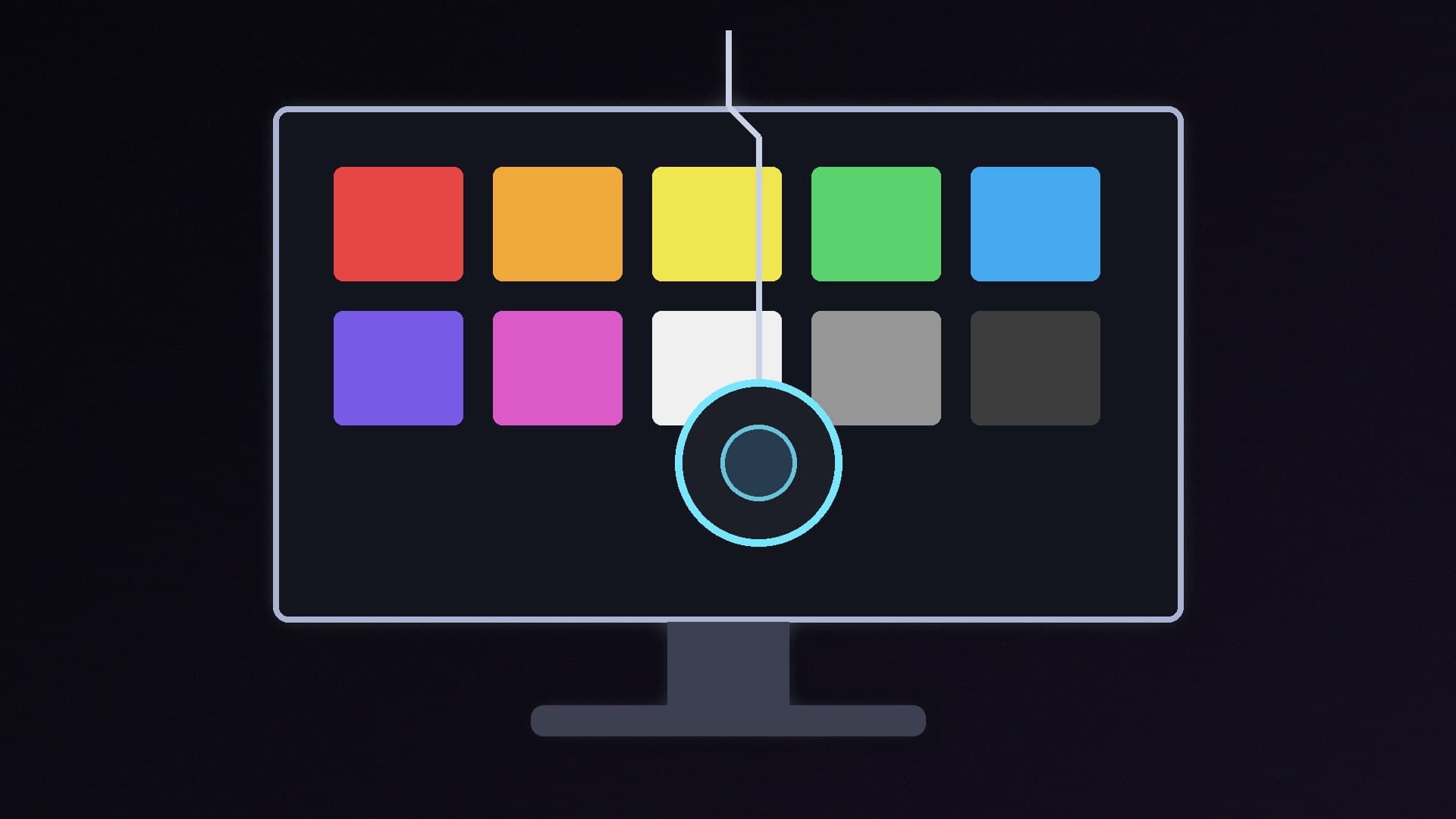
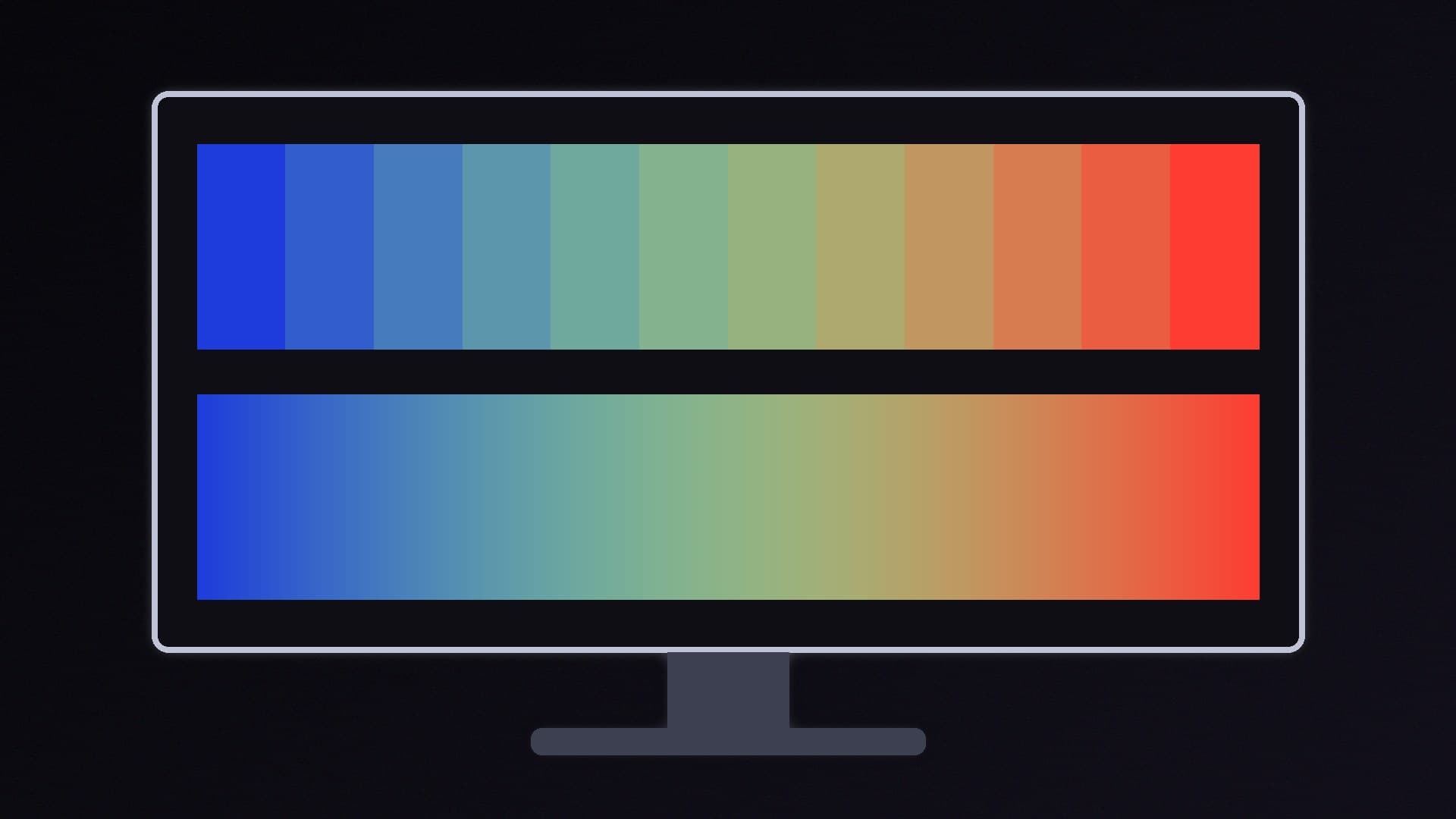
As Calibrite puts it, monitors, no matter how new they are, don't always display colours accurately. A monitor calibrator (a small colorimeter that hangs over your screen) measures colour patches as your PC displays them, then its software builds a profile that Windows and colour-managed apps use to correct the output. If you edit photos or video, design for print, or want two monitors to match, a calibrator measures your screen rather than relying on your eyes. We've compared five current calibrators from two of the best-known calibrator brands, Calibrite and Datacolor, using the makers' published specifications.
The short answer
Calibrator | Best for | Key specs (manufacturer) |
|---|
Calibrite Display Pro HL | Most photo and design users | Measures up to 3,000 nits; LCD, mini-LED, OLED and Apple XDR; Flare Correct; USB-C |
Calibrite Display 123 | Easiest set-up on a budget | Up to 2 monitors per workstation; Native or Photo brightness; USB-C |
Datacolor SpyderExpress | Beginners who may upgrade later | Up to 1,200 cd/m²; up to 3 displays; software upgradable to higher Spyder tiers |
Datacolor SpyderPro | Video, HDR and 3D LUTs | Up to 12,000 cd/m²; 3D LUT .cube export; Rec.709, Rec.2020 and DCI-P3 targets |
Calibrite Display Plus HL | The brightest HDR and mini-LED displays | Measures up to 10,000 nits; projector profiling; tripod thread; USB-C |
Prices move a lot in the run-up to Black Friday on 27 November 2026. Where we mention a price, it's the approximate figure on the maker's own UK store on 25 November 2026, so check current retailer listings before you buy.
1. Calibrite Display Pro HL: best monitor calibrator for most people
Calibrite's Display Pro HL is the one to buy if you want a proper colorimeter that will cope with modern panels. Its HL (high luminance) sensor measures up to 3,000 nits, and Calibrite says it accurately measures LCD, mini-LED and OLED displays as well as Apple's XDR panels. It works with Calibrite PROFILER software on Windows 10 or 11 and macOS, which has Basic and Advanced modes, so you can either follow a guided calibration or set your own white point, luminance, contrast ratio and gamma.
The feature list is aimed at people who care about results rather than a quick fix. There's ambient light measurement to suggest a display brightness for comparing prints, Quick Check, Validation and Uniformity Check tools, profiling for multiple monitors connected to the same PC, and Flare Correct, which measures and compensates for glare on the screen surface. Calibrite says it's also compatible with some third-party calibration software, and it connects over USB-C with a USB-A adapter in the box. The UK warranty is 24 months.
Calibrite's UK store listed it at about £189 on 25 November 2026, down from a listed £244.
Why it's our pick: it's built to measure bright OLED and mini-LED monitors, which need a sensor with a higher brightness limit, and the software has the validation tools you need to check that a calibration has worked.
2. Calibrite Display 123: best budget and easiest calibrator
If you just want your monitor to look right without learning colour-management terms, the Display 123 is Calibrite's simplest option. The process really is three steps: connect the device, launch Calibrite PROFILER, choose Native or Photo brightness and let it run. When it's finished, you get a before-and-after view so you can see what changed. Calibrite pitches it at editing, gaming and everyday viewing where colour matters, such as shopping for clothes online.
It supports up to two monitors per workstation and connects over USB-C. Calibrite notes that to calibrate two displays you need either two graphics cards or a card with two outputs that supports a separate colour profile for each screen, which applies to all of its calibrators. It doesn't have the Pro HL's advanced controls, and Calibrite doesn't list a maximum brightness for its sensor on the product page, so if you own a bright HDR or OLED monitor, look at the Pro HL instead.
Calibrite's UK store listed it at about £99 on 25 November 2026, down from a listed £119.
Why it's our pick: it's the cheapest way into hardware calibration from Calibrite and the least intimidating to use.
3. Datacolor SpyderExpress: best for beginners who might upgrade
Datacolor's entry model takes a similar approach to the Display 123. Datacolor says it calibrates in about 90 seconds with a three-step process, and it asks whether you're creating content for screens or preparing images for print, because the ideal brightness and white point differ between the two. It supports up to three connected displays per workstation and, on Datacolor's comparison table, measures up to 1,200 cd/m² (nits).
The selling point is the upgrade path. Datacolor says the SpyderExpress hardware can be upgraded in software to its higher-tier features, so you can start simple and unlock more later without buying a new sensor. Datacolor also says it supports the mini-LED screens on Apple's M4 MacBooks. Its comparison table lists OLED and QD-OLED support for the step-up Spyder and the SpyderPro rather than the SpyderExpress, so if you have an OLED monitor, skip this one. Datacolor's UK site wasn't showing prices when we checked.
Why it's our pick: it's a straightforward first calibrator, and you're not stuck with entry-level software if your needs grow.
4. Datacolor SpyderPro: best for video, HDR and 3D LUTs
The SpyderPro is the most feature-packed calibrator in this guide. Datacolor's comparison table says it can measure up to 12,000 cd/m², and it lists support for OLED, QD-OLED, mini-LED and Apple XDR displays, plus an unlimited number of monitors (depending on your PC). Standard Calibration takes about 90 seconds, according to Datacolor, while a Deeper Calibration mode measures many more points across the greyscale; Datacolor claims an average accuracy improvement of over 30% for that mode and produces a report comparing uncalibrated, target and calibrated values. That's Datacolor's figure, not one we've verified.
For video work, the SpyderPro supports Rec.709, Rec.2020, DCI-P3, NTSC, PAL and SECAM targets and can export 3D LUTs in .cube format (17, 33 or 65 points) to load into compatible video and field monitors. It also measures ambient light, offers display matching tools (StudioMatch and SpyderTune), calibrates projectors, and can sync with Datacolor's LightColor Meter. If you sit between the SpyderExpress and SpyderPro, Datacolor's middle option, simply called Spyder, measures up to 3,000 cd/m² and adds OLED and QD-OLED support.
Why it's our pick: if you grade video or need to calibrate a separate video monitor, 3D LUT export is the feature that sets it apart.
5. Calibrite Display Plus HL: best for the brightest displays
The Display Plus HL is Calibrite's top model, with a sensor that measures up to 10,000 nits. Calibrite says it's designed for LCD, mini-LED, OLED, QD-OLED and XDR-class HDR displays on desktops and laptops, and that it's the first and only colorimeter approved by Apple for its Pro Display Calibrator software on macOS. For Windows users, the useful extras are the same PROFILER tools as the Pro HL, plus broadcast video standards (NTSC, PAL, SECAM and Rec.709), a BT.1886 tone curve option for Rec.2020, projector profiling with the ambient light diffuser doubling as a stand, and a ¼-inch tripod thread for large displays.
Calibrite's UK store listed it at about £229 on 25 November 2026, down from a listed £309.
Why it's our pick: it's built for very bright HDR and mini-LED panels and video workflows, but most SDR photo and design monitors don't need its extra headroom.
What to look for in a monitor calibrator
Maximum brightness: check the sensor can measure your monitor's peak brightness. A bright HDR or mini-LED monitor needs a high-luminance sensor, such as Calibrite's HL models or Datacolor's Spyder and SpyderPro.
Panel type: OLED and QD-OLED support isn't universal. Our QD-OLED vs WOLED explainer covers the two OLED types.
Number of monitors: entry models limit how many displays you can calibrate per PC; higher tiers allow more. Your graphics card must support a separate colour profile per output.
Software: check it runs on your version of Windows, and whether you need advanced controls such as custom white point, gamma and validation reports.
Video features: 3D LUT export and Rec.709 or Rec.2020 targets only matter if you work with video monitors.
If you don't own a calibrator yet, our guide on how to calibrate a monitor in Windows 11 covers the built-in tools, and our HDR set-up guide explains Windows' HDR calibration app. Shopping for the screen itself? See our best monitor for photo editing guide.
Our verdict
For most people editing photos or designing on a modern monitor, the Calibrite Display Pro HL is the best monitor calibrator here on paper, because it measures up to 3,000 nits, supports OLED and mini-LED panels and has proper validation tools. The Calibrite Display 123 is the simplest budget option for standard monitors, and the Datacolor SpyderExpress suits beginners who may want to unlock more features later. Choose the Datacolor SpyderPro for video work and 3D LUT export, or the Calibrite Display Plus HL for the brightest HDR displays. Check that your chosen model supports your panel type and brightness, and check current UK prices around Black Friday before you buy.