Picks are based on each project's official documentation and GitHub pages, checked on 25 November 2026, including whether the project is still maintained.
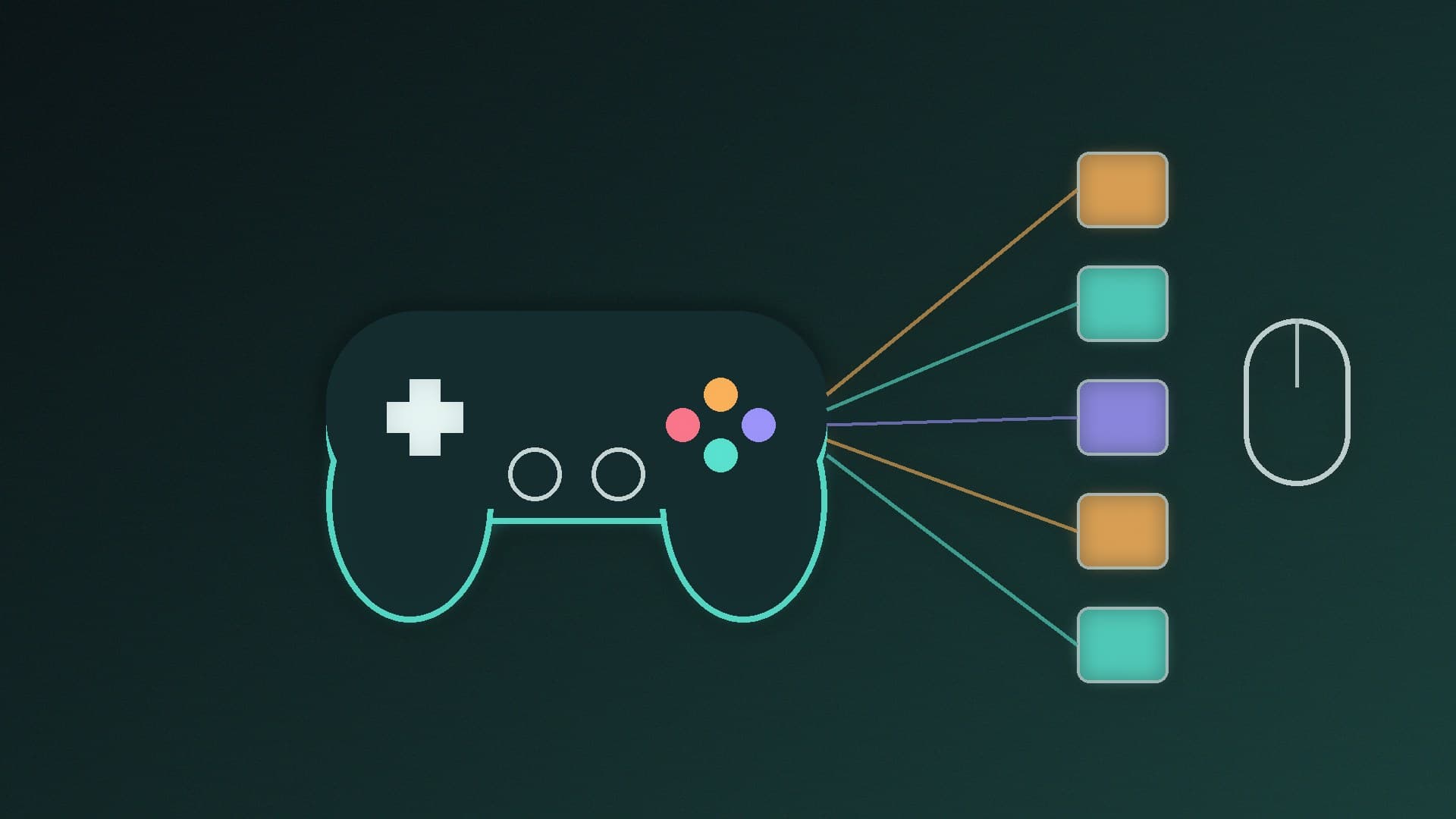
Many PC games are built around Xbox-style controller input, which is why the tools below often work by presenting other controllers to games as an Xbox pad. Plug in a PlayStation pad, a Switch Pro Controller, a racing wheel or an older generic gamepad and things can get messy: wrong button prompts, no rumble, or a game that ignores the controller entirely. Free controller software fixes most of that, either by making your controller look like an Xbox pad to the game, or by mapping its buttons to keyboard and mouse input.
If you're still choosing hardware, start with our best PC controller guide; for pairing a DualSense, see how to connect a PS5 controller to PC.
Quick picks
Tool | Best for | Platforms | Status on 25 Nov 2026 |
|---|
Steam Input | Most people, for games launched through Steam | Built into Steam | Part of Steam |
x360ce | Wheels, joysticks and older games that only accept Xbox input | Windows | Active, v4.x |
AntiMicroX | Controlling the desktop or games with no controller support | Windows and Linux | Bug-fix releases only, seeking a new maintainer |
DS4Windows | PlayStation and Switch controllers outside Steam | Windows 10 or newer | Archived on 5 March 2026, read-only |
If your games are on Steam, you probably don't need anything else. Steam Input is built into the Steam client and, according to Valve's Steamworks documentation, on Windows the Steam overlay hooks the standard game input systems (XInput, DirectInput, RawInput and Windows.Gaming.Input) and presents your controller to the game as an emulated Xbox controller. That's why a PlayStation or Switch pad suddenly works in games that only expected an Xbox one.
It's also more than a compatibility layer. Valve says players can bind gyro input from Switch, PlayStation and Steam controllers to mouse movement for motion aiming, though that only works in single-player local games because there's just one mouse input. Steam Remote Play uses Steam Input too, so it matters if you stream games around the house; our Parsec vs Steam Remote Play comparison covers that side. Valve's own data shows how widely it's used: roughly a quarter of all controller sessions on Steam in 2020 went through Steam Input, including nearly half of PlayStation controller sessions.
Limitations: it's part of Steam, so it's aimed at games you play through Steam, and because games see an Xbox controller, extra buttons can be doubled up. Valve gives the example of a PlayStation pad's touchpad click and Options button both mapping to Start. Valve also notes that Steam doesn't support remapping generic DirectInput devices such as flight sticks and racing wheels. If you play from the sofa, our Big Picture mode guide covers Steam's controller-friendly interface.
2. x360ce: best for wheels, joysticks and older games
Xbox 360 Controller Emulator, or x360ce, is the long-running fix for games that only accept Xbox-style input. Its GitHub page says it lets a gamepad, joystick or wheel act as an Xbox 360 controller, giving the example of playing games such as GTA or Mafia II with a Logitech wheel. That makes it the natural complement to Steam Input, which doesn't remap those devices.
Version 4.x uses the Virtual Gamepad Emulation (ViGEm) bus to create the virtual controller; the project lists ViGEm Bus 1.21.442.0 for Windows 10 and later, and an older version for earlier Windows. The project is clearly still being worked on, with v4.x documentation covering force feedback pass-through (sending a game's rumble to your real controller), a wheel centring spring for games that were only designed for gamepad rumble, plugins and controller ordering. The older v3.x method, which uses an XInput wrapper DLL run from the game's own folder, is still documented for legacy titles.
Safety note: the developers say to download and run digitally signed files only, and warn that if anyone asks you to disable your antivirus or add an exclusion for x360ce, you shouldn't.
3. AntiMicroX: best for games with no controller support
AntiMicroX works the other way round: rather than making your controller look like an Xbox pad, it maps controller buttons and sticks to keyboard keys, mouse buttons and movement, scripts, programs and macros. Its GitHub page says that's useful for games with no gamepad support, and for controlling desktop apps from the sofa. You can set up several switchable sets of mappings, and assign profiles automatically to whichever app is in the foreground (except under Wayland on Linux). It's open source under the GPL v3 and runs on Windows and Linux; the Windows version is a normal installer from the releases page.
Caveat: the project says it's looking for a new maintainer, will only get limited support and won't receive new features unless outside contributors add them. Bug-fix releases are still appearing, though: version 3.6.2 was released on 13 November 2026 with crash and translation fixes. If you need keyboard and mouse remapping beyond controllers, see our best free keyboard and mouse remapping software.
4. DS4Windows: still useful, but no longer maintained
For years DS4Windows was the go-to app for using PlayStation controllers outside Steam. The schmaldeo fork describes it as a portable, extract-anywhere program that emulates an Xbox 360 controller so more games accept a DualShock 4, with support for the DualSense, Switch Pro and Joy-Con controllers too. It added extras such as a tool to help with stick drift. It needs Windows 10 or newer, the Microsoft .NET 8.0 Desktop Runtime, the Visual C++ 2015-2022 Redistributable and the ViGEmBus driver, which DS4Windows installs for you. For Bluetooth it needs Bluetooth 4.0, and only the Microsoft Bluetooth stack is supported.
The catch: the repository was archived on 5 March 2026 and is now read-only, and the developer has said they're discontinuing work on it. Existing releases may keep working, but there won't be fixes for new controllers, Windows changes or bugs. We'd only use it if Steam Input doesn't cover your situation, and we wouldn't install it on a new PC without a clear reason.
Which should you use?
Your games are on Steam: use Steam Input and leave it at that.
You use a racing wheel, joystick or a game that only accepts Xbox input: try x360ce.
The game has no controller support, or you want to drive the desktop from the sofa: AntiMicroX.
You'd rather not need extra software: before buying, check that the controller has a PC or Xbox-style (XInput) mode. Controllers in our database include the 8BitDo Ultimate 2 Wireless Controller, the GameSir G7 Pro Tri-Mode Wireless Controller and the Razer Wolverine V4 Pro Wireless Controller; check each maker's page for the connection modes and PC support of the exact model.
To keep troubleshooting simple, use one of these tools at a time with a controller, and close or uninstall one before trying another.
Our verdict
Steam Input is the best free controller software for most PC gamers: it's built into Steam, makes PlayStation and Switch pads work as Xbox controllers and adds gyro aiming, with nothing extra to install. Add x360ce if you use a wheel, joystick or an older game that only accepts Xbox input, and AntiMicroX if you need to map a controller to keyboard and mouse. DS4Windows can still work, but it was archived in March 2026, so treat it as a last resort rather than a first install.